Managed IT
Collision Repair Technology: IT for Dealership Collision Centers
Estimating PCs, damage photos, OEM repair procedures, scan tools and the body shop network, supported by a team that works only with dealerships.
Collision repair technology at a dealership is the estimating PCs, damage photos, OEM repair procedures, scan tools, calibration equipment and network a collision center runs on. Helion Technologies supports that IT as part of managed IT for the whole store.
Last updated: November 25, 2026
Why the Collision Center Needs Its Own IT Plan
A collision repair touches a lot of systems before the keys go back. It starts with photos and an estimate, it can run through an insurer, and manufacturers such as Ford and GM want the car scanned before the work and again after it, with the repair done to their own procedures in between. Several of those steps run on a PC, behind a login or over the network. NADA Data 2025 puts on-site body shops at more than a third of franchised new-car dealerships.
We support the body shop as part of IT for automotive dealerships, with the same team that runs the rest of the store. The shop floor next door has its own page, service department IT, for bay Wi-Fi, module programming and technician logins, and the circuits and firewalls are on dealership network management. This page stays in the collision center. Estimate to keys.
Several manufacturers want a scan before the repair and after it. Both scans run on IT.
Inside the body shop
What Does Collision Center IT Cover?
Collision center IT covers six pieces of the shop, from the estimator’s desk to the calibration bay. They’re the estimating PCs, the damage photos, the OEM repair-procedure logins, the scan tools, the body shop network, and the card payments that close out a repair. Any one of them can hold up a car. Some are quick fixes.
The collision list Six things to check in any body shop
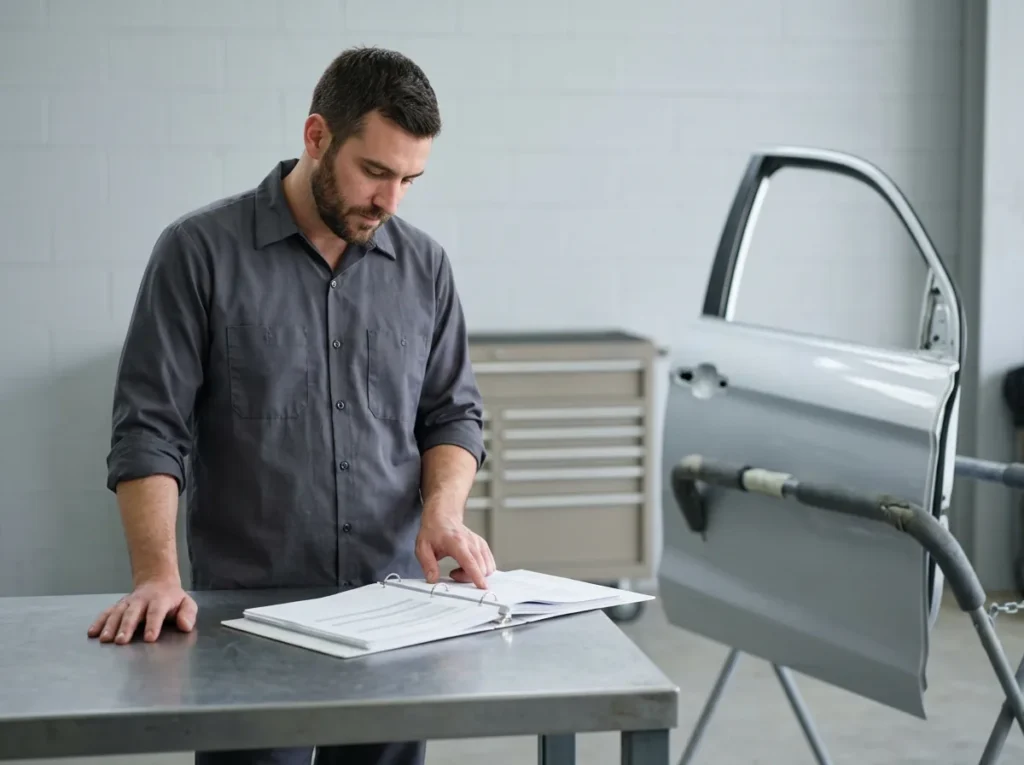
Estimating Estimating and parts-ordering PCs
Put the PCs that write estimates and order parts on the same standard as every other PC in the store, updated on a schedule the way our patch management works, and watched by the same monitoring. Give each estimator a login of their own in every system, with multi-factor authentication wherever it’s offered, so that every estimate, every supplement and every parts order traces back to the one person who wrote it.
One estimator, one login.
Photos Damage photos from cameras and phones
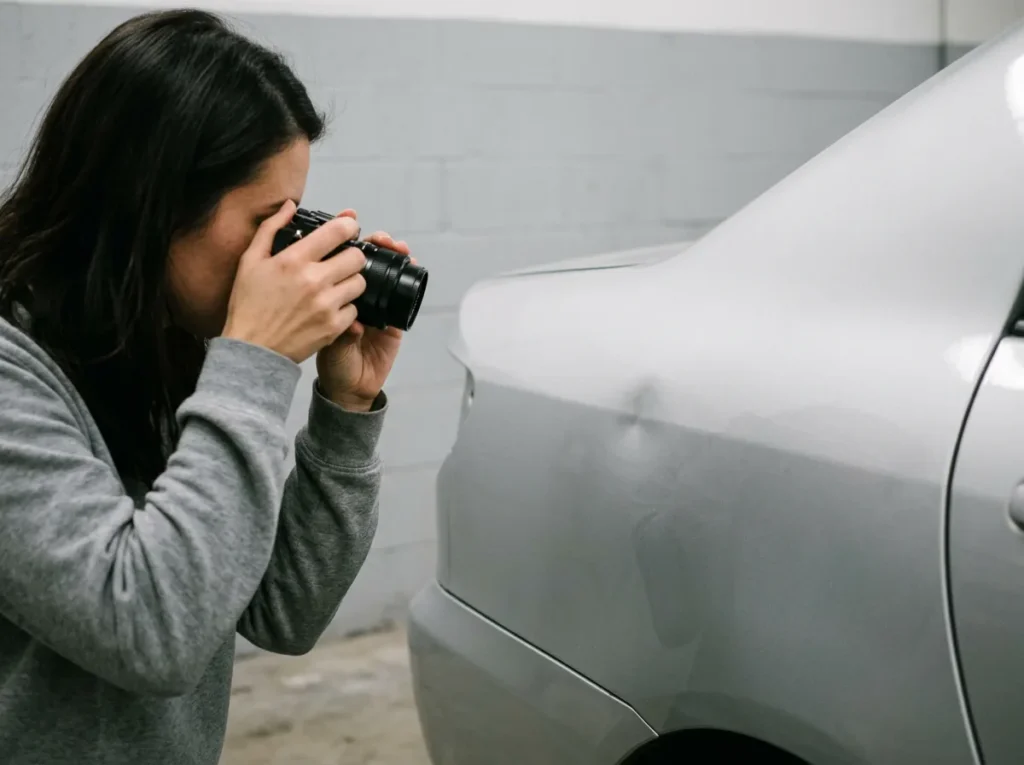
Photos taken for an estimate can end up anywhere. A phone’s camera roll, a personal email account, a shared folder that anyone in the building can open. They show a customer’s car, and they can catch a license plate, a VIN or an insurance card along the way. Decide where photos are taken and where they’re kept, and if staff shoot on their own phones, put the rules in writing. Our BYOD policy template is a place to start.
Know where every photo lives.
Procedures OEM repair procedures, one login per person
Manufacturers publish their repair procedures on their own sites, and Honda, Toyota, GM, Ford and Subaru all sell subscriptions to their service information. GM also offers its collision repair information on genuinegmparts.com. Shared logins creep in on a busy morning. Then they stay. Keep one login per person and close all of them on the way out, the same habit our service department IT page asks of technicians. And plan for the day a portal won’t load, which our OEM portal outage plan walks through.
Shared logins hide names.
Scan tools Scan tool laptops and calibration
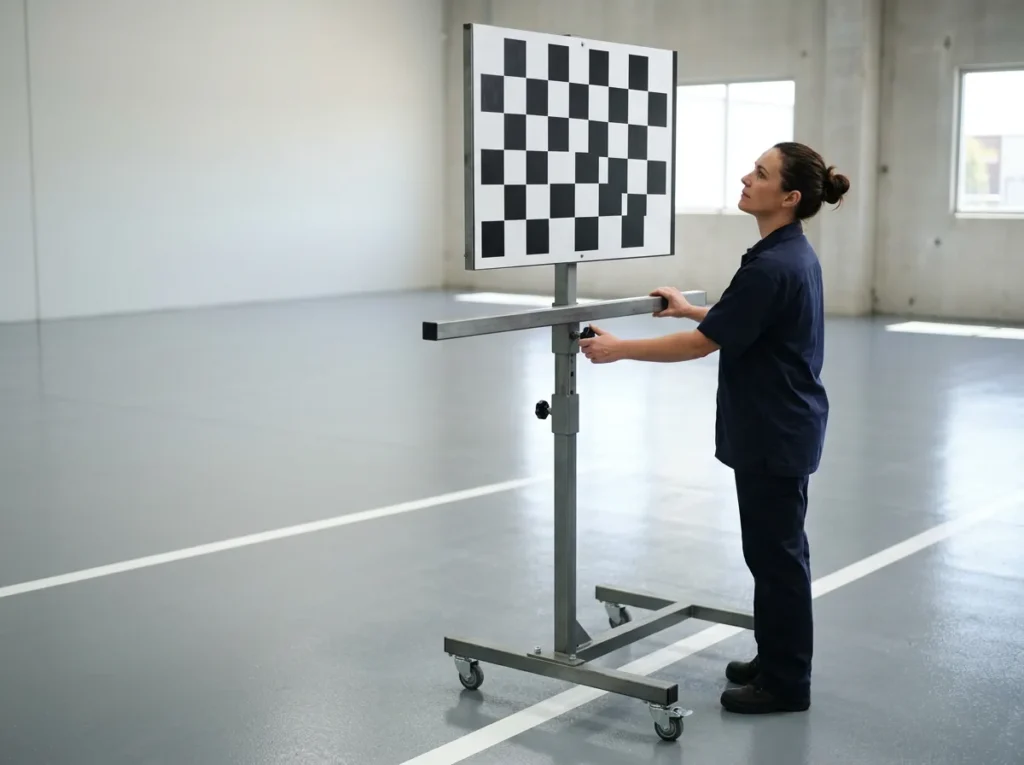
A manufacturer’s scan tool is software on a PC plus an interface to the car, and Ford’s statement, for example, names its IDS and FDRS software and its vehicle interfaces. Nissan requires its CONSULT tool “with the most up-to-date software installed,” and says calibrations should run through that same software with Nissan’s approved targets. So the updates have to keep running without handing every technician admin rights, which our guide to securing OEM diagnostic laptops explains step by step.
Current software, no admin rights.
Network The body shop network and Wi-Fi
A body shop can sit in a building of its own, at the back of the lot or on another street, and it still needs the store’s systems. That means its own access points, a solid link back to the main building and a second internet line for the day the first one drops, which our internet failover guide covers. Place the Wi-Fi where the carts and scan tools actually sit, not where a cable was easy to run. Plug in where you can. We run dealership network management on one standard build at every rooftop.
Same build, every building.
Payments Card readers, deductibles and the DMS
When customers pay a deductible or a whole bill by card at pickup, the collision center becomes one more place a card terminal sits. Keep it off the guest Wi-Fi and away from the PCs that hold customer files, and our PCI guide for dealerships shows how to find every terminal. If the shop’s repair orders and invoices run through the store’s DMS, its logins belong in the same access review as everyone else’s.
Keep the card reader apart.
Pre- and Post-Repair Scans Put IT Inside the Repair
Ford, GM, Nissan and Stellantis all call for a diagnostic scan of their vehicles before collision repair work and another one after it, with the limits each statement sets. Ford says the first scan can reveal trouble codes that may not trigger warning lights. The second checks that the repair didn’t add new ones. GM goes further and puts the pre-scan “during the repair estimation,” so the scan tool is part of writing the estimate, not just finishing the job.
So the shop’s IT is part of the repair. The scan runs on a laptop that wants its updates, and when a module needs programming during the repair, the session can run over the shop’s network to the manufacturer’s servers for as long as it takes. Erik Nachbahr, our founder and president, put the cost of old shop hardware this way. “You’ve got old laptops in the shop that they’re using to program cars, and you might not be on a lift for an hour, doing a download, when it should be on the lift for 10 minutes.”
We keep scan tool laptops current by approving the manufacturer’s software ahead of time and then taking local admin rights away. Updates still run. We plan the shop’s Wi-Fi and wiring around the bays where those sessions run, with a wired drop where the manufacturer asks for one. The bay-by-bay network checklist lives in our post on vehicle flashing over shop Wi-Fi.
Scan before. Scan after.
Ford, October 2025
Ford vehicles from model year 1996 on with damage beyond minor outer-panel cosmetic distortion “are required to undergo both pre-repair and post-repair diagnostic scans,” and Ford lists its IDS and FDRS software as the proper tools. Read Ford’s statement.
The baseline comes first.
Nissan, November 2025
All 2008 and newer Nissan vehicles “require a pre- and post-repair diagnostic scan,” and Nissan requires its CONSULT scan tool “with the most up-to-date software installed.” Read Nissan’s statement.
Out-of-date software doesn’t count.
GM, March 2026
Vehicles assessed for collision repairs “must be tested (Pre Scan) for Diagnostic Trouble Codes (DTCs) during the repair estimation” and retested after all repairs are complete. Read GM’s statement.
Scanning starts at the estimate.
One Team Behind 2,000+ Dealerships
A car waiting on a scan can’t wait on an email thread. Our help desk is live Monday to Friday, 8 a.m. to 5 p.m. local time, and Saturday, 8 a.m. to 5 p.m. Eastern, with callbacks on weekday mornings and evenings. During live support hours, a technician picks up in 82 seconds on average. When the fix needs hands in the building, onsite visits are included on our Full Service plan, and our dealership help desk page has the details.
In the manufacturers’ own words
What OEM Programs Ask of Collision Repair Technology
Manufacturers’ certified collision programs, and the service information sites behind them, spell out what a shop needs, and several of those lines land on IT. Here they are as the documents word them, next to what has to be true on the shop’s PCs, logins and network. Requirements change, so check each one’s current version.
| Source | What the manufacturer’s document says | The IT under it |
|---|---|---|
| Ford certified collision | Ford’s minimum certification requirements list “Access to OE repair procedures with printing capabilities” and a “Diagnostic scan tool or sublet.” Read the requirements | A working login to Ford’s repair information from wherever procedures get pulled up, a networked printer that reaches it, and a current scan tool laptop if scanning stays in-house |
| Nissan certified collision | Nissan’s requirements checklist asks, “Can an employee (estimator & technician) pull up OEM repair procedures per the OEM approved software?” Read the guidebook | Each estimator and technician signs in on their own and opens procedures from where they work, on a PC that stays current |
| GM collision network | GM’s BEV Program tier lists “GM Service Information (Si) subscription required.” See the program | The subscription’s logins go to named people and close when someone leaves, like every other login in the store |
| Honda service information | Honda’s sign-in page says “Subscriptions will no longer allow simultaneous multi-machine accessibility.” Read Honda’s terms | Knowing which PC the subscription runs on, and planning ahead if two people need procedures at the same moment |
| Toyota Techstream Lite | Toyota’s FAQ allows “one registered Techstream Lite software installation per professional TIS subscription” and says “A secure internet connection is required to access and use the Techstream software.” Read the FAQ | A record of which PC holds each installation, and a steady, protected connection in the bay where it’s used |
| Subaru certified collision | Subaru’s certified centers “are required to follow the official Subaru Repair Procedures for every repair.” See Subaru’s page | Procedures within reach on every job, plus a plan for the day the portal won’t load, like our OEM portal outage plan |
Certification is the manufacturer’s call, made through its own program. Our part is the PCs, logins, laptops and network those lines lean on, kept to one standard across the store. Programs update their requirements, so check each one’s current version before you plan around it.
How a Collision Center IT Review Starts
-
1
Ask for the assessment
Fill in the short form for our complimentary IT and cybersecurity assessment and mention the collision center. It’s complimentary, with no obligation. It reviews your technology setup, security posture, vendor spend and where you stand on the FTC Safeguards Rule.
-
2
Walk the shop with us
An IT expert visits or connects remotely and reviews the systems the collision center runs on, along with the rest of the store.
-
3
Read the findings
Findings come back in writing. You see what your IT vendors cost today next to what one accountable team would cost.
-
4
Start from the findings
If you go ahead, the written findings shape where the work starts. Onboarding starts within weeks of signing.
Common Questions

Want the collision center looked at?
Our complimentary IT and cybersecurity assessment reviews your technology setup, security posture, vendor spend and where you stand on the FTC Safeguards Rule, and the findings come back in writing. Already know what you need? Get a price quote.
What does a dealership collision center need from IT?
Do pre- and post-repair scans depend on the shop’s network?
Where should damage photos be stored?
Is OEM certification an IT project?
Should the body shop share a network with the showroom?
Does the FTC Safeguards Rule cover the collision center?
Let’s walk your collision center from the estimate to the keys. We’ll show you what we find.
Request a Complimentary Assessment →