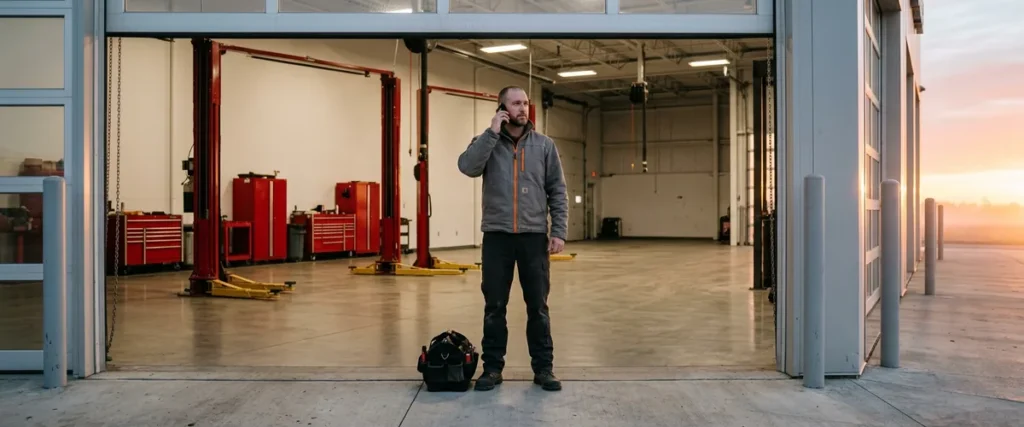

Remote IT support fixes a dealership problem over the phone or a shared screen, and onsite IT support sends a technician into the building. Most tickets close remotely. A dead switch, bad cabling, a down circuit, or a broken printer needs hands on site.
Last updated: October 18, 2026
It’s 7:20 on a Saturday morning and the service drive is already backing up. Customers are waiting. An advisor calls the help desk because the repair order printer at the write-up station won’t print. Is that a remote fix, or does somebody need to drive over?
Usually it’s remote. The print queue is stuck, or an update reset the default printer, and a technician on the phone clears it in a few minutes while the advisor keeps greeting customers. Sometimes it isn’t, though. If the fuser is gone, or a parts cart knocked the network cable out of the wall jack behind the desk, nobody on a phone can push it back in.
I’ve spent more than 25 years leading managed services teams, and that question comes up in some form almost every day. What I’ve learned over time is that the answer depends less on the device and more on what’s actually broken. This post walks through which dealership problems the help desk fixes from a distance, which ones need a technician in the building, and how the handoff between the two should work in managed IT support for dealerships, whoever provides it.

Onsite vs Remote IT Support, Defined
Remote IT support is help delivered by phone, chat, email, or a shared screen, where a technician connects to the user’s computer or the store’s systems without traveling. Onsite IT support is a technician physically at the dealership, working on hardware, cabling, circuits, and anything else that has to be touched.
None of this is unique to car dealers. CompTIA describes help desk support as delivered “through various channels such as phone, email, live chat, or screen sharing,” with complex issues referred on to advanced technical support. The Bureau of Labor Statistics puts it more plainly. Some computer support specialists can telework, and “others must be onsite or may need to travel to clients’ locations.” That’s the whole split.
A dealership needs both, and more of the onsite kind than a typical office. Think about the building. There are printers at the service counter, in parts, and in the business office. There’s Wi-Fi that has to reach the far end of the shop, phones on every desk, and a network closet that somebody installed years ago. NADA counts 16,991 franchised light-vehicle dealers in its 2026 Mid-Year Report. I doubt there’s one of them without a parts-counter printer that somebody calls about.
Remote first. Onsite when it’s physical.
What the Remote Help Desk Fixes in Minutes
A locked DMS login at 8:01 a.m. is the classic. The salesperson typed last month’s password 3 times after a long weekend, the account locked, and the deal they were working is sitting there waiting. Easy fix. Nobody needs to get in a car for that. The help desk confirms who’s calling, clears the lockout, and the salesperson is back in before the customer finishes their coffee.
Most of the volume looks like that. Passwords and lockouts. A multifactor prompt on a new phone. A print job stuck in the queue, or a driver that changed overnight. Somebody moved from sales to the BDC and can’t open the shared folder they need now. That one takes about 5 minutes once the right person approves the access.
Email is a good example of why the order of operations matters. When Outlook stops working for half the store, the first check isn’t the PC at all. Start with Microsoft. Microsoft’s own guidance is to look at service health in the Microsoft 365 admin center “before you call support or spend time troubleshooting,” because the problem may be on Microsoft’s side with a fix already in progress. A good help desk makes that check for you. Then it tells the store what’s going on, so 12 people don’t each restart their computers. It’s a small thing.
Speed matters here, and it’s measurable. Our help desk’s average time to reach a live agent is 82 seconds, with live coverage from 6 a.m. to midnight Eastern, Monday through Saturday. That’s an average. I think that number is more useful for planning than for bragging. When the wait to reach a person is that short, most of these problems are over before anybody thinks about sending a technician.
Software problems don’t need a drive. Not one.
What Needs Hands in the Building
A dead switch in the service bay closet doesn’t care how fast the help desk answers.
When that switch goes, the technician workstations on that side of the shop drop off the network, and if the access points get their power from the same switch, the shop Wi-Fi goes with them. The help desk can see it’s offline. It can tell you which closet and which device, and it can often tell you that the power supply failed. It can’t swap it. Somebody has to drive.
So which is which? Here’s how I’d sort the work a dealership calls about.
| The problem | Remote or onsite | Why |
|---|---|---|
| Locked DMS or Microsoft 365 account | Remote | The fix lives in the account, not the building |
| Outlook or Teams not working | Remote | Often a service issue Microsoft is already working on |
| Print queue or driver problem | Remote | It’s software on the PC or the print server |
| Printer that keeps jamming or prints streaks | Onsite | Rollers and fusers have to be touched |
| Dead switch or firewall | Onsite, after remote diagnosis | Hardware gets swapped; the remote work confirms what failed |
| Damaged cable or a dead wall jack | Onsite | Cable runs are tested and re-terminated by hand |
| Internet circuit down | Remote first, then the carrier on site | The carrier owns the line; IT proves it’s the line |
| Wi-Fi dead zone in the shop | Onsite | Coverage is measured walking the floor |
| New hire setup | Mostly remote | Accounts are remote; a new desk and its cables aren’t |
| Remodel, move or a new rooftop | Onsite | Racks, cabling and circuits are built in person |
Circuits are the odd one. When the internet goes down at a store, the first hour is mostly remote work: confirming that it’s the carrier and not the firewall, opening the trouble ticket with the provider, and moving the store to a backup connection if it has one. The carrier’s own technician repairs the line. Somebody from IT often needs to be there when they arrive, though, because the carrier’s responsibility stops at its equipment and the store’s network starts right after it, and that’s exactly where the finger-pointing begins if nobody is standing there. Be there.
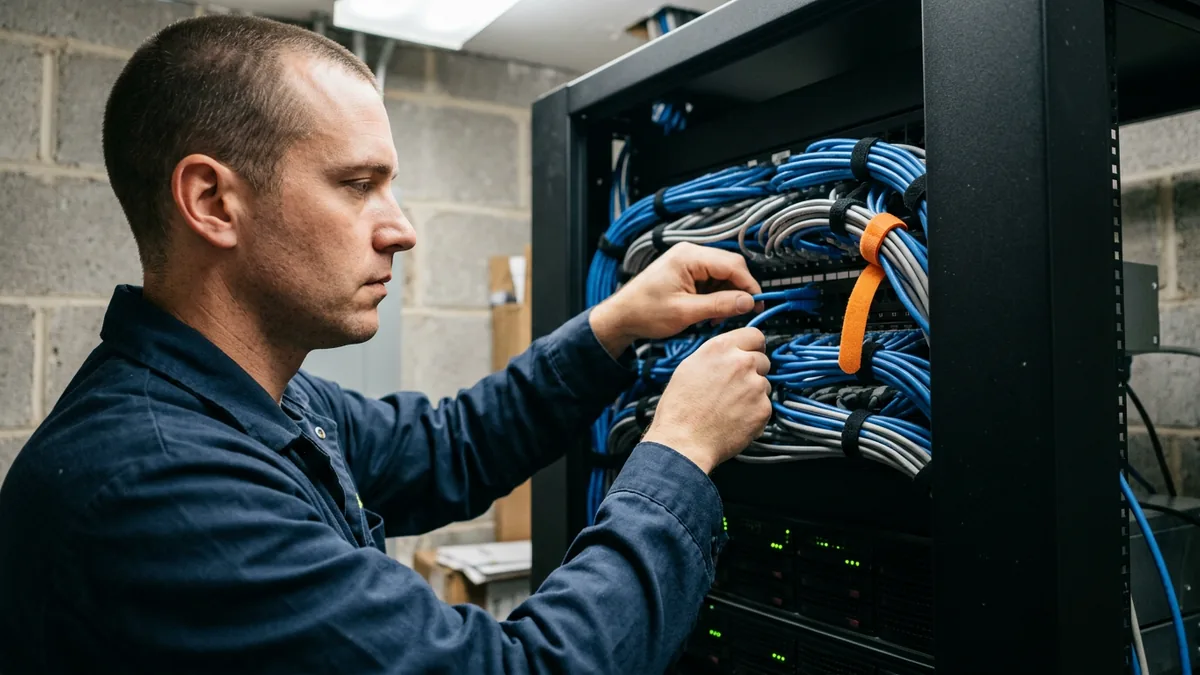
Early in my career I was a programmer at an insurance company, on a team of 3 that was responsible for everything, including the infrastructure. When 3 people own all of it, you learn quickly which problems you can reason through from a keyboard and which ones you have to go stand in front of. I still sort tickets that way. Old habit.
If it’s physical, someone has to go.
How the Handoff From the Help Desk to Field Service Should Work
The worst onsite visit is the one where the technician walks in without knowing what’s wrong.
A good handoff starts on the phone. The help desk does the remote diagnosis first, even when the fix will be physical, because that work decides what the field technician carries in. Is it the switch or the cable? Is the printer offline because of the network, or because of the printer? A 20-minute remote test can mean one trip with the right part instead of 2 trips and a day of waiting in between.
I’ve had to change how I look at this over the years. It’s easy to treat the phone call and the visit as 2 separate jobs. It’s really one job with 2 people on it, and the note the desk writes, what got tested and what got ruled out, is the thing that connects them.
If that note lives on a different ticket than the visit, the cause gets lost, and a month later the same problem shows up as if nobody had ever seen it. That’s a big reason I keep pushing our team on finding the root cause of repeat dealership IT problems.
Our field technicians and service desk people are the ones who make it work. I mostly learned it from them.
I’ll be straight about one thing. We don’t publish a response time for onsite visits, and I wouldn’t put much weight on a fixed one that’s offered before anyone knows where your stores are or what’s broken. Distance, parts, and the carrier’s schedule all change the answer. It varies. What I can tell you is that field support is included in our Managed IT contracts at no extra charge, along with after-hours and weekend support, so nobody at the store has to weigh a bill against a visit.

Diagnose it remotely. Show up prepared.
“We Need Somebody in the Building,” and Other Things Dealers Say
“Remote support means nobody ever shows up.” I get that. If remote is the whole plan, that’s a fair worry. Remote should be the first step, and field support should sit in the same contract and the same ticket, not in an add-on that gets billed the day the store finally needs it.
“Our IT guy is here every day. Why would we change that?” Maybe you shouldn’t. Really. Plenty of stores keep an internal person for the hands-on work and add an outside team for depth, longer service desk hours, and cybersecurity. That’s what co-managed IT for dealerships is built for, and the internal person stays in charge of their store.
“What happens on a Saturday?” Fair question. Saturday is a full business day at a dealership, so it’s a full day on our desk too. If you’re comparing providers, the questions to ask when choosing dealership IT support include who answers on weekends and who actually drives to the store.
What problem are we actually trying to solve? It’s rarely “we need more visits.” It’s that the right person gets on the problem quickly, and someone comes to the building when the problem is physical.
That takes both, run as one team.

Things Dealers Ask About Onsite and Remote Support
Is remote support actually safe for the store’s systems?
So which problems really need a technician on site?
Realistically, how fast does a field technician get to the store?
Does an onsite visit cost extra?
Can the help desk fix a DMS problem without coming in?
Where I’d Start
Pull the last 3 months of IT tickets for your store, or ask whoever supports you for them, and sort them into 2 piles: fixed remotely and needed a visit. Then look hard at the visits. Start there. How many could have been diagnosed before anyone got in the car? How many happened twice?
That list tells you a lot. Often more than the contract does. If you’d like someone outside the store to go through it with you, our complimentary IT and cybersecurity assessment looks at how your support is set up today, on site or remotely, and where the gaps sit between the phone and the field.
Quick on the phone and prepared in the building. That’s the standard I’d hold any provider to, us included.