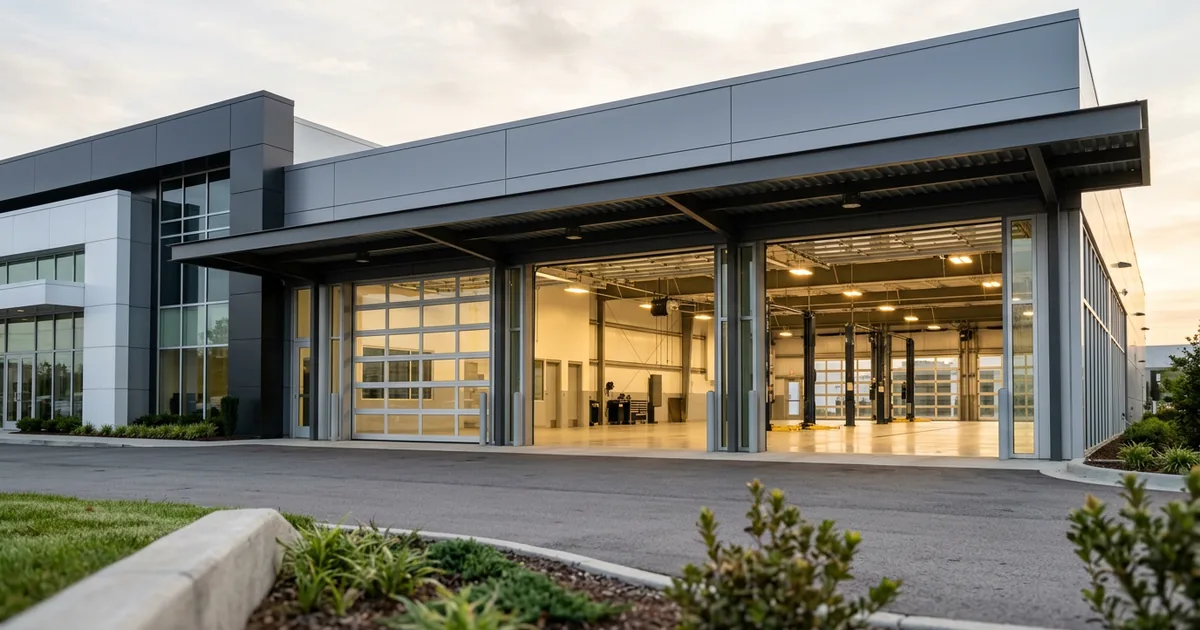
IT Provider Comparison
Generalist MSP vs Dealership IT Provider: What a General IT Company Misses
Any good managed service provider can fix Windows. The work that decides a dealership’s day sits in the shop, the service bays and the vendors only a dealership runs.

A generalist MSP handles Windows, email and backups as well as anyone, but an MSP for car dealerships also has to know the shop, the service-bay wireless, the DMS and the dealer’s own vendors.
Last updated: October 30, 2026
Anybody can fix Windows. The shop is where it gets specific.
After “we’ll just hire someone,” the objection we hear most from dealer principals is “we already have an MSP.” Fair enough. Plenty of general IT companies are good at the work every business shares, and nobody should switch providers over a password reset. We mean that.
So where’s the difference? It’s in the work that only exists at a dealership. Technicians in the shop have to reach the manufacturer’s systems securely, the wireless has to hold up between lifts and steel, and a store leans on a long list of dealer vendors, from the DMS on down. Helion Technologies has worked only with dealerships since 1997, and that’s the work our managed IT support for dealerships is built around. If you’re still deciding whether to staff IT yourself, our in-house vs managed IT comparison covers that question.
Full disclosure. Helion is a dealership IT provider, so we have a side. This page compares practices, not companies, and names no one.
Side by side
MSP for Car Dealerships vs a Generalist, Compared Line by Line
Seven pieces of work, two kinds of provider. Row one is a tie. That’s the point. Everything below it only exists at a dealership.
| Work | Generalist MSP | Dealership IT provider |
|---|---|---|
| Windows, Microsoft 365 and backups | Usually strong. It’s their home turf. | The same work to the same standard. |
| Shop connections to the manufacturer | Often new to them, so the first lesson can arrive during a warranty repair. | Set up so technicians reach the manufacturer’s systems securely, the way the brand expects. |
| Service-bay wireless | Planned like an office, for laptops at desks. | Planned around lifts, steel and the service equipment that has to stay connected. |
| DMS and dealer vendors | A ticket with each vendor, then a wait. | Knows how those vendors connect, so many issues get solved without calling the vendor at all. |
| Brand requirements | May not know the brand has network and security requirements to meet. | Works from the manufacturer’s requirements before anything changes. |
| Evenings and Saturdays | Often business hours on weekdays, with the rest billed as after-hours. | Helion’s help desk is open whenever dealers are open, 7 days a week, evenings included. |
| FTC Safeguards file | Varies. Ask who writes the risk assessment and runs the testing. | Built in, with an annual penetration test and vulnerability scans every 6 months. |
These describe practices we see often, not any named company, and plenty of general IT companies do some of the right-hand column. Sources: NADA Data and the FTC Safeguards Rule, 16 CFR 314.4.
Why the Service Shop Is Where a General IT Company Gets Caught Out
Walk through any dealership and count what’s connected in the back. Diagnostic stations, technician tablets, the alignment rack, parts lookups and the line to the manufacturer for warranty work all ride the same network as the showroom. When that path drops, a technician who bills by the hour stands still. The bay goes quiet.
Ask our engineers where a general IT company struggles at a dealership and the answer is nearly always the shop. Setting things up so technicians can talk to the manufacturer securely takes knowing what the brand allows. So does wireless that reaches the far bay, through steel. Neither is office work.
Then there are the vendors, because a dealership runs a DMS plus a long list of dealer-specific tools, and after years of working with them we can often fix a problem on our side without opening a ticket with that vendor at all. That saves a lot of waiting.
That knowledge doesn’t come from a certification. It comes from the stores.
2025
According to NADA Data 2025, the country’s 16,990 franchised new-car dealers wrote more than 276 million repair orders, with service and parts sales above $164 billion.
The shop runs on the network.
October 14, 2025
Microsoft ended support for Windows 10. Any MSP can plan that upgrade. A dealership provider checks the shop’s manufacturer software before a machine in the bays gets touched.
Same upgrade. Different checklist.
Before you decide
Six Questions to Ask the MSP You Already Have
You don’t need to switch to find out. Put these six to your current provider in writing, and have your service manager in the room when the answers come back.
Want a number to compare against? Request a price quote. Shopping more widely? Our dealership IT RFP template puts every provider on the same questions.

Where Helion fits
Dealerships only, since 1997. Fully managed or co-managed, it’s the same team and the same standard.
Current MSP review Six questions, one afternoon
1 How do our technicians reach the manufacturer’s systems?
Ask who set it up, what it’s allowed to reach, how it’s secured and who gets the call when a technician can’t connect in the middle of a warranty repair on a busy Saturday. A provider who knows dealerships answers in a sentence or two. Watch for the pause. One who doesn’t will ask you which systems you mean, and that tells you plenty.
Get the answer on one page.
2 Who designed the wireless in the service bays?
Shop wireless gets improvised more than anything else in the building. We’ve walked into a store where an access point had been wired to a light switch, so somebody could reset it without climbing a ladder, and that’s a workaround nobody plans for on purpose. Ask for the coverage plan, then walk the far bay with your phone.
Walk the shop with them for 20 minutes.
3 When the DMS or a dealer vendor acts up, who makes the call?
With five or six providers, the network vendor says it’s the phones and the phone vendor says it’s the internet. Somebody has to own the problem until it’s fixed. That’s the job. On a DMS move, the vendor’s team runs its own side. If that move is to Tekion, Tekion’s team takes the store live, and as a Tekion Referral Advisory Partner we get the dealership ready for go-live and deliver Tekion enablement after it. Other platforms are covered on our DMS services page.
Name one person, not a ticket queue.
4 Do you know our brand’s network and security requirements?
Manufacturers set their own standards for dealer networks and security, and a store that misses them hears about it. Ask for specifics. Ask which brands the provider supports today and how many rooftops each.
Ask which brands they support now.
5 Who answers on a Saturday afternoon?
Saturday is a selling day. The service drive’s busy too. Our help desk is open whenever dealers are open, 7 days a week, and a live technician answers in 82 seconds on average. Security support runs 24/7, with live, US-based analysts who step in the moment they see signs of an attack.
Call their help desk on a Saturday. Time it.
6 Who owns the Safeguards file, and who checks our vendors?
The FTC Safeguards Rule tells a dealership to oversee its service providers. That means picking ones that can protect customer data, requiring it by contract and assessing them periodically. A store with dozens of vendors needs somebody who knows which of them touch customer information. Write it down.
Ask for the vendor list they assess.
Where the Dealership-Specific Work Lands
The dots show how much of the dealership-specific work falls back on your own managers.
A dealership IT provider
The shop, the vendors and the brand standards sit with one team that has seen them before.
A generalist plus a sharp insider
It works while your internal IT person carries the dealership knowledge the provider lacks.
A generalist on its own
Your service manager and controller end up translating between the shop, the vendors and the provider.
None of this makes a general IT company a bad one. It means the dealership work has to land somewhere, and in a lot of stores it lands on the service manager’s desk without anyone deciding it should. Heavy truck dealerships feel it even more, with bigger bays and their own dealer systems.
The Numbers Behind a Dealership-Only IT Team
“What I appreciated most was having a partner that understood both the technical side and the operational impact on our dealerships.”
Those numbers come from one kind of client. Only dealers. Every store we support is a dealership, so the shop, the service drive and the vendor list look familiar on day one instead of month six, and that’s most of the difference between a provider still learning your store and one that already knows it. We close only on Christmas Day and Thanksgiving Day.
How Helion Compares Your Current Setup
-
1
Complimentary assessment
We walk each rooftop with your team, from the shop connections and the service-bay wireless to the network closet, and list every dealer vendor that touches your systems.
-
2
Line it up with your MSP
You get the findings next to what your current provider covers today, so leadership sees the dealership work nobody owns yet and what it costs to fix.
-
3
Onboarding
If you move, onboarding starts within weeks of signing, with a planned handover from your current provider.
-
4
Keep your people
If you have an internal IT person, co-managed IT keeps them in charge with our team behind them.
Common Questions
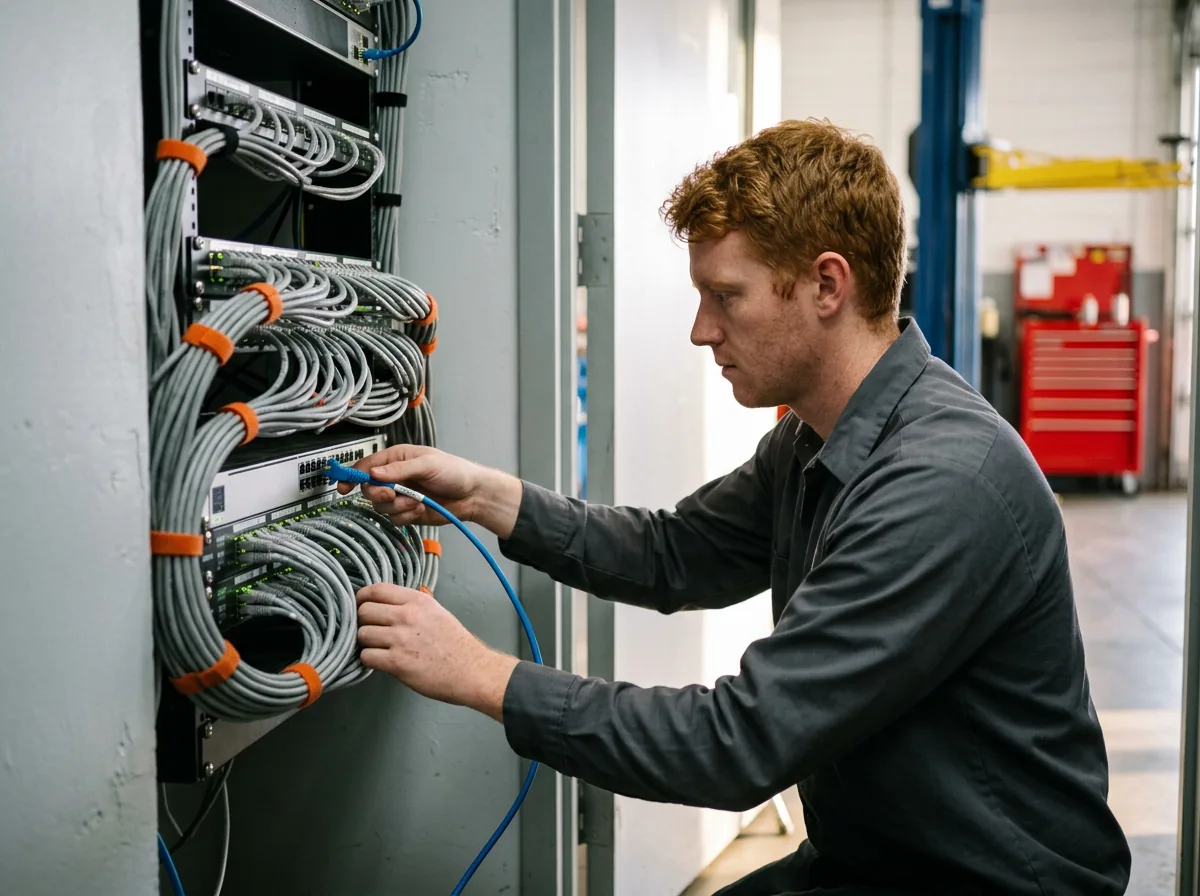
Already have an MSP?
Keep it while you check. A complimentary IT and cybersecurity assessment shows what the shop and your vendors need, side by side with what you have.
What’s the difference between a generalist MSP and a dealership IT provider?
Can a general IT company support a car dealership?
We already have an MSP. Why would we look at a dealership provider?
How can we check our current MSP without switching?
What are Helion’s support hours?
Does the FTC Safeguards Rule cover our IT provider?
Can we keep our internal IT person if we switch?
Keep your MSP or change it. Either way, start by seeing what your shop and your vendors actually need.
Get Your Complimentary IT & Cybersecurity Assessment →