
DIY IT at a dealership is when people whose real job is something else buy, set up and fix the store’s technology themselves. The quick fix looks cheap that day, and it usually costs more later in repeat problems, forgotten bills and security risk.
Last updated: November 11, 2026
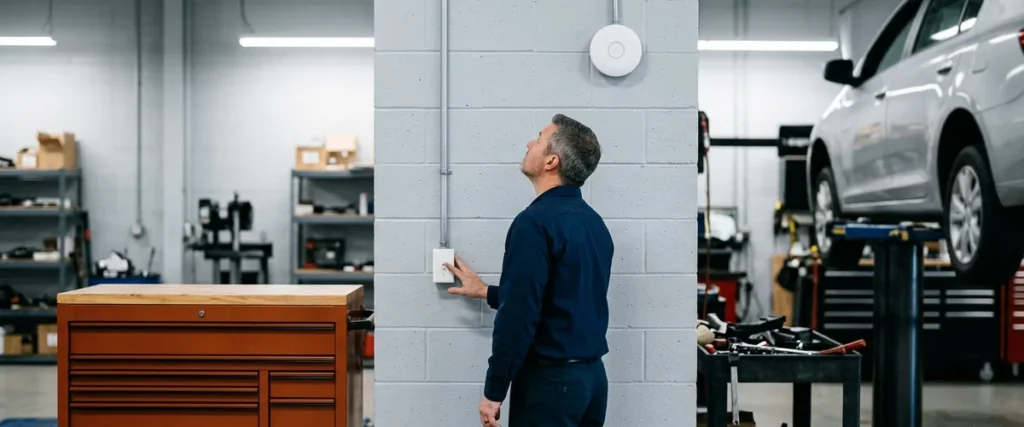
Scot McConnor, who runs technology advisory for us, tells a story about a store that bought its wireless access points at a big-box electronics store. One of them, up in the shop, needed a reboot so often that somebody wired it to a light switch. That way nobody had to climb up and press the reset button. They could reset it from the switch.
I don’t tell that one to make fun of anybody. Whoever wired that switch was solving a real problem with the tools they had, and honestly, it was a clever fix. It just wasn’t the fix. The access point was the wrong device for a service shop, and every flip of that switch was the store paying for it again.
We’ve worked with 2,000-plus dealerships over nearly 30 years, and we’ve already seen this exact problem. Our team has seen somebody buy a hub at a big-box electronics store and plug a computer into it instead of running a cable back to the server closet, and then nobody could trace the problem when things stopped working. They’ve seen power buttons superglued so nobody could press them. None of that started as a bad idea. It started as a quick one. Heading off that kind of fix is a big part of what managed IT support built for dealerships is for.
What Does DIY IT Look Like at a Dealership?
DIY IT at a dealership is technology run by whoever is closest to it: a controller, a marketing coordinator, a parts counterperson, an office manager. It shows up as consumer gear in business spaces, shared logins, workarounds that become permanent, and services nobody remembers buying. Each piece made sense on the day it happened.
I’ve said this on calls with our team. The marketing person slash IT. The controller slash IT. The lot porter slash IT, the parts counterperson slash IT. That’s no knock on any of them. IT just isn’t the job they were hired to do. Here’s what it tends to leave behind:
- Access points and hubs from a big-box electronics store, made for home use, running a service shop.
- A computer plugged into a hub instead of a cable run back to the server closet.
- Shared logins, with no process for setting up or shutting off accounts as people come and go.
- Power buttons superglued so nobody can press them.
- Machines still on Windows 10 because nobody wants to risk the upgrade.
- Old services still billing after the store moved on to something new.
Look at that list again and ask who owns each item. If the answer is “whoever was around,” you’re running DIY IT.

Why Does the Quick Fix Usually Cost More?
Often because the person doing it hasn’t seen the other options. On a recent content call I put it this way: “There’s very little to no professional certifications, experience, and part of the challenge they get with that is, they don’t see what’s out there. So they’re very reluctant to change anything because they don’t want to break anything.” That reluctance is reasonable when IT is your second job. It’s also how a store ends up stuck on old technology.
Old technology is the first bill. Microsoft’s Windows 10 lifecycle page says plainly that “Windows 10 will reach end of support on October 14, 2025,” and that all editions get “monthly security update releases through that date.” That date has come and gone. A store where nobody wanted to risk the upgrade is now running machines past end of support. Our Windows 10 action plan for dealerships covers the options.
The second bill is the one nobody sees. On that same call I talked about stores that move on to a new technology and never undo the old one, so the old service keeps billing. When IT is somebody’s second job, nobody owns the job of catching that.
Then there’s security. CISA keeps a short list of what it calls Bad Practices, and two of them read like a DIY IT inventory: unsupported or end-of-life software, and “known/fixed/default passwords and credentials.” The list is written for critical infrastructure, but CISA “encourages all organizations to engage in the necessary actions and critical conversations to address Bad Practices.” If a consumer router on the same network as your DMS still has its default admin password, that’s the conversation to have.
| The quick fix | What it saves that day | What it can cost later |
|---|---|---|
| Big-box access point in the shop | The price of business-grade gear | Reboots often enough that one shop wired an access point to a light switch |
| A hub instead of a cable run | A cabling visit | Problems nobody can trace when the network acts up |
| Skipping the Windows upgrade | The risk of the upgrade breaking something | Machines past end of support on your network |
| Shared logins | Setting up individual accounts | No clear record of who did what, and no clean way to shut off one person’s access |
| Never canceling the old service | Tracking down what to cancel | Paying every month for services the store no longer uses |
The money you save on the first day is real. So is the bill that follows it.

Is the Two-Minute Fix Actually a Good Sign?
A lot of owners like their IT person, and they should. You call, he walks over, it’s fixed in two minutes. What’s wrong with that?
Scot answered that on the same call better than I can. “Just because your IT guy has to be at your desk every day to help you fix the same thing over and over again. Does that really mean it’s good? He’s band-aiding the same thing over and over.” The fast fix feels like great service. If it’s the same fix every morning, though, the problem never actually got solved, and you’re paying for it in somebody’s time every single day.
And that’s no knock on him. Our VP of Service, Rex Marchant, wrote up how his team goes after the root cause of repeat IT problems. Read it and you’ll see the steps: pull every past ticket, sort out what you know from what you’re guessing, fix the cause. That’s hard to fit in when you’re the only IT person in the building.
Fast isn’t the same as fixed.
Do You Want to Do It for the First Time?
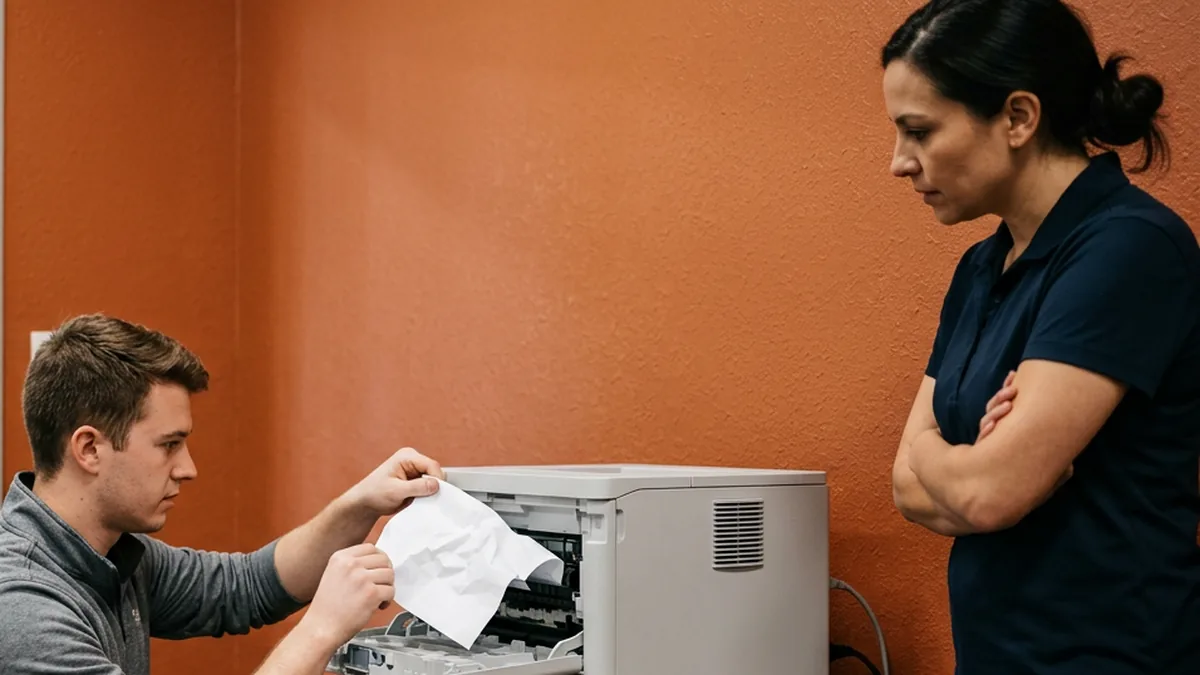
I asked this on a planning call about store relocations, and it fits a new store, a big network change, anything that matters. “Do you want to do this for the first time or do you want to have people that are experienced doing it?” A store might go through a relocation once or twice, or never. We’ve been doing dealership IT, and only dealership IT, since 1997.
Rex put this well when we asked him what frustrates him about the industry. He said the instant-gratification culture bleeds over into technology, and that the speed of delivery clients expect “is not realistic if doing things correctly and securely matter.” Doing it right takes the time it takes. The DIY version is faster on day one, and in his words, it “doesn’t usually end well.”
Now, to be fair, I’m not saying your people should never touch a computer. Somebody at the store ought to know where the closet is. And the FTC doesn’t require you to hire an outside company, either. For dealerships the FTC Safeguards Rule covers, section 314.4(e)(2) asks for “qualified information security personnel employed by you or an affiliate or service provider sufficient to manage your information security risks.” Read that again. Qualified is the word doing the work, and it doesn’t care whose payroll the person is on.
Experience is the thing you’re buying.
How Do You Get a Store Off DIY IT?
Not all at once. Ripping everything out in one go isn’t the answer. You start by finding out what you actually have, then you quit paying for what nobody uses, then you replace the gear in the spots that hurt the most when they fail, and you decide who owns it from here on out.
- Write down every device, login and vendor. Every store, every closet, every subscription.
- Pull 12 months of invoices from every technology vendor and the company card. Anything nobody can explain gets a phone call.
- Replace the consumer gear in the shop, the closet and anywhere customer data travels.
- Move shared passwords to individual logins, starting with the DMS and email.
- Get the old machines onto supported software, or off the network.
- Decide who owns IT going forward: your own staff, a partner, or both.
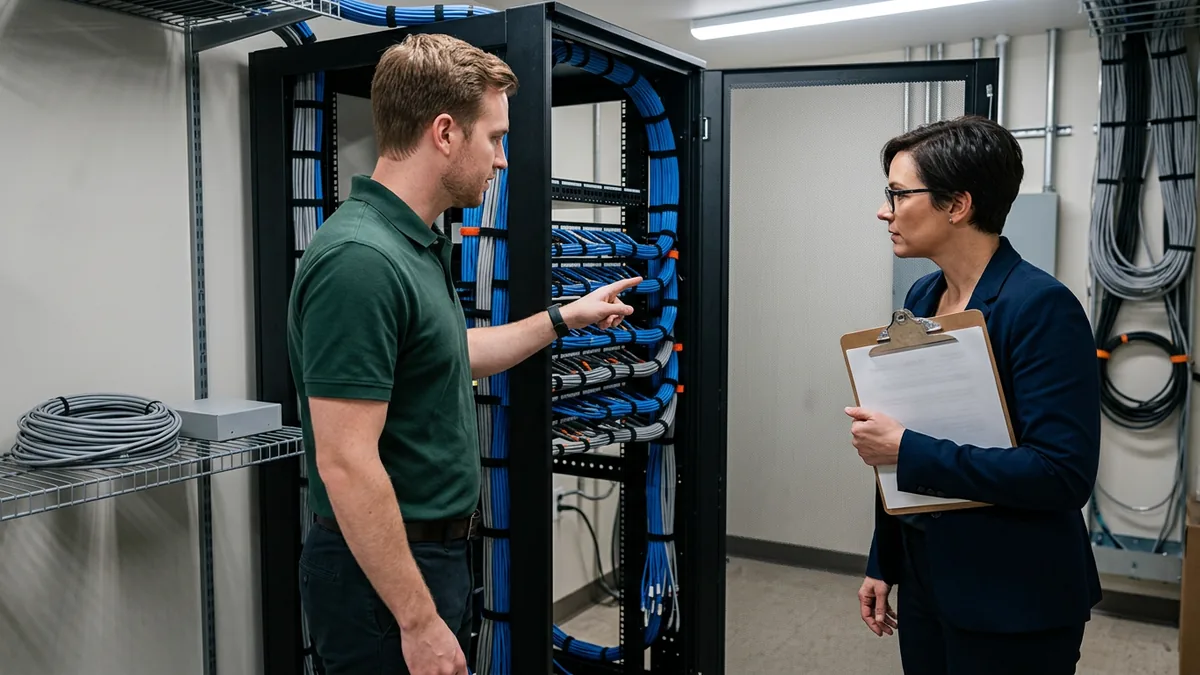
That last one is where owners get stuck, and I get it, because there’s somebody in the building they trust. So keep them. Co-managed IT is built for exactly that, where your person keeps their role and a dealership IT team covers the specialties one person can’t carry. Some of our longest relationships run through an internal IT director. Our in-house vs managed vs co-managed IT comparison lays out all three.
Owned beats improvised.
What Dealers Ask About DIY IT
Is there anything our staff should keep doing themselves?
Our parts manager handles IT and does a good job. Why change anything?
What’s actually wrong with a store-bought router or access point?
How do we find the old services we’re still paying for?
Does the Safeguards Rule say an outside company has to run our IT?
If you’re not sure how much of your store runs on quick fixes, start with our complimentary IT and cybersecurity assessment. We’ll review your current technology, your security posture, and what you’re spending across vendors, and put what we find in writing. It costs nothing, and you’ll know where the quick fixes are before they cost you again.
Quick fixes are cheap once. After that, you’re paying for them every month.