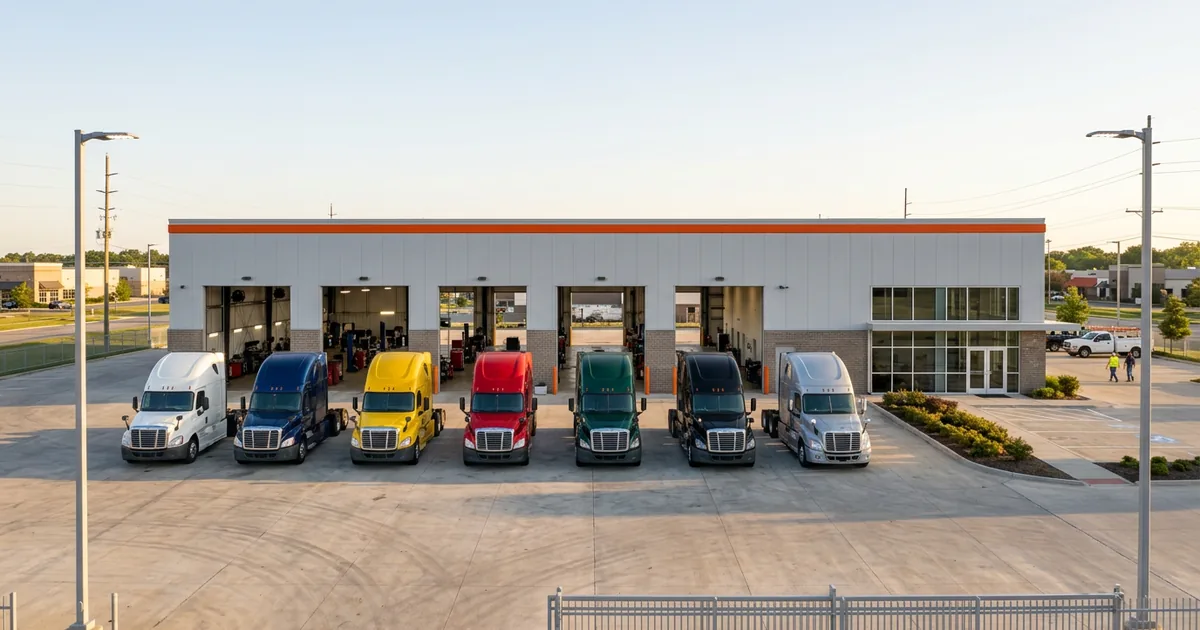
IT Support for Karmak Dealers
Karmak Fusion IT Support for Heavy Truck Dealers
Karmak handles the software. Helion handles the server, network, printers, Wi-Fi and security that Fusion runs on, at every store.
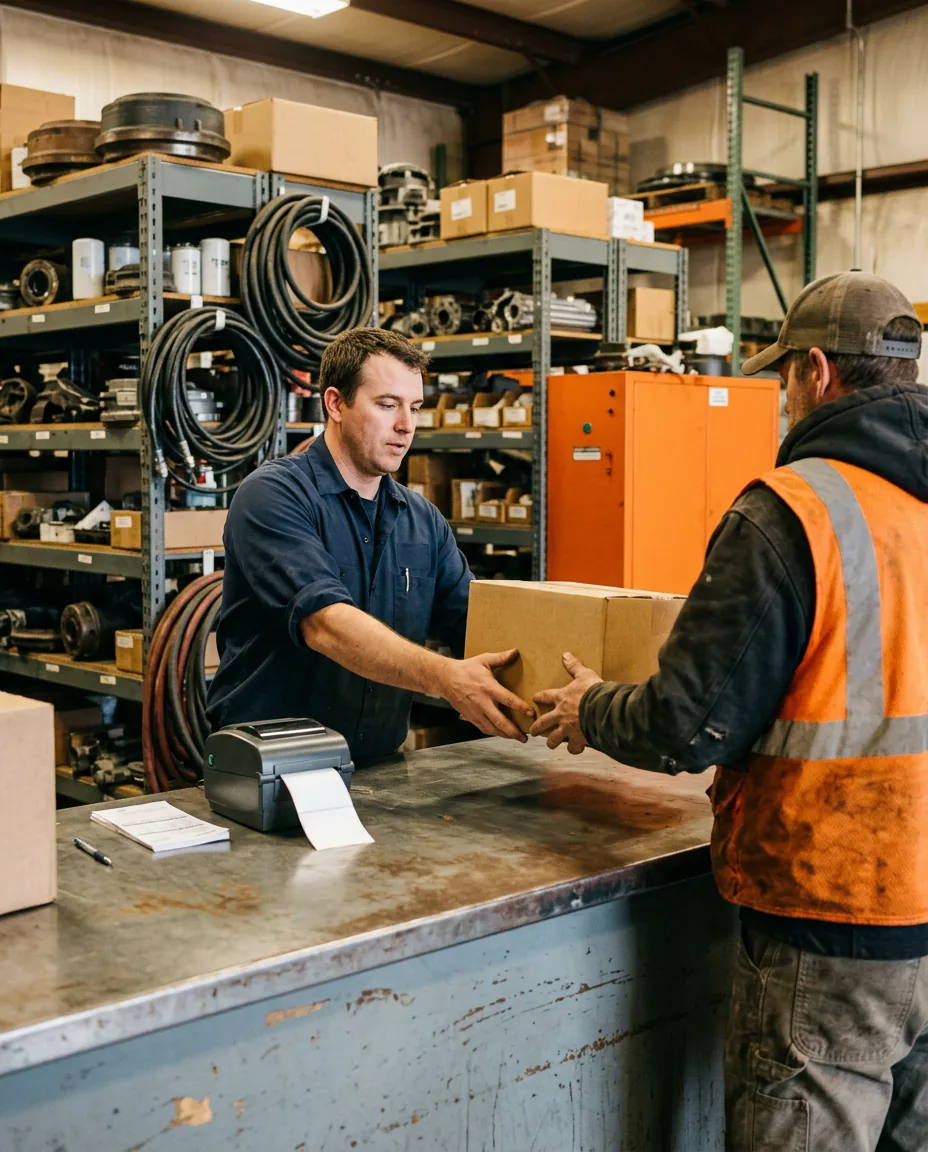
Karmak Fusion IT support covers what Fusion runs on, not the software itself. That means the server or hosting link, store circuits, counter PCs, printers, logins and backups. Helion handles that layer for heavy truck dealers.
Last updated: October 9, 2026
Karmak supports Fusion. Somebody still has to support everything under it.
Call Karmak when a repair order won’t post or a parts price looks wrong, and you reach a U.S.-based team that Karmak says picks up in 18 seconds on average. That’s the software. Now picture the counter PC that won’t boot at 6:45 in the morning, or the circuit at your north store going dark. Different call. When that store is hours from the nearest technician, here’s how remote branch IT support for truck dealers works.
Helion takes that second call for truck stores through its heavy truck dealership IT program. We run the network, devices, security and backups under Fusion at every rooftop, with one number for your people to dial. When the trouble turns out to be the software after all, we hand Karmak a clean ticket with the store, the user, the time and everything we already ruled out, so nobody at your counter spends the morning on hold explaining it twice. Nobody plays phone tag.
Some history. Karmak signed a reseller agreement with Helion in 2018, built on a simple idea. Truck dealers should get one team for software, hardware and network questions.
Where Karmak Support Ends and Fusion IT Support Starts
Fusion runs parts, service, accounting, sales and lease and rental in one system, across every store you own. That’s the point of it. It also means one weak spot in the IT underneath shows up everywhere at once. Every store. Same minute.
Most Fusion stores land on one of two setups, with Fusion either sitting on a Windows server in your own building or living in Karmak’s Xcelerate Cloud Hosting, where Karmak runs the hardware for you. Either way, the counters, circuits and shop devices stay at your store, and so does the job of keeping them running. Running Fusion across several branches? Here’s how we build a multi-location truck dealership network. Plan for both. Still choosing a DMS? Our Karmak vs Procede comparison covers that decision from the IT side.
Hosted server. Local everything else.
Karmak’s side
The Fusion software itself. Updates, configuration, how a module is supposed to work, the OEM and partner integrations Karmak builds, and the hosted servers if you run on Xcelerate Cloud Hosting.
Call Karmak when the software misbehaves.
Your IT side
The server if it sits in your building, plus internet circuits, firewalls, Wi-Fi, PCs, printers, scanners, user accounts, multi-factor authentication and the backups that let you recover from a bad day. That’s the day-to-day work of Helion managed IT support.
Call Helion for everything Fusion runs on.
Who fixes it
Common Karmak Fusion Problems, and Who Usually Fixes Them
Every Karmak agreement is a little different, so check yours. This is how the work tends to split at a heavy truck store. Some of it surprises people.
| Problem | Karmak | Helion |
|---|---|---|
| Fusion is slow at one store only | Confirms nothing changed on the software side. | Checks that store’s circuit, firewall, switch and PCs. If the other stores run fine, this one is usually ours. |
| A pick ticket or invoice won’t print | Form layouts and print settings inside Fusion. | The printer, its driver, its network address and the PC sending the job. |
| The in-house Fusion server needs patches | Sets the system requirements Fusion needs. | Patches on a schedule that skips counter hours, after checking last night’s backup. |
| A store on Xcelerate can’t reach Fusion | Checks the hosted environment. | Checks the store’s internet, failover and firewall. If other stores are up, the cause is usually local. |
| A new hire needs access | Fusion roles, set by your Fusion administrator with Karmak’s help if needed. | Windows login, email, multi-factor authentication and a PC that’s ready on day one. |
| Mobile Service tablets drop out in the bay | The Karmak Mobile Service app and how it syncs with Fusion. | Shop Wi-Fi coverage, the devices themselves and locking or wiping a lost one. |
| Someone clicked a bad link | Outside the DMS. Not a software ticket. | Isolates the PC, resets the account, checks for spread and documents it for your Safeguards file. |
Karmak details from Karmak Fusion and Karmak integrations, as of October 2026.
Store by store
Six Things We Check at Every Karmak Fusion Store
A new Fusion store comes to us one way. We walk it. No exceptions. These six checks come first, before we take a single support call for that rooftop. New to Fusion? Our DMS transition support runs the same checks before cutover.
Want the IT side of your Fusion stores priced out? Request a price quote.
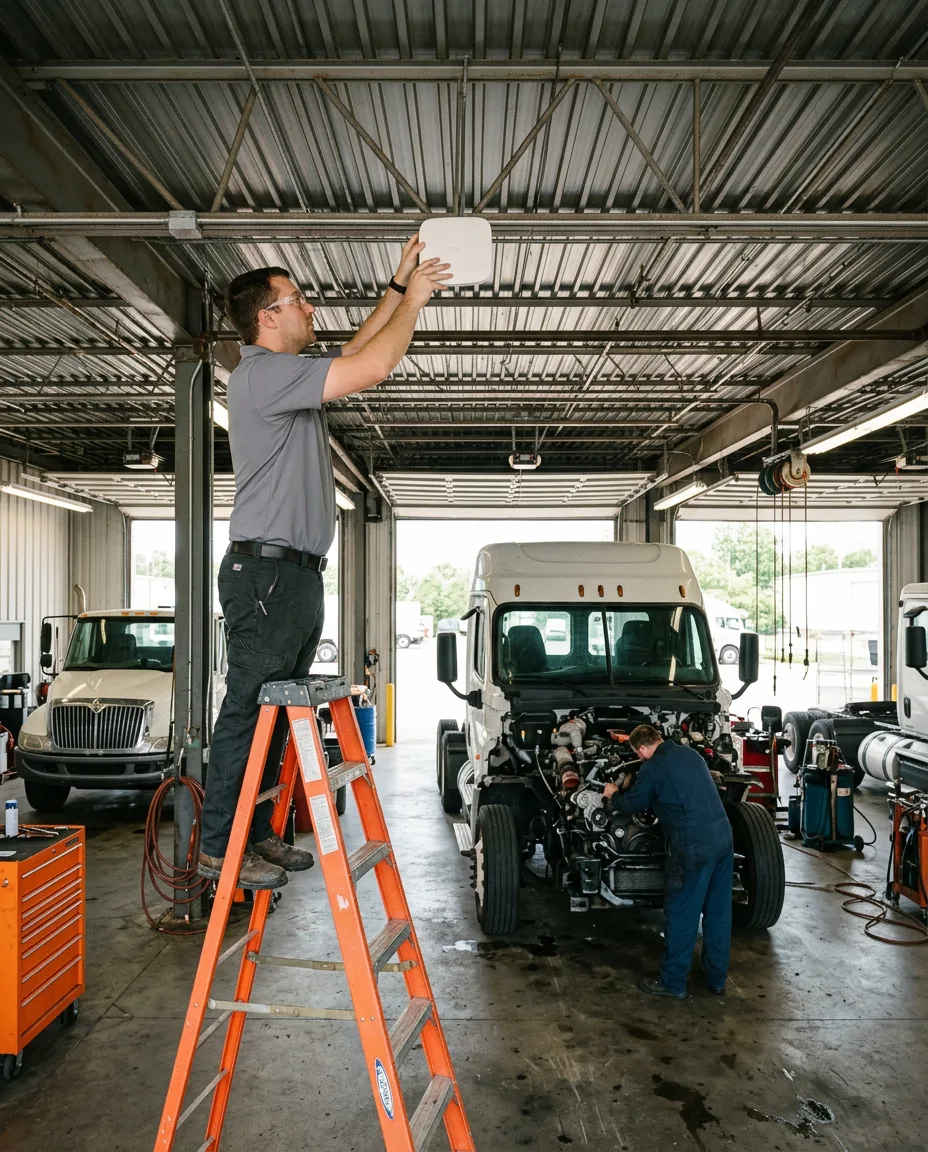
Where Helion fits
Under Fusion, around it and between your stores. Karmak keeps the software current. We keep everything it stands on patched, connected and backed up.
Karmak Fusion store check Same six checks at every rooftop
1 The Fusion server, or the path to it
On-premise Fusion means a Windows server in your building that needs patches, monitoring, backup power and a backup someone has actually restored. Hosted on Xcelerate? Then the path from each store to Karmak matters most.
We test a restore before we call the backups good.
2 Circuits between stores
Multi-store groups lean on Fusion for cross-site parts lookups and consolidated reporting. That traffic rides your internet circuits. One slow link drags the whole group. At a rural store, our guide to truck dealership internet when fiber isn’t an option covers picking that link.
We price failover for every store that doesn’t have it.
3 Counter PCs and printers
Parts counters run on label printers, invoice printers, scanners and PCs that nobody wants to touch at 7 a.m. They fail at rush hour. We inventory each one and keep drivers and firmware current.
Count them before the next Fusion update, not after.
4 Shop Wi-Fi
Karmak Mobile Service puts repair orders on phones and tablets in the bay, synced with Fusion in real time, according to Karmak. Steel buildings and open bay doors are hard on Wi-Fi. Expect dead spots.
We map coverage bay by bay.
5 Logins and multi-factor authentication
Fusion holds customer and financing records. Shared counter logins and old accounts for people who left are the gaps we close first, with multi-factor authentication on email and remote access. It’s the first layer of our dealership cybersecurity work.
Departed employees lose access the day they leave.
6 Backups and the Safeguards file
A truck dealer that finances or leases falls under the FTC Safeguards Rule, which expects access controls, encryption, monitoring and oversight of service providers. Karmak belongs in that service provider file. So do we. The FTC’s Safeguards Rule guide spells out what vendor oversight means, and our FTC Safeguards compliance service keeps that file current.
The file gets updated whenever a vendor changes.
What Helion Brings to Karmak Fusion Stores
Heavy truck groups are part of that base, a 12-location group in the Southeast among them. Truck stores keep their own hours. The parts counter opens before dawn, the shop runs late, and the nearest backup technician can be three hours down the interstate, which is why remote monitoring and fast response matter more here than almost anywhere. Support has to fit that.
How Helion Takes Over IT Support at a Fusion Store
-
1
Complimentary assessment
We walk each rooftop and list the server or hosting setup, the circuits and every device on the counter and in the shop.
-
2
Urgent fixes first
Failed backups, shared logins, missing multi-factor authentication and an aging Fusion server go to the top of the list.
-
3
Monitor and patch
Servers, PCs and network gear go under remote monitoring, with patches scheduled outside counter hours.
-
4
One number to call
Your people call Helion. If it’s the software, we open the Karmak ticket with the details and follow it to the fix.
Common Questions
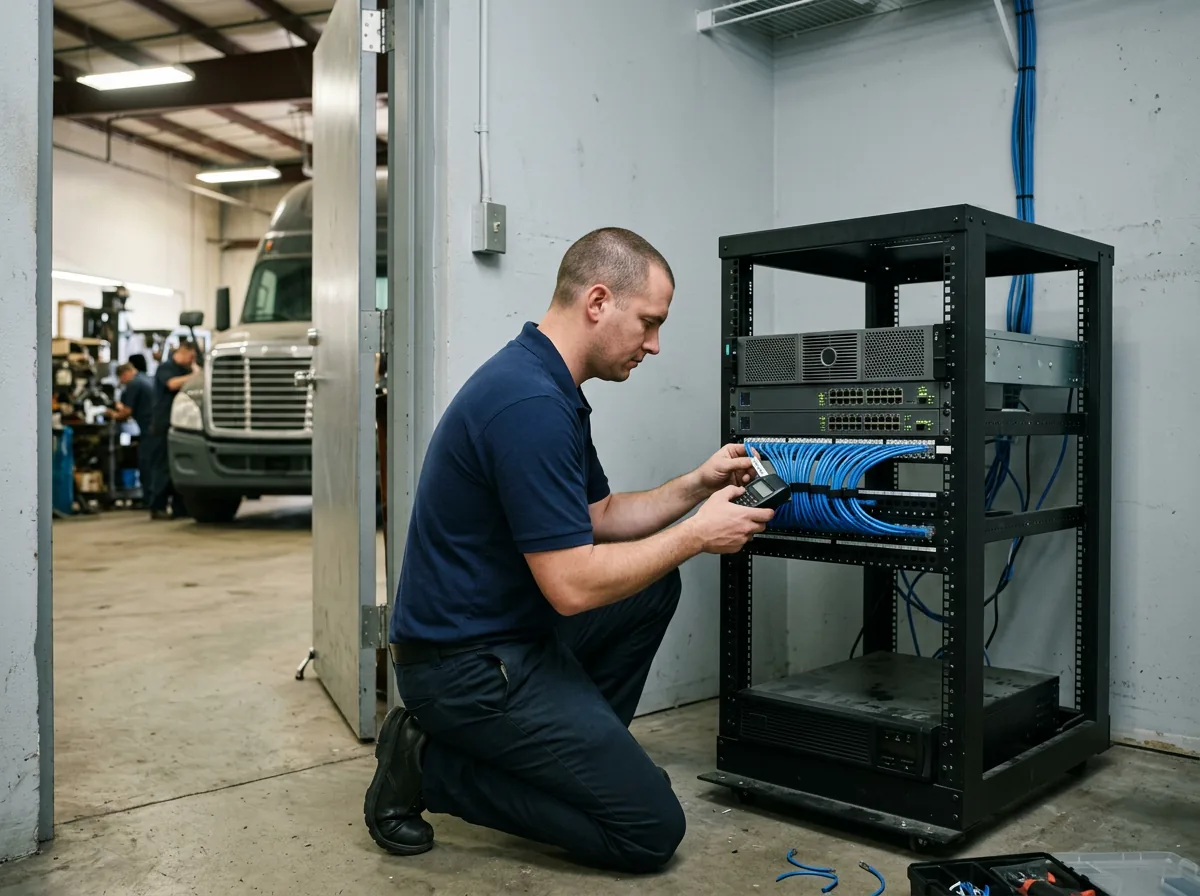
Running Fusion at more than one store?
Bring your store list to a complimentary IT and cybersecurity assessment. We’ll show you where the weak links are.
Does Karmak provide IT support for Fusion?
Should we move Fusion to Xcelerate Cloud Hosting?
What does an in-house Fusion server need from us?
Why is Fusion slow at just one of our stores?
Do Karmak Mobile Service tablets need anything from IT?
Does the FTC Safeguards Rule apply to our Fusion data?
Does Helion work with Karmak directly?
Karmak keeps Fusion current. Helion keeps the stores it runs in connected, patched and backed up.
Get Your Complimentary IT & Cybersecurity Assessment →