
Remote branch IT support for a truck dealership is a remote help desk that fixes most problems from a distance, spares and a documented network closet staged at the branch, and a field visit only when the fix needs hands.
Last updated: October 18, 2026
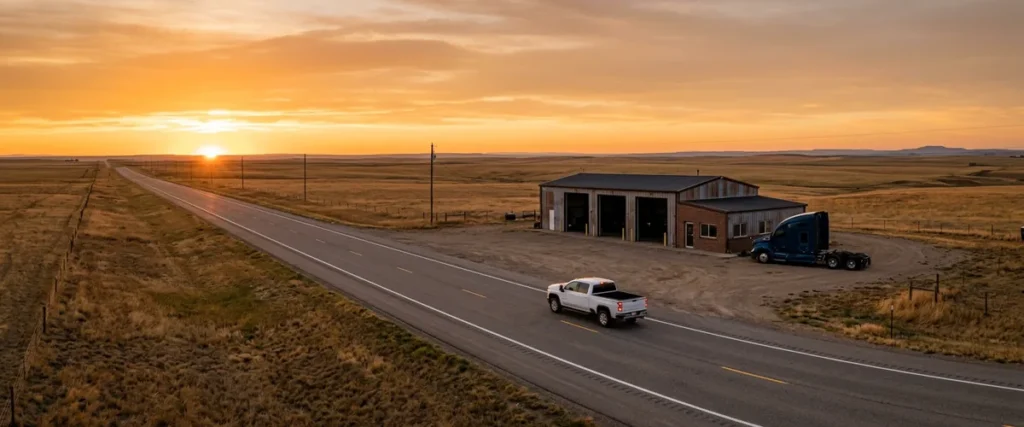
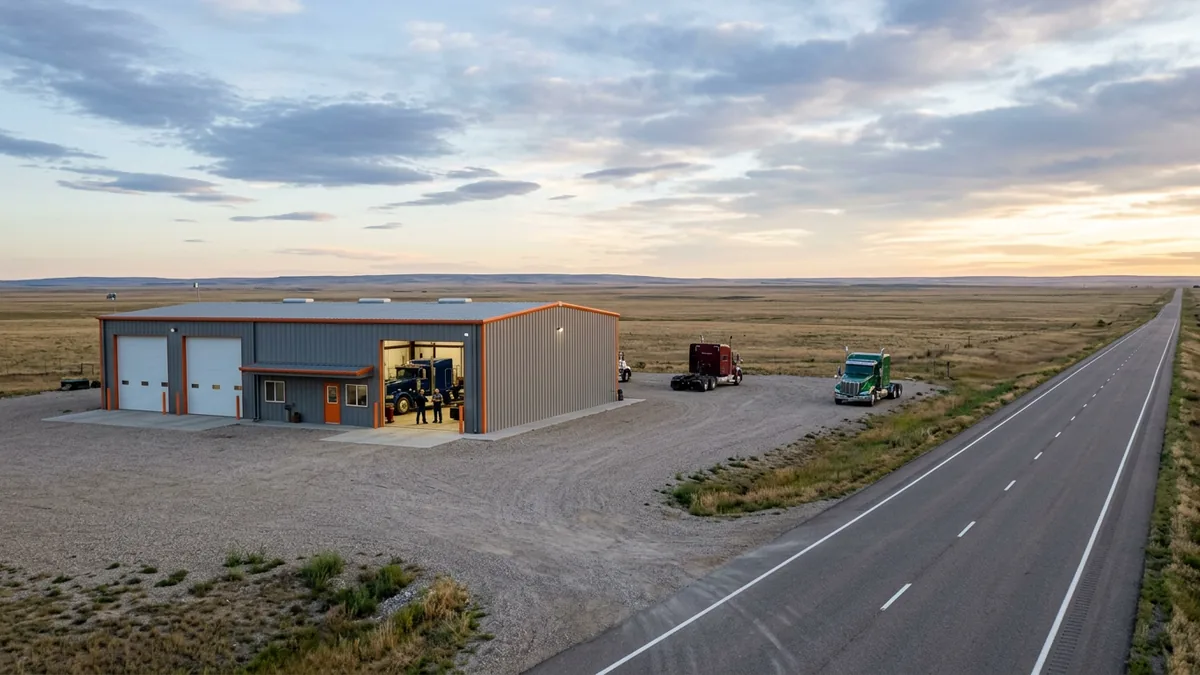
Some truck branches are a steel building, a gravel lot, and an exit ramp. Three bays, a parts counter, a handful of people, and a highway that brings in a tractor with a warning light at 6:40 in the morning. The closest town with a computer store might be an hour away. The closest IT person might be three.
That’s not a complaint. It’s the business. Always has been.
Truck dealers put branches where the trucks are, and the trucks are on the interstate, not downtown.
It changes what IT support has to look like. When the parts counter printer quits at a metro store, somebody walks over. When the switch in the back room quits at a branch 180 miles from the main store, nobody walks anywhere. The bays keep filling, the phones keep ringing, and the people at the branch, who are very good at trucks, are suddenly the IT department.
I’ve been around dealers since the late ’90s, first on a sales floor and then selling software to them. Whenever something isn’t going the way I want, I ask myself one question: what am I not doing? With remote stores, the honest answer is almost never “we need more drive time.” It’s usually that nobody planned for the day the drive is the only option left.
So this is about the support model for those stores. What a remote help desk handles, what should already be sitting at the branch, and when a field visit is worth the miles. It’s the same ground our team covers every day as part of IT support for heavy truck dealerships.
What Remote Branch IT Support Actually Means
Remote branch IT support is a support model for dealership locations with no IT staff on site. A remote help desk handles most issues by phone and secure remote session, the branch keeps documented equipment and spares on hand, and a technician travels only for problems that need physical work.
Three parts. Each one leans on the other two.
A help desk without spares at the branch can find a dead switch in a few minutes and then wait two days for a box to show up. Spares without documentation sit on a shelf, because nobody at the branch knows which cable goes where. And a field tech without either one drives three hours to do 20 minutes of work, then drives three hours back.
The work at stake isn’t small. Franchised truck dealers wrote more than 11 million repair orders in 2025, with more than $48 billion in service and parts sales, according to NADA’s ATD Data annual report. Most of that runs through the DMS, the parts lookup, the printers, and the store’s internet line. When any one of them stops at a branch, the work doesn’t stop coming in. It just stops getting written.
Remote support isn’t the lesser version of on-site support. Done right, it’s the faster one.
What the Help Desk Fixes Without Leaving the Chair
Password resets. A DMS session that hung. A printer that fell off the network. A new technician who needs an email account by 7 a.m. Monday. None of those ever needed a person in the building.
Our help desk picks up in an average of 82 seconds, live, from 6 a.m. to midnight Eastern, Monday through Saturday, with after-hours, weekend, and field support included at no extra charge. Those 82 seconds don’t care how far the branch is from Baltimore.
| Problem at the branch | Fixed remotely? | What makes that possible |
|---|---|---|
| Locked DMS or Microsoft 365 login | Yes, usually in minutes | Accounts managed centrally, caller verified |
| Parts counter or label printer dropped off | Usually | Printer documented with a fixed network address |
| Wi-Fi dropping in the bays | Often | Access points managed remotely, a site map on file |
| Diagnostic laptop can’t reach the OEM software | Often | Remote session, plus the OEM’s requirements on file |
| Main internet line down | Diagnosed remotely; the store keeps working on the backup | A second connection set up and tested ahead of time |
| Dead switch, firewall, or power supply | Diagnosed remotely, swapped on site | A configured, labeled spare on the shelf |
| Crushed cable run, new bay, moved counter | No | A scheduled field visit |
Look at where the “no” lives. Near the bottom. That’s hardware and wire. The top is everything else, and in our experience that’s where branch tickets pile up.
If a branch call needs a truck roll to reset a password, distance isn’t the problem.
Stage It Before It Breaks
The best field visit happens on a quiet Tuesday afternoon in April, when nothing is broken. Its whole job is to leave the branch able to recover without anyone getting in a truck. NIST’s contingency planning guide, SP 800-34, makes the same point in federal language: decide how equipment gets replaced before the outage, not during it.
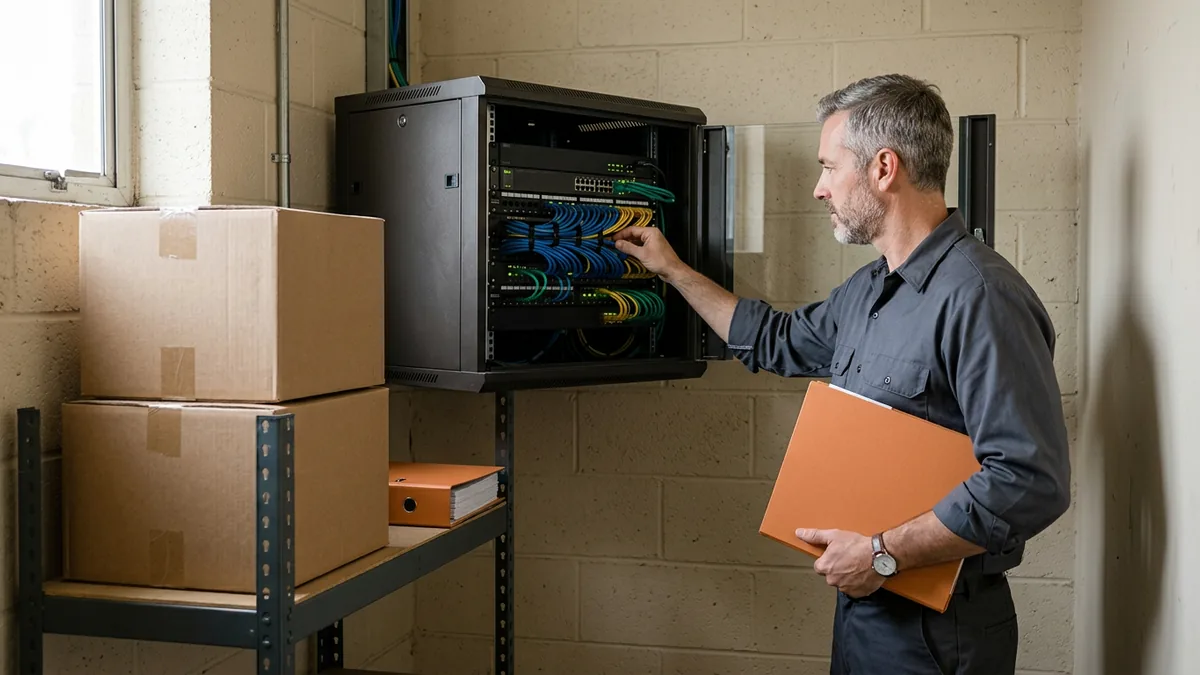
Start with a spare switch and a spare wireless access point. Not new in the box. Configured, labeled with the closet they belong in, and sitting on a shelf the branch can find, so that when the core switch dies somebody at the branch can swap it with our help desk talking them through it, and the outage is over before lunch instead of the day after tomorrow.
Then the paperwork, which nobody loves. I’d tape one printed page inside the cabinet door showing what plugs into what, and I’d label every patch cable that matters, so “unplug the blue one” has exactly one answer. The internet carrier, the circuit ID, and the carrier’s support number get written down at the branch too. At plenty of groups, that information lives in one person’s inbox at the main store. That person is on vacation the week the line goes down. Of course they are.
A back door for us helps. A small cellular connection to the firewall means the help desk can still reach the branch network when its main internet is dead, which is exactly when you need us in there.
Last, a person. Not an IT person. Just whoever’s in at opening and doesn’t mind reading a label. We’ll do the thinking. They’re our hands for ten minutes.
None of it costs much. A spare switch is cheap next to an afternoon of empty bays. The paperwork costs an hour.
Spares are cheap. Drive time isn’t.
When the Drive Is Worth It
I came up on the buying side, selling to dealers, so I look at a field visit the way a buyer would. What does the trip actually buy you?
It buys hands. Here’s when hands are worth the miles:
- Something physical died and there’s no spare on site. Or the spare went in and didn’t fix it.
- Wiring. A new bay, a remodel, a cable run through the shop that a forklift found.
- A new branch opening, or an acquired store coming onto your network, because that’s the moment the closet either gets built right or gets built the way everyone will curse for the next ten years.
- The quiet visit from the last section, where somebody walks the closet, updates the map, restocks the spares, and pulls the main line on purpose to prove the backup really takes over.
It doesn’t buy a diagnosis. “Can you just come look at it?” is a fair thing for a branch manager to ask, but if nobody has looked at it remotely first, the drive is a guess with mileage attached. We lay out the same call for single stores in onsite vs remote IT support at the dealership.
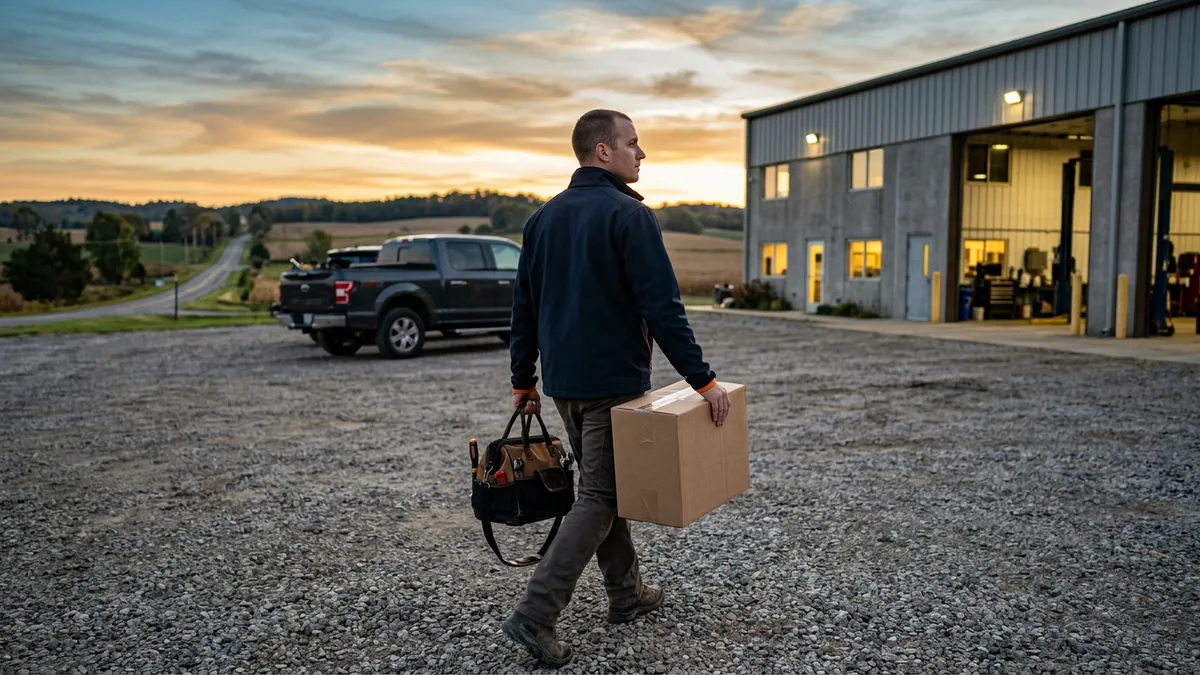
Field support is included for our clients, so this isn’t about the invoice. It’s about the hours a branch waits while the technician is still on I-80.
Drive for hands. Never for a diagnosis.
The Internet Line Decides Everything
Everything rides on the line. A remote help desk is only as good as the branch’s connection. When that line drops, the DMS can go with it, and so can the help desk’s way in.
Rural branches often have fewer carrier choices. The FCC National Broadband Map lets you look up a branch address and see which providers report service there, which is a useful first check before anybody signs a three-year contract for the only option they were shown.
Two lines from two different carriers, or a wired line with a cellular backup, is the tried and true setup. Keep in mind who’s giving you that advice, though. A carrier selling you a line is selling you a line, and that’s not a technology plan for the branch. Somebody still has to decide what fails over, test it on a schedule, and know who to call when it doesn’t work. The standard branch build behind all of this is in our guide to multi-location truck dealership network design.
And when both lines go, the store needs paper. Our DMS outage plan guide covers what to print and keep before you need it.
Two lines. Tested. Every branch.
Remote Access Is a Door, Too
Everything above depends on someone being able to reach into the branch from far away. That’s the point of remote support. It’s also exactly what criminals look for. Same door.
In a January 2023 joint advisory, CISA, the NSA, and MS-ISAC warned that attackers were using legitimate remote monitoring and management software to get into networks, and told organizations to audit the remote access tools on their network, allow only the approved ones, and run them over approved connections such as a VPN.
For a truck dealer, the practical version is simple. Count the doors. One approved remote tool, used by your provider, from a known place. If a former IT person, a parts supplier, or some vendor from three years ago still has its own remote tool installed on a branch PC, you want to know about it this week, and you want it gone. The same thinking runs through what I wrote about heavy truck dealership cybersecurity and vendor risk.
Remote support should be the only way in, not one of six.
What Truck Dealers Tell Me About Branch IT
“We’ll just hire an IT person for the branch.” I hear this one a lot. IT has split into specialties: network, voice, cybersecurity, compliance, project work. One generalist can’t cover all of them, and one person at one branch doesn’t help the other four.
“Our parts manager handles most of it.” That’s usually one person doing four jobs. It’s not that they’re not good. Nobody can be everywhere at once, and you hired them for parts.
“Our DMS vendor supports us.” They support their software, and if you run Karmak or Procede, that support matters. But the switch in the closet isn’t their software, and neither is the printer, the Wi-Fi, or the internet line. Our pages on Karmak IT support and Procede IT support go through where that line sits.
“We already have an MSP.” Anybody can fix Windows. It’s the dealer-specific stuff, like shop Wi-Fi that won’t talk properly to the diagnostic tools, that a generalist doesn’t know. And if your group already has an IT person at the main store, co-managed IT keeps that person in charge with a full team behind them.
Distance is a fact. Being unsupported is a choice.
Before You Call Us About a Branch
How far is too far for remote support to work?
What should a remote branch keep on the shelf?
Who at the branch should be our go-to for IT?
Our DMS runs in the cloud. Does that change anything for a remote store?
Do field visits cost extra?
One Standard at Every Exit
We manage the technology so dealers can sell and service cars and heavy trucks. A branch three hours from anywhere should run on the same standard as the store across the street from the main office. One team, one help desk, one set of records, whether the location is in a city or at a lonely exit off the interstate. That’s what managed IT for dealerships is supposed to mean.
If you want to know how ready your branches actually are, our complimentary IT and cybersecurity assessment is where we start. We look at each location, the lines, the closets, and the remote access, and tell you plainly what we’d stage first.
Peace of mind at a remote store isn’t a feeling. It’s a spare in a box and a map on the door.