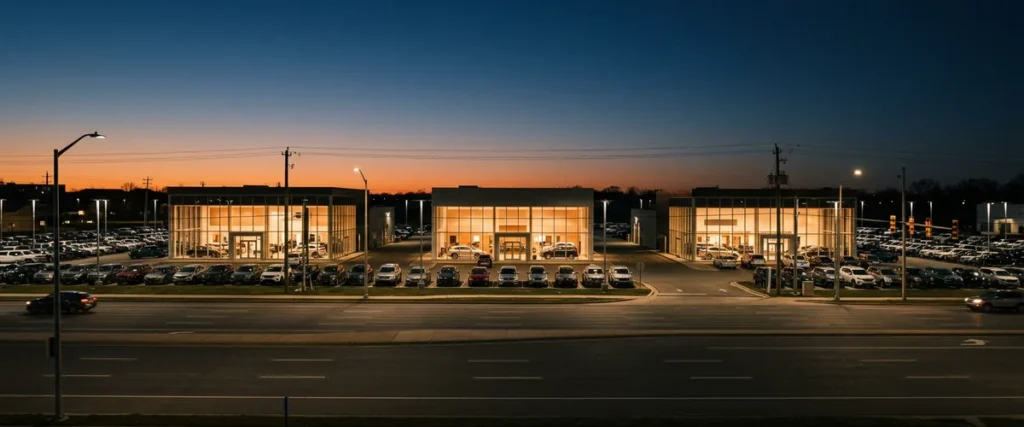

Multi-site IT support for a dealer group means every rooftop calls one help desk, and each ticket carries the store, the system and the person, so one team can fix, dispatch and report across the whole group.
It works when the stores run on one standard build, field technicians are sent by location, and leadership can see the trouble rooftop by rooftop instead of hearing about it at the next managers’ meeting.
Last updated: November 4, 2026Here’s a Monday most dealer group controllers will recognize. At 8:15 the business office at the Chevrolet store can’t print checks. At 8:40 a salesperson at the newest store, the one the group bought in the spring, can’t get into email. By 9 the service manager at the third rooftop is calling the group’s IT person, who is already in the truck and an hour and a half from all three.
None of those calls is hard. Not one. Each is a 10-minute fix for the right person with the right information. The trouble is where the calls go. And what the person answering knows about the store on the other end.
I lead Service Operations at Helion, which takes in our service desk, field service, systems engineering and proactive managed services. More than 25 years of my career have gone into leading managed services teams, and a lot of that time has been spent on one question. What happens to service quality when one team supports many locations? Our page on IT services for dealer groups covers the group-wide standard and the team behind it. This post is the inside view, how the help desk itself runs across stores, from where I sit.
What Multi-Site IT Support Means at a Dealer Group
Multi-site IT support is one service desk that takes calls and tickets from every location a business runs, using shared records and one standard so a fix at one site works at the next. At a dealer group the sites are rooftops, truck branches and the group office, and the systems are the DMS, Microsoft 365, phones, printers and the network.
ITIL, the service management framework I’m certified in, calls this a single point of contact. The idea is decades old. Simple, too. Doing it well for 12 stores in 3 states, with different brands, different DMS logins and a general manager at each one who has their own way of describing a problem, is where the work is.
One number is the easy part.
Why a Group’s IT Doesn’t Grow With the Group
Erik Nachbahr, our CEO, made this point on a planning call this fall, and I think he has it right. I’ve seen both. As groups add stores, he said, they either don’t grow their IT at the same pace, or they overbuild it and pay a lot more than they should, and they still wait longer for help.
The first version looks like this. A group adds a person every time it adds a store, or it doesn’t, and one person covers four. Somebody drives 3 hours to reseat a cable. Three hours. Some stores see an IT person every 2 weeks and save their problems up until then. The people doing the work aren’t the problem. Most in-house IT people I’ve met are good at what they do and stretched past what one person can cover. It’s capacity. Not competence.
The second version is quieter. It costs more. When a group buys a store, the store’s IT usually comes along as it was: its own Microsoft 365 tenant, its own licenses, its own firewall, sometimes its own IT person or outside vendor. Nobody consolidates it, because the store is running and there’s a closing to get through. Do that four or five times and the group is paying for five separate setups and defending five separate attack surfaces. Microsoft even publishes guidance for multitenant organizations in Microsoft 365, which supports up to 100 tenants and needs Microsoft Entra ID P1 licenses or above in every one of them. It’s a useful tool for living with separate tenants. It isn’t a plan, though.
Then there’s geography. A Maryland group buys a store in Iowa, and suddenly “our IT guy” is a plane ticket away.
So I’d ask a group the same thing I ask my own teams when something keeps breaking. Are we fixing the cause, or are we working around the symptom?
Adding people to a split setup treats the symptom.
How Does One Help Desk Support Every Store in a Group?
One help desk supports a group by treating every rooftop as part of one account. Every store calls the same number into the same queue, every ticket records which store and system it’s about, the stores share a standard build, and technicians, escalations and reports are all organized by location.
- One number, one queue. The used-car manager at store 7 and the controller at the group office reach the same team, and the ticket history is shared.
- Store-level detail on every ticket: the rooftop, the department, the device, the DMS or application involved. Without it, “my printer’s down” could mean any of 40 printers.
- A standard build. When every store runs the same firewall settings, the same Microsoft 365 policies and the same desktop image, a fix found at one store is a fix we already know at the next one.
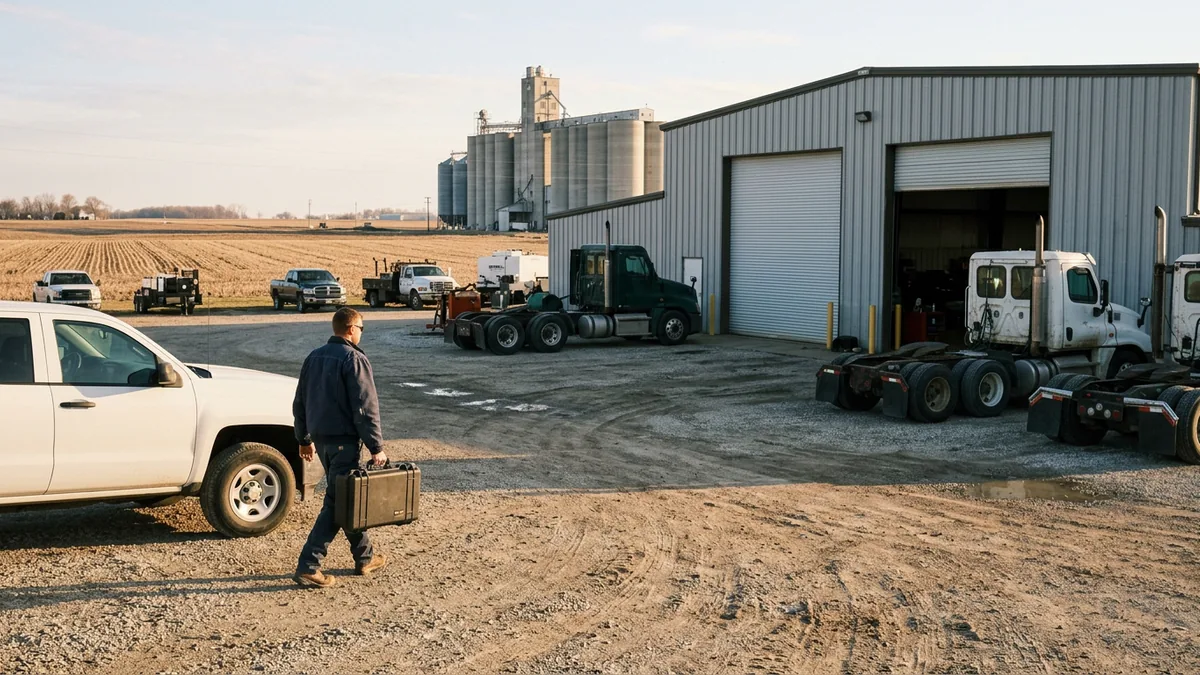
- Is the problem in the building? Then field technicians are dispatched by location, and on our Full Service plan those onsite visits are included. Remote first, a truck when the fix needs hands.
- Escalation that knows the group. Each client has a Client Technology Manager (CTM), the escalation contact on any ticket, who gets to know the group’s stores and what matters to each of them.
- Reporting by rooftop, so leadership can see when one store opens 3 times as many tickets as its sister store and ask why.
Each of those is simple. Honestly. Doing all six at every store, every day, is the job.
Twenty Problems at the Same Time
“If you’ve got 20 people that are having an issue at the same time, spread across all those stores, multi dealerships, we’ve got 20 people that can work on it simultaneously as the issue is happening.” That’s Erik again, from the same call, and it’s the plainest description of the difference I know.
Scot McConnor on our team puts the in-house side of it this way. When a couple of people are running between stores, somebody is always waiting, and the waiting costs the store money. A finance manager who can’t print a contract is a deal that sits. The customer waits too.
I want to be careful about what that means, because I run the team that has to live up to it. Twenty people working at once is capacity. It isn’t a promise about minutes. During live support hours, a technician picks up in 82 seconds on average, and our response, resolution and onsite figures are targets that we work hard to hit. Every issue starts as a ticket with our Desktop Support team, and if it isn’t fixed within 15 to 30 minutes, a Desktop Support Lead moves it to second-level support or a System Administrator. Every emergency goes from triage straight to a Systems Engineer, who owns it through resolution. For a group, that matters most on the morning something breaks at several rooftops at once, because one engineer owns the whole thing instead of five people each owning a piece.
Ownership is the part people underestimate. Every time.
| Question | Each store on its own IT | One help desk for the group |
|---|---|---|
| Who does the store call? | Whoever that store has: a person, a vendor, a cell number | The same number and queue at every rooftop |
| What does the person answering know? | Their own store, if they’re the one who set it up | The store, the department and the ticket history |
| Does a fix carry to the next store? | Rarely, because every store is built differently | Usually, because the stores share one build |
| Who goes onsite? | The one person, when the drive allows | A field technician dispatched by location (Full Service) |
| Who sees the pattern? | Nobody, since tickets live in different places | Leadership, in reporting by rooftop |
| What happens after an acquisition? | Another separate setup joins the group | The new store is brought onto the group standard |
When the Group Buys Its Next Store
An auto group of 23 stores in New England is the clearest example I can give. It kept an active acquisition strategy going, 4 dealership acquisitions and 10 store relocations, without IT becoming the bottleneck. I won’t name the group. The point is that the help desk didn’t have to be rebuilt each time a store was added or moved. The new rooftop joined a queue, a standard and a team that already existed.
Buying power changes too. A lot. “They might be buying for 200 or 500 seats. We’re buying for 35,000 seats, so we’re able to get way, way, way better pricing on all of these technologies,” Erik said. Those 35,000 seats are the more than 35,000 dealership employees we support across 2,000-plus dealerships.
Distance matters less than people expect. NADA Data counts 16,991 franchised light-vehicle dealers in its 2026 mid-year report, and a group’s next store could be any of them, in any state. We support dealerships anywhere in the U.S., so the Iowa store gets the same help desk as the Maryland flagship, and the network side is planned the same way we describe in networking a multi-branch truck dealership. For truck dealers whose branches sit hours apart, our post on IT support for remote truck dealership branches goes further into field coverage. The technology work of the deal itself, cutting a new store over on closing day, is on our dealership acquisition IT integration page.
A new store should feel like a new location. Not a new IT department.
The People in Each Market
Before Helion, I spent several years as a director over two large Texas markets, Dallas and Houston, for a managed services provider. Same company, same tools, same processes in both cities. The service wasn’t the same. It took me a while to see why. It came down to the people in each market and the relationships they had built with the clients there.
I’ve had to change how I look at this over the years. Early on I thought a good process would carry service quality from one location to the next. It helps a great deal. It isn’t enough. The operations, the processes, the tools and the data are all part of what helps us deliver, but it’s the relationships with people and clients that make the lasting impact.
That’s why a group gets a CTM who knows its stores, and why our technicians learn which general manager wants a phone call and which one wants a two-line email. It’s individual effort versus shared ownership. One great tech at one store is individual effort. A team that knows all 12 stores, and writes down what it knows so the next technician starts ahead, is shared ownership. The credit for that belongs to the service desk and field teams who do it every day.
A process sets the floor. People set the ceiling.
What Dealer Groups Ask Us About Group-Wide Support
Does a three-store group get the same help desk as a 30-store group?
Our stores are in different time zones. Whose hours apply?
We already have an IT person at the flagship. Where does that leave them?
Are field visits part of every plan?
When we buy a store, should its Microsoft 365 tenant be merged into ours right away?
Start With a Store-by-Store Picture
When a group calls us, the first thing I want to know is what problem we’re actually trying to solve, and it’s almost never the store that called. Usually it’s that nobody has looked at all the stores side by side, so the same printer issue has been fixed five different ways by five different people, and one of those stores is still waiting on its fix.
That side-by-side look is what our complimentary IT and cybersecurity assessment gives a group. We go through each rooftop’s Microsoft 365 tenant, its network and the way its calls get handled now, and we write up what we found store by store, with the changes we’d make first at the top of the list. If the group wants to keep going from there, our managed IT services for dealerships and the dealership help desk pick it up, a CTM owns the plan, and the team I’m proud to work with does the work, so every rooftop in the group ends up calling the same help desk.