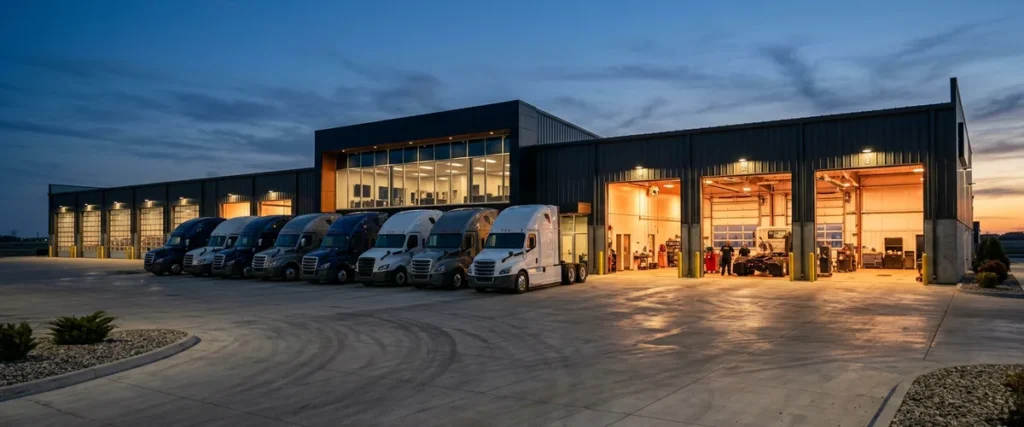

A multi-location truck dealership network connects every branch’s parts counter, service bays, and sales desk to the same DMS, OEM portals, and phone system. It holds up when every branch gets one standard build, a second way onto the internet, and separate lanes for each kind of traffic.
Last updated: October 18, 2026
On June 19, 2024, CDK Global went down, and one of the biggest truck groups in North America lost its DMS along with everybody else. Penske Automotive’s SEC filing that week described Premier Truck Group as 48 locations selling new and used trucks, running service and parts, and doing collision work. It also said every one of those locations kept operating through manual or alternate processes. That’s 48 branches. On workarounds. It didn’t happen by accident.
I bring it up because it’s the honest version of what a truck group’s network is for. Most days nobody thinks about it. The parts counter looks up a part, sees it sitting at the branch 2 hours away, and has it on a hot-shot truck by noon, while the service writer opens a repair order, pulls warranty history from the OEM portal, and sends the job out to the bay. Then one morning a circuit drops or a vendor gets hit. You find out fast whether your branches were built to keep working or built to wait.
Plenty of heavy truck dealers run as groups of 10, 15, or 20 locations now, strung out along interstates and county roads, and that spread is exactly what our IT support for heavy truck dealerships is built around. This guide is the network side of it. What has to cross the wire, how each branch gets online and stays online, where SD-WAN fits, and how to keep parts, service, and sales off one big open network. It’s written for the dealer principal, the COO, or the one IT person who got handed all of it.
What the Network Actually Carries at a Truck Branch
A multi-branch truck dealership network is the set of internet circuits, firewalls, switches, Wi-Fi, and secure links that let every location reach the same DMS, parts inventory, OEM and warranty systems, phones, and email as if it were one building. Each branch is its own site. The business runs as one. That’s the job. Supporting those sites when the nearest technician is hours away is the other half, and our guide to remote truck dealership branch support covers it.
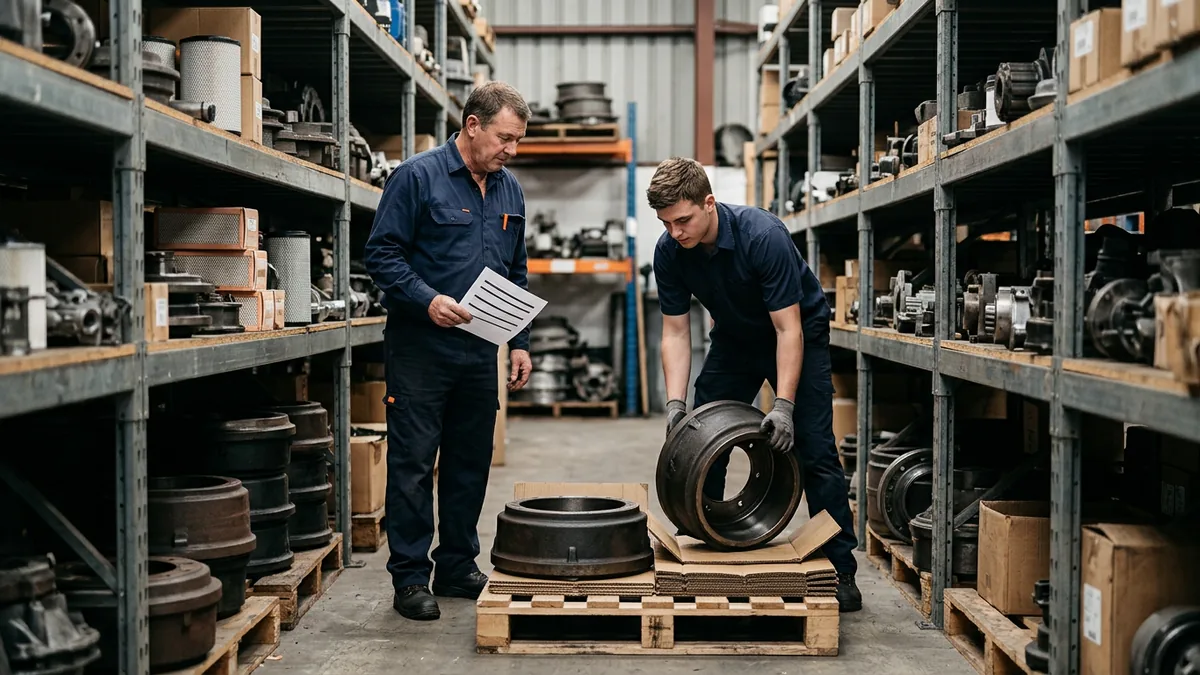
Start at the parts counter. A truck group’s shared inventory only pays off if every counter can see every shelf, and that lookup crosses the network each time somebody keys in a part number. When it’s slow or down, the counter in one store can’t tell that the air dryer they need is sitting at another branch 90 miles away, so they order it from the supplier and pay overnight freight on a part you already own. Or the customer gives up and calls the next dealer on the list. That’s lost parts gross, and it never makes the IT report.
| Department | What crosses the network | What happens when it’s slow or down |
|---|---|---|
| Parts counter | DMS inventory lookups across branches, transfers, supplier and OEM parts catalogs, card terminals | Stock at the next branch is invisible, so parts get bought twice or the sale walks |
| Service | Repair orders, OEM warranty and service portals, diagnostic software updates, technician time clocks | ROs go on paper, warranty claims stack up, and techs stand around waiting on the write-up |
| Sales and F&I | Deal desking, credit applications, inventory and spec data, e-signatures | The deal stalls at the desk while a fleet buyer sits there checking the time |
| Back office | Accounting, payroll, Microsoft 365, scanned documents | Month-end slips and the controller ends up driving to the branch |
| Phones | VoIP lines, call routing between branches, after-hours forwarding | Calls ring to nobody, and a broken-down driver calls the next dealer on their list |
Every row in that table rides on the branch circuit.
One Standard Build for Every Branch
Here’s the thing about truck groups. They grow by buying stores, and every store they buy comes with somebody else’s idea of IT. When we assess a dealership, and it doesn’t matter if it’s one car store or a 20-branch truck group, we find 10-plus vendors and nobody owning the whole system. The phone vendor put in its own switch at a couple of branches. At another one the cable company’s router is still doing the firewall’s job. The store you just bought still has the old owner’s IT company on it, and they’re the only ones with the admin password. And if you ask somebody for a list of what’s actually in each closet, you get a long pause. Who owns that?
So our answer, and I know it sounds boring, is one standard build. We’ve already seen this exact problem across 2,000-plus dealerships, and boring is what works. Every branch gets the same kind of firewall with the same rules, the switches and Wi-Fi go in the way they went in at the last branch, everything’s named the same way, and every branch gets the same cellular backup. All of our clients are on the same roadmap. Why do I care so much about that? Because at 7 on a Saturday morning, when a branch 3 hours from the nearest tech goes dark, whoever picks up our phone already knows that building, since it looks like every other building, and they spend the first 10 minutes fixing it instead of trying to figure out what’s even in there.
I’ll give you one. A heavy truck group we work with, 12 locations in the Southeast, came to us with outages at its rural branches all the time and one internal IT person trying to carry every bit of it. We pulled out the mixed hardware and rebuilt the network to one standard. When their COO talked about it afterward, firewalls never came up. The quote was “they’re getting the phone answered or getting a call back within five minutes.” That’s what a standard buys you. Not exciting. It just works. That’s the point.
Now, I’ll be straight about the catch. If you can push one change to every branch at once, you can also break every branch at once, and that’s a rough call to make to 20 general managers. So we roll a change to one branch first. We watch it. We give it time. Then it goes to the other 19.
Six setups, six problems. One standard, one.
A Second Way Onto the Internet at Every Branch
A rural branch with one internet line is one backhoe away from running on paper. Years ago you could live with that, because the DMS sat on a server in the back room and the counter could reach it across the building even with the internet down. Not anymore. Karmak Fusion can run in Karmak’s Xcelerate Cloud Hosting, and Procede runs Excede Hosted Services on Microsoft Azure. Both are good options, and both take the server off your plate. They also move your weak spot from the back room to the circuit. We cover the store side of both in our Karmak Fusion IT support guide and the walkthrough of Procede Excede on Azure.
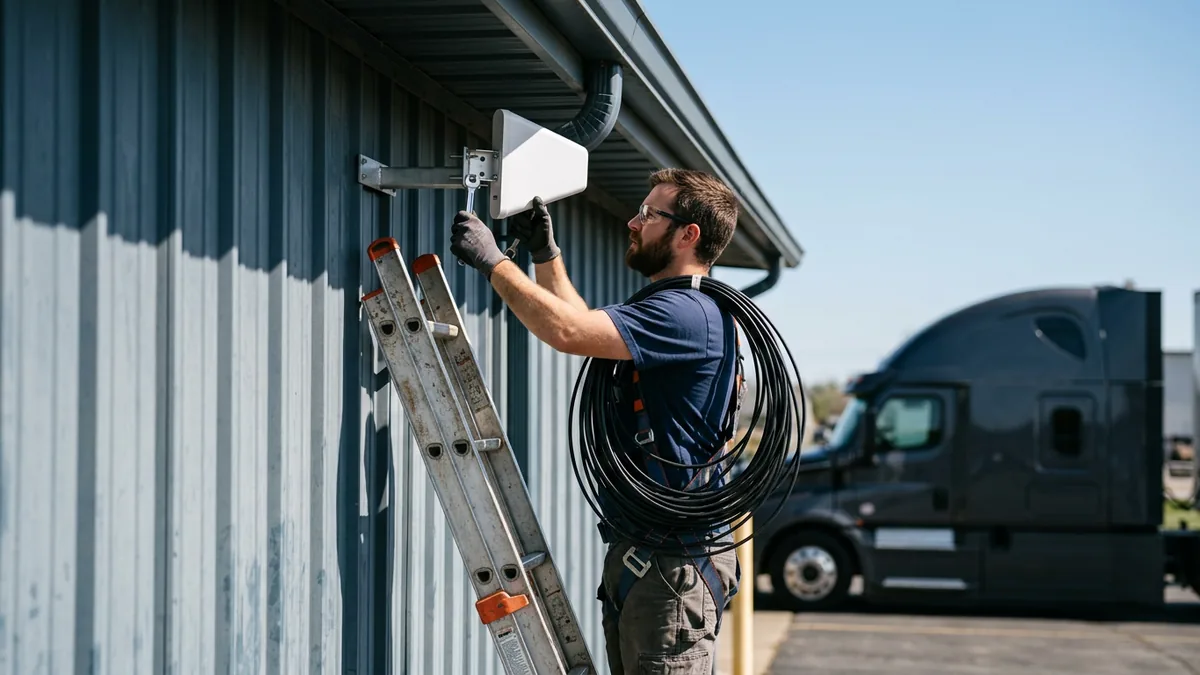
So I want two ways out of every branch, and I mean genuinely two: a different carrier over a different kind of connection, because two lines from the same provider tend to run down the same road in the same trench and go out together when somebody digs in the wrong spot. Cable with fixed wireless as the backup works, and so does fiber with a 4G or 5G cellular line. Out past where the cable runs, Starlink’s business service has become a real backup option for a lot of rural shops, as long as the dish gets a clear view of the sky, which a yard full of parked trailers doesn’t always give you. Before you sign anything, pull the address up on the FCC National Broadband Map. Then call the carriers anyway. The map is built from what providers file about themselves. Trust, but verify.
I learned this one early. An early dealer client of ours ran the techs’ electronic dispatch on a $50 home wireless router, and it went down all the time. I talked them into a corporate-grade device at about 10 times the price, and the problem went away. I’ve lost deals since to cheaper bids. I’d still make the same call.
| Branch internet check | What good looks like |
|---|---|
| Second line | A different carrier over a different medium: cable plus fixed wireless, fiber plus 4G or 5G cellular, or satellite where nothing else reaches |
| Failover | Automatic. The firewall moves traffic to the backup in seconds and moves it back when the main line recovers. Nobody walks back to swap a cable |
| Upload | Sized for scanned ROs, camera footage, cloud backups, and Teams calls, not only for downloads |
| Voice priority | Phones go first on every circuit, set once in the standard build |
| Testing | Pull the primary on a slow afternoon, watch the phones, the DMS, and the card terminals for 15 minutes, then plug it back in and confirm everything returns |
Order the second line now. Rural installs are slow.
SD-WAN, MPLS, or Plain VPN Tunnels?
Everybody says SD-WAN now. What does that actually mean? I’ll give you the plain version. It’s software that sits on top of a branch’s internet lines and keeps checking each one for packet loss, delay, and jitter, then puts the phones and the DMS on whichever line is healthiest and pushes the overnight backups down the other one. If the fiber at a branch starts dropping packets at 2 in the afternoon, the calls move to the cellular line before anybody at the counter notices. What I really care about for a truck group, though, is the rules. You write them once, in one place, and every branch picks them up, including the branch you haven’t even closed on yet.
It’s not the only option. Here’s how the three compare.
| Option | How it works | Good fit | Watch out for |
|---|---|---|---|
| MPLS | A private network run by one carrier between your sites | Groups with heavy traffic to an on-site DMS server and carrier coverage at every branch | Cost, slow installs at new branches, thin rural availability, and cloud traffic hairpinning through headquarters |
| Site-to-site VPN | Encrypted tunnels between each branch firewall and headquarters over ordinary internet | Smaller groups with a few branches and a hosted DMS | Tunnels configured one at a time, basic failover, and drift between branches over the years |
| SD-WAN | Central policy across every branch’s circuits, with path selection and failover built in | Growing groups, mixed carriers, rural branches with a cellular backup | It can’t fix a bad circuit, and it still needs someone who manages it every day |
To be clear, I like SD-WAN, and for most growing truck groups it’s what I’d pick. What bugs me is the pitch. It sounds like it fixes everything. A branch whose only line is a consumer cable connection is still a branch with one consumer cable connection, SD-WAN or not, and it won’t document the switch in a closet nobody’s opened since the acquisition either. Somebody has to watch it every day and act on what it says.
There’s a security side to this. NIST’s SP 800-215 guide to securing enterprise networks makes the point that once people and applications live outside the main office, a single protected perimeter stops doing much. In a truck group, that means every branch firewall enforces the same rules as headquarters, traffic to a hosted DMS or Microsoft 365 goes straight out through that firewall, and nothing is trusted just because it started inside the building.
Pick the option you can actually run at every branch.
Separate Lanes for Parts, Service, Sales, and Guests
On a lot of truck shop networks, the drivers’ lounge Wi-Fi, the card reader at the parts counter, the techs’ diagnostic laptops, the cameras, and the controller’s PC all share one flat network. Everything can talk to everything. Convenient, sure. That lasts right up until one device gets compromised, because then the intruder can reach all the rest from it.
CISA’s #StopRansomware Guide says network segmentation “can help contain the impact of any intrusion affecting your organization” and can “prevent or limit lateral movement on the part of malicious actors.” Card data is the second reason. Under the PCI Security Standards Council’s scoping and segmentation guidance, systems in the same network segment as card data count as part of the cardholder data environment. Put the terminals in their own segment and the list of systems you have to lock down and assess gets a lot shorter.
At a typical truck branch we end up with six lanes:
- Office PCs and DMS workstations.
- Card terminals at the parts and service counters, with nothing else in that segment.
- Technician Wi-Fi for tablets and diagnostic adapters, allowed to reach the DMS and the OEM service portals and not much else.
- Guest Wi-Fi for drivers. Someone waiting 3 hours on a brake job is going to stream video the whole time, and that traffic should never be able to see a business system.
- Cameras, door controllers, and the other building devices, which rarely get patched and shouldn’t sit next to anything that matters.
- Branch-to-branch links, opened only for the traffic that has to cross, like phones and shared files.
Backups need the same thinking. CISA’s guide says to “maintain offline, encrypted backups of critical data,” because ransomware goes hunting for backups it can reach. We go deeper on the attack side in our piece on heavy truck dealership cybersecurity, and on the paper side in the DMS outage plan, which is how a store keeps selling while the systems are down.
A flat network lets one bad click travel to every branch you own.
Who Runs the Network When Branches Are Hours Apart
“We’ve already got a guy who handles the branches.” I hear that in almost every first conversation. No disrespect to them. That’s usually one person doing four jobs: network, phones, the help desk, and the carrier calls. Not that they’re not good. They probably are. But no one person can be at the north branch and the south branch on the same Tuesday.

That’s where co-managed IT for dealerships fits. Your IT person stays in charge of the branches and keeps the relationships with the managers. We take the standard build, the monitoring, the carrier escalations, and the calls that come in after dinner. When somebody at a branch calls us, the average wait to reach a live support agent is 82 seconds. Live coverage runs 6 a.m. to midnight Eastern, Monday through Saturday, and after-hours, weekend, and field support are in the price. We don’t charge extra for after hours. We don’t charge extra for weekends. When you pay the number, the number’s the number.
The other piece is no finger-pointing. When a branch goes down, the carrier blames the firewall, the firewall vendor blames the carrier, and the DMS provider says its servers are fine, which they usually are. Somebody has to own the whole path from the counter PC to the hosted DMS and make the calls until it’s fixed. That’s on us to get it all done, and make sure it’s right.
Somebody has to own every branch, and it shouldn’t be the parts manager.
What Branch Managers and Owners Ask Us
We’ve got 14 branches and one IT person. Can that actually work?
Does a 4-bay rural branch really need a second internet line?
SD-WAN vs MPLS: does the gap actually matter for truck branches?
Our DMS is hosted now. Isn’t the network the DMS vendor’s problem?
Can drivers and techs share the shop Wi-Fi?
We just bought two more branches. Where do we start on the network?
Build One Branch Right, Then Copy It
The best time to settle your branch standard is before the next acquisition, not after it. Every branch you buy without one adds another setup somebody has to learn under pressure, and truck groups are buying a lot of branches. Get the first one right. Write it down. Every branch after it is a copy instead of a project.
If you want to know which of your branches is the weak one, start with our complimentary IT and cybersecurity assessment. We’ll look at every circuit, firewall, and closet across your locations and hand you the list, in order.
Your group is only as connected as its weakest branch.