

PCI compliance for a car dealership starts with finding every place a card is accepted, then separating those terminals from the rest of the network so fewer systems fall under PCI DSS 4.0.1. Segmenting can shrink the scope. It doesn’t make the store compliant on its own.
Last updated: November 18, 2026
Count the places your dealership takes a card. The service cashier, the parts counter and F&I make three. If advisors text payment links from the drive, or someone takes card numbers over the phone, those count too. Is that list written down anywhere?
I’m asking because PCI DSS 4.0.1, the current version of the payment card standard, puts every system that stores, processes or transmits card data in scope, along with the systems connected to it, and on a flat network that can mean the cashier’s terminal, the shop’s tools and the front office computers all count together because nothing separates them. Card terminals are one piece of dealership compliance and dealership cybersecurity, and the first job is finding all of them.
PCI is about keeping card data from leaking and keeping it from touching the other parts of your business. Simple concept. Never done.
Below is where to look for card payments, what 4.0.1 asks of you, and how to separate the terminals so the list of things you have to defend gets shorter.

Where Does a Dealership Take Card Payments?
Card payments can happen in more places than the sales desk. Check the service cashier window, the parts counter, the F&I office, and anywhere someone keys in a number by phone or sends a payment link. Each one is a place to look for a terminal, a network jack, or a screen where card data gets typed.
- The service cashier window, where the repair order turns into a payment. Our notes on service department IT cover the rest of that department.
- The parts counter, retail and wholesale.
- F&I, if the store takes cards for down payments or products.
- Sales desk deposits, if you take them by card.
- Any handheld readers, wherever they get carried.
- Phone payments. Somebody hears a number, then types it into a terminal or a page, and that desk can go uncounted as a card terminal.
- Payment links sent by text or email.
- Anything a vendor installed on your network. If it touches a card, it’s on the list.
If a card gets used there, it goes on the list.

Write each one down with three facts. What the device is, where it plugs in, and who put it there. The third one matters, because if nobody can trace a terminal to an owner, it isn’t clear who’s maintaining it, and ownership is the first thing a simpler, more supportable setup needs.
What Does PCI DSS 4.0.1 Ask of a Dealership?
PCI DSS 4.0.1 is the current version of the standard. When the PCI Security Standards Council opened a request for comments in June 2026, it called 4.0.1 the currently published version and said the feedback would help decide whether to revise it. The Council released it in June 2024 as a limited revision of 4.0 with no new or deleted requirements, and it retired 4.0 on December 31, 2024.
The PCI DSS 4.0 requirements that the standard had future-dated became effective on March 31, 2025. The 4.0.1 revision didn’t move that date. So there’s no grace period left to wait out.
Which self-assessment questionnaire a store can use, if it can use one, depends on whether it meets that questionnaire’s eligibility criteria. The Council tells merchants to confirm they meet all the eligibility criteria before they start and to check first with the organization they’ll submit it to. Ask that organization which one applies to your store.
The FTC Safeguards Rule is a separate obligation. It requires implementing and periodically reviewing access controls for customer information, and our FTC Safeguards checklist covers that side.
Does Segmenting the Card Terminals Make a Dealership PCI Compliant?
No. Segmentation narrows what PCI DSS 4.0.1 covers, but it doesn’t make a store compliant by itself. The systems still in scope have to meet the requirements, and the separation has to be shown to work.
The Council’s own guidance is direct about this. Its 2017 scoping and segmentation supplement says that isolating the cardholder data environment from the rest of a network “is not a PCI DSS requirement,” though it’s “strongly recommended” as a method that may reduce the scope and cost of an assessment and the risk to an organization. Without it, the same document says, “the entire network is in scope of the PCI DSS assessment.”
So when someone on our team says that documenting and segmenting the card machines helps with PCI compliance, that’s true, and it’s a statement about scope, meaning fewer systems for you to defend and fewer for an assessor to examine. It helps. It doesn’t finish the job.
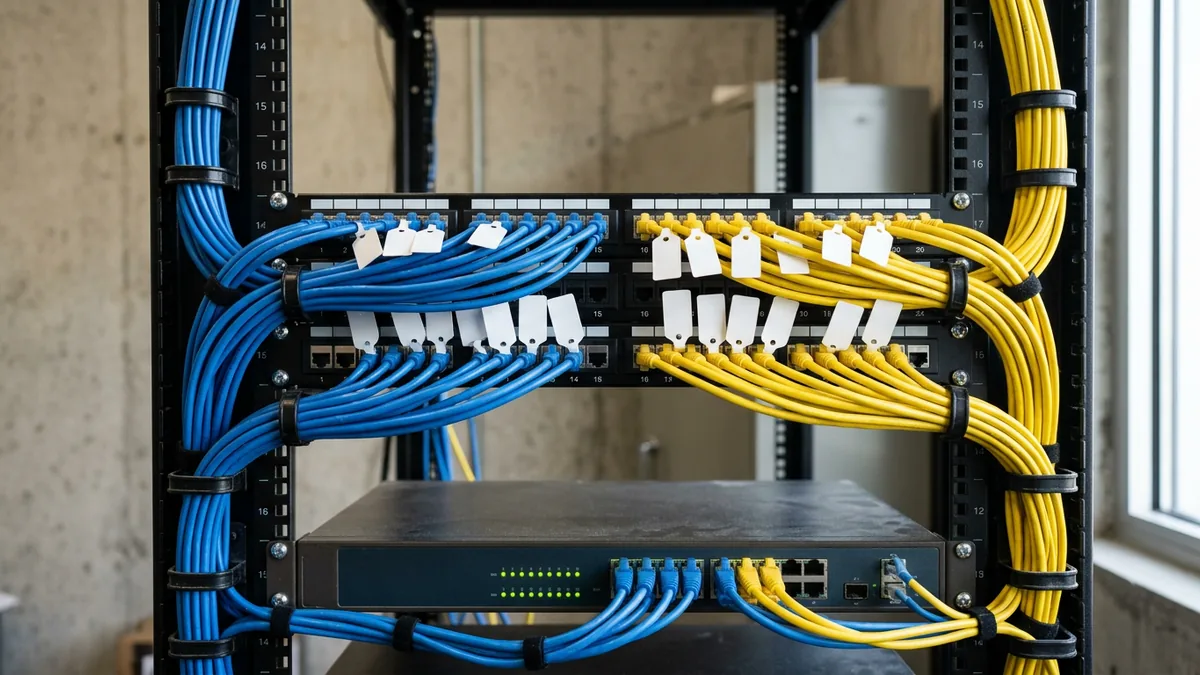
| What changes | Terminals on the main network | Terminals on their own segment |
|---|---|---|
| What’s in scope | Every system on that network, if any single one handles card data | The terminals, plus the systems connected to them or able to affect their security |
| Who checks the separation | Nothing to check | The assessor has to verify it’s adequate to reduce scope |
| Testing | None specific to segmentation | Segmentation controls get penetration tested at least once a year, per the Council’s guidance |
| Compliant automatically? | No | No |
That testing line matters. The Council’s guidance ties the annual test to making sure the controls “continue to provide effective segmentation,” so a separation that worked when it was set up still has to be proven every year. Our penetration testing is led by a person, not an automated scan. Whoever tests yours, ask whether the test tries to reach the card segment from the rest of the network.
How Do You Segment the Card Terminals?
List every terminal that takes a card, trace each one to its network jack, put those jacks on their own segment, and limit what that segment can talk to. Then test the separation and write it down. The order matters, because a segment built before the list is finished can miss devices.
A segment is a separate lane on your network, and our dealership network segmentation guide covers the rest of the store, from guest Wi-Fi to the service bays. The Council’s guidance says segmentation is typically achieved by “technologies and process controls that enforce separation,” and its intent is to keep out-of-scope systems from communicating with the card environment.
- List every device. Terminals, handheld readers, anything with a card slot or a tap pad, and whatever a vendor left behind.
- Trace each one to the wall jack or wireless network it uses.
- Put them on their own segment, away from the guest Wi-Fi, the shop network and the office computers, so a problem anywhere else in the store has no direct path to a card terminal.
- Ask your processor or terminal provider what each terminal has to reach. Allow that, and block the rest.
- Look for vendor-installed networks. An AV, music or camera vendor who puts in its own equipment can create what we call shadow network infrastructure, which sits outside your safeguards. It comes under your control or it comes out.
- Test it. Try to reach a terminal from the office network and from guest Wi-Fi. It should fail every time.
- Write down the device list, the segment and the rules, and put a name next to them. That’s the record of your scope.
- Confirm the scope at least once a year, and again whenever something changes. A new terminal, a moved cashier counter, a new vendor.
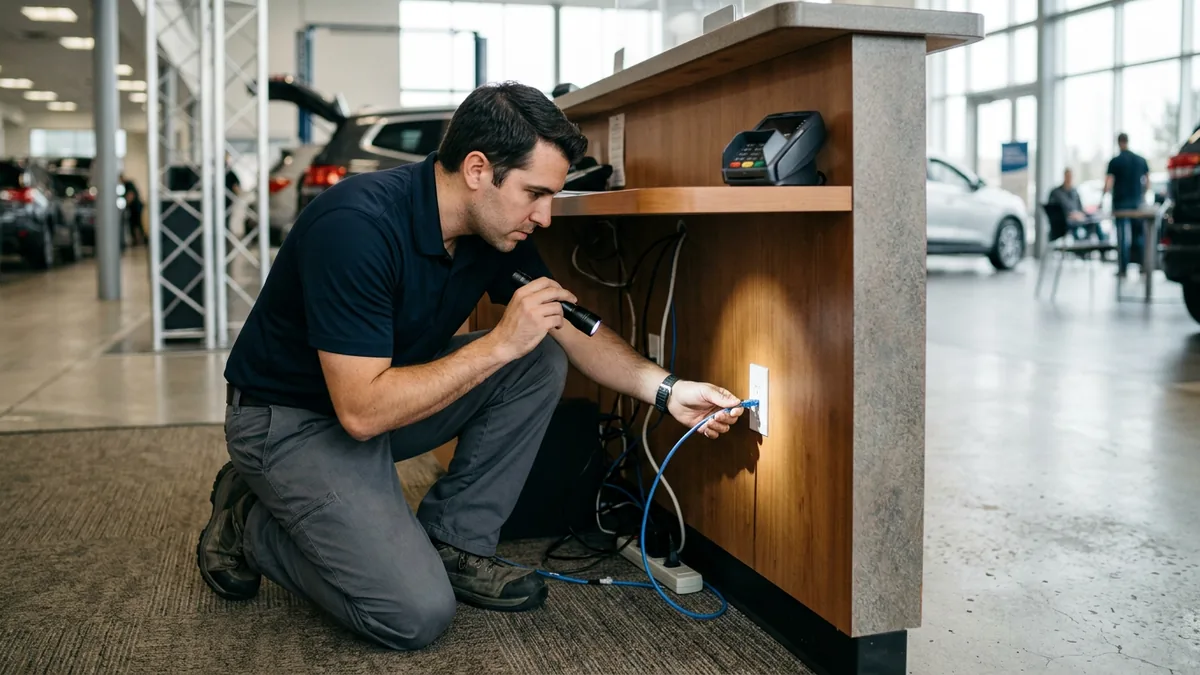
For a dealer group, I’d make it one standardized layout across every store, with the same segment design and the same list format, so a new rooftop is easy to check and the whole thing is simpler to support. If you’d like the network side handled for you, our dealership network services cover that kind of separation, including the card terminals at service cashiering.
What About Text-to-Pay, Cards in the DMS and Other Places Scope Hides?
Text-to-pay moves a card payment off the counter and onto a customer’s phone, and it belongs on the list too. Under the Council’s scoping guidance, any system that stores, processes or transmits card data is in scope, so what matters is where the customer types the number. If it’s a page your payment provider hosts, your own systems may not handle the card at all. If the number lands in something your store runs instead, such as a form on your own site or a field in your CRM, that system is in scope along with whatever connects to it. Ask your provider which one you have, and get the answer in writing.

Card numbers in the DMS or the CRM are the other one to check. A card number typed into a notes field, a customer record or a scanned deal jacket puts that system in scope too. Look for it before an assessor does. You can’t segment what you haven’t found.
Things Dealers Ask About PCI
Is 4.0.1 a different standard from 4.0, or the same one?
We use the processor’s terminals. Isn’t PCI their problem?
Do three terminals really need their own segment?
Who should own PCI at a dealership?
Start With the Terminal List
If you do one thing from this post, walk the store with a pencil and write down every place a card gets accepted. Service cashier, parts, F&I, the lane, the phones. That’s the first page of the whole job, and in my experience it’s the step that gets skipped.
Helion Technologies has spent nearly 30 years working only with automotive and heavy truck dealerships and has 2,000-plus of them under management. If you’d like an outside look at the bigger picture, our Complimentary IT & Cybersecurity Assessment reviews your current technology setup, your cybersecurity posture, vendor spend, where you stand against the FTC Safeguards Rule, and whether staff are using AI tools in personal accounts outside your security controls, with no cost and no obligation. The findings come back in a written report.
A shorter list of things to defend is simpler to support.