

MFA token theft happens when an attacker copies the proof Microsoft 365 issues after a successful MFA sign-in and replays it from their own computer. The password and the approval prompt stop mattering, because Microsoft already trusts the session.
Last updated: November 18, 2026
A dealership CFO got a phishing email, followed the link, and gave up their sign-in, multifactor authentication included, on a page that wasn’t Microsoft’s. The attackers replayed that sign-in into the CFO’s Microsoft 365 account and got into the mailbox.
The store was in the middle of switching payroll providers. The attackers used that, pushing a one-off payroll with a lot of urgency while calling the office posing as the payroll company. Money went out by wire.
MFA was on. It didn’t help. We saw this at a client, and it’s worth understanding how it works before you decide what to buy or switch on. This post covers how MFA token theft works, what a stolen session looks like in your sign-in log, and which settings close it. The wider program is on our managed cybersecurity for dealerships page. If MFA still isn’t on everywhere in your stores, read the right way to do MFA first and come back.
What Is MFA Token Theft in Microsoft 365?
MFA token theft is an attack where a criminal copies the session token Microsoft 365 issues after you finish multifactor sign-in, then uses that token to act as you without ever seeing another prompt. Microsoft Learn’s token theft playbook says it plainly: “A token theft attack occurs when threat actors compromise and replay tokens issued to a user, even if that user has satisfied multifactor authentication.”
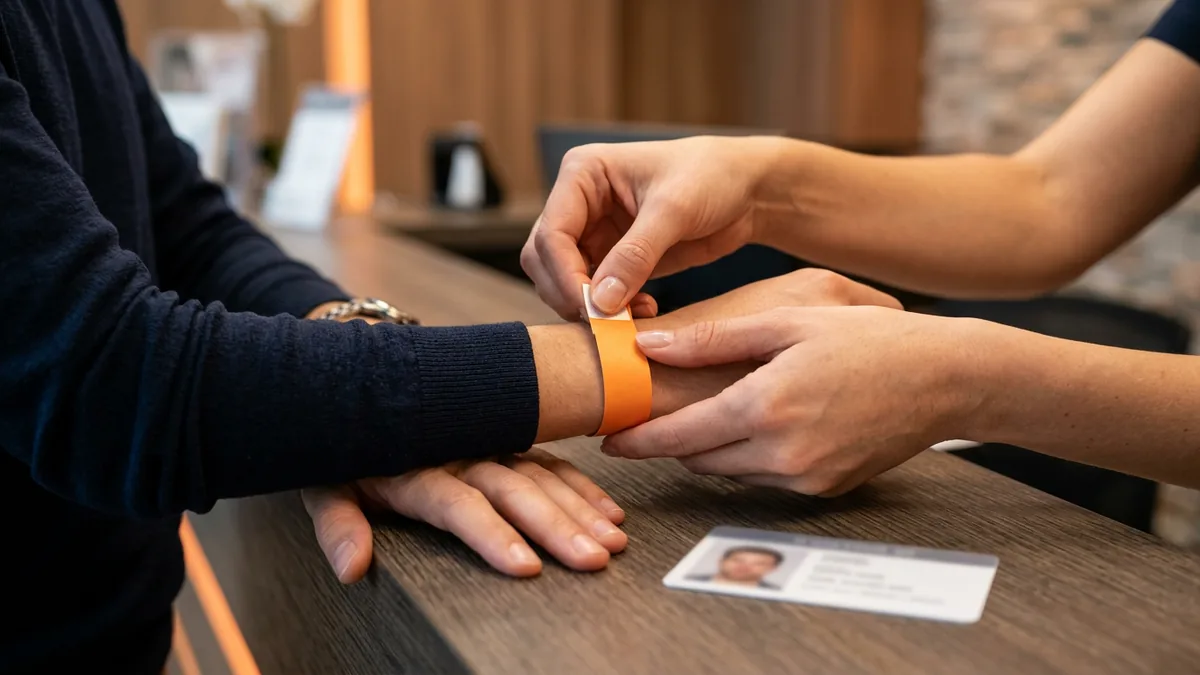
Think of the wristband at a ticketed event. A guard checks your ID once at the gate and snaps a band on your wrist, and after that nobody asks again, because every bar, every door, and every staffer trusts the band. Steal the band and you walk in as someone else. Simple.
Microsoft 365 works the same way. You prove who you are with a password and a prompt, and the service hands your browser or app a token that says, in effect, this person already passed. Microsoft’s security team explains that the session cookie exists so you don’t have to sign in again on every new page you visit. Whoever holds a copy gets the same courtesy.
MFA checks you once. The token is what Microsoft 365 trusts for everything after.
How a Fake Sign-In Page Gets Around MFA
Here’s the part dealers don’t expect. The fake page doesn’t have to beat MFA. It just has to sit in the middle. Security people call it adversary-in-the-middle phishing, or AiTM. Microsoft’s playbook names AiTM phishing kits as one way a token theft attack can start, and Microsoft’s security team documented a large AiTM campaign that stole passwords and sign-in sessions even from users who had MFA turned on.
The order goes like this. You click a link in an email. The page that loads looks like Microsoft’s sign-in screen, because it’s a proxy passing the real Microsoft sign-in through to you. You type your password, the page hands it to the real Microsoft, which asks for MFA, and the page shows you that prompt, so you approve it and Microsoft issues the token. To the attacker’s server. They keep a copy and send you on to the real Office page, so nothing looks broken on your end. That’s the whole trick.
CISA describes the simpler version in its phishing-resistant MFA fact sheet from October 2022: a page that mimics a company’s login portal, where the user submits a username, a password, and the six-digit code from an authenticator app. Same result. The attacker has what they need to sign in as you, as long as they use it quickly.
Training is supposed to catch this. In my experience dealers aren’t doing the training they’re supposed to be doing, and phishing training is one of the things everyone has forgotten about.
The prompt was real. The page wasn’t.

Is Phishing the Top Way Attackers Get In?
Phishing is one of the most common ways in. The data says it isn’t number one, so I won’t tell you it is. The Verizon 2026 Data Breach Investigations Report puts exploited vulnerabilities first at 31% of breaches by initial access, with phishing at 16% and credential abuse at 13%, for breaches from November 2024 through October 2025.
Microsoft’s numbers point somewhere else. In incident response engagements covered by its Digital Defense Report 2026, phishing as an initial access vector jumped from 7% to 23% year on year, according to Microsoft’s own summary of the report. Its Defender Experts data, a different dataset, puts phishing at 11%. The same summary says AiTM made up 45% of the phishing techniques Microsoft identified.
| Source | What it counted | What it found |
|---|---|---|
| Verizon DBIR 2026 | Breaches from November 2024 to October 2025, by how the attacker first got in | Exploited vulnerabilities 31%, phishing 16%, credential abuse 13% |
| Microsoft Digital Defense Report 2026 | Phishing as the way in, in two Microsoft datasets | Incident response engagements: up from 7% to 23% in one year. Defender Experts data: 11% |
Two reports, two methods, two answers. Both can be true. Neither one makes phishing rare.
What Does a Stolen Session Look Like in the Sign-In Log?
A stolen session rarely looks like an attack. It looks like your own user, signed in from somewhere new, doing ordinary things a little too fast. Microsoft’s playbook lists the same handful of signs, and most of them sit in the sign-in log, the audit log, or the mailbox itself.
- Anomalous token. Microsoft Entra ID Protection raises this alert when a token has atypical characteristics or turns up from an unfamiliar location. It’s Microsoft’s own flag that someone may be replaying one.
- A sign-in the user never made. The right account from the wrong country, or from a device nobody at the store owns. Microsoft says unfamiliar non-interactive sign-ins deserve immediate attention.
- A new way to sign in. An authenticator app or an email method added to the account around the same time as the odd sign-in. Microsoft’s cleanup steps include deleting methods like these before the account goes back into use.
- New or edited mailbox forwarding rules. In the campaign Microsoft documented, the attackers also built an inbox rule to hide replies from the people they were defrauding.
- Bulk downloads. One user suddenly pulling files they’ve never touched.
Licensing matters here. Microsoft says full details on most risk detections require Microsoft Entra ID P2, and the anomalous token detection is one of its premium ones. Business Premium comes with Entra ID P1. So find out what’s actually switched on, and then ask who reads it, because a detection nobody reads protects nobody. That’s why our Microsoft 365 breach assessment goes looking for signs that someone is already inside instead of waiting for an alert.
The log has the answer. Somebody has to read it.

Which Microsoft 365 Settings Close the Door?
A handful of settings and habits cut MFA token theft down: require a managed device for sign-in, turn on token protection where it works, use an MFA method that’s hard to relay, and have a plan that revokes sessions instead of only resetting passwords. No single one is perfect.
- Require a managed device. Conditional Access can require that a sign-in come from a device marked as compliant, and Microsoft’s own AiTM guidance recommends policies such as compliant devices or trusted IP address requirements. An attacker’s server isn’t one of your managed devices. Business Premium includes the Entra ID P1 license Conditional Access needs, as we cover in what Business Premium does and doesn’t cover.
- Token protection, for the apps it covers. It’s a Conditional Access session control that accepts only sign-in tokens bound to the device they were issued to, so a stolen one can’t be used from another device. Per Microsoft’s documentation, it covers desktop apps on registered Windows devices today, Apple devices are in preview, and browser support is a preview limited to a few Azure apps. So it doesn’t cover Outlook on the web, which is where the attackers in Microsoft’s AiTM case used the stolen session. That’s the catch. Microsoft recommends starting with a pilot group in report-only mode.
- The authenticator app, not texts or emails. CISA says SMS and voice codes “should only be used as a last resort MFA option,” and lists app-based codes and push with number matching among the best choices for small and midsize businesses that can’t move to phishing-resistant MFA yet. The authenticator app is the method we recommend to clients today.
- Phishing-resistant MFA. CISA calls it the gold standard and says “The only widely available phishing-resistant authentication is FIDO/WebAuthn authentication.” Passkeys are FIDO credentials tied to your account on the real website, which is why the FIDO Alliance calls them phishing-resistant, and Microsoft’s AiTM guidance recommends FIDO2 or certificate-based sign-in for the same reason. Setup is harder for dealership staff and lost phones cause problems, so treat it as an option to discuss, not a switch to flip this week.
- Revoke, don’t just reset. When a session looks stolen, Microsoft’s playbook lists the whole cleanup: disable the account, revoke current tokens, reset the password, delete any sign-in methods the attacker added, and delete suspicious inbox rules. A password reset alone skips most of that list.
- Keep phishing training alive. Our security awareness training for dealership employees teaches staff to spot phishing emails and report them.
For background on managing sign-ins centrally in Microsoft Entra ID, formerly Azure AD, see our post on identity and access management for dealerships. All of these are tenant settings, and every one is somebody’s job. Our managed Microsoft 365 for dealerships page lays out who owns what.
A setting nobody owns is a setting nobody checks.

What We Hear When We Bring This Up
“We turned MFA on for everybody, so we’re covered.” That’s the right first step. Microsoft’s security team says MFA is still very effective at stopping a wide variety of threats, and that its effectiveness is why AiTM phishing emerged in the first place. It was never built to stop a session that’s already been approved.
“My people would never fall for a fake page.” In the campaign Microsoft documented, the fake page sat between the user and the real sign-in, then sent them on to the real Office page, so there was little for the user to notice. Plan for the day somebody signs in on one.
“So just buy everybody passkeys.” Good instinct, rough execution. Setup is hard for dealership staff, and lost phones cause problems. Start the conversation, don’t force the rollout.
“What would they even do in a mailbox?” Move money. In Microsoft’s AiTM case, attackers searched finance email threads, hid replies with an inbox rule, and launched payment fraud in as little as 5 minutes after stealing the session. The wire fraud a hijacked mailbox usually gets used for is the subject of our email security for dealerships page.
Before You Call Your IT Provider
So what exactly gets stolen?
Can MFA stop token theft at all?
Does changing the password end it?
Are passkeys worth the trouble for a dealership?
Is Business Premium enough to stop this?
Turning MFA On Was Never the Whole Job
MFA is still the right first move, and a store that hasn’t done it should stop reading and do it. The next step is the one the CFO’s story points at, which is to decide which devices can sign in, pick an MFA method that’s hard to relay, and make sure somebody reads the log.
If you’re not sure where your tenant stands, start with our complimentary IT and cybersecurity assessment. If you’re worried a session has already been taken, the Microsoft 365 breach assessment hunts for it.
Turning MFA on was the start of the job.