
An OEM portal outage can stop parts ordering, warranty and repair information, scan-tool connections, and captive-lender credit at a dealership whose own DMS is running fine. The plan for one says who calls booked customers, how parts handles open orders, how F&I holds a deal, and who talks to the manufacturer.
Last updated: November 16, 2026
On Tuesday, Oct. 27, 2026, Honda and Acura dealers who tried to log in to iN, the Interactive Network portal they use for daily parts and sales work, got an error message instead. It opened with “iN Service Disruption: We are currently experiencing an issue that has made iN unavailable and is preventing transactions from being processed successfully.” Honda had taken the system offline after a cybersecurity incident, CDG News reported.
Then it came back. Then it went down again. “After restoring iN services, we experienced technical challenges and took the system back offline,” a Honda spokesperson told CDG News on Oct. 30, adding that “there could be intermittent outages over the next several days.” I’m not going to guess at the cause. That’s Honda’s investigation to run, and a guess doesn’t help one customer sitting in your service drive.
What stands out in the dealers’ accounts is that none of it was the dealers’ own technology. Not one piece. The problem was the manufacturer’s portal, not the DMS or the store network, and a surprising amount of the store’s day ran through it. That’s why a dealer portal outage belongs in your dealership cybersecurity planning even though nothing in your building was attacked.
Our DMS outage plan covers the morning the dealer management system goes dark. This is the other morning, when your own systems are fine and the manufacturer’s aren’t. I’ve spent nearly 30 years doing IT only for car and truck dealers, and what I want to be known for is simple: we take care of the IT so you can sell and service cars. An OEM outage is humbling on that score, because neither you nor your IT provider can fix the manufacturer’s portal. What you can do is decide ahead of time what every department does until it’s back.
That’s the plan. It fits on a page.
What Does a Dealership Lose When the OEM Portal Goes Down?
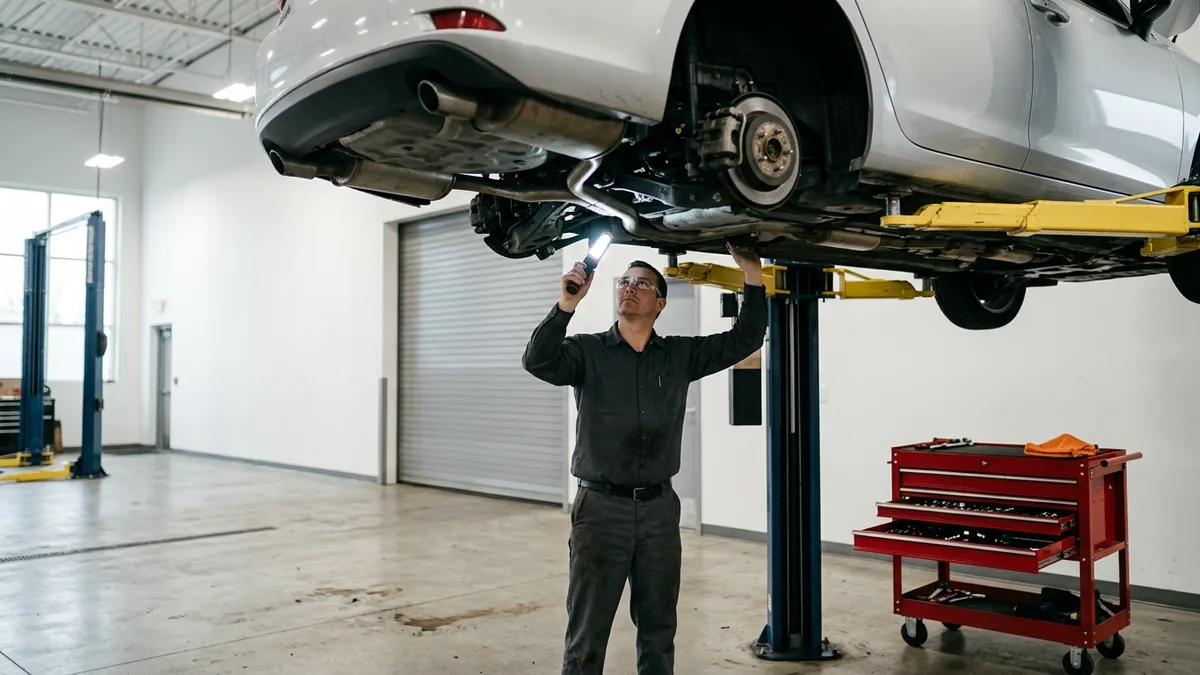
When the manufacturer portal is down, the work that runs through the manufacturer can go down with it. CDG News put the short version in one sentence: “Without access to the portal, dealers can’t submit finance applications, access recall alerts, view new incentive information, or work on more complicated repair orders.” It added that the list wasn’t exhaustive, and dealers who talked to CDG filled in the rest.
- Parts ordering.
- Warranty and repair manuals.
- The scan tool’s connection. Techs couldn’t connect HDS, the Honda Diagnostic System, to read trouble codes.
- Captive credit. One Honda general sales manager told CDG News that “finance can’t run or submit credit.”
- Recall alerts and new incentive information, both of which come through the portal.
- Complicated repair orders.
- Sales tools, too: “sales can’t see their inventory, dealers can’t RDR vehicles, can’t pull customer payoffs,” the same manager said.
Read that list again and notice where each item runs: through the manufacturer, not through anything in your building. Your DMS can be humming along and the service drive can still stall, which is exactly what makes this kind of outage so confusing in the first hour.
It’s the manufacturer’s outage and your customers’ morning.
The Portal-Down Plan, Department by Department
Here’s how I’d write it down: one row per department, a name in the last column, and the whole thing on one page so a manager can find it without logging in to anything.
| Department | What can stop | What to do instead | Who owns it |
|---|---|---|---|
| Service | Warranty and repair information, recall lookups, scan-tool connections, and more complicated repair orders | Call customers booked for work that needs the portal, recalls first, before they arrive. Keep the bays on work that doesn’t. | Service manager |
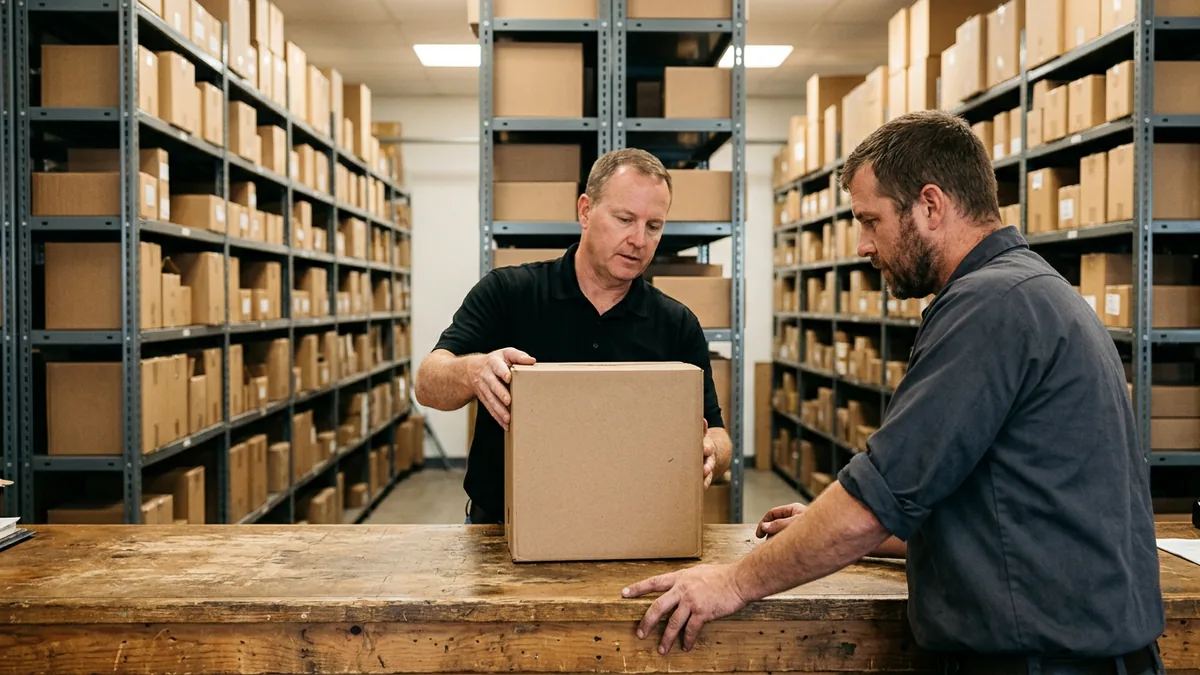
| Parts | Ordering, receiving, and tracking what’s already on order | Look walk-in parts up in a third-party catalog. Keep a printed list of open special orders with the date each customer was promised, and promise no new dates. | Parts manager |
| F&I | Credit applications to the captive lender | Hold the deal with a refundable deposit and keep a callback list for the day the lender is back. | F&I director |
| Sales desk | Inventory in the portal, customer payoffs, and incentive information | Confirm any incentive with your manufacturer rep before quoting it, and finish the manufacturer’s side of each deal once the portal returns. | Sales manager |
| Management | Word from the manufacturer | One person calls the manufacturer’s rep or dealer support line, logs each update, and passes it to the department heads. | General manager |
| IT | Knowing whether it’s the portal or the store | Rule out the store’s internet and network first, and then warn staff about emails that use the outage as bait. | Your IT provider |
Running a heavy truck store? Our truck dealership parts counter outage plan covers the counter’s side of an outage, from the early shift to fleet accounts. Either way, the last column matters most.
A row without a name doesn’t have an owner.
What Should You Ask Your OEM and Vendors Before the Next Outage?
Ask each one how it would detect and respond to a breach, what backup it has if its main system goes down, how it will reach you during an outage, and how work done in the meantime gets submitted afterward. Get the answers early. Get them from a person with a name.
That first part comes straight from CDG’s note to dealers after the outage: “Ask your OEMs/vendors how they’d detect and respond to a breach, and what backup resources they have if the main hub goes down. After that, establish a backup-of-a-backup for if those resources aren’t available either.” Here’s what I’d put on the list for your manufacturer’s rep:
- How would you detect and respond to a breach, and how would we hear about it?
- If the portal is down, is there another way to place a parts order or submit a credit application?
- How will you tell us it’s down? The same general sales manager told CDG News that “even if we call, the lines are down,” so ask for a channel that doesn’t depend on the system you’re waiting on.
- How do warranty claims for work done during an outage get submitted once you’re back?
- Who’s our contact during an outage, by name?
- What will you need from us when the system comes back?
- Last, the one you ask yourself: if their backup isn’t there either, what’s ours? That’s CDG’s backup-of-a-backup.
NIST’s Cybersecurity Framework 2.0, which is designed to help organizations of all sizes and sectors, makes the same point in one line: “Relevant suppliers and other third parties are included in incident planning, response, and recovery activities.” For a franchised store, it’s hard to name a more relevant third party than the manufacturer. The same framework says “Suppliers are known and prioritized by criticality,” which is a polite way of telling you to write the list down and rank it.
Then ask your DMS provider and your CRM vendor the same questions. When a vendor incident is about data rather than downtime, our post on what dealers should do after the VinSolutions incident picks up from there.
Get the answers in writing while everybody’s in a good mood.
What Dealers Did During the Honda iN Outage
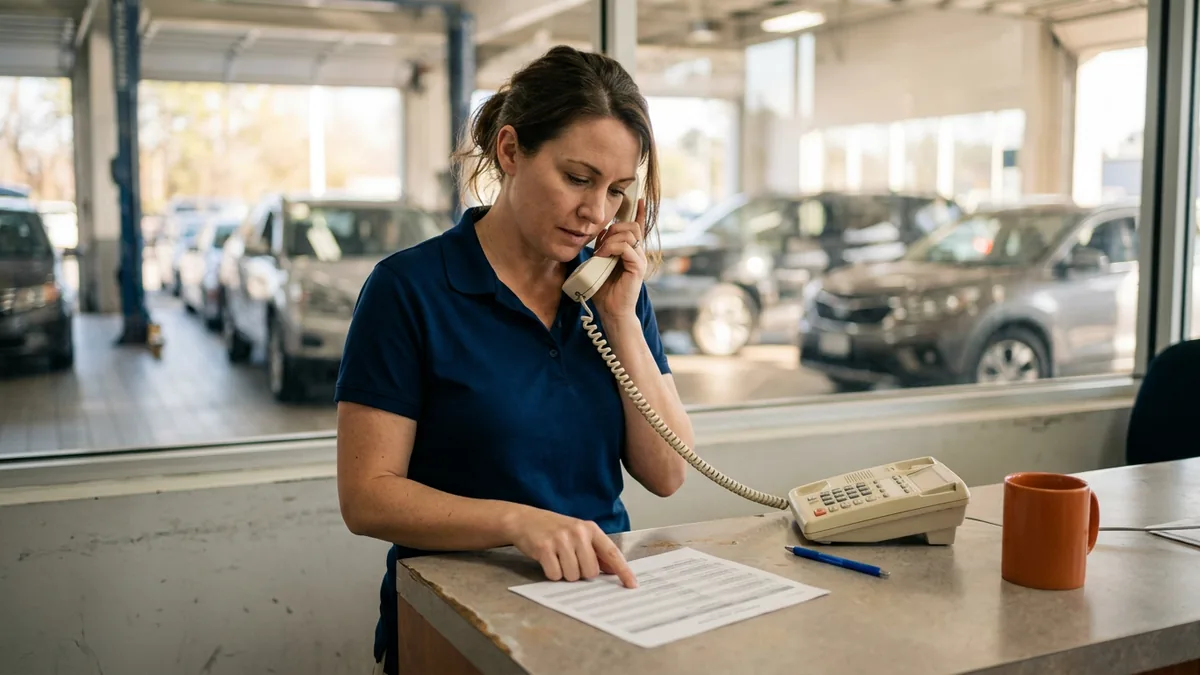
Car Dealership Guy collected what dealers actually did in a Nov. 3 Market Pulse, pulled from its Daily Dealer Live episodes and its own reporting, and honestly I’d hand that list to any fixed ops director I know. None of it was complicated, and none of it needed the portal.
The service drive story comes from Eddie Palomba, parts and service director at McGovern Automotive in the Boston area, and the first three items in the list near the top of this post come from him. He talked about the outage on an Oct. 30 episode of Daily Dealer Live, and what his team did once they knew the recall work wasn’t happening is the move I’d copy first: “We started contacting customers who had appointments for recalls that we knew we weren’t gonna be able to do. So we were basically trying to contact customers as quickly as possible so we didn’t inconvenience them further.”
I took a two-year detour through culinary school once, and my internship at the Ritz-Carlton in Washington, DC, was built around the customer’s experience. It shaped how we treat people at Helion Technologies. A customer who learns about your outage by sitting in your drive for an hour doesn’t care whose portal it was.
On the F&I side, the same general sales manager, who spoke to CDG News anonymously, said finance couldn’t run or submit credit. Their store is “a 70% lease store,” so that hurt, and they asked customers for refundable deposits to close the deals. “They understand once our captive lender is up, we’ll give them a call to schedule them back in,” they said. That keeps the customer in the deal, and nobody has to pretend the lender is open.
Parts is the one I’d worry about. Another Honda operator in the South told CDG News that with ordering and receiving down, their store used third-party parts catalogs to handle walk-in customers. Parts already promised to customers by a specific day were the harder problem, and CDG put it bluntly in its list of don’ts: “Don’t: Promise a parts date an outage might make impossible to track.” I’d tape that one to the counter.
Is It the Portal or Your Own Network?
The first question in an outage is a simple one: is it us or them? With iN, Honda answered it on the login screen with that “iN Service Disruption” message. You won’t always get one.
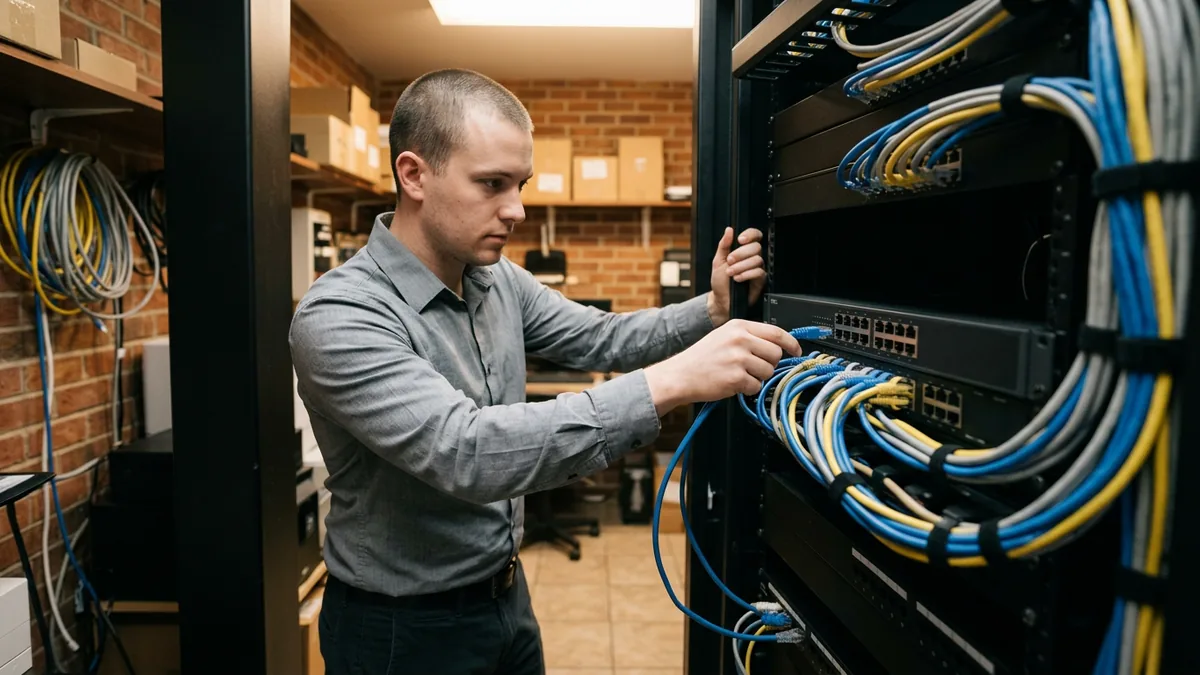
So check your side first. Can the same computer reach other websites? Can a second store in your group get into the portal? If everything else loads and the portal still won’t, the problem probably isn’t yours. If nothing loads, start with your own internet line. Our guide to internet failover for dealerships covers the second line that keeps a store online when the first one drops.
One more thing. While the manufacturer works its incident, expect email that uses the outage as bait, and treat any message about it that asks someone to log in somewhere new or reset a password as suspect until your rep confirms it by phone. CDG’s first “Do” from these incidents was “Tighten access as soon as a vendor is hit, even if you see no impact.” When the portal comes back, that’s a good day to check who still has a login and remove anyone who’s left the store.
And no finger-pointing. Three managers blaming three vendors while customers wait is a mess, and a quick check followed by one phone call ends it.
Check your side. Then call theirs.
Who Owns the Plan, and Where Does It Live?
IT people, and I’m one of them, tend to love technology for its own sake and forget the business it serves. It’s not a technology plan. It’s about which customers get a phone call and which deals get a deposit, so a business person should own it: your fixed ops director or service manager, with the GM as the backup and IT checking whether the problem is the store or the portal. Who owns that? One name at the top of the page, and a second name for the days the first one is off.
No new binder needed. Put the portal page in your business continuity plan, next to your manufacturer’s dealer support line in the contact tree. If the manufacturer’s outage ever turns into a question about your data, the security side runs through your incident response plan. And your store’s own data is what backup and disaster recovery is for.
We run managed IT and cybersecurity for 2,000-plus dealerships as one integrated team, and our security monitoring runs 24/7 with live, US-based analysts. None of that fixes a manufacturer’s portal, and I’d be suspicious of anyone who told you it did. What it does is cover your side of the line: the network, the internet connection, and the systems we watch while the manufacturer works its own incident.
One page, filed in the plan you already keep.
Short Answers for the Next Portal Outage
Our DMS was up the whole time. Why couldn’t we work?
How long should we plan to be without the portal?
Can we keep doing recall and warranty work while it’s down?
So what can our IT provider actually do about it?
We’re not a Honda store. Why is this on our list?
Plan for the Morning You Can’t Fix
Here’s the part I keep coming back to. Whose portal went down is the first detail your customers forget, and what sticks is whether you called before they drove in, whether their deal held, and whether the part showed up on the day you said.
If you’d like an outside look at where your own technology and security stand before the next outage, start with our complimentary IT and cybersecurity assessment. It’s a no-cost, no-obligation review of your current setup, security posture, vendor spend, and compliance standing, and the findings come back in writing. The portal page is yours.
Write the page while the portal’s up.