Resources
Blog
Latest Articles
Showing 91–99 of 371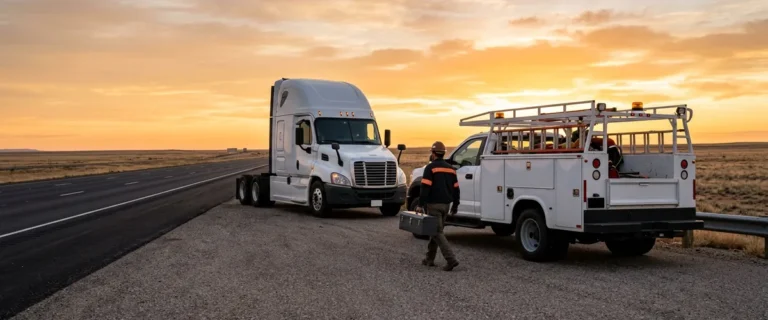
Securing Mobile Service Trucks and Technician Tablets at Heavy Truck Dealerships
Mobile service truck security comes down to four things: a dealer-owned cellular connection, a personal DMS login with multi-factor sign-in for every tech, tablets…
Co-Managed SOC for Dealer Groups: Sharing Security Monitoring With Your Internal IT Team
A co-managed SOC lets your dealer group's IT team keep running IT while analysts watch alerts overnight. Who isolates a PC, who decides, and…
How to Connect Generative AI to Your DMS Without Exposing Customer Data
To connect generative AI to your DMS without exposing customer data, keep the data in one private, access-controlled store, give the AI read-only access…
Get Your Complimentary IT & Cybersecurity Assessment
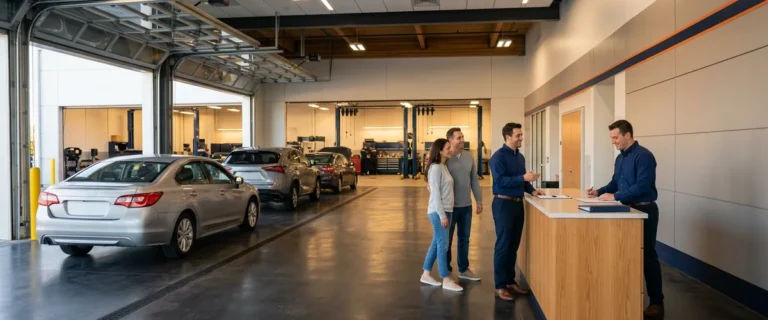
Help Desk Metrics for Dealerships: The Numbers a Dealer Principal Should Ask For
Help desk metrics for dealerships: time to a live person, first-contact resolution, reopen rate, resolution time, satisfaction, and what a bad trend looks like.
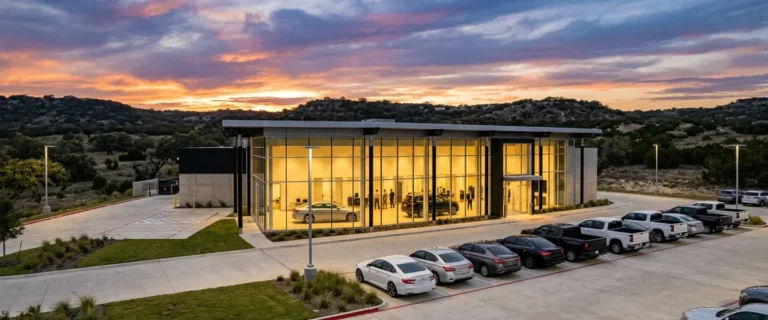
Texas Data Privacy and Security Act: What Car Dealerships Must Do
The Texas Data Privacy and Security Act usually doesn't apply to a car dealership that arranges financing or leases vehicles, because it exempts Gramm-Leach-Bliley…
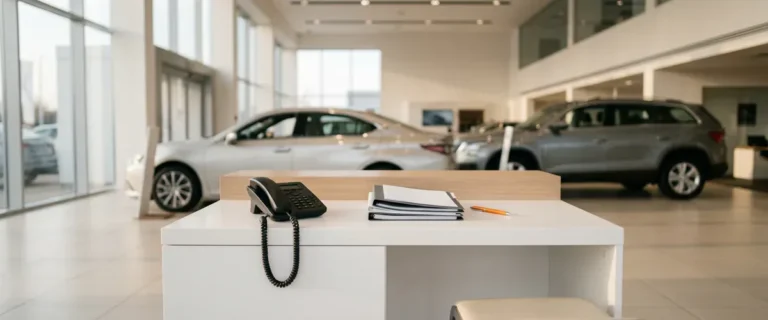
Leaving CDK for Tekion? Rethink Your Phones and Network Too
Moving from CDK to Tekion replaces your DMS, but it doesn't end the phone and network agreements that may have come with it. Those…
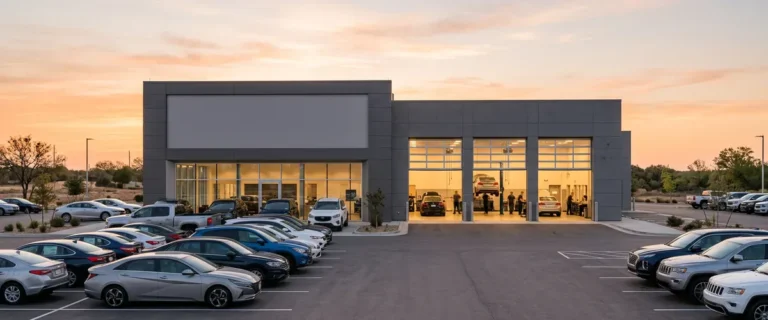
MSP vs MSSP: Which Does a Dealership Need?
An MSP runs a dealership's day-to-day IT: the help desk, network, PCs, printers, and backups. An MSSP watches for cyberattacks around the clock from…
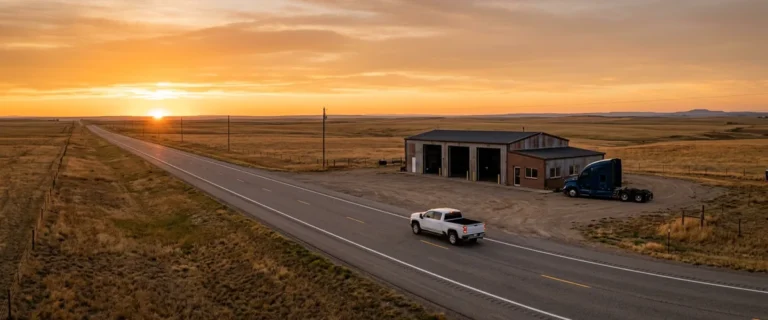
IT Support for Remote Truck Dealership Branches: Field Service When the Nearest Tech Is Hours Away
Remote branch IT support for a truck dealership is a remote help desk that fixes most problems from a distance, spares and a documented…
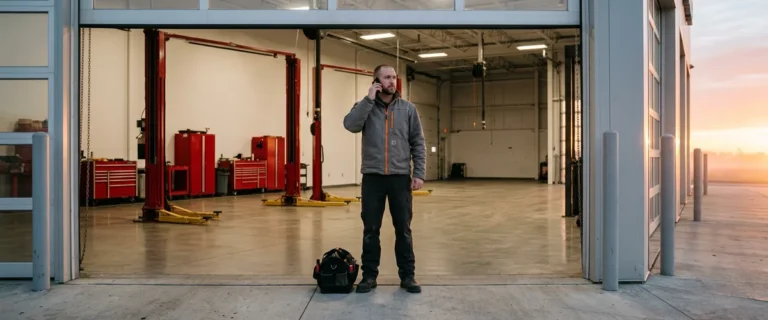
Onsite vs Remote IT Support at the Dealership: When You Need a Technician in the Building
Remote IT support fixes a dealership problem over the phone or a shared screen, and onsite IT support sends a technician into the building.…
Confidence in your current setup and actual protection aren't always the same thing. The only way to know which one you have is to look.
Get Your Complimentary IT & Cybersecurity Assessment →