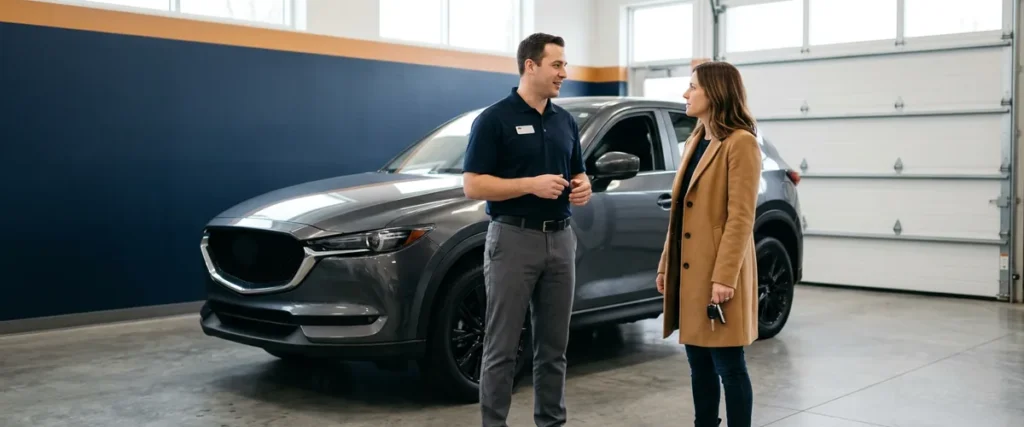

Slow technology can pull down a dealership’s CSI score by stretching the service visit a customer is asked to rate: the write-up at the counter, the car’s time in the shop, status updates, and the wait in the lounge.
Last updated: November 25, 2026
You’ve got old laptops in the shop that the techs use to program cars. When one of them drags, a car that should be on the lift for 10 minutes can sit there for an hour while a download crawls along. The customer never sees that laptop. They see the hour.
Then a survey may show up asking how the visit went, and the customer answers with the hour. They never saw a slow laptop. To them, it was a long visit.
I’ve spent nearly 30 years working only with car and truck dealerships, and we work with 2,000-plus of them today. This post is about the service-drive end of that work in IT support for automotive dealerships: where technology shows up in a service visit, what it can do to your score, and what to check first. It’s written for the dealer principal and the service director.
What Is a CSI Score, and Why Does It Carry Money?
A CSI score, short for Customer Satisfaction Index, is the rating an automaker gives its dealers from the surveys customers fill out after a visit, with SSI, the Sales Satisfaction Index, on the sales side. Automakers use the scores to gauge how dealers treat customers, and bonus programs can be tied to them.
J.D. Power uses the same three letters for its U.S. Customer Service Index study, which measures satisfaction with dealer service brand by brand. Different survey, same idea. The bonus programs below run on the automaker’s scores.
The program details aren’t public. James Bragg, in a guide for car buyers on Clark Howard’s site, wrote that “no one can tell you who’s got what targets.” He did lay out the shape of them, though. He described the bonus programs as “almost always tied to a separate CSI/SSI element,” and wrote that dealers with scores below “some threshold level may receive minimal cash bonuses or none at all, regardless of their sales performance.” Carrot and stick. His piece, dated March 2017 on the site, was written for the customer filling out the survey, and it reads just as well from the dealer’s side of the counter.
The scores matter enough to show up in state law. North Carolina law, at G.S. 20-305(51), sets rules for how a manufacturer measures a dealer’s “sales, service, or customer satisfaction performance,” and when those measures rest on a survey, it says the survey “must be based on a statistically significant and valid random sample.”
And the bonus isn’t the only money riding on the visit. Cox Automotive’s 2025 Service Industry Study found that car owners who get their car serviced at the dealership are “much more likely (74%) to buy their next car from the same place.” That’s the next car.
Either way, money rides on the visit.
Where Does Technology Show Up in a Service Visit?
Technology shows up at nearly every step of a service visit: the write-up at the counter, the time the car spends in the shop, the updates while they wait, the lounge, and the cashier at the end. Customers don’t see any of it when it works. They feel it when it doesn’t.
| Part of the visit | The technology behind it | What the customer notices when it’s slow |
|---|---|---|
| Arrival and write-up | The advisor’s PC, the DMS session, the repair order printer | A longer wait at the counter, and a longer line behind them |
| Time in the shop | Diagnostic laptops, programming sessions, bay Wi-Fi | The car is ready later than they were told |
| Updates while they wait | The phone system, business texting | Silence, or a call that rolls to voicemail |
| The lounge | Guest Wi-Fi | Time they planned to use, lost |
| Pick-up and payment | The cashier’s PC, the card reader, the invoice printer | One more wait, right at the end |
Cox asked owners what frustrated them, and the full study lays it out. Among the 45% who had a frustration at a dealership, the top one, at 24%, was “Service took longer than expected.” Time came first. Cox’s release named unexpected costs and poor communication as the main reasons owners were dissatisfied with dealer service. An unanswered phone sits on the communication side of that list.
Slow equipment shows up as time.
Two Minutes at the Printer
An advisor’s PC that takes two extra minutes to print a repair order doesn’t sound like much. Now put three customers in line behind the one at the counter. The math is simple. It’s also ugly. Two extra minutes on each write-up puts the last person in line six minutes behind before their own write-up has even started, and they’ve spent those six minutes watching an advisor wait on a machine.
The cause can be ordinary. An aging PC. A printer driver that broke after an update, or a print queue nobody’s looked at since it was set up. Somebody has to time it. Then you’ll know.
The lane moves at the speed of its slowest printer.
The Car on the Lift for an Hour
Programming a module, which technicians call flashing, means the laptop talks to the car and to the manufacturer’s servers for the whole session, over the shop’s network. Put an old laptop or weak bay Wi-Fi in that chain, and a 10-minute download can turn into the hour I opened with. It gets worse. An interrupted session can also cost a module, which we covered in vehicle flashing over shop Wi-Fi.
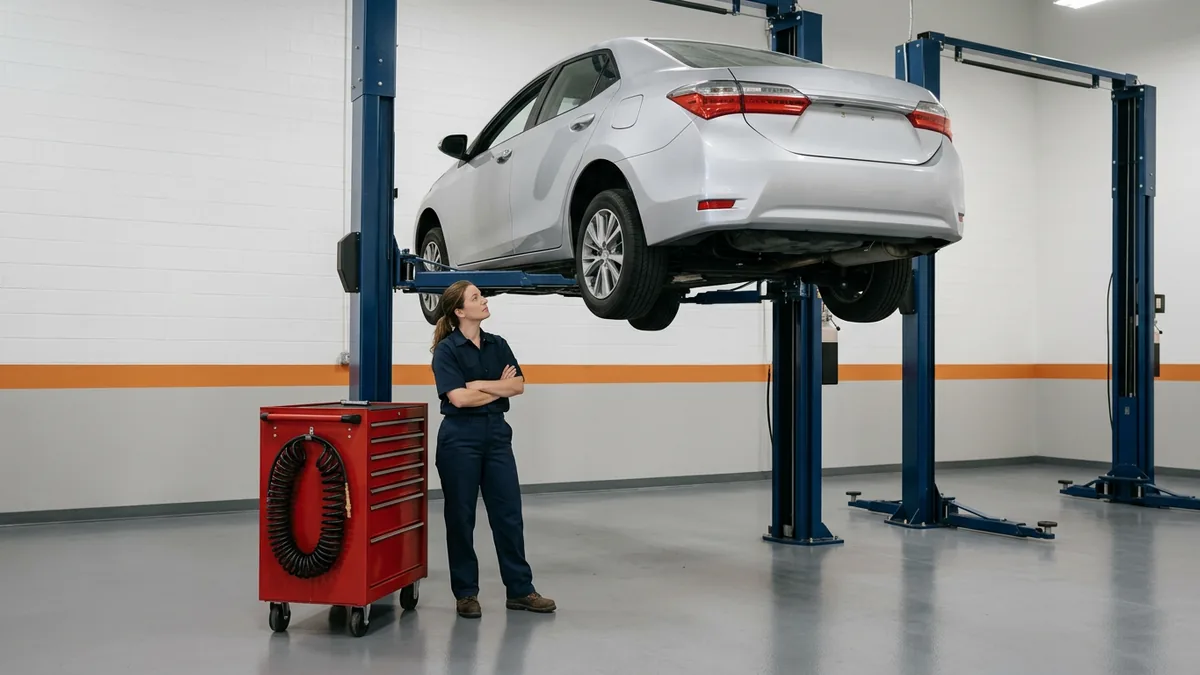
The hour hurts twice. The customer’s car is late, and the bay it’s sitting in isn’t turning the next car. We run the shop as part of managed IT for dealerships, and our page on service department IT covers what that includes: bay Wi-Fi, diagnostic laptops, technician logins, and shop printers.
An hour on the lift is an hour the next car waits.
The Phone Nobody Answers, and the Lounge Wi-Fi
There are two more places where the survey can pick up technology, and neither one is in the shop. You can check both yourself. A customer who calls to ask whether the car’s ready and gets the service line rolling to a full mailbox has no reason to think about the phone system. To them, it can feel like nobody’s paying attention. Alexis Merchant’s post on service department call routing walks through how to test yours.
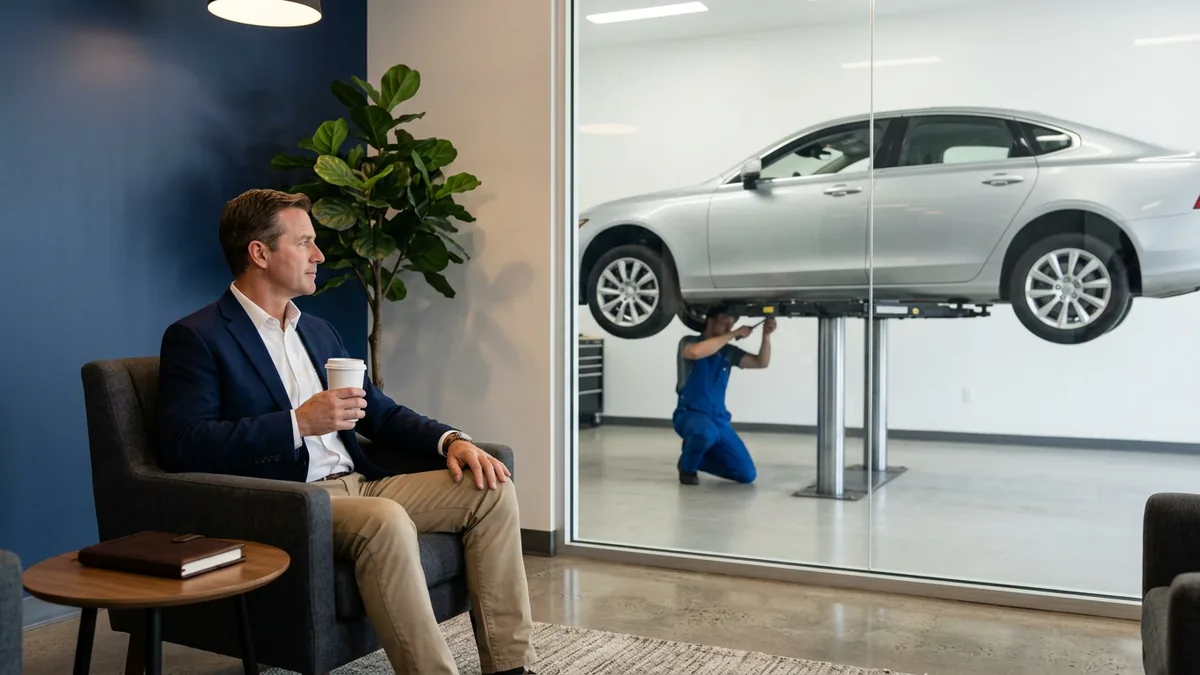
Then there’s the lounge. A customer who planned to answer email for an hour while the car’s in the shop, and can’t get on the Wi-Fi, now has an hour with nothing to do but think about the visit. That’s a long hour. Guest Wi-Fi should be its own network, kept apart from the DMS and the shop, and our post on network segmentation for dealerships explains how that’s set up.
Here’s the question I’d ask about both. Who owns that? If the answer at your store is “whoever set it up,” that’s a real problem.
A New PC Won’t Save a Bad Visit
To be clear, I’m not telling you technology is the whole score. Your people and your repairs carry plenty of it. J.D. Power’s 2025 U.S. Customer Service Index study, as CDG News reported it, found that 12% of repairs weren’t completed correctly on the first visit, most often because the repair didn’t correct the problem (30%) or the needed parts weren’t available (28%). No printer fixes that. Neither does a new access point.
Technology’s job is smaller. What it can do is stay out of the way, so the score reflects your people and your shop. If a customer marks the visit down, it should be for something your team can actually fix.
The equipment shouldn’t be the reason.
“We’ll Replace It When It Breaks”
I understand that one. Dealers are typically very reactive with their IT. They don’t want to upgrade, and they think they’re on the right side of things because they’re saving money. They’re on the wrong side of it, because things break unexpectedly, and in the service drive, unexpectedly can mean with a customer standing at the counter.

For our clients, we keep the entire asset inventory, and we give them an annual plan, updated throughout the year, with a five-year budget and a projection. That’s how our IT asset management for dealerships works, and it means the advisor’s PC gets replaced on a plan instead of on the morning it quits. If you’re trying to decide how old is too old, our post on PC refresh cycles for dealerships covers how to plan and budget it.
Replace it on your schedule, not in front of a customer.
What Should a Service Director Check First?
Start with what customers wait on. Time the write-up on a busy morning, list the age of every PC, printer, and laptop in the drive and the shop, sit with a tech through a programming session, and call your own service line. Then fix whatever is slowest, before the next round of surveys.
- Read last quarter’s survey comments, if your manufacturer’s reports include them, and mark every one that mentions waiting.
- Time three write-ups on a busy morning, from hello to a printed RO in the customer’s hand.
- The equipment list. Age, warranty, and operating system for every PC, printer, and diagnostic laptop in the drive and the shop. Anything still on Windows 10 goes to the top, since Microsoft ended support for it on October 14, 2025.
- Sit with a tech for one programming session. How long did the download actually take?
- Call the service line during the morning rush, from your own cell phone, and see where the call goes.
- Try the lounge Wi-Fi yourself. Then ask IT whether it’s on its own network.
- Put what you found into next year’s budget, slowest and oldest first.
Fix what the customer waits on first.
Questions From the Service Drive
Does the manufacturer know a slow PC hurt our score?
Is lounge Wi-Fi really worth IT’s time?
How old is too old for a service advisor’s PC?
Our CSI dipped last quarter. Is it the technology?
Before the Next Survey Goes Out
We work with 2,000-plus dealerships, and the service drive is where a slow machine meets a customer face to face. A shop laptop, an advisor’s printer, and a guest network all look like small purchases on their own. Together they add to how long a customer waits, and the wait is the frustration Cox’s owners named first.
If you’d like a second set of eyes on yours, our complimentary IT and cybersecurity assessment looks at what’s running, what’s outdated, and where the actual bottlenecks are.
Your customers will grade the morning either way.