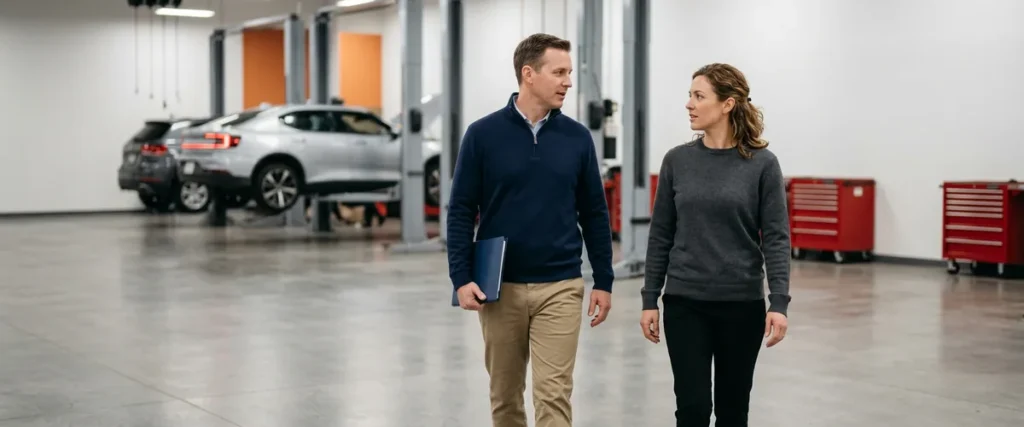

A dealership IT assessment checks for gaps we see again and again: security tools installed but not configured, a single firewall, PCs past end of support, former employees who can still log in, and cloud data with no separate backup.
Last updated: November 25, 2026
Whenever things aren’t going the way I want them, I ask myself one question. What am I not doing?
An IT assessment asks that same question about a dealership’s technology, and it helps when the person asking isn’t standing too close to it. At Helion Technologies we run hundreds of these assessments for dealerships every year, most of them for stores that aren’t our clients. Different brands. Different states. A single rooftop or a big group. The same basic gaps show up regardless of size.
So here’s the list. It’s what a dealership IT assessment usually finds, turned into an IT assessment checklist you can run yourself before anybody walks through your door. How we handle these things day to day is on our managed IT for dealerships page, and what an assessment reviews is on our assessment page.
None of it is exotic. That’s sort of the point.
What Does a Dealership IT Assessment Usually Find?
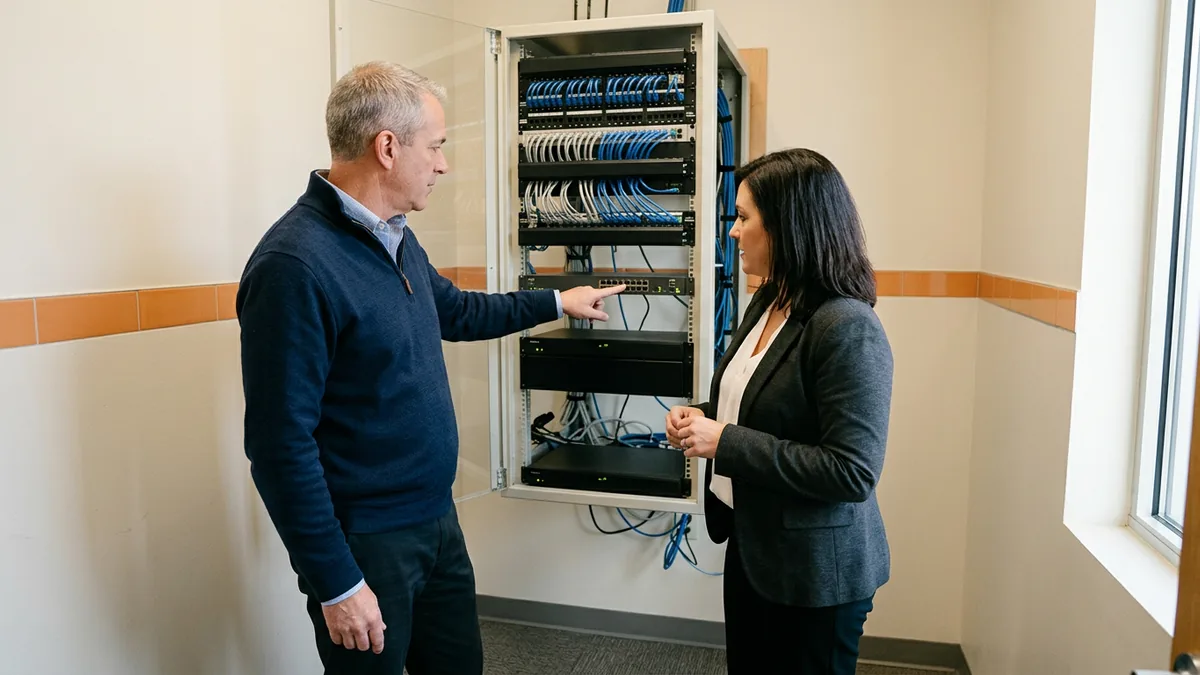
A dealership IT assessment usually finds gaps like these: protection that’s installed but not configured, single points of failure in the network closet, machines past end of support, access nobody took away, data with no separate backup, and rules nobody wrote down. Here’s how each one tends to look.
- Security tools installed but not configured properly. Endpoint detection and response (EDR) is a common example, and some vendor reports that look like security monitoring aren’t.
- One firewall. No second unit standing by.
- Windows 10 PCs still doing real work, next to network gear its maker stopped updating.
- Former employees whose logins still work. We’ve seen people fired 6 months earlier who could still get in.
- New hires set up as a copy of somebody else’s account, every old permission included.
- Microsoft 365 email and files with no backup outside Microsoft. Being in the cloud isn’t the same as being backed up.
- A cyber insurance application signed with answers nobody checked against what’s actually installed.
- No written policy on what staff may put into AI tools, even at stores already asking how to block them.
Eight items. You probably know a few.
An IT Assessment Checklist You Can Run Before Anyone Visits
Start without us. Here’s the same list as an IT assessment checklist you can work through with your office manager and whoever handles IT today, plus where we go deeper on each one.
| What to check | A quick way to check it | Where we go deeper |
|---|---|---|
| Security tools | Ask who reads the alerts, and when somebody last confirmed the protection is on every PC | Dealership cybersecurity |
| Firewall | Open the network closet and count them | Managed firewall services |
| Internet | Ask what happens when the main circuit drops, then find out when anyone last tested it | Internet failover |
| PCs and network gear | List every PC still on Windows 10 and every device whose maker has stopped sending updates | Windows 10 action plan |
| Former employees | Compare the last year of departures against active Microsoft 365 accounts | Offboarding checklist |
| Cloud backup | Ask where the Microsoft 365 backup lives. “In Microsoft” isn’t a separate copy | Cloud-to-cloud backup |
| Cyber insurance | Pull last year’s application and check each yes against what’s really there | Filling out the questionnaire |
| Written policies | Find the signed acceptable use policy and see whether it mentions AI at all | Acceptable use policy template |
Your own pass will catch some of it. A real one takes somebody who knows where to look.
Why Does a Single Firewall Matter So Much?
Think about what goes through that box. Credit applications. Lender portals. Email, and if they’re hosted, the DMS and the phones. If the store has one firewall and it quits in the middle of a busy afternoon, all of it stops together. Erik Nachbahr, our founder, has said that most of the time we find dealers don’t have a second firewall. A firewall can sit in the closet for years doing its job. Nobody touches it. So nobody thinks about it.
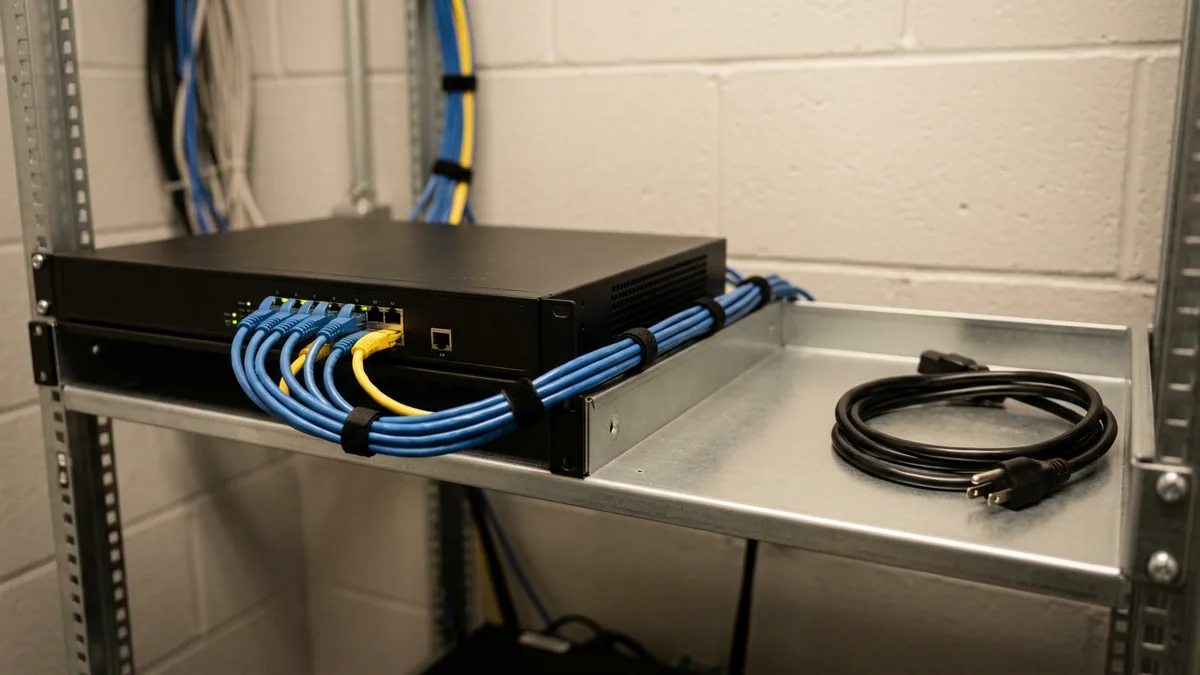
While you’re in that closet, look at the internet lines too. Having two circuits from two carriers is good. Two circuits that both run through the one firewall still leave the store depending on a single box, and our post on keeping a dealership online when the circuit goes down walks through how the pieces should fit.
One box is still one box.
What Happens to a PC After Its Support Ends?
It keeps running. That’s the trouble. Microsoft says that after October 14, 2025, a PC running Windows 10 “will no longer receive security updates,” and that without them it’s “at a greater risk for viruses and malware.” The paid Extended Security Updates program is the exception. Otherwise, pretty clear. That’s from Microsoft’s own Windows 10 end-of-support notice.
From the service drive, though, an old PC looks fine. It boots. It prints the repair order. It opens the DMS, and as far as the advisor is concerned that’s the whole job. Network gear gets the same pass, since a switch whose maker quit shipping updates still moves traffic every day.
Nobody replaces everything at once, and I wouldn’t tell you to. Budgets are real. What you want is a list: every device, what it runs, and when it’s due to go. Our IT asset management for dealerships page covers how we keep that list and turn it into a replacement plan. The Windows 10 post linked in the checklist above covers what Extended Security Updates cost, for a machine with a real reason to wait.
Working and supported aren’t the same thing.
Who Can Still Log In to Your Systems?
More people than you’d think. Two habits keep coming up, and both come from being busy, not careless.
The first is the exit. Say somebody leaves on a Friday. The manager tells HR, HR handles payroll, and if nobody owns the part where every login gets shut off, it doesn’t happen. That’s how we end up finding accounts for people who left months ago. Microsoft is plain about whose job this is. In its shared responsibility guidance for its cloud services, under what the customer keeps “regardless of the type of deployment,” it lists “Accounts – You’re responsible for managing user accounts, including creating, managing, and removing user access.” Removing. Right there in the sentence.

The second is the copy. Say a new advisor starts Monday. The quickest setup is a copy of the advisor at the next desk, and whatever extra access that person picked up over the years comes along for the ride. I understand why it happens. It’s fast. But if the FTC Safeguards Rule covers your store (our post on whether the Safeguards Rule applies to your dealership walks through who it covers), 16 CFR 314.4(c)(1)(ii) requires access controls that “Limit authorized users’ access only to customer information that they need to perform their duties and functions.” A copied account can easily miss that bar. A short template for each role answers the copy habit, and a written exit list answers the other one. Our employee offboarding checklist has the exit steps, and our post on CRM user permissions covers who should see credit applications.
Access should follow the job, not the last person in the chair.
The Gaps That Live on Paper
Some findings aren’t in the closet at all. They’re in a filing cabinet, or they’re missing from one. Erik has made the point that dealers ask how to block AI tools without a policy that says what is or isn’t allowed, above all for customers’ personal information. Our dealership AI use policy template gives you the wording to start from. Then there’s the backup question, because Microsoft’s same guidance says “Data – You’re responsible for your data,” and an email account that lives in the cloud isn’t the same as one with a second copy somewhere else. And there’s the cyber insurance application, signed by someone with authority, whose answers can become part of the policy, so a hopeful yes to a question about EDR running on 100% of your workstations and servers is a statement somebody may check later.
Paper counts too.
Why Do the Same Gaps Show Up at So Many Dealerships?
I spent five years selling CRM solutions to dealers. I know how technology gets bought at a store, because for a while I was on the other side of the desk.
In my experience a lot of it gets bought one piece at a time, from whoever is selling that piece. It can look like this. The carrier sells internet and phones. Somebody else sells the security product. A third company handles the copiers, and a fourth set up the Wi-Fi in the shop. None of them is giving you a technology strategy, because that’s not what any of them sells. Why would it be? Then the phones start dropping calls, the network vendor says it’s the phone system, the phone vendor says it’s the internet, and the dealer is stuck in the middle with a problem nobody owns.
Dealerships also don’t sit still. People come and go. A store gets remodeled, a group buys another rooftop, a new F&I office opens up down the hall, and each of those changes can leave something behind for someone to clean up later.
Here’s the part I’d underline. Confidence in a setup and actual protection aren’t always the same thing, and that’s the most common finding of all. It’s not a knock on the IT person at the store, either. That’s a lot for one person to cover alone: the firewall, the backups, every account, and the insurance form, on top of the printer in F&I. If you’ve got good people and want to keep them, co-managed IT is built for exactly that: your people keep their roles, and ours add coverage around them.
With 2,000-plus dealerships under management, we’ve seen this pattern from a lot of angles. When nobody owns the whole picture, nobody sees it.
What Happens After the Assessment?
The assessment is a review, not a sales pitch, and the steps after it are short.
- An IT expert visits the store or connects remotely, whichever fits.
- Findings get written down in a report that goes to the people who need to see it, so it doesn’t get lost in a hallway conversation.
- You decide what comes next with the full picture in hand. Fix it in-house, shop it around, or work with us. There’s no pressure to sign anything on the spot.

If something urgent turns up, it gets shared with you directly instead of waiting in a report nobody reads.
What you do with it is your call.
Before You Book One
Do we have to be shopping for a new IT provider first?
Our IT person says we’re in good shape. Why bother?
Realistically, how much of our day does this take?
Is it only about security, or does compliance come into it?
What if the visit turns up something urgent?
Every Gap Started as a Shortcut
Copy the account. It’s faster. Keep the PC. It still works. Skip the second firewall. The first one’s fine. None of those calls was crazy on the day somebody made it. They just add up. Quietly, too, which is why a store can run for years without knowing what’s in the pile.
If you want to know which shortcuts your store has taken, start with a complimentary IT and cybersecurity assessment. It looks at your technology setup, your security posture, your vendor spend, your standing against the FTC Safeguards Rule, and whether staff use AI tools outside your security controls. Then you decide what to do about it.
What am I not doing? It’s the question I ask myself, and the assessment is how a dealership answers it.