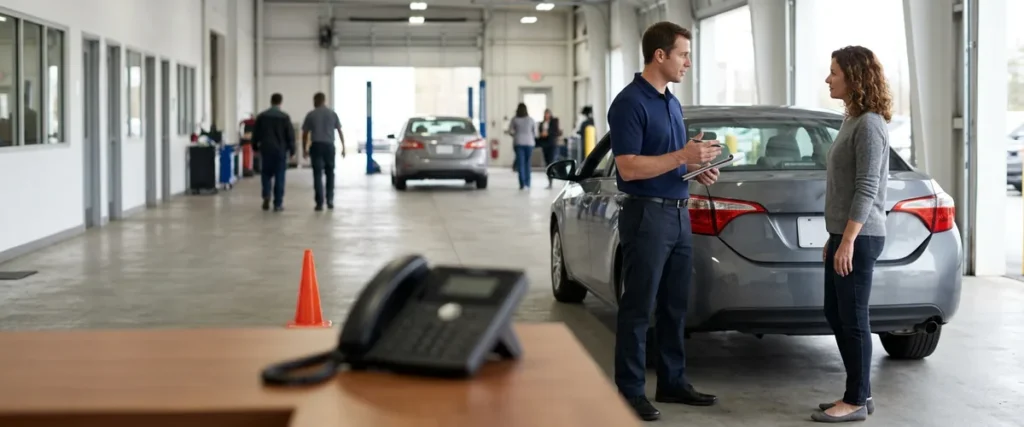

Service department call routing is a set of phone-system rules that sends each caller to the right person, rings the next free advisor when one is busy, and queues a callback when nobody can answer.
Last updated: November 19, 2026
A service advisor has a customer at the counter and a second line lit up. Something has to give. The customer standing there wins. Fair enough. But the caller on line two has now waited through four rings while the advisor does exactly what a good advisor should do, and what happens to that caller depends on how the phone is set up.
I worked my way through college in the detail and service department where my dad was the service manager, and later I wrote service myself, so I’m not guessing about the rush. Nobody is ignoring the phone. In that moment there just aren’t enough hands. That’s the gap.
This post is about the phone side of that problem. Only the phone. A dealership phone system can do more than ring every desk at once, and some of that comes down to setup rather than new equipment, depending on your system. It belongs on the same list as the rest of your service department IT.
Why Does a Missed Service Call Matter?
A missed call to the service lane can mean a missed repair order, and the staffing pressure behind it is real. In the 2021 Cox Automotive Service Industry Study, 57% of dealership respondents said their service department was not fully staffed. That survey is from 2021, so read it as context, not a current count. Dated, but useful. The point still holds: if you can’t add hands, the phone has to make better use of the ones you have.
Picture a Monday morning. A customer has a warning light on and a work schedule that doesn’t bend, so if she gets voicemail, she may not leave a message, and the next shop on her list is one tap away. Time is money in this business.
What Does Call Routing Actually Do in a Service Department?
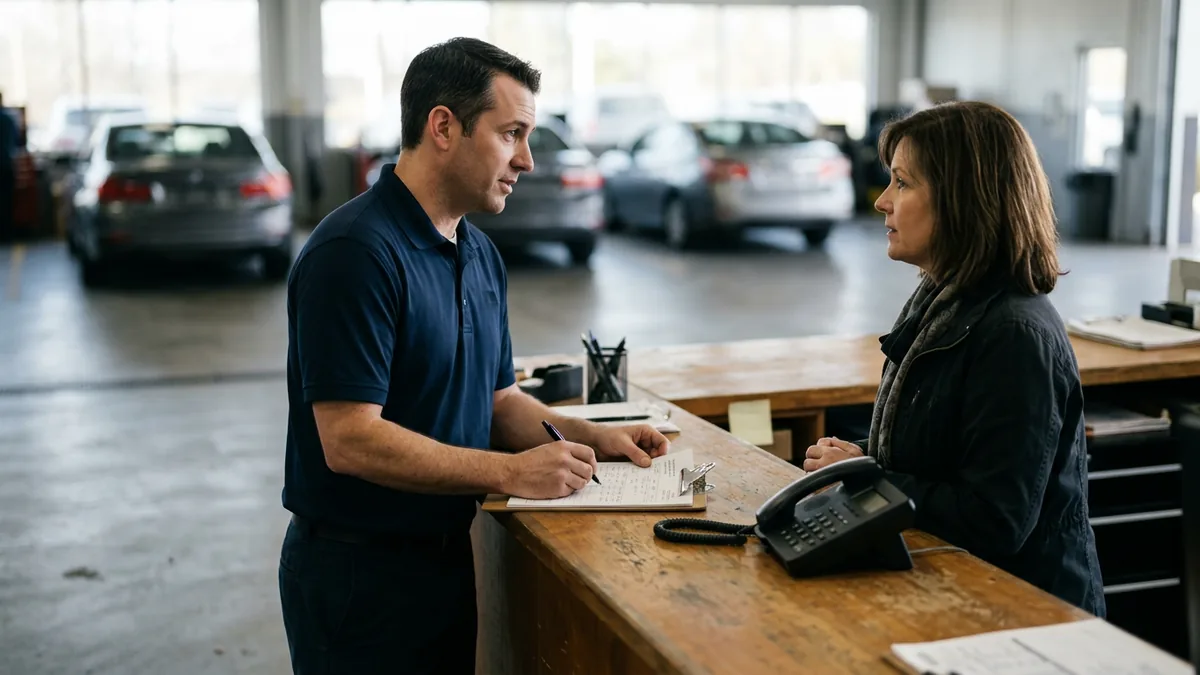
Call routing is a set of rules in your phone system that decides who hears the phone ring and what happens when they can’t pick up. That’s routing. For a service department, that means appointment calls reach advisors, status calls reach the right desk, and unanswered calls roll to someone else or into a callback queue instead of dying in voicemail.
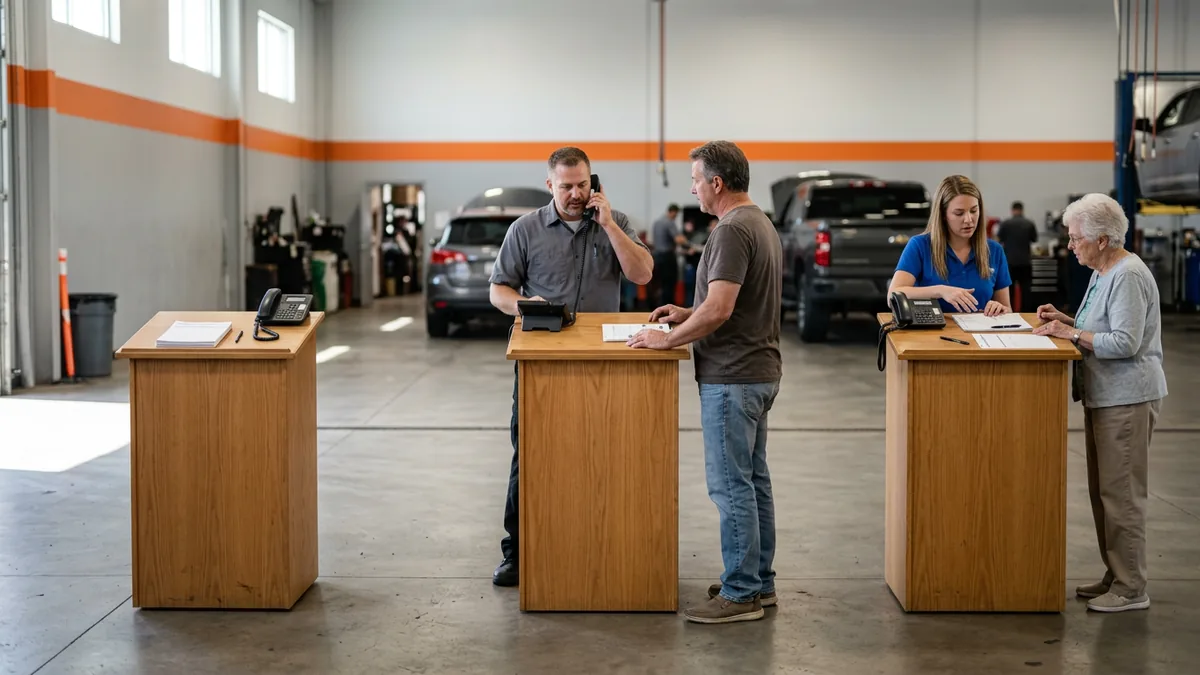
Think of a service drive with one podium open and four cars waiting, because you wouldn’t fix that by asking the customers to be patient, you’d open another podium. Routing is how the phone opens another podium. Same staff, more doors. Here’s what that looks like.
- A menu that sorts by reason for calling. Appointments go to one advisor group, “where’s my car” goes to a status desk, parts questions go to the parts counter. Keep the menu short, because a long one is easy to give up on.
- Hunt groups that ring the next free person. Simple. If the first advisor is on a call, the phone moves on, and nobody’s personal cell gets involved.
- Overflow. When the whole service group is busy, the call rolls to the BDC or a second group instead of a busy signal.
- A callback queue, so the caller keeps their place in line and the phone calls them back when someone frees up.
- A recording that tells people what happens next. When the department opens, how to book another way.
- Reports. Which hour of the day calls drop, which menu choice nobody uses, which line rings out.
None of this adds an advisor. It changes how calls reach the people you have, so they stop being the phone system. Which of these your system can do depends on the platform and plan, so confirm each one with your provider before you plan around it. Ask first.
Where Do Service Calls Actually Drop?
Here are five places I’d check first when calls go unanswered, and what routing can change at each one. They are scenarios to look for, not survey results. Start with your own floor.
| Where a call can drop | What it can look like on the floor | What routing changes |
|---|---|---|
| Opening rush | Every advisor is greeting customers and the line rings out | Overflow to a second group, or a callback queue |
| Lunch and shift change | One person covering, a phone ringing on empty desks | Hunt group that skips anyone marked away |
| Wrong desk | A status question lands at parts, gets transferred, and the transfer drops | A menu by reason for calling, plus transfers that announce the caller first |
| Voicemail nobody checks | One shared box that nobody owns | Voicemail sent to the whole group by email, with one person owning it |
| The cell phone workaround | An advisor’s own number becomes the unofficial service line | The advisor is reachable through the company phone system instead of a personal number (see personal cell phones and dealership staff) |
Workarounds need to be left in the past. The cell phone one is easy to miss. It works until that advisor takes a vacation, calls in sick or leaves, and then the customers’ favorite number goes with them.
Does an AI Voice Assistant Answer the Service Line Now?
Some do. Service departments are trying AI voice assistants for scheduling, and I don’t think that’s going away. AI is here and it isn’t leaving. It will shift how the roles work, not erase them.
Here’s where I’d slow down. Some tools sold as AI are conversational, and others are a good menu with a friendly voice and a call flow behind it, and both can help you as long as you know which one you’re buying and what it does when it doesn’t understand the caller. If the answer is “it hangs up,” that’s your answer. Ask before you buy. Our posts on AI phone agents for dealerships and AI service scheduling cover related ground.

Why Is Call Routing Also an IT Problem?
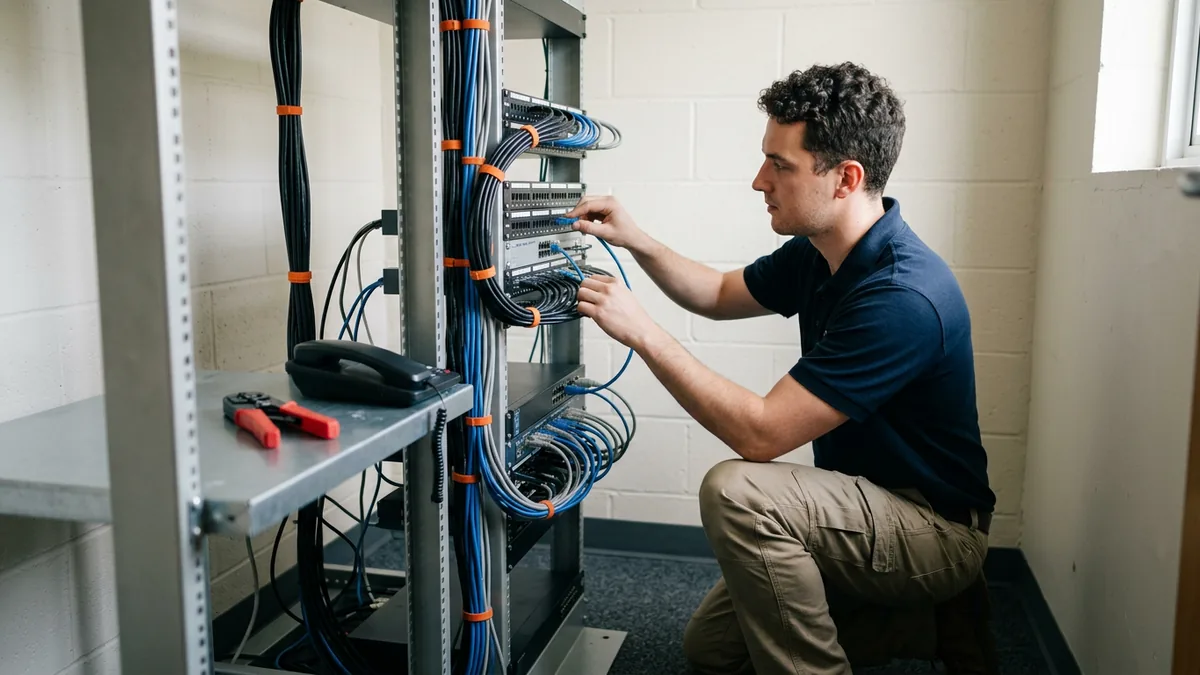
Routing rules live in the phone system, and many phone systems run over the dealership’s network. Bad audio feels like bad service. When audio is choppy or a handset drops off the network, the cleverest menu in the world doesn’t matter. The people on the floor just hear a bad line and blame the phones. Fair, though the cause can be the network or the setup rather than the phones themselves.
We support 2,000-plus dealerships through managed IT built for dealerships. The phone, the network and the people using them all affect whether a call gets answered, so they’re worth reviewing together. Treat them as one setup. Three questions to bring to whoever runs your IT:
- Is voice traffic prioritized on the network, or does it compete with everything else?
- If a handset dies on a busy Saturday, how fast is a replacement on someone’s desk?
- Who owns changes to the call menu? A named person, with a written record of what changed and when.
Calls also need to land somewhere after they end. If your phone and CRM don’t share information, call notes may end up on paper or in someone’s head. Close that loop. We cover that in phone and CRM integration.
How Do You Test Your Own Call Routing in One Week?
Run a one-week test before you buy or change anything, and all you need is your phone provider’s call report and a few hours of listening to see where the calls go. A call report shows you what happened, and sitting through a rush shows you why. Do both.
- Pull last week’s call report for the service lines, with calls by hour, answered and unanswered, and if your provider can show which menu choice callers picked, ask for that too, because it shows where people give up.
- Circle the three worst hours.
- Call your own service line at each of those hours, as a customer would. Write down what you hear and how long it takes to reach a person.
- Sit with the advisors for one rush. Watch where the phone loses to the counter.
- Change one thing, such as overflow for the worst hour. Run the report again the next week.
One change, one week, one report. That’s it.
What Do Service Directors Ask About Call Routing?
Will call routing replace my service advisors?
Do I need a whole new phone system to do this?
How many menu choices is too many?
Where does the BDC fit in?
What should the after-hours message actually say?
Start With the Call Log
Before you add headcount to answer more calls, look at how the phones are set up, since a phone system set up for success sends the right call to the right person and catches the call nobody can take. If you want a second set of eyes on your dealership’s technology setup, security posture and vendor spend, start with our Complimentary IT & Cybersecurity Assessment.
That’s the real work, and it starts with last week’s call log.