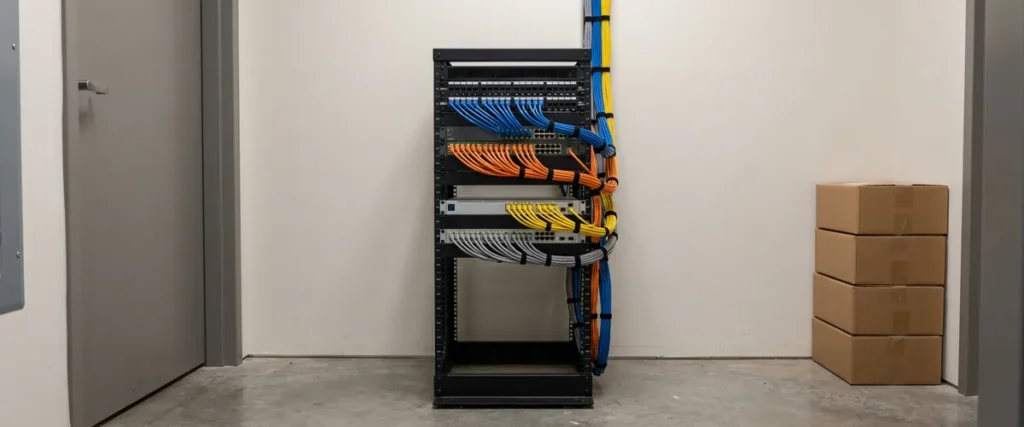

Dealership network segmentation means splitting a store’s network into separate zones, so guest Wi-Fi, service bay equipment, cameras, vendor gear and the DMS can’t reach each other unless a rule says they can. This guide lays out a seven-zone reference layout.
Last updated: November 18, 2026
On the night of Oct. 11, 2026, attackers took remote control of fridges and freezers at hundreds of French supermarkets and warmed them, forcing stores to throw food away, several retail chains said, according to The Hacker News. The controllers came from Danfoss and other makers, and CERT-FR, the French government’s computer emergency response team, said it knew of numerous compromised units. In the reporting so far, nobody has said who did it. How they got in hasn’t been established either.
CERT-FR’s advice stuck with me. Take the units off the public internet, and reach them only through a secure VPN or a protected network. A freezer controller doesn’t look like a computer. It is one. It runs software, it sits on a network, and the agency’s advice treats it that way.
Now look at your building. Cameras on the lot, an HVAC controller on the roof, a gate controller, EV chargers out front, a music system a vendor put in the showroom. Once any of them is connected to your network, it’s a computer on your network. On a flat network, it shares that network with the DMS workstations and the F&I office. Deciding who gets to talk to whom is a core part of dealership cybersecurity and of dealership network management.
We do IT for car and truck dealers and nothing else, nearly 30 years of it, with 2,000-plus dealerships under management. The fix is old. It isn’t glamorous. You put things in separate rooms, and you decide who holds the key.
What Is Network Segmentation, and Why Isn’t a Second Wi-Fi Name Enough?
Network segmentation divides one network into separate zones and controls what traffic can pass between them. Each zone usually gets its own VLAN and address range, and rules on a firewall or router decide what can cross, so a device in one zone, like a customer’s phone, can reach only the systems you’ve decided it should reach.
NSA and CISA listed “lack of network segmentation” among the 10 most common misconfigurations their assessment and incident response teams found in large organizations, in a 2023 joint advisory. Without segmentation, they wrote, an actor who has compromised one resource can “move laterally across a variety of systems uncontested.” Their fix is to “engineer network segments to isolate critical systems, functions, and resources,” using VLANs and properly configured access control lists. A single rooftop is smaller. A flat network works the same way.
GM puts it more plainly to its own dealers. In the version of its dealer infrastructure guidelines that GM posts publicly, it says “Dealerships must ensure guest traffic is segmented from the dealership network through VLANs or a separate internet connection.” Then comes the shortcut warning. Dealerships “should not confuse SSIDs with network segmentation,” because “SSIDs generally do not separate network traffic, but only provide a different way to join the network.” A second Wi-Fi name is a second door into the same hallway. Our walk-through of GM’s current guidelines covers the rest of the document.
I’m not telling you a guest network is a bad idea. GM’s guidelines expect one. What matters is what’s underneath it.
A name isn’t a wall.

What Does a Seven-Zone Dealership Network Look Like?
Here’s the reference layout I’d start from. It’s not the only answer. A one-rooftop store may merge a few of these zones. Every row is still a decision somebody should make on purpose.
| Zone | What lives there | What it can reach |
|---|---|---|
| 1. Corporate | Sales desk, F&I, accounting and management PCs, and the DMS workstations, all company-owned and managed | The DMS and business systems, and the internet through the firewall |
| 2. Service tools | OEM diagnostic laptops, flashing interfaces, shop tablets, check-in devices | The manufacturers’ systems and the DMS functions the service drive needs, and only what’s been approved in the corporate zone |
| 3. Payments | Card terminals at the cashier and the service drive | The payment processor, plus only what your payment setup requires, such as an integrated cashiering system |
| 4. Building systems | Cameras, HVAC controls, gate and key-control systems, EV chargers, signage | Their own recorder, controller or cloud service, and the vendor that maintains them |
| 5. Vendor equipment | Audio, music and other gear a vendor installed and runs | The internet and that vendor’s service |
| 6. Guest | Customer lounge and showroom Wi-Fi | The internet only, with a bandwidth cap so the lounge doesn’t crowd out the shop |
| 7. Personal devices | Technician-owned laptops and phones, anything the store doesn’t own | The internet, or whatever a manager has approved in writing |
CISA’s performance goals say the same thing in fewer words. Segment your networks “according to trust boundaries and platform types (e.g., IT, IoT, OT, mobile, guests), and only permit required communications between segments,” says goal 3.S in the Cross-Sector Cybersecurity Performance Goals 2.0. Read that last clause twice. It’s the whole job. The default is no. Every yes gets a reason somebody can say out loud.
Who owns that? Each zone needs a name next to it, and it should be a person, not a vendor. When the owner of a zone is “the camera company,” nobody owns it, and the next time something breaks you get finger-pointing instead of a fix.
Every zone gets an owner and a reason.
Where Do Cameras, HVAC Controllers, Gates and EV Chargers Belong?
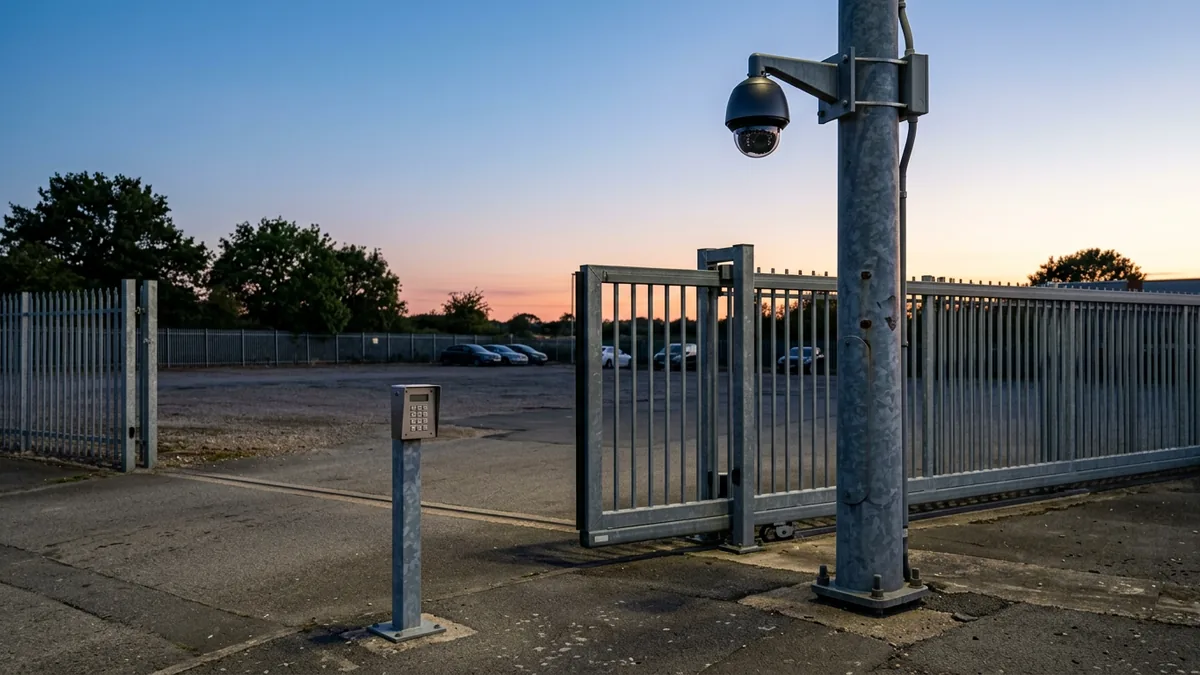
Cameras, HVAC controllers, gate and key-control systems and EV chargers belong in a building-systems zone of their own, with no route to the corporate zone. They can talk to their own recorder, controller or cloud service and to the vendor that maintains them, and to nothing that opens a deal. That’s the rule.
- Cameras. Ask where the recorder sits on your network, who installed it, and who can log in to it remotely. Get the answers in writing.
- HVAC and refrigeration controls. The French controllers were the kind of device “that maintenance firms can manage remotely,” The Hacker News reported. A maintenance firm’s remote access should end at the edge of the building-systems zone.
- Gate and key control. Who can open the lot is a security question, and the box that decides it shouldn’t share a switch with the F&I office.
- EV chargers. At Pwn2Own Automotive in January 2026, researchers demonstrated exploits against chargers from six manufacturers, Help Net Security reported. Treat a charger as a computer. It is one.
- Showroom signage, and anything else with an IP address and a vendor’s name on it.
The lesson is older than the freezers. In 2014 Brian Krebs reported, citing sources close to the investigation, that the Target attackers first broke into the retailer’s network using credentials stolen from a refrigeration and HVAC contractor, Fazio Mechanical Services. He also wrote that it wasn’t clear “why that access would not be cordoned off from Target’s payment system network.” Fazio said its “data connection with Target was exclusively for electronic billing, contract submission and project management.”
His question still stands. Put it to every vendor connection in your store. Why can it reach anything else?
A freezer controller shouldn’t be able to see your DMS.
What Is Shadow Network Infrastructure?
Shadow network infrastructure is network equipment that a vendor installs on its own, outside your IT team’s design and often outside its knowledge, such as a router, a switch or a wireless access point. It’s shadow IT, except the equipment belongs to an audio, music or camera vendor instead of an employee.
That’s a term our team coined for something we run into: vendors putting in network gear of their own that gets around the security measures on the store’s network. Picture an audio installer who needs internet for the showroom speakers. He brings a router, finds a wall jack, and gets the music playing. It works. He drives off. What it doesn’t do is follow the rules you set for your own network, and it can open a path around them that nobody on your side knows about.
This isn’t about blaming installers. The installer is solving his own problem, which is making the music play. Nobody told him your network has rules. Nobody told you he’d added a router.
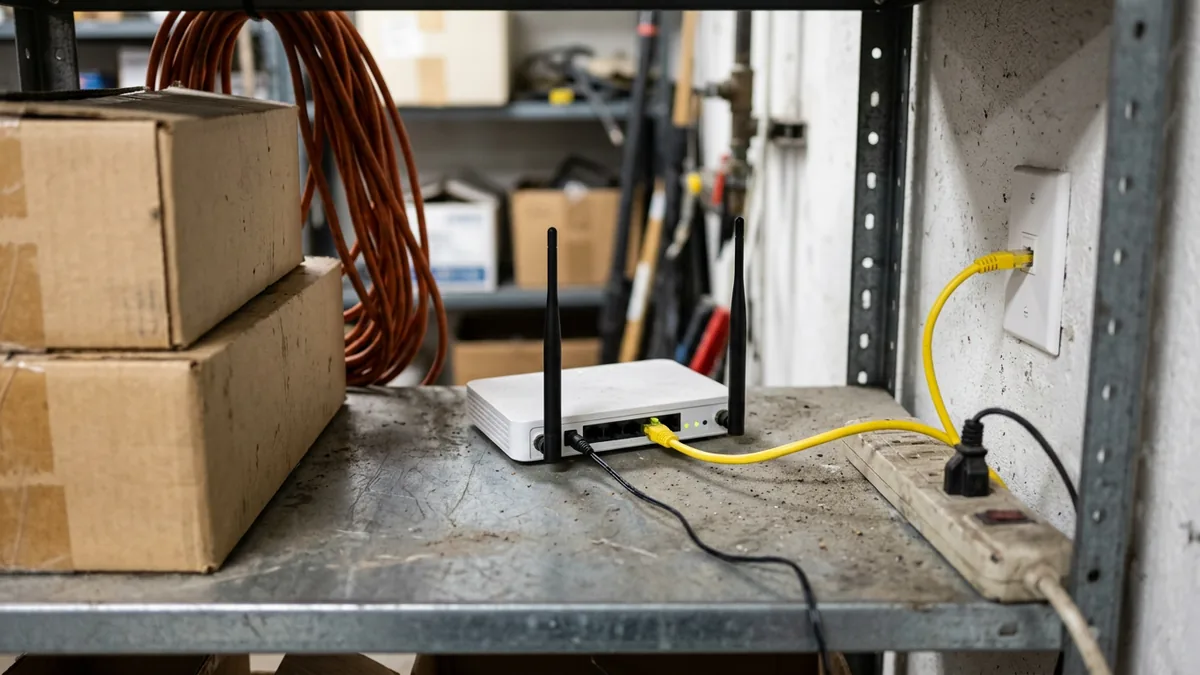
GM’s guidelines take a hard line on the wireless version of this. A rogue access point is “a wireless point of entry into the dealership’s network that has not been authorized or secured by the dealer,” and GM says all rogue wireless networks “must be detected, found, and removed immediately.” Finding them takes legwork. It’s a walk-around job more than a technology job.
- Walk the building with someone who can name every closet, ceiling space and utility room. Look for any box with an antenna.
- Scan for wireless names your own team didn’t create, and chase the ones that look like a vendor’s.
- Check each switch for ports that lead to gear nobody can explain.
- Ask every vendor what they installed, what it connects to and who can log in to it. Our vendor inventory worksheet is built for that conversation.
- Put it in the contract. Vendor equipment connects through the vendor zone, and IT signs off before anything gets plugged in.
If it’s on your network and IT didn’t put it there, it’s still yours to find.
How Do You Keep Service Bay Equipment Off Guest Wi-Fi and the DMS?
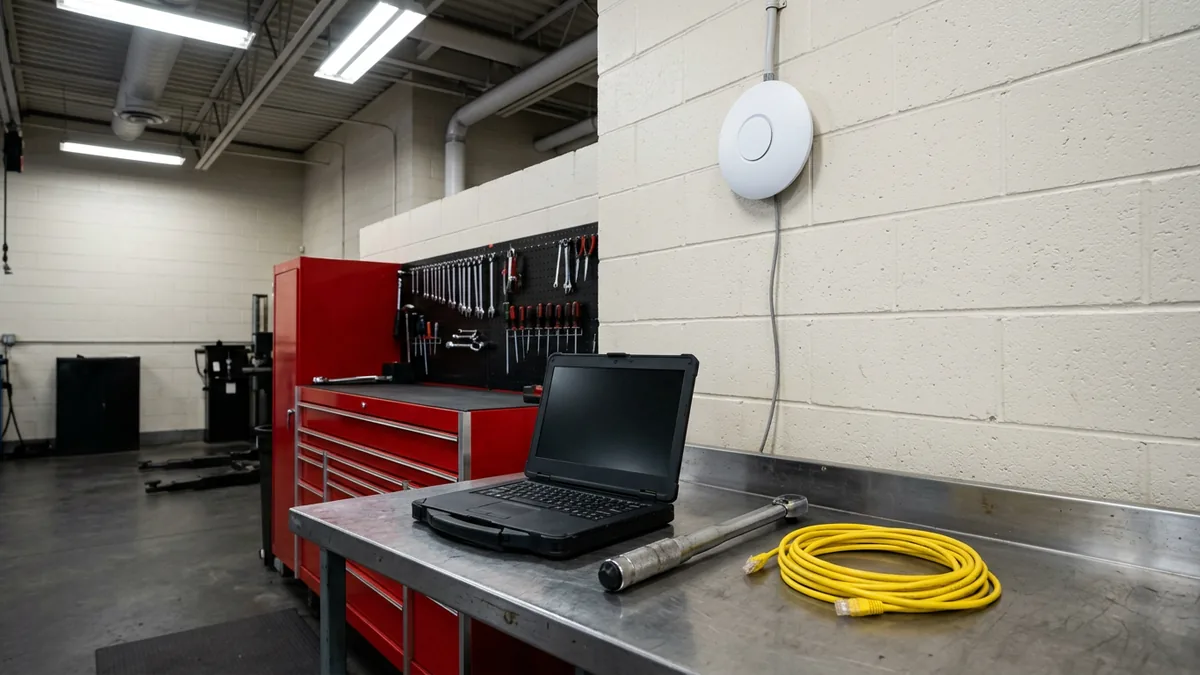
Give service equipment a zone of its own. Diagnostic laptops, flashing interfaces and shop tablets go in it, with access to the manufacturers’ systems and the DMS functions the service drive uses, and neither the guest network nor the office network should be able to reach into it.
Scot McConnor, our VP of Technology Advisory, makes a point in our post on OEM diagnostic laptop security that matters here. When a dealership doesn’t have a privilege management tool, the usual fallback for laptops that need local admin rights is moving them to a separate network, often guest Wi-Fi, and Scot’s view is that it’s still not ideal. On guest Wi-Fi, the laptop shares a network with every customer phone in the lounge. A tool zone doesn’t.
Some tools are picky. GM says its MDI and MDI 2 tools “do not support RADIUS authentication,” and its guidelines describe running WPA2 Enterprise and a pre-shared key on the same network through segmentation, so the tools can still connect. GM also says the MDI and MDI 2 “are not compatible with an open, unencrypted wireless network,” so an open guest network won’t work for them either. Our post on flashing vehicles over shop Wi-Fi covers the bay side of it, and the service department IT page covers the rest of what a shop runs on.
The tools get a zone built for them, and customers’ phones stay off it.
Does Segmentation Help With PCI and the Safeguards Rule?
For PCI, it can shrink what’s in scope. For the Safeguards Rule, it’s one way to back up the access controls the rule requires. GM’s guidelines point the same direction, saying payment card information, customer information, dealership traffic and customer traffic “should be segmented.”
The PCI Security Standards Council’s 2017 scoping and segmentation guidance says isolating the cardholder data environment “is not a PCI DSS requirement” but is “strongly recommended,” because it may reduce the scope and cost of an assessment and the cost and difficulty of maintaining PCI controls. The same guidance says segmentation controls must also be penetration tested at least annually to confirm they still work. Start with the card machines. Your acquiring bank or assessor decides what counts.
The FTC’s Safeguards Rule never uses the word segmentation. I won’t pretend it does. What 16 CFR 314.4(c) does require is access controls that “limit authorized users’ access only to customer information that they need to perform their duties and functions,” and it requires you to identify and manage the devices and systems your business runs on. Segmentation is one technical way to back those up. Our Safeguards Rule checklist walks through all nine elements of 314.4.
For PCI, smaller scope means fewer systems to prove. Our post on how PCI scoping works for dealership card terminals goes further.
Where Should a Dealership Start?
Start by finding everything that’s plugged in, then move guest Wi-Fi first, since it should reach only the internet. Work inward from there to building systems, vendor gear, payment terminals and service tools. Draw the zones before anyone touches a switch, and test every manufacturer tool before the change goes live.
- Inventory every device and every vendor. Nothing gets a zone until somebody can say what it is.
- Walk the building, and write down every box nobody can explain.
- Draw the zones on paper with an owner beside each one, and write a one-line reason for every rule that lets traffic cross between them.
- Guest first. It should reach only the internet, so it’s the simplest zone to define.
- Cameras, controllers and vendor gear next, one vendor at a time, with the vendor available while you cut over.
- Payments and service tools last, because that’s where a mistake stops work. Test every OEM tool and every card terminal in its new zone before the old setup comes down.
- Test from the outside. Stand in the customer lounge, join the guest Wi-Fi, and see what you can reach. If the answer is a printer in accounting, you have a Wi-Fi name and not a segment.
Something may break. A tool that depended on the flat network can stop working after the change, which is why the testing happens before the cutover and not after. How long all of this takes depends on how many closets and vendors you have. The rules between zones usually live on the firewall, which is why managed firewall services and segmentation go hand in hand.
Know what’s plugged in, and know what it can reach.
Questions Dealers Ask Before They Segment
Is a second Wi-Fi name the same as a separate network?
Our cameras sit behind a good firewall. Is that enough?
Will segmenting break our OEM tools?
Who should own the plan, our IT person or the vendors?
How many zones does a small store really need?
Start With the Box Nobody Can Explain
A freezer controller isn’t the first thing anyone pictures when they hear the word cybersecurity. It counts anyway. Ask the French supermarkets. Every camera, controller and vendor box in your building counts too, and the first step is knowing they’re there.
If you’d like an outside look at how your own network is divided today, start with our complimentary IT and cybersecurity assessment. It’s a no-cost, no-obligation review of your current technology setup, security posture, vendor spend, and compliance standing, and the findings come back in writing.
Find the box. Give it a zone.