
The GM Dealer Infrastructure and Security Guidelines (DISG) are the 19-page GM document that sets minimum PC, network, Wi-Fi, bandwidth, and security standards for GM dealerships, plus a mandatory process for reporting a security incident to GM. GM ties the guidelines to Article 5.6 of its Dealer Sales and Service Agreement, and the copy this guide works from is the April 2026 version.
Last updated: October 11, 2026
Back when I was teaching an MCSE course part-time, I earned the certification myself in seven weeks. One test a week, straight out of the books. Nobody handed me a summary, and I’m glad they didn’t, because that’s where I picked up a habit I’ve kept for close to 30 years. I read the source document.
So when GM dealers started asking us what GM actually expects from their IT, I didn’t go looking for somebody’s slide deck. I sat down with GM’s own document and went through it. All 19 pages.
My honest read is that it’s a better document than you’d guess, and it asks for more than a lot of GM stores realize. Part of it is a spec sheet for the PCs in your service bays, and part of it reads like a security program you’d expect from a much bigger company than a car dealership, which I mean as a compliment. And one section, about a page long, uses the word “must” in a way the others don’t.
I’ll walk through it in plain English here, which means what’s in it, which parts are required, which parts are recommended, and where I’d start if it were my store. We do IT and cybersecurity for car dealerships and nothing else, and GM isn’t the only automaker writing these standards. We keep the brand-by-brand map on our OEM cybersecurity requirements page. Mercedes-Benz USA took a different route, and Scot McConnor covers it in our post on the Mercedes-Benz dealer ISO 27001 and TISAX requirement. This one is GM only.

What the GM Dealer Infrastructure and Security Guidelines Are
The GM Dealer Infrastructure and Security Guidelines, or DISG, are General Motors’ published technology standard for its franchised dealerships. The document lists the PC hardware, operating systems, network equipment, Wi-Fi, and internet bandwidth a store needs to run GM applications, and it sets out the security controls and incident reporting steps GM expects dealers to follow.
It comes in four sections, and I’ll save you the suspense on the last one, because it’s a glossary. Up front there’s a short overview. Then you get a long infrastructure section that eats most of the pages, and after that a security section that only runs about three. Three pages. That surprised me a little, given what the thing is called.
GM does update it, and my copy is the GM DISG, April 2026 version, so if yours has an older date on the cover, you’re reading history. GM TechLink says stores in the United States can pull the latest one from the GM Dealer Information Technologies App on GM GlobalConnect. Go look. It takes two minutes.
Now, there’s a sentence in the overview that I think people skate right past, and I’d tape it to the wall if it were my store. GM says the responsibility to build a secure network “is on the dealership.” Then it goes a step further and says that dealer service providers, third parties, and General Motors “cannot guarantee a secure dealer network, even if dealers follow the guidelines in this document.” I read that one twice. What GM is telling you, pretty politely, is that this document is a floor, and that hitting every line in it still doesn’t move the risk onto GM or onto your IT vendor or onto anybody else. Who owns that? You do. For GM stores around Detroit, our dealership IT services in Detroit page covers the vendor side of the same problem.
Is the DISG Mandatory? Mostly “Should,” With a Few Places That Say “Must”
I hear “OEM requirement” thrown around a lot lately, usually by somebody with something to sell, and my reaction is always the same. What does that actually mean? So I went looking for the actual words. GM’s security section starts off by saying that under Article 5.6 of the Dealer Sales and Service Agreement, “Dealer has agreed to comply with the GM Dealer Infrastructure and Security Guidelines.” That’s not brochure language. That’s your franchise agreement pointing at a 19-page document and saying you already agreed to it.
It gets a little more complicated from there, because GM doesn’t talk about every page the same way. On the infrastructure side you get two tiers, which GM calls Operating Minimum and Operating Recommended. Over on the security side there’s exactly one process with the word mandatory in its title, and then a much longer list of controls that GM says should be in place. Should. Not must. I lined the wording up in a table, because the difference is a lot easier to see than it is to describe.
| Part of the DISG | How GM words it | What it means at the store |
|---|---|---|
| Security incident notification and handling | “Dealer must adhere to the following required process” | Required. It belongs in your incident response plan. |
| Operating Minimum specifications | “The minimum acceptable systems infrastructure” for conducting business with GM | Fall below it and GM applications may not run or be supported. |
| Operating Recommended specifications | “Best performance and security” | The spec to buy against whenever you replace something. |
| Guest, financial, and dealership network separation | “Dealers must ensure” they are segmented | Required, through VLANs or a separate internet connection. |
| Base Security Guidelines | “The minimum set of security controls” that “should be in place” | Recommended in the wording. Treat it as the baseline. |
| Federal, state, and industry rules such as GLBA and PCI | “Dealers must comply” | Already the law, with or without GM. |
To be clear, I’m not telling you GM is about to show up with a clipboard. The document doesn’t describe an audit program, and I won’t guess at how GM follows up on it. My point is narrower than that. Your store signed an agreement that points to this document, so somebody at your store should have read it, and in my experience that somebody usually hasn’t.
The Infrastructure Half: PCs, Network, Wi-Fi, and Bandwidth
This is where the pages go. It’s also the part your service manager feels first, because when a store falls below these specs, the symptom isn’t a security alert. It’s a technician standing next to a truck waiting on a software download.
PCs and the Service Bay
GM supports Windows 11 Professional, 64-bit, on enterprise-grade hardware. That’s the list. The document says in plain words that as of October 14, 2025, Windows 10 is no longer supported, which lines up with Microsoft’s own end-of-support date. If your store still has Windows 10 machines on the floor, we wrote a separate Windows 10 action plan for dealerships that covers the options.
The Operating Minimum for a PC is an 8th-generation Intel Core or an AMD Ryzen 6000 series processor, 16 GB of memory, and a 1 TB drive, and the Operating Recommended tier doubles the memory and the storage on top of that. Consumer-grade PCs, Home editions of Windows, thin clients, and Apple hardware all sit on the not-supported side of the table. GM also estimates the life of a desktop, laptop, or tablet at three years on average, and plenty of stores run them longer than that. A lot longer.
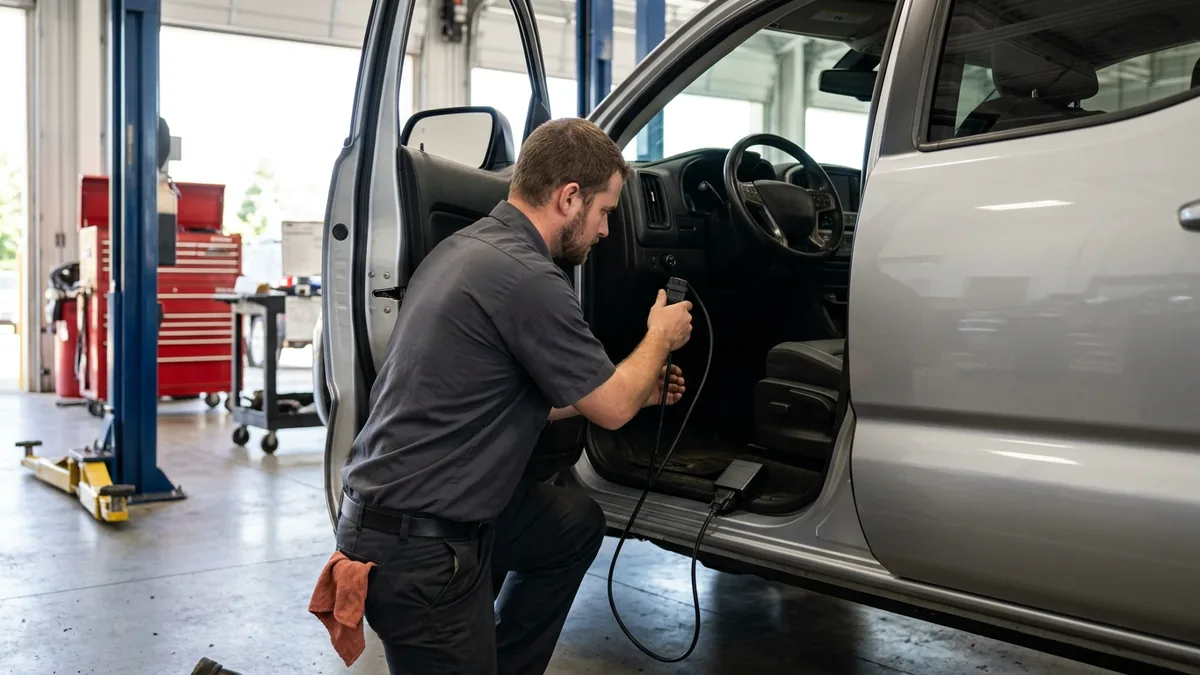
Two service-bay details are worth knowing. GM recommends one laptop for each technician doing service programming and diagnostics, and one MDI 2 for every Techline PC. And the Techline applications need local Windows administrator rights to install and update. GM’s answer to that isn’t to make every tech an administrator. It recommends privilege management software, so the GM tools get the elevated rights and the person doesn’t. Smart. It matters, because a shop full of local administrators is how one bad click becomes a store-wide event.
The Network Closet
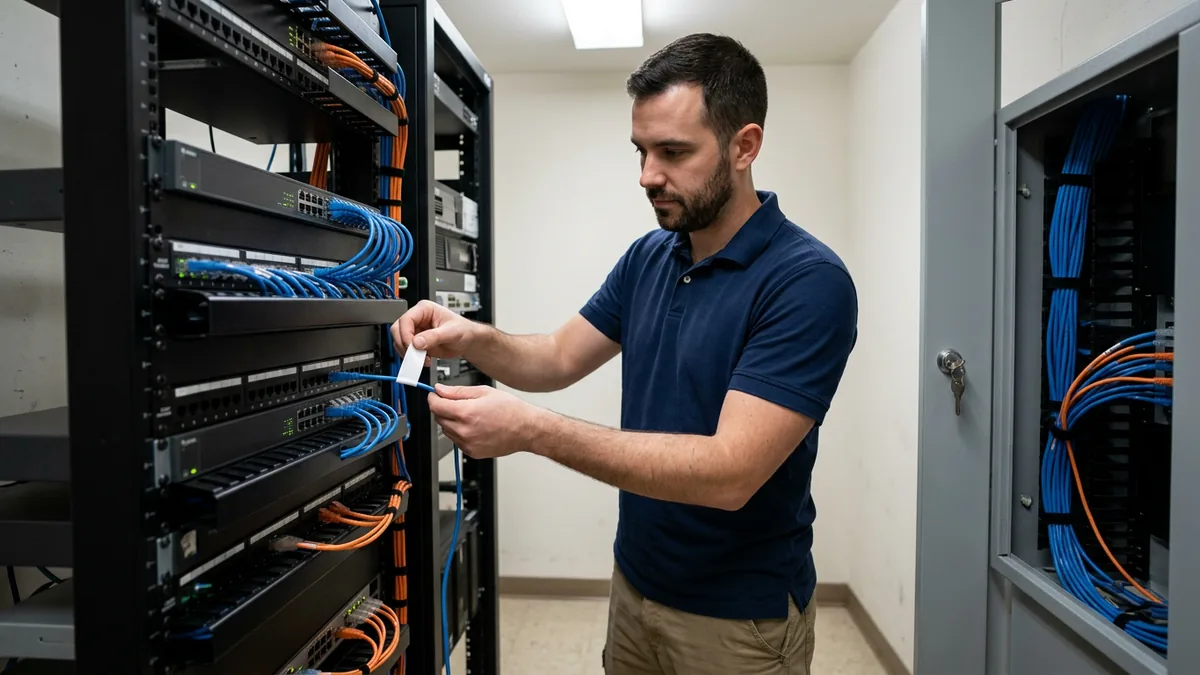
GM’s network list is longer than I expected, and more specific. Here’s what it asks for.
- Gigabit managed switches on Cat-6a cabling, housed in a locked room. Runs past 328 feet go to fiber.
- An enterprise-grade router and a fully managed unified threat management firewall with intrusion detection and prevention. GM recommends buying a second firewall and setting the pair up for automatic failover.
- Security event monitoring through a SIEM, around the clock, by a SOC 2-certified managed security provider. Logs kept at least a year.
- DNS protection on endpoints and servers.
- A backup internet connection from a different provider on a different technology. 5G at a minimum.
- Documentation. Labeled cables, photos of the equipment from the front and the back, your ISP contract details, and a network drawing, stored where you can reach them when the building’s network is down.
The monitoring line is the one I’d underline. Everybody says SOC now, and I’ve made the same complaint on plenty of calls, because the word gets used for everything from a real team to an email alert nobody reads. GM’s version is specific. It says 24x7x365 security event monitoring and response. Response is the word doing the work in that sentence, and a piece of software can’t do it alone. It’s actual people.
Wi-Fi
The Wi-Fi minimum is WPA2 Enterprise with RADIUS authentication and AES encryption, on enterprise-grade access points, with an access point within 120 feet of every place you need coverage. Guest traffic, financial data, and the dealership network have to be separated, and GM goes out of its way to head off the usual shortcut. “Dealerships should not confuse SSIDs with network segmentation,” the document says. A second Wi-Fi name is a different door into the same room. That’s all it is.
There’s a wrinkle here, and a general IT shop tends to find it out late. GM’s own MDI, MDI 2, and SAVI tools don’t support RADIUS, and GM notes that not all of its tools work on WPA3 by itself yet. So the diagnostic tools need their own segment with their own settings, and the document explains how to do it. You want to know that before you lock the wireless down, not after the scan tools drop off the network. GM also wants the guest password changed every 90 days. Every 90. And it encourages turning guest Wi-Fi off after hours, which costs nothing.
Bandwidth
GM sizes internet by the number of endpoints in the store and breaks it down by department. These are the totals.
| Dealer network size | Endpoints | Operating Minimum | Operating Recommended |
|---|---|---|---|
| Small | 1 to 30 | 100+ Mbps | 200+ Mbps |
| Medium | 31 to 80 | 200+ Mbps | 300+ Mbps |
| Large | 81 or more | 300+ Mbps | 1+ Gbps |
The service garage gets the biggest share at every size, and GM puts it first in the priority order when bandwidth gets tight. There’s a reason. The document says GM’s labor times for vehicle firmware and software downloads assume at least 40 Mbps for each active event. If three techs are programming at once on a connection that can’t give each of them that, the clock GM pays on and the clock your techs are living on stop matching. That’s a real problem. And it never shows up on an IT report, because nobody files a ticket that says the internet made me slow on a warranty job.
The Security Half: One Required Process and Eight Control Areas
The Incident Process GM Calls Mandatory
This is the page that says “must.” If your store has a confirmed security incident, GM lays out five steps, in order.
- Contain it, fix it, and give GM the cooperation and information it asks for while it investigates.
- Email GM’s Cyber Incident Center “promptly and without undue delay, preferably within twenty-four (24), but no later than seventy-two (72) hours” after you become aware of a confirmed incident, unless the law requires otherwise. Then keep GM updated until the investigation is finished.
- If GM spots the problem first, on dealer equipment that connects to GM’s networks, you run an initial investigation within 24 hours of hearing from them.
- Within two weeks of finishing the investigation, send GM an executive summary. It covers what happened, a timeline, who you suspect did it, and what infrastructure or information was affected.
- Expect that GM may ask you to put security protocols in place to protect its operations.
The address for the Cyber Incident Center is printed in section 3 of the document. Copy it into your incident response plan today. Not next quarter. The first hour of an incident is a bad time to go hunting for a PDF on a network you may not be able to reach.
And GM’s clock isn’t the only one running. The FTC has its own, which we cover in our guide to the Safeguards Rule breach notification requirement, and your state probably has a third. I care about these deadlines less for their own sake than for what they tell you, which is that an automaker doesn’t write a 72-hour rule unless it has watched what an incident does to a store. When CDK went down in June 2024, AutoNation told investors in an SEC filing that the outage reduced its second-quarter earnings per share by an estimated $1.55. That’s one dealer group. In less than two weeks. A stopped store is the cost I’d worry about, well ahead of any letter from anybody.
The Eight Areas of Base Controls
After the incident process, GM lists what it calls Base Security Guidelines, grouped into eight areas. They are governance, identity and access management, systems security and hardening, information protection, physical security, business continuity and disaster recovery, security monitoring and incident detection, and network security.
I won’t walk through all of them line by line. A few are specific enough that you could check them this week, though, so those are the ones I’ll call out. Multi-factor authentication is expected in three places, which are all privileged accounts, all remote access, and every user of an internet-facing application. That last one sweeps in email and any cloud DMS, and CISA’s MFA guidance explains why it carries so much weight. Each user account is assigned to and used by one person, so the shared login at the parts counter doesn’t pass. It never did. Walk-up kiosks should clear cached data after five minutes of inactivity. Backups get tested by restoring them, and the disaster recovery plan gets tested too.
Then there’s a line tucked into the software table that I’d call the biggest ask in the whole document. GM wants an endpoint detection and response solution on all computers and servers, with endpoint activity logged to a SIEM and kept for a rolling 400 days, and monitored around the clock. Traditional antivirus doesn’t do any of that. Not one piece.
Early on, I ran Helion on feel. We didn’t have metrics, and for a while that didn’t seem to matter, and then it fell apart. Feel doesn’t scale. I think about that when I read the 400-day line, because it’s GM asking for the same thing I had to learn to ask of my own company. They don’t want your sense that the network is probably secure. They want a record somebody can go back and read.

How the DISG Lines Up With the FTC Safeguards Rule
GM’s document ends its security section by pointing at the law. Dealers “must comply with all federal, state, local, and industry regulations,” it says, and it names GLBA and PCI. It also says dealers should put one employee in charge of security policies, procedures, and what it calls “FTC required paperwork.”
If your store already runs a real program under the FTC Safeguards Rule requirements, you’ve done a good share of this work already, probably without knowing GM was going to ask for it too. The overlap is wide. Very wide. 16 CFR 314.4 already calls for multi-factor authentication, access controls, monitoring, a written incident response plan, and a person in charge, and the FTC’s plain-language guide lays those out. What GM adds is its own reporting clock, the hardware and network specs, and that 400-day log retention.
So I wouldn’t build a GM program and an FTC program. I’d build one. Then I’d make it answer both. That’s how we work across the 2,000-plus dealerships and 35,000 end users Helion supports. All of our clients are on the same roadmap, with the same vetted firewall, wireless, and PC configuration, and we overlay each automaker’s document and the federal rule on top of that one standard. A store that sells three brands shouldn’t be running three versions of security. One is plenty.
Where I’d Start This Month
If I owned a GM store and hadn’t looked at this in a while, I’d do six things, roughly in this order.
- Pull the current DISG from GlobalConnect and hand it to whoever runs your IT. Ask one question. Where are we below Operating Minimum?
- Put GM’s incident steps and the Cyber Incident Center address into your incident response plan, next to the FTC and state deadlines.
- Count the Windows 10 machines. Check the service bays twice, since that’s where they hide.
- Stand in the customer lounge, join the guest Wi-Fi, and see what you can reach. If the answer is a printer in accounting, you have an SSID and not a segment.
- Find every shared login and every account without multi-factor authentication. Start with email.
- Ask who is watching your endpoints at 2 a.m. on a Sunday, and ask for a name.
If you’d like a second set of eyes on it, we offer a complimentary IT and cybersecurity assessment, and we’re glad to go through the DISG with you while we’re in there.
DISG Questions, Answered Straight
Where does a dealer get the current GM DISG?
Requirement or recommendation. Which one is the DISG?
How soon does GM expect to hear about a security incident?
Can a GM store still run Windows 10?
Does following the DISG take care of the FTC Safeguards Rule?
How much internet does GM expect a dealership to have?
Read It Before Somebody Asks You About It
GM wrote down what it expects from your technology, and it took 19 pages to do it. A good share of those pages is about keeping your technicians productive, and the security pages describe a program plenty of stores already need for the FTC. None of it is unreasonable. Honestly, most of it is what I’d tell you to do if GM had never written a word. But the document says plainly that the responsibility sits with the dealership, so somebody at your store has to own it by name.
Print it out. Find out who that is.