
Heavy Truck Dealerships
Truck Shop Wi-Fi: Coverage for the Bays, the Lot and Every Branch
Wi-Fi that holds with a truck in every bay and a tech out on the lot, built the same way at each of your branches.
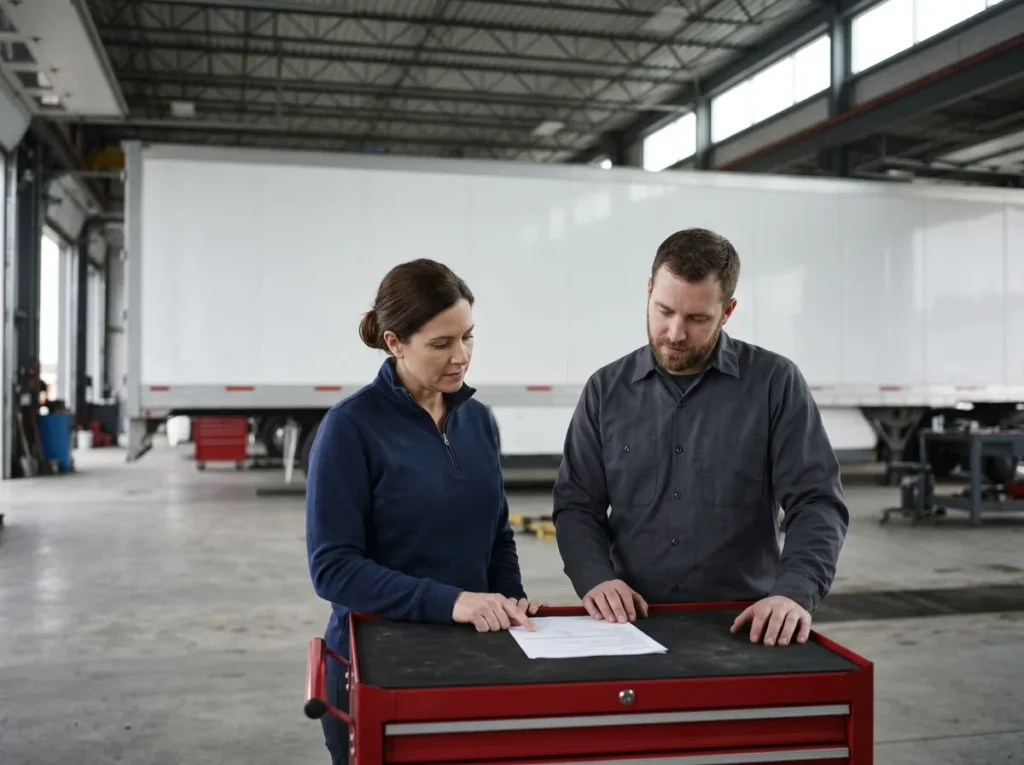
Truck shop Wi-Fi is the wireless network a heavy truck dealership’s techs work on, and it has to reach bays full of steel, the lot outside and every branch. Helion Technologies runs it as part of managed IT for truck dealers.
Last updated: November 11, 2026
Why Truck Shop Wi-Fi Has a Harder Job
A car shop and a truck shop can look alike on a floor plan and still need very different Wi-Fi. Back a tractor or a box truck into a bay and it can put a lot of steel between the access point and the tech’s diagnostic cart. Erik Nachbahr, our founder, puts it plainly. The trucks are so big that if the Wi-Fi wasn’t set up for them, they disrupt it, and the result is slow wrench turns.
We run the shop’s network as part of our IT for heavy truck dealerships, on the same standard build our dealership network management page describes. That page also covers the internet lines behind it. This one is about the Wi-Fi in the bays and out on the lot.
A dead spot in bay 6 doesn’t always turn up as an IT ticket. Sometimes it turns up as a truck that sat on the lift too long.
Signal, bandwidth or the access point
Is It the Signal, the Bandwidth or the Access Point?
They’re separate limits, and a slow bay can hit any one of them. Full bars don’t help if the internet line is maxed out, and a fast line doesn’t help if the access point can’t keep up. Here’s how each one looks on a truck shop floor, and what fixes it.
Scot McConnor, VP of Technology Advisory
“Your wireless signal could be good. You mentioned the bandwidth could be good, but if the access point is old or doesn’t allow for the amount of bandwidth that is coming in, doesn’t matter how good the signal is or how much bandwidth you have, that could be the limit factor.”
| The limit | How it looks in the shop | What fixes it |
|---|---|---|
| Signal in the bays | One bay works and the next doesn’t, or a cart drops when a trailer backs in between it and the access point. | Access points placed for a shop full of trucks, where a parked trailer is less likely to block them. |
| Signal on the lot | A tablet loses the network past the first row of trucks outside. | Outdoor-rated access points, covering the rows where techs actually work. |
| Bandwidth | Everything slows at once, worst at the busiest hour, wherever you stand. | A bigger internet line, and a bandwidth cap on the drivers’ guest Wi-Fi so the lounge can’t eat the line the shop needs. |
| The access point | Full bars and a fast line, and downloads still crawl once several carts are working. | Access points current enough for today’s devices and data, replaced on a plan. |
| The wrong network | A cart joined the guest Wi-Fi, or a vehicle interface can’t sign in the way the staff network asks it to. | A shop network for diagnostics, set up the way each tool’s maker says it should join. |
| The laptop | One cart is slow everywhere in the building, even next to the access point. | Check the machine first: its age, its updates and its power settings. |
Finding the right limit first saves time. Cisco’s State of Wireless 2026 report, a November 2025 survey of 6,098 organizations across industries (not dealerships), found that “A quarter (25%) of complaints are inaccurately attributed to wireless, with each misattributed incident wasting an average of 18 hours across teams.” If the line itself is the limit, our guide to rural truck dealership internet compares the options past the fiber map.
The coverage
What Does Good Truck Shop Wi-Fi Cover?
Six things: the bays, the lot, a network for the shop’s diagnostic tools, drivers kept apart from staff, cable wherever nothing moves, and the same build at every branch. Here’s what each one takes.
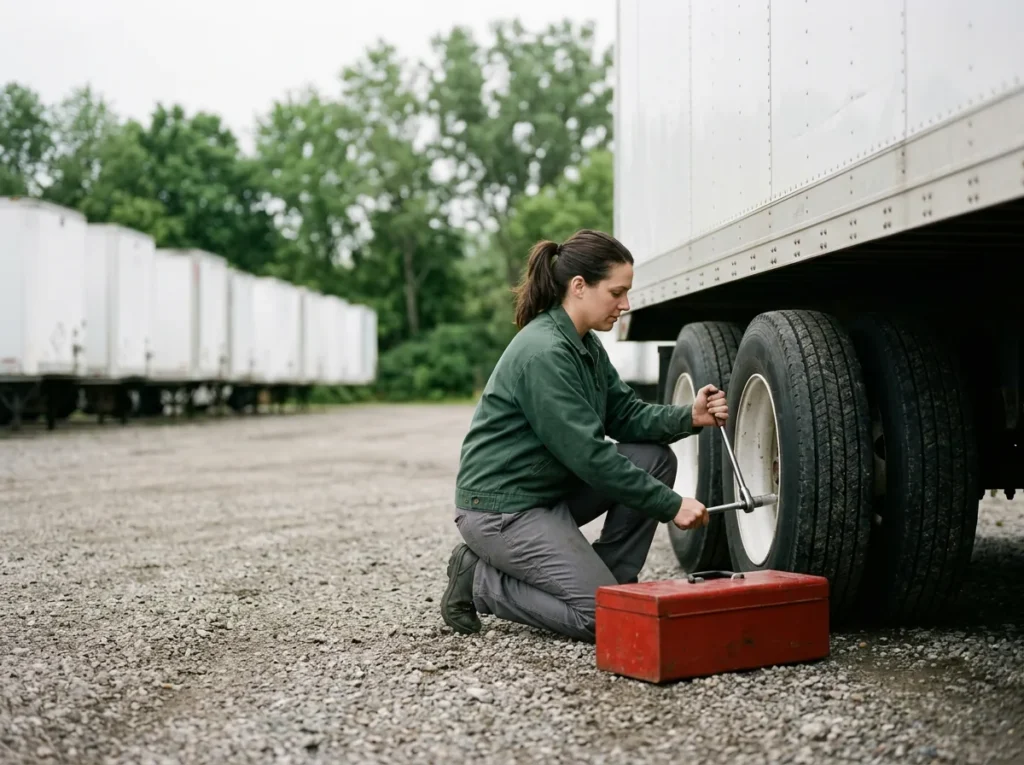
Truck shop Wi-Fi Six parts of the job
Bays Coverage that holds with every bay full
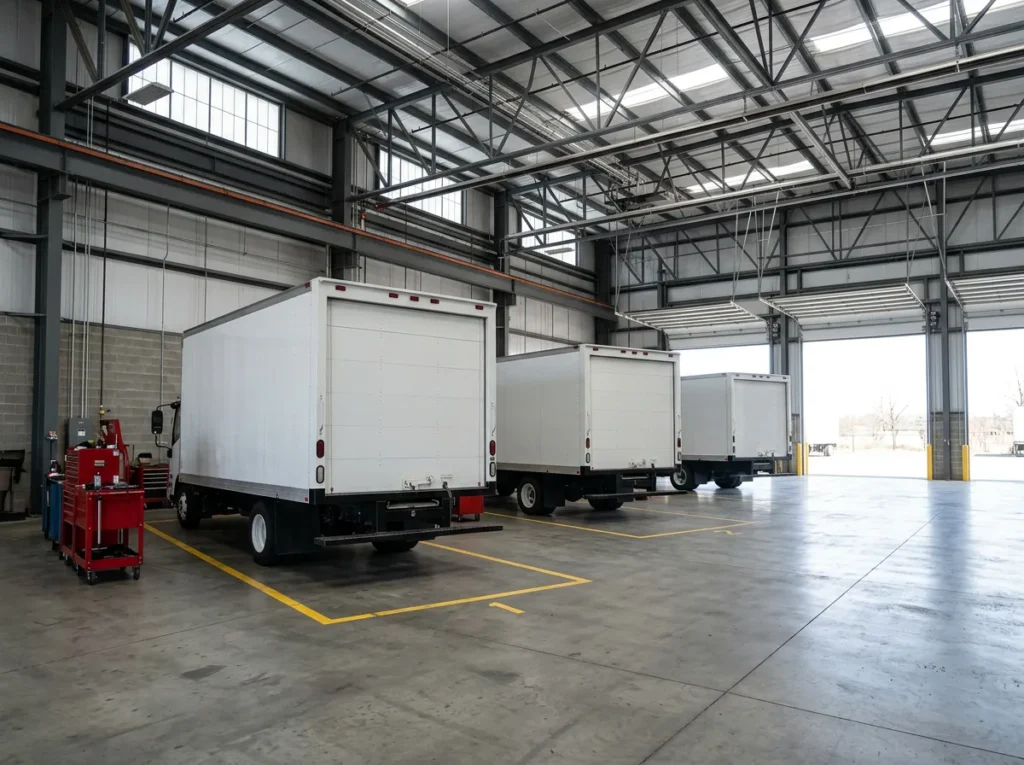
Shop Wi-Fi gets judged on a Tuesday with trucks in every bay, not on a quiet Sunday. A tractor, a trailer or a box truck puts a lot of steel between the access point and the cart, and steel parts racking adds more. So the access points go where the trucks won’t block them, with enough of them to reach the far bay. Whoever puts them in should check the signal with the shop full.
Judge it with the bays full.
Lot Coverage past the shop doors
Truck work doesn’t stay inside. As Erik put it on a planning call, “They also have to have WiFi in their lots, because a lot of times, they’re servicing the vehicles outside of the actual physical shop buildings.” That means outdoor-rated access points, aimed down the rows where trucks get worked on, and not just the patch of gravel by the door.
The lot is part of the shop.
Diagnostics A network for the shop’s tools
Diagnostic laptops, vehicle interfaces and the shop’s tablets get a network of their own, away from the lounge and the office, and each device gets only the access it needs. Some interfaces are fussy about how they join, which our service department IT page gets into. Personal laptops stay off it. Erik says we still see dealers let technicians bring in personal laptops, which gets around the store’s security measures.
The store’s tools, on the store’s network.
Drivers Guest Wi-Fi for the lounge, never the shop’s
Drivers waiting on a repair want Wi-Fi in the lounge, and they should get it, on a guest network that reaches the internet and nothing else. The shop runs on its own network, and the DMS and customer records sit on the business network. Which one can reach which is the firewall’s job, and our managed firewall services page covers how we run that part.
Fast for drivers, fenced off from the shop.
Cable A wire wherever nothing moves
Wi-Fi is for the bays, the lot and anything that rolls. The parts counter, the write-up desk, the printers and the shop’s fixed stations get a wire. Erik sees dealers plan to go all wireless and then realize they still need lots of computer cable, because nobody thought about the phones or the printers. In a new or rebuilt shop, we mark the jacks on the drawings and check the work, and your low-voltage contractor pulls the cable, as our dealership relocation IT page explains.
Wire what doesn’t move.
Branches The same build at every branch, kept current
Every branch gets the same kind of access points, set up and named the same way, so a dead bay at the branch two hours out looks like one we’ve already seen. Running it is part of the Managed IT contract, not a separate bill from a separate vendor. Worn-out access points go into the five-year plan our IT asset management page describes, with the replacement planned before the maker’s end-of-support date.
One standard, even at the far branch.
Why Do Trucks Ask More of the Shop Wi-Fi?
Because more of a truck’s service runs over the network now. Detroit’s and Cummins’ diagnostic software both list a high-speed internet connection among their requirements, and Cummins tells techs to turn off power-saving features while a calibration downloads to the engine. Erik’s line on it is short: “all of these vehicles now require software checks, software updates.” While those run, the truck sits on the lift.
Every minute a download crawls is a minute that bay can’t take the next truck. The three tool makers on the right show what their own software asks of the shop.
Slow Wi-Fi in the bay is lost shop time.
Volvo Trucks
Volvo Trucks North America said in June 2026 that it “completed over 18,000 over-the-air software updates in May” across its connected fleet. The release doesn’t say how those updates reach each truck, but it shows how much of a truck now runs on software. Read the release.
Trucks run on software now.
Detroit DiagnosticLink
Daimler Truck North America lists a “High Speed or Broadband Internet connection (typically 10Mbps or faster)” among the requirements for its DiagnosticLink software. When it can’t reach its server, the troubleshooting steps say something on the business network “such as a firewall or proxy setting” may be the cause. See the requirements.
The shop network is part of the tool.
Cummins INSITE
The INSITE 10.0 release notes list “High-Speed Broadband” internet for the laptop and tell techs to “Turn off any power-saving features when communicating with an ECM, especially when downloading a calibration to it.” Read the release notes.
Sometimes it’s the laptop, not the Wi-Fi.
Car and Truck Dealers Only, Since 1997
One heavy truck group in the Southeast, 12 locations, came to us with rural branches that kept losing the network and a single in-house IT person expected to cover all of them. We took out the mix of hardware and rebuilt every branch the same way. How that standard works across locations is in our guide to networking a multi-branch truck dealership.
How to Find What’s Slowing the Shop Wi-Fi
-
1
Write down where and when
Each time a download crawls or a cart drops, note the bay, the time and what was parked next to it. The pattern tells you which limit to check first.
-
2
Rule out the internet line
Run the same download on a wired PC at the busiest hour. If it’s slow there too, the Wi-Fi isn’t the limit: look at the line and the firewall in front of it.
-
3
Check the access points
Find out how old each one is, what it was bought to handle and how many devices it carries when the shop is busy.
-
4
Test again with the shop full
Check every bay and the rows of the lot with trucks parked where they really sit. An empty shop tells you very little.
Plan any change to the shop’s network around the shop’s real hours, test it first and tell the store ahead, the way Rex Marchant, our VP of Service, lays out in the post on dealership IT maintenance windows. For a walk through every department, use the heavy truck dealership IT checklist.
Common Questions

What’s slowing your shop?
Our complimentary IT and cybersecurity assessment looks at what’s running, what’s outdated and where the bottlenecks are, and puts today’s IT bills next to what one accountable team would cost. Already know what you need? Get a price quote.
Is a strong signal enough?
Why does our shop Wi-Fi slow down when trucks pull in?
How much does truck shop Wi-Fi cost?
What is truck shop Wi-Fi?
Who runs the cabling in a new or rebuilt shop?
Does the lot really need Wi-Fi?
Find the dead spot in your shop before the next truck does.
Request a Complimentary Assessment →