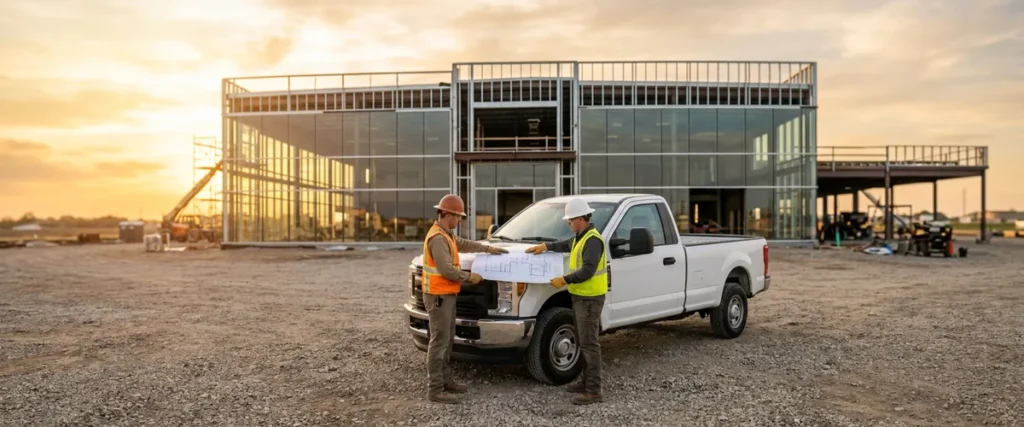

A new dealership IT checklist starts at the blueprint, not the ribbon cutting: put IT in the plan review, order internet circuits once there’s an address, count drops per room and bay, and test every login before day one.
Last updated: November 10, 2026
I’ve been around this business since I started on a sales floor in the late ’90s, and I’ve spent the past 20 years at Helion Technologies. Dealers are good at buildings. Really good. They know what a showroom should feel like and where the service drive goes. What they don’t do often is open one, so the technology tends to get handled last, by whoever has a minute. On one of our planning calls, Erik Nachbahr, our founder, said he’d include “Don’t leave IT to last” as a headline, or at least a bullet point, because so many stores “wait until the last minute.” He’s right. I’d put it on page one. Of the project binder, I mean.
We see these projects constantly. As I said on a content call in October, “We’ve got a project like that going on every single day.” Some are a brand-new rooftop built from the ground up. Some are an existing store moving into a trailer while the building gets redone. Some are a store a group just bought. All three count. This checklist is written for the first one, opening a new location, and it covers the other two near the end. If you’re running a move from one building to another, our page on dealership IT relocation goes through it in detail. If you want the bigger picture of how we work with franchised stores, start with IT for automotive dealerships.
What Belongs on a New Dealership IT Checklist?
A new dealership IT checklist covers eight jobs in order: IT at the blueprint review, circuits ordered early, cabling and closets, switches and Wi-Fi, phones and numbers, DMS and OEM access, security turned on from the first login, and a full test before the doors open. Each one depends on the one before it.
- Get IT into the blueprint review, before the low-voltage drawings are final and moving a jack still only costs an eraser.
- Order the internet circuits the week you have an address. Two carriers, if the street has two.
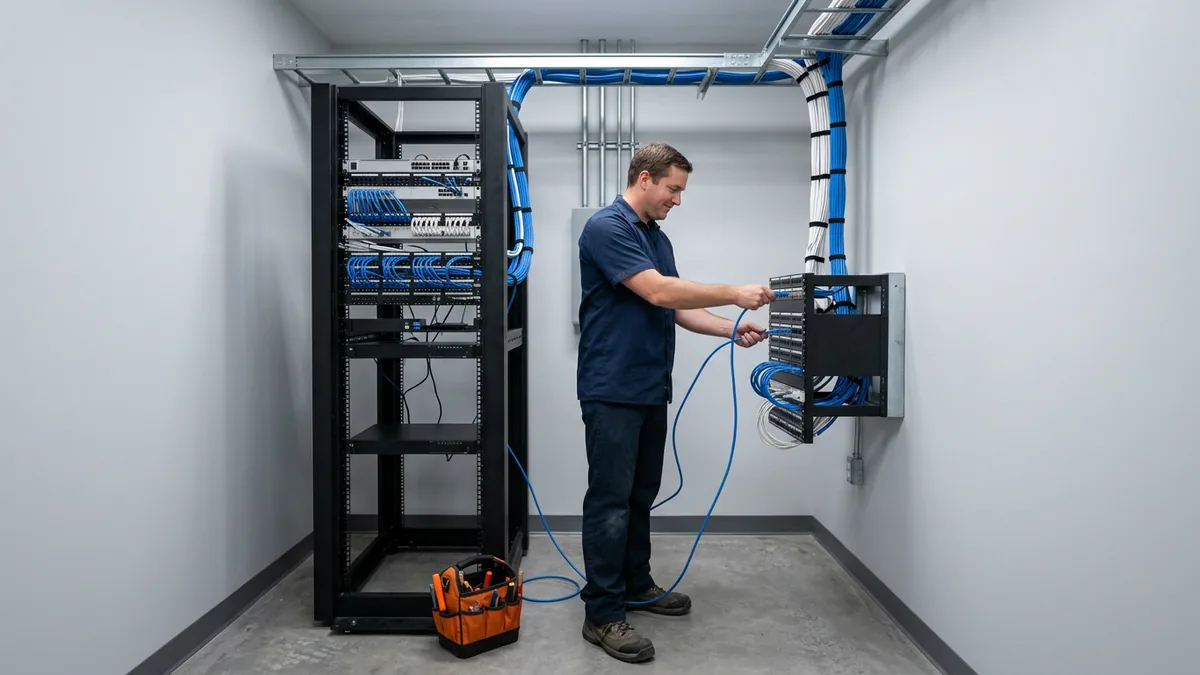
- Count data drops room by room and bay by bay, and decide where the network closets go.
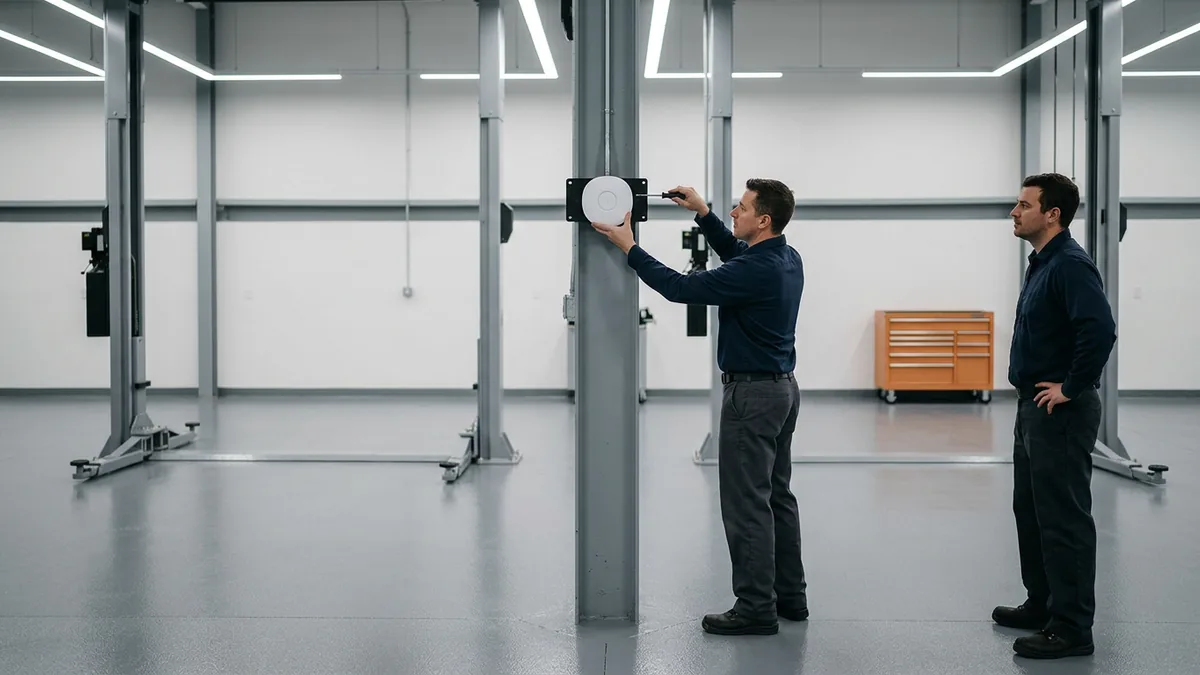
- Size switches and access points from that count. The old store’s numbers are a starting guess at best.
- Sort out the phones: which numbers are new, which get ported, and what 911 address each desk phone sends.
- Have every user sign into the DMS, the OEM portals, and email from inside the new building.
- Turn security on before the first credit application comes in, not after.
- Walk the store before opening day. Print from every printer and run a test charge on every card terminal.
None of the eight is hard on its own. They get hard when they’re left to pile up right before opening.
Why Does IT Belong in the Blueprint Phase?
Rex Marchant, our VP of Service, said it in one line on that planning call: “IT needs to be at the table of the blueprint phase.” I take that literally. To me it means IT sits with the architect and the general contractor while the plans are still on paper.

Cable runs inside walls and above ceilings. Drywall goes up once. Say the drawings show four jacks at a sales pod where eight people will sit. Now you can open the wall back up, or you can run a cable across the carpet and tape it down. Nobody likes either one. The closet is the same kind of problem. Where it sits, whether it gets its own power and cooling, and how far it is from the last bay all get decided early, whether anybody from IT is in the room or not. After the concrete is poured, those turn into change orders, and a change order costs a lot more than an eraser.
Here’s how I’d walk the drawings with whoever is doing the IT side.
| Area of the store | What to count on the drawings | The question people forget |
|---|---|---|
| Showroom and sales desks | Data drops per desk, printers, any display the OEM’s design calls for | Where does the sales manager’s tower sit, and does it have a jack? |
| F&I offices | Drops per office, signature pads, printers, phones | Is there a spare office that becomes a third F&I office next year? |
| Service drive and write-up | Advisor desks, cashier window, card terminals, check-in kiosks if any | Is there power and a jack at the card terminal, not just near it? |
| Shop bays | Drops per bay or per pair of bays, diagnostic stations, access points | Will the Wi-Fi reach the last bay with the lifts up and the doors down? |
| Parts counter and warehouse | Counter stations, label and invoice printers, scanners | Does the back of the warehouse get Wi-Fi for handheld scanners? |
| Network closets | Number of closets, rack space, switch ports, power, cooling | Is the closet a closet, or is it the janitor’s room with a rack in it? |
You’ll notice there are no numbers in the middle column. That’s on purpose. A drop count for a 12-bay import store and a drop count for a heavy truck shop with drive-through bays are different animals, and the right number comes from your floor plan, your departments, and how many people sit at each spot. Big truck bays are a story of their own, which is why we wrote a separate heavy truck dealership IT checklist. Count from the plan. Then count again.
If the building isn’t new, and the group is moving into one that already exists, have someone check the wiring that’s in it before move-in. What’s on an old drawing and what’s in the wall don’t always agree.
When Should You Order Internet Circuits for a New Location?
Order internet circuits as soon as the new location has a confirmed address. The carrier sets the install date, and lead times vary by carrier and by site, so I won’t put a number on it. Put one person on following up every week until the circuit is live and tested.
Two lines, if the location can get them. Ask for both. As I said on that October call, “All of our clients have multiple internet providers that then fail over if one goes down.” Two lines from the same company help some, but an outage at that company’s core can take both down. “Ideally, you want to have two providers that are two separate companies, and different medium.” Fiber from one and cable from the other, say. With one line, an outage on it leaves the store offline until it’s fixed. Our dealership network services page covers how the primary and backup connections and the firewall fit together.
One more thing, and it’s the one I care about most on this list. The company selling you the internet line isn’t your technology plan. A carrier may offer to sell you internet and voice on one bill, and that may be a fine deal, but it isn’t the same as somebody looking at the whole store and asking what it needs. Different job. That’s a buying decision. Treat it like one.
Phones, Numbers and the 911 Address
A new location means new phone numbers, or numbers you already own moving to a new address, and it means the main line has to ring at the desk where somebody answers it on the first morning. Decide early which numbers are new and which are ported, and who’s carrying them.
There’s a federal piece here too. Under 47 CFR 9.16, whoever installs, manages, or operates a multi-line phone system has to set it up so a user can call 911 directly, “without dialing any additional digit, code, prefix, or post-fix,” and that includes the 9 for an outside line. The same section says “an on-premises fixed telephone associated with a multi-line telephone system shall provide automated dispatchable location no later than January 6, 2021.” The FCC defines dispatchable location as the validated street address plus details like a suite number when they’re needed to find the caller. Where the system can do it, a 911 call also has to trigger a notification sent to “a location where someone is likely to see or hear it.” On a new rooftop, none of that is set up yet. Put it on the list. Our dealership phone systems page has more on how the phones are handled.
Get the address right. It’s the one detail an ambulance needs. Test it, too.
DMS, OEM Systems and Every Login on Day One
Opening morning, salespeople need to desk a deal, advisors need to write up repair orders, and the office needs to post. All of that runs through the DMS, the manufacturer’s systems, and email. If somebody can’t sign in, the deal waits. So does the customer.
Your DMS provider and your OEM may each have their own steps for adding a new rooftop, and those steps can take time of their own. I won’t guess at them. Ask both of them early, get the requirements in writing, and hand them to whoever is building the network. Then plan a day, before opening, where every user signs in from a workstation inside the new building. Not from the old store. Not from home. From the desk they’ll actually sit at.
Don’t stop at the big systems. Test the printer the F&I office uses for deal jackets, the label printer behind the parts counter, and any diagnostic station in a back bay that needs a wired drop. If one of those doesn’t work on opening morning, the work at that desk waits. Check them all.
Is Security Part of Opening Day?
From the first login, not after the boxes are unpacked. A new store holds customer information from its first credit application, so the firewall, multi-factor sign-in, encryption, and a guest network kept apart from the business network should all be in place the morning it opens.
There’s a rule, too. For dealers it covers, the FTC Safeguards Rule calls for multi-factor authentication “for any individual accessing any information system,” and for encryption of “all customer information held or transmitted by you both in transit over external networks and at rest,” per 16 CFR 314.4. The exceptions are narrow: access controls your Qualified Individual approves in writing as “reasonably equivalent or more secure,” or compensating controls where encryption is infeasible. The rule’s exception for institutions holding information on fewer than 5,000 consumers, in 16 CFR 314.6, doesn’t cover those two requirements. So build them in. I’d actually call opening day the easiest time to get it right. Nobody has a habit yet.
I’m not trying to scare anybody with that. It’s just easier to build it in while the network is still in boxes than to bolt it onto a store that’s already selling cars. Use the same standard as your other stores. Do it once. If you’re not sure where your existing stores stand, our FTC Safeguards Rule checklist is a decent place to look before you copy anything into a new one.
The Temporary Trailer and the Store You Just Bought
Not every “new location” is a new building. Two other cases come up all the time. Plan for both.
The first is a remodel or rebuild of a store that stays open. In my words from that October call: “We have to move them out, move them into a trailer, set everything up, make it operational, then do the facility, then we move them back into the new facility. Set everything up.” So it’s really two openings. The trailer is a real store for as long as the work takes, so it gets the same checklist, just smaller. Then, when the building’s done, everything moves again. Same store, twice. One plan for both moves beats two plans that don’t talk to each other.
The second is an acquisition. A group buys a store. It comes with whatever it had: its own Microsoft licenses, its own network, maybe its own IT person, and its own vendors. Bringing it onto the group’s standard is its own project. Different list. Our dealership acquisition IT page covers the buy-sell side, and if you’re adding rooftops regularly, IT for dealer groups is about keeping every store on one standard.
Who Should Run the Project?
Someone with time to run it. A new store has a start date, an end date, and a pile of vendors: the carrier, the low-voltage contractor, the DMS provider, the OEM. Somebody has to keep all of them moving, and that person shouldn’t also be the help desk for your other stores, so the project needs its own people.
That’s where I see good IT people get stretched. Your IT person spends the morning on whatever broke at the stores that are already open. Then the carrier calls about a site survey. Then the contractor wants a Thursday meeting. Every Thursday. Something gives, and often it’s the new store, right up until the last minute, when everything else gives instead.
A dealership may go through one or two of these projects, or none. Erik put the choice plainly on our planning call: “Do you want to do this for the first time or do you want to have people that are experienced doing it?” Fair question. A good one. I’d answer it honestly for your own group. If your IT person is strong and just needs the extra hands, that’s what co-managed IT is for. They keep their role. They get a team behind them.
When something isn’t going the way I want, I ask myself, “What am I not doing?” On a new store, the answer is often that nobody on our side was invited to the blueprint meeting yet.
Questions Dealers Ask Before a New Store Opens
How early is too early to bring IT in?
Our contractor says they handle the low-voltage. Isn’t that enough?
Can we just copy the network from our other store?
Does Helion pull the cable?
Opening Day Starts at the Blueprint
There are 16,990 franchised light-vehicle dealers in the country, according to NADA Data 2025, and each new rooftop adds one more network somebody has to plan. We work with 2,000-plus dealerships, and we manage the technology so they can sell and service cars and heavy trucks. New rooftops are part of that.

If you’ve got a new location on the way, or you’d like to know whether your current stores are a standard worth copying, our complimentary IT and cybersecurity assessment looks at your technology setup, your security posture, your vendor spend, and where you stand on the FTC Safeguards Rule, and the findings come back in writing. Bring it to the blueprint meeting.
Don’t leave IT to last. Put it on the first page.