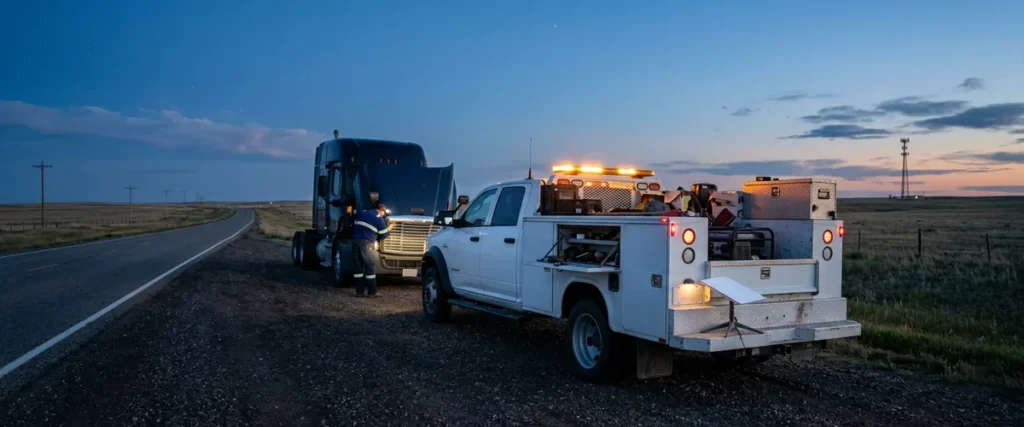

Mobile service truck internet works best in layers: a business cellular line, a second line on a different carrier, and satellite for the stretches where cell coverage ends. Test all of it on the roads your trucks drive.
Last updated: November 24, 2026
Picture a call on a Tuesday evening. A tractor’s dead on the shoulder of a county road, 40 minutes from the store, with a loaded trailer behind it. Your service truck rolls. The tech gets there, opens the hood and plugs in the diagnostic laptop, and the job now needs a connection that a county road may or may not provide.
Maybe there are no bars. Maybe there’s one bar that comes and goes.
Emergency roadside service is part of a truck dealer’s business. Heavy Duty Trucking reported in November 2020 that one Freightliner dealer’s mobile service truck and technician could “do 95% of what we do here at the dealership’s shop.” That only holds when the truck can reach the repair order, the parts, the OEM and dispatch. This post is about how the truck stays online. It’s one piece of how we handle IT for heavy truck dealerships, where a lot of the work happens nowhere near a building.
The branch’s own circuit is a different job, and our guide to rural truck dealership internet covers it. This one’s about the truck.
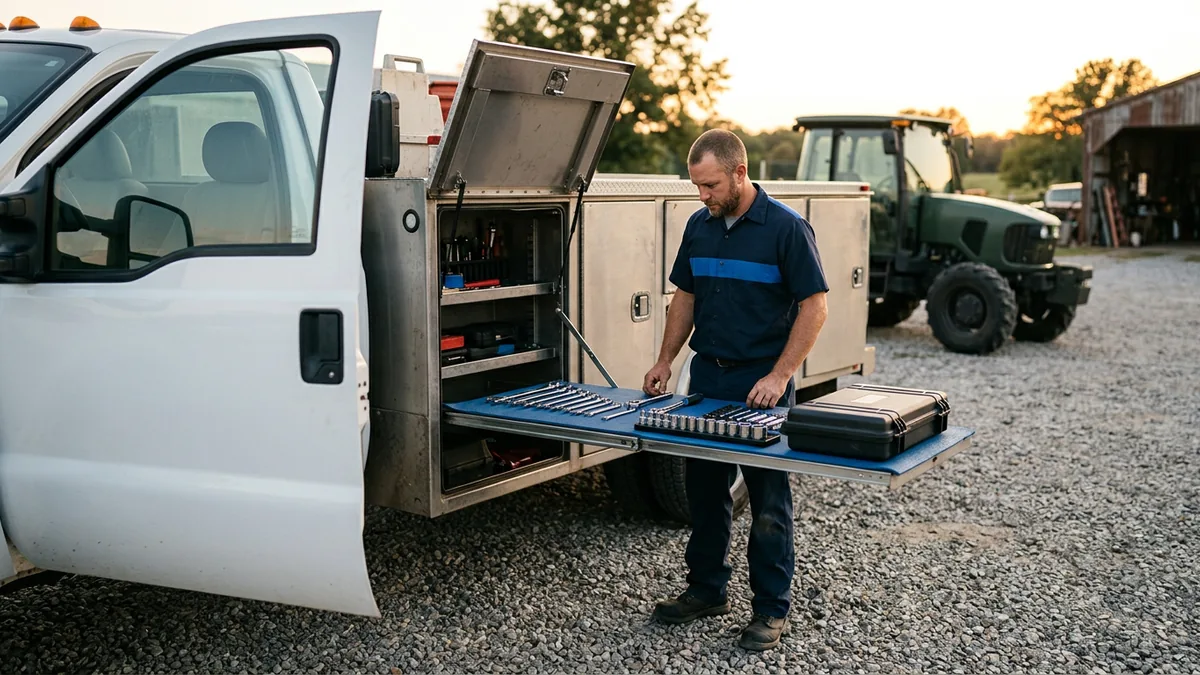
What Does a Roadside Service Truck Actually Need From Its Connection?
A roadside truck needs a connection for six jobs: reaching dispatch, working the repair order, running whatever the diagnostic software needs online, checking parts, sending photos, and keeping the waiting driver informed. Each one gets harder when the signal drops.
- Dispatch. Calls, texts and the job’s location. A tech who can’t reach dispatch is working alone.
- The repair order, opened, updated and closed from the cab instead of typed in at the store that night.
- Diagnostics. The laptop has to talk to the truck. What it needs from the internet depends on the tool. More on that below.
- Parts. A tech 90 miles out needs to know whether the part is on a shelf at the store, a sister branch, or nowhere.
- Photos. Pictures of the job have to upload from wherever the truck is parked.
- The customer’s phone call. A driver waiting on a shoulder wants a voice and an arrival time.
Both Karmak and Procede publish mobile service apps for this. Karmak’s Mobile Service app listing says it hooks into a Fusion instance “without a VPN,” and Procede describes Mobile Service Plus v2.0 as giving technicians repair orders “whether in the shop, at a customer location, or out in the field,” with an offline mode that syncs back to Excede later. If you run either one, our pages on Karmak support and Procede support cover the shop side. Offline mode is a plan B, though. It isn’t a plan.
Six jobs, one signal.
Cellular First, With a Second Carrier Behind It
Start with a business cellular line that the dealership owns, one per truck, with the password set by IT and not the one printed on the box. That part is covered in our post on securing mobile service trucks and technician tablets. What matters here is coverage, because a gap in one carrier’s coverage is a gap for every truck on that carrier.
So where do you look? Verizon, AT&T and T-Mobile each publish their own coverage map, and Verizon’s says it shows approximate outdoor coverage and isn’t a guarantee of service. The FCC’s National Broadband Map shows mobile coverage that each carrier models and files itself, for two settings: outdoors and standing still, or in a moving vehicle. The FCC notes that real experience can vary with the device, network capacity and terrain. That’s a model of where service should be, and it isn’t a measurement of the spot where your tech is standing with a laptop open on the hood.
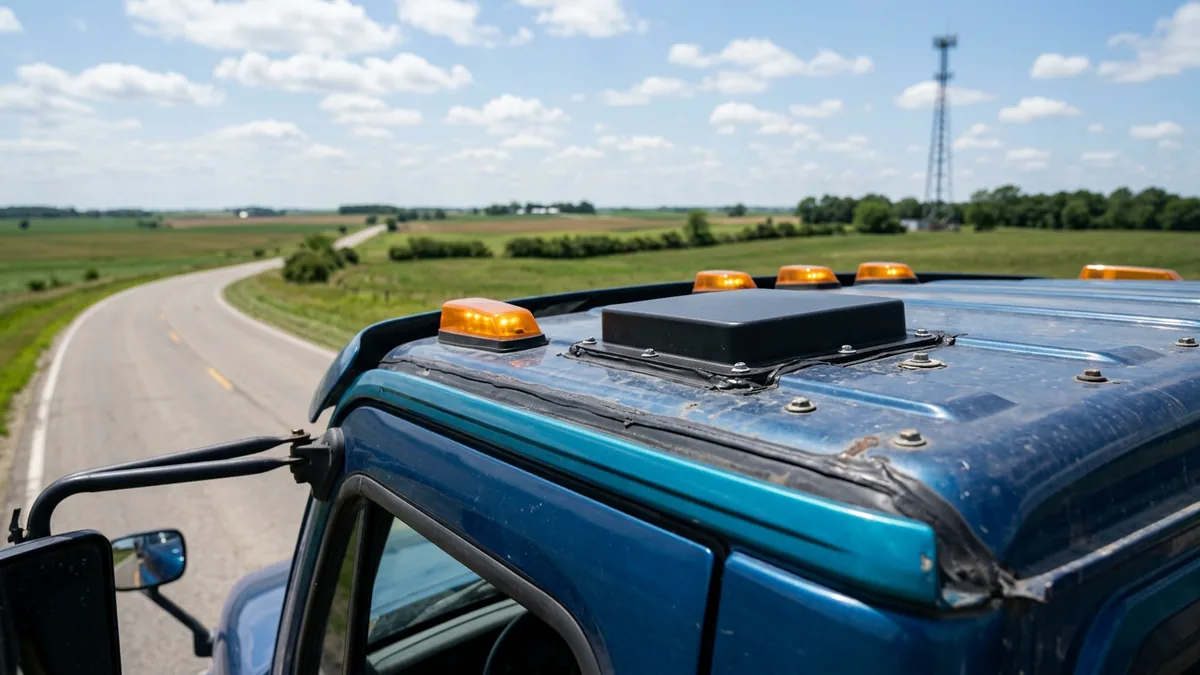
A map tells you where to look. A drive tells you what’s true.
Some cellular routers take two SIM cards, which lets one box carry two carriers and switch between them. Whatever you buy, ask whether the switch happens on its own or whether a tech has to dig through a settings page on the side of the road, and ask how long the switch takes. Ask before you sign. If you’ve read our guide to internet failover for dealerships, it’s the same idea, moved onto a truck. Different company, different path.
| Layer on the truck | Where it fits | What to check first |
|---|---|---|
| Business cellular, one carrier | Trucks that work inside one carrier’s solid coverage | Signal on the routes and yards you really drive, and the plan’s data allowance |
| A second line on a different carrier | Territories where one carrier has gaps | Whether the router switches on its own, and which carrier wins at each of your regular stops |
| Satellite | Jobs where both carriers go blank | Open sky at the job site, the plan’s terms, and availability in that area |
| The customer’s yard Wi-Fi | Not for dealership work | Nothing. You don’t know who else is on it |
Ask first. Buy second.
Where Does Satellite Fit on a Roadside Truck?
Satellite fits as the third layer, for jobs where both carriers’ maps go blank. The repair itself happens with the truck parked, so the dish can sit on the truck deck at the site with a clear view of the sky while the tech works. That helps.
On a planning call in early November, I said it this way: “Starlink has gotten less and less expensive and more and more reliable.” That’s my read. I’ll leave it as my read. Here’s what I can point to instead.
- It isn’t available everywhere. In November 2024 the Benton Institute reported that Starlink’s availability map showed the service sold out in parts of the US. Check today’s map for the areas your trucks cover, not just your town.
- The dish needs open sky. Starlink’s install guide says it “needs a clear view of the sky,” and a roof, a pole or a tree in the way will cause interruptions.
- Check the plan before you mount anything. Starlink’s plan transition document says its new Priority plans enable in-motion use, in approved countries only, with priority data sold in blocks, the smallest being 50GB.
- Prices and plan names have been moving. Get today’s number from Starlink’s own page, not from a blog post. This one included.
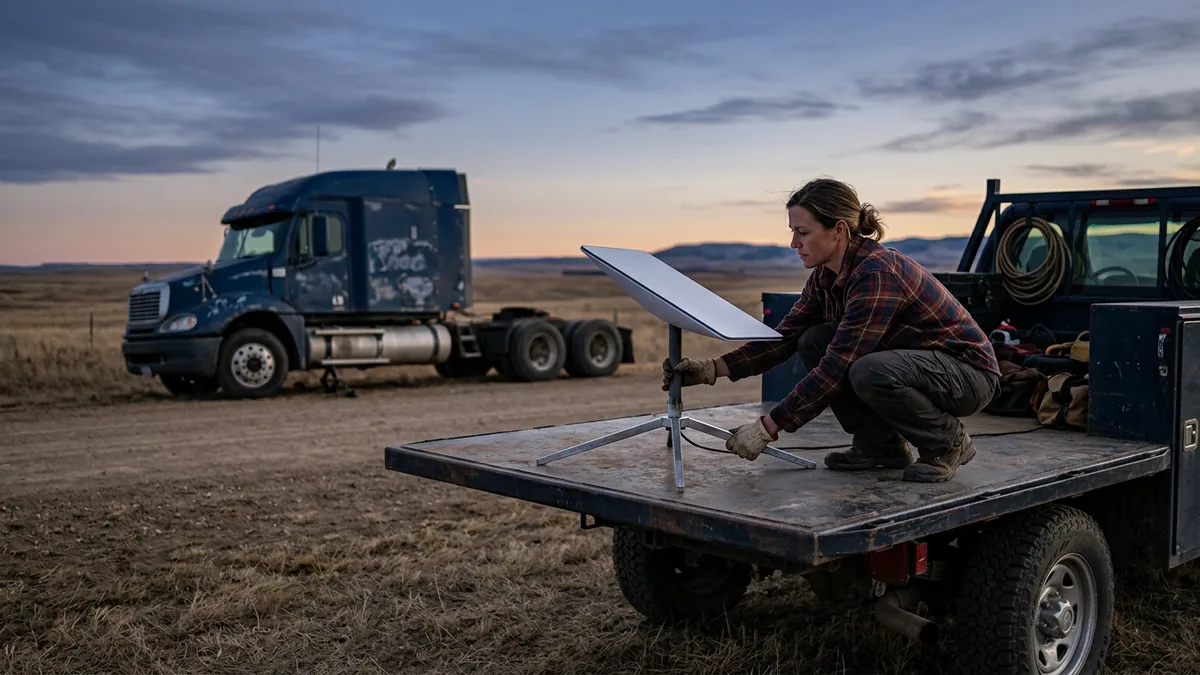
Satellite is a dealer-side decision, and I’d treat it as insurance for the dead spots, not as the first line, because where those dead spots are is something you can find out before a driver does.
Put the dish where it can see the sky.
Where Does the Diagnostic Laptop Phone Home?
It depends on the tool. Each engine maker’s diagnostic software works its own way, and I won’t pretend to know every one. Ask each maker whether its tool needs a connection for licensing, updates or anything else during a job. Get the answer in writing. Plan around it.
One habit helps. A roadside line with a data allowance is the wrong place to pull software updates, so do them at the shop, on shop Wi-Fi, before the truck leaves the lot. Coverage for the bays and the lot is on our truck shop Wi-Fi page, and what a module flash needs from the network is in our guide to vehicle flashing over shop Wi-Fi. The roadside connection then does the light work: the repair order, the photos, the call back to dispatch.
Licenses are the other trap. Cummins’ license transfer form for INSITE asks for the old and new tool instance and the order number, and warns that if required information is missing, a new license may have to be bought. If a laptop is lost or wrecked on the road, that’s the form you’ll be filling in. Keep a register. Our guide to securing OEM diagnostic laptops shows what goes in it.
Download at the shop. Work on the road.
The Connection Is Half the Job
Whatever rides on that connection is the other half. A good signal doesn’t make the devices on it safe. The tablet should be enrolled so IT can lock and wipe it, every tech needs a personal login with multi-factor sign-in, and the laptop should run without local admin rights. No shared logins. We lay all of that out in the mobile service security guide, so I won’t repeat it here.
The hotspot belongs to the dealership. The yard’s Wi-Fi doesn’t.
How Do You Test a Truck’s Connection Before a Roadside Call Does?
Start with your own jobs. Pull the last year of roadside calls, map where they happened, and check each carrier and the satellite option at the worst of those places. A coverage map is a starting point. Your trucks, on your roads, are the test.
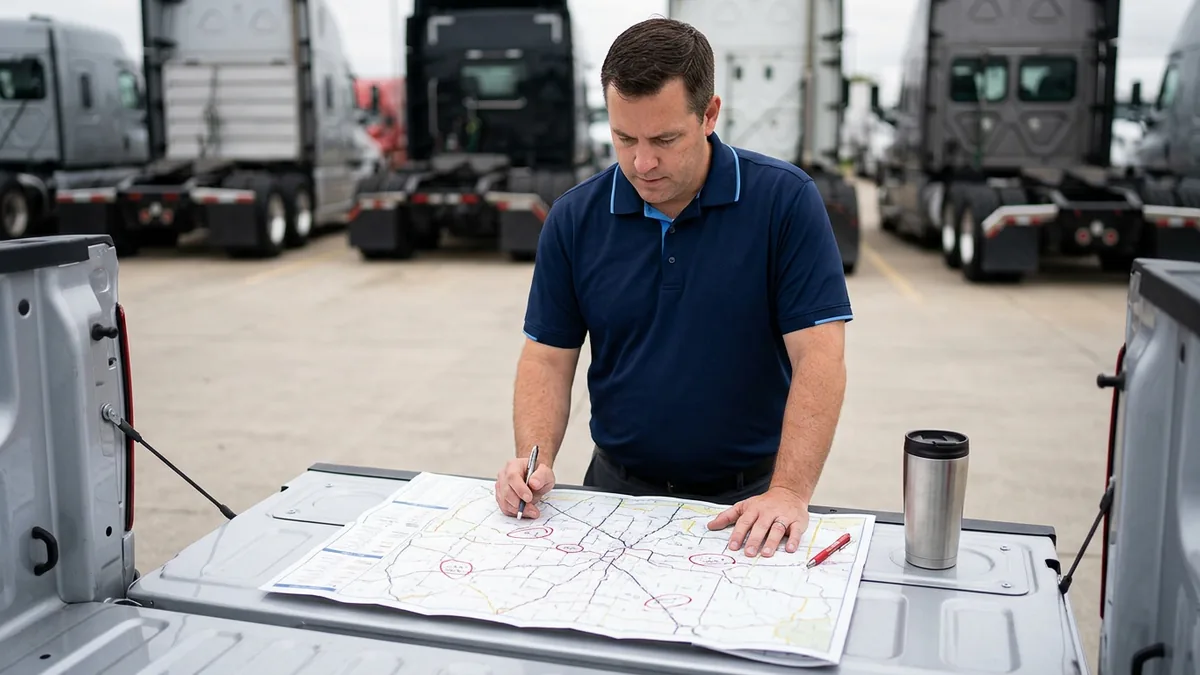
- Pull twelve months of roadside repair orders and mark each job’s location on a map.
- Circle the clusters. Circle the lonely jobs too.
- Check every carrier’s published map and the FCC’s in-vehicle view at those spots, and note where they disagree.
- Put a test line from each carrier in a truck for two weeks. Have the tech log the places where it dropped.
- At the three worst spots, try the repair order, a photo upload and a phone call on each carrier.
- Try satellite where both carriers fail, with the dish on the deck and a clear view of the sky.
- Write down what the tech does when there’s no signal at all. Put it in the truck.
- Run the whole thing again each year, and again when a carrier changes its plan or you add a route.
Your own jobs tell you more than any map.
What Truck Dealers Ask About Roadside Connectivity
Is one cellular carrier enough for a service truck?
Does Starlink work while the truck is moving?
Our techs want to tether to their own phones. Fine in a pinch?
40 minutes from the store and no signal at all. Now what?
Do techs need the diagnostic laptop online for the whole job?
One Standard for the Truck, the Same as the Store
I’ve spent nearly 30 years working only with car and heavy truck dealerships, and Helion supports 2,000-plus of them today. My advice is simple. Set the truck up the same way as the building it left, with enrolled devices, personal logins with multi-factor sign-in, encryption and a dealership-owned cellular connection. One standard, the same everywhere. If you run more than one branch, our guide to the multi-location truck dealership network shows how the pieces connect.
If you’d like a second set of eyes on how your trucks connect today, our complimentary IT and cybersecurity assessment reviews your current technology setup, cybersecurity posture, vendor spend and compliance standing, with written findings and no obligation.
Find the dead spot before the driver does.