
Managed IT
Dealership IT Relocation Services: Circuits, Network and Phones Ready Before Opening Day
The internet, Wi-Fi, phones and logins planned from the floor plan and tested before the first morning in the new building.

IT relocation services move a dealership’s internet circuits, network, Wi-Fi, phones, DMS access and shop equipment into a new or remodeled building and test all of it before opening day. Helion Technologies runs each move as one project for car and heavy truck dealers.
Last updated: November 5, 2026
Don’t Leave IT to Last
Here’s how it often goes. The group signs the lease or breaks ground, the architect draws the building, the contractor pours the floors and hangs the drywall, and somewhere near the end somebody asks who’s handling the computers. By then the walls are closed, the cabling is in the wrong places, the sales desks are short on jacks and the shop has too few access points to reach the far bays.
Erik Nachbahr, our founder, has watched stores acquire a location, build out or remodel “and then they wait until the last minute.” We’d rather be in the room while the plans are still on paper, running the move as a scoped project alongside managed IT for dealerships. Buying a store rather than moving one? Our acquisition IT integration page covers the buy-sell, and IT for dealer groups covers growing across rooftops.
Walls close once. Plan the jacks before they do.
The move
What Do IT Relocation Services Cover at a Dealership?
Seven pieces, and every one of them has to work the first morning the store is open. For each one, here’s what has to happen and who does it, whether that’s us, a carrier or your contractor.
Rex Marchant, Vice President of Service
“IT needs to be at the table of the blueprint phase.”
The move sheet Seven things that have to work on day one
Circuits Internet lines ordered as soon as the address is known
The carrier sets the install date, not us and not you, and lead times vary a lot from one building and one carrier to the next. A brand-new building on a road that’s never had fiber can take far longer than a remodel of a store that already has it. So the order goes in as soon as there’s an address, for two lines from two different carriers, and we track both orders until the circuits are live and tested. Our network management page explains why a store needs the second line.
Order early. The carrier sets the date.
Wiring Every data jack marked on the floor plan
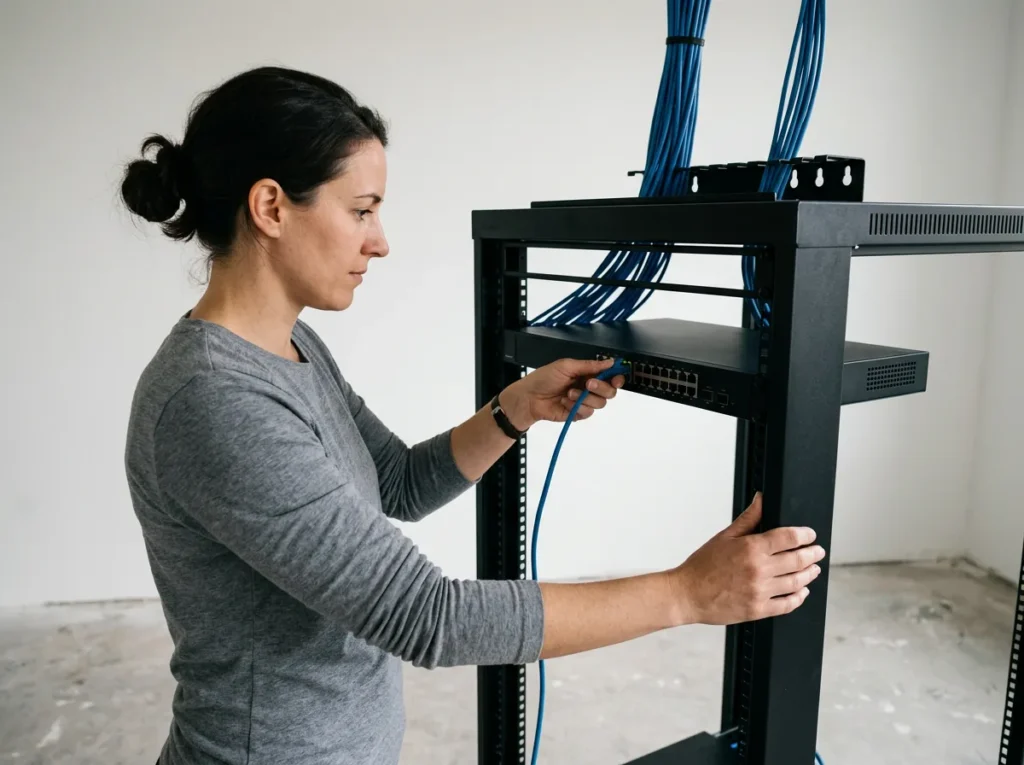
We mark the jacks on the drawings before the walls go up, at the sales desks, in the F&I offices, at the service write-up desks and cashiering and behind the parts counter, then hand that map to your low-voltage contractor and check the work before the drywall closes it in. When we walk a building that’s already finished, we test the wiring that’s in it first. What’s on the drawings and what’s in the wall aren’t always the same thing.
Count the jacks twice.
Network Firewall, switches and Wi-Fi built before moving day
The network goes into the new building while the old store is still selling cars. We build it to the same standard as your other stores. Then one of our technicians walks the building with a device to check the last bay, the lot and the back of the parts room. Steel lifts and roll-up doors eat Wi-Fi. Security is on from the first day. It isn’t something we add after the boxes are unpacked.
Built and tested before the trucks arrive.
Phones Same numbers, new address
Your main number is on the website, the Google listing and the side of the shuttle van, so it moves with the store. When we run your phones, we list every number, port the main lines and the direct dials, and update the 911 location for the new building, so an emergency call from there sends help there. Our phone systems page has the rest.
Same number, right address.
Logins Every user into the DMS and OEM systems
Salespeople, F&I, advisors, technicians and the office all have to sign in on the morning the store opens. We set up the workstations, test each person’s access to the DMS, the manufacturer’s portals and Microsoft 365 from inside the new building, and work with your DMS provider and the OEM on anything still tied to the old address or the old network.
No login, no deal.
Counters and shop Printers, card terminals and diagnostic stations
Printers and the card terminal at the cashier window are easy to forget until the first deal or repair order needs them. In the shop it’s the diagnostic stations and the vehicle programming connections, which need a wired drop where the manufacturer asks for one, or Wi-Fi strong enough to hold a session for as long as a download takes. Our service department IT page covers the shop in detail.
Test the printers first.
Old building Wiped, shut down and handed back
The store you’re leaving still has PCs, a server closet and maybe a box of old drives with customer data on them. We wipe or destroy the storage and write down when and how, pull the equipment you’re keeping, help cancel the circuits you no longer need, and shut off the old site’s network access. The FTC Safeguards Rule expects procedures for securely disposing of customer information, and a move is when those procedures actually get used.
Leave nothing behind but the walls.
Remodels Mean Moving Twice
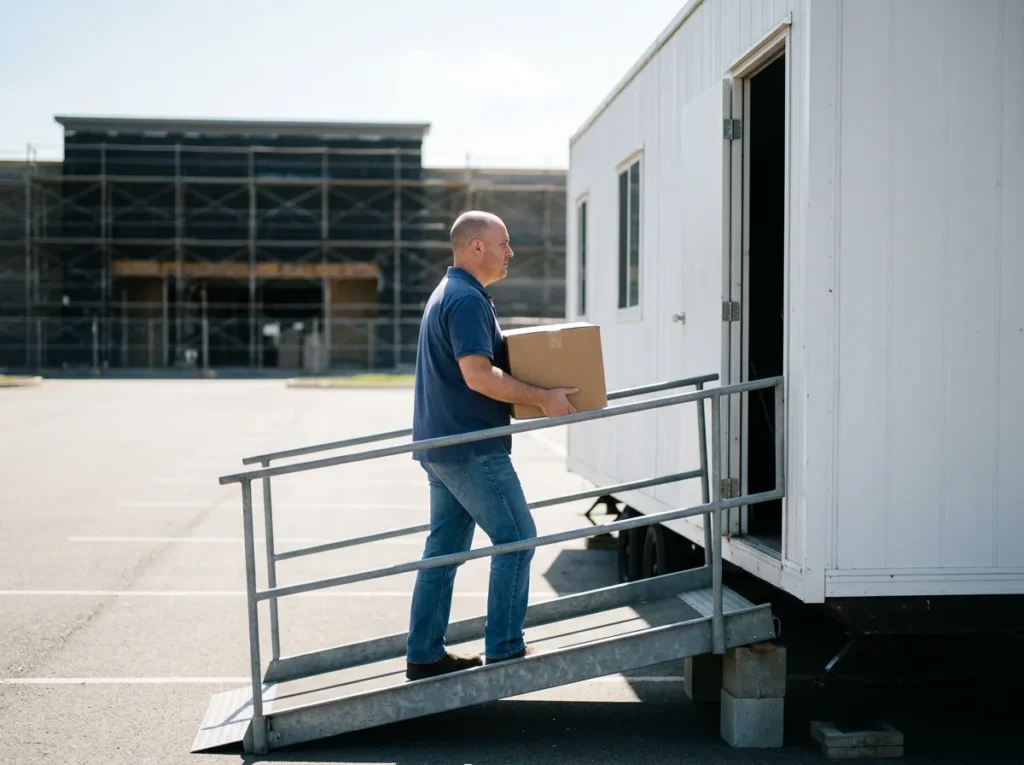
Many remodels start with the manufacturer. As Scot puts it, the refresh is in the dealer agreement, a store can fight it for a while, and sooner or later the work starts. Sales and service don’t stop for that. Often they move into a temporary trailer on the lot, and when the new building is done, everything moves back in.
Scot McConnor, VP of Technology Advisory
“We do this all the time. They’ll either be building a new facility from the ground up, or they’ll be upgrading a current facility. We have to move them out, move them into a trailer, set everything up, make it operational, then do the facility, then we move them back into the new facility.”
The trailer is the tricky part. It needs an internet connection good enough to run the DMS and the card terminals, phones that ring there instead of in an empty building, and printers for the deal jackets and the repair orders. When the building is finished the whole store moves again, so one plan has to cover both moves. The rules on the right follow the store to every address it uses.
Two moves, one plan.
FCC
The FCC’s porting guide says that if you switch providers and stay in the same geographic area, you can keep your existing phone number, and that numbers can move between wireline, IP and wireless providers. Read the FCC’s guide.
Same area, usually the same number.
47 CFR 9.16
For multi-line phone systems made, sold or installed after February 16, 2020 (47 CFR 9.17), federal rules require a 911 call to carry the caller’s dispatchable location, meaning the validated street address plus details such as a suite or floor. On-premises desk phones on those systems have had to send it automatically since January 6, 2021. Read the rule.
New building, new 911 location.
FTC
Section 314.4(c)(6) of the Safeguards Rule tells dealers it covers to keep procedures for the secure disposal of customer information in any format, generally no later than two years after it was last used for that customer, with exceptions such as records the law requires you to keep. Read the rule.
The old building’s drives count too.
Store Moves Planned by a Team Behind 2,000+ Dealerships
A dealership may go through one or two moves in its life, or none. Scot says we have a project like that going on every day, and it shows in small things, like where the card terminals at the cashier window end up and why the far bays need an access point of their own. Erik puts the choice this way. “Do you want to do this for the first time or do you want to have people that are experienced doing it?” One auto group in our case studies, 23 stores in New England, went through 4 dealership acquisitions and 10 store relocations with us without IT becoming a bottleneck.
How Dealership IT Relocation Services Run
-
1
Start at the blueprint
We sit down with your architect or contractor and the floor plans. Every jack and access point gets marked, and if the building’s already up, we test what’s in the walls.
-
2
Order, then build
Circuits get ordered as soon as there’s an address. While the carriers do their part, we build the network, phones and workstations and coordinate the low-voltage contractor.
-
3
Test, then move
One project manager keeps the schedule. Our field technicians are on site for the move itself, and nothing counts as done until it’s been tested in the new building.
-
4
Open, then close the old site
If your stores use our help desk, it knows about the new store before opening morning. After that, the old building gets wiped and shut down.
Who owns what
Who Owns Each Part of a Dealership Move?
A move has a lot of people in it, and it’s easy for each of them to assume somebody else is handling the part in between. We’d rather not find out on opening week who that was. So each part of the move gets an owner before we order anything. You pick the opening date, sign off on the floor plan and tell us what equipment moves and what gets replaced. We take it from there.
| Part of the move | What Helion does | Who else is involved |
|---|---|---|
| Internet circuits | Specifies two lines, places the orders with you and tracks both until they’re live | The carriers, who set the install dates |
| Data cabling | Marks every jack on the floor plan and checks the work before the walls close | Your low-voltage contractor, who pulls the cable |
| Network and Wi-Fi | Builds and tests the firewall, switches and access points on your standard | Your electrician, for power where the equipment goes |
| Phones and numbers | Ports the numbers and sets the 911 location for each building, when Helion runs the phones | Your current phone carrier, which releases the numbers |
| DMS and OEM access | Sets up workstations and tests every user’s login from the new building | Your DMS provider and the manufacturer |
| The old building | Wipes or destroys the drives, pulls the equipment and shuts off old access | Your team, for the lease and the keys |
Buying the store as well as moving it? The order of work changes, and our acquisition IT integration page walks through the buy-sell. Our older post on IT in expansions and remodels covers port placement and Wi-Fi in new buildings.
Common Questions
Planning a move or a new store?
Our complimentary IT and cybersecurity assessment looks at the store you run today and what the new building will need. Already know what you need? Get a price quote.
How far ahead should a dealership plan IT for a move or a new store?
Can we keep our phone numbers when the store moves?
Does Helion run the cabling in a new building?
How does a dealership keep selling during a remodel?
What happens to the computers and data at the old location?
Can our own IT manager stay in charge of the move?
Bring us the floor plan. We’ll find the problems while they’re still on paper.
Request a Complimentary Assessment →