
Managed IT
IT Asset Management for Dealerships: Every Device, License and Warranty Accounted For
A live register of every computer, license and warranty in every store, and a five-year budget built from it.

IT asset management services keep a live record of every device, software license and warranty a dealership owns, by rooftop and department, so old equipment gets replaced on a plan instead of after it breaks. Helion Technologies runs it as part of managed IT for car and heavy truck dealers.
Last updated: November 4, 2026
Why Dealerships Lose Track of Their IT Assets
Most dealers run their technology until it quits. It feels like saving money, and on any day nothing breaks, it is. Then a switch dies on the first Saturday of the month, or a lane printer gives out during the morning rush, and the replacement gets bought in a hurry at whatever it costs that week. Multiply that by every rooftop the group has bought over the years, each with its own vendor and its own spreadsheet (if it has one), and nobody can answer a simple question from the CFO about what the dealership actually owns.
We fix that as part of managed IT for dealerships. Everything goes on one list, the list drives the replacement plan, and the plan becomes a budget. The shop gets its own attention, since diagnostic laptops and bay Wi-Fi age faster than anything in the showroom, and our service department IT page covers what we run there. If the real problem is too many IT vendors, start with vendor consolidation.
Run it until it breaks is a plan too. It’s just the most expensive one.
The register
What Do IT Asset Management Services Cover at a Dealership?
They cover six things: the computers and devices, the shop’s diagnostic gear, the network equipment, every software license, who holds what, and how old equipment leaves the building. For each one we record where it sits, who uses it, what it cost, and when its warranty and support end.

Erik Nachbahr, Founder and President
“We have their entire asset inventory, and we give them an annual plan that we update throughout the year that gives them a five year budget and a projection. So rather than being reactive, they can plan out their technology spend and have it be part of a roadmap and a plan.”
The asset register Six things we track in every store
Devices Every computer, tablet and printer, by store
Sales desks, the F&I office, the parts counter, the lane, the controller’s office. Each device goes on the register with its rooftop, department, user, purchase date and warranty end, so a question like “how many PCs does the second store have, and how old are they?” takes a minute instead of a walk through the building.
Count it before you budget it.
Shop Diagnostic laptops and interfaces
Of everything in the store, the shop laptops have the hardest life. They get knocked off carts, they pick up grease from every glove that touches them, and the manufacturer pushes updates to them more often than to anything in the office. When one gets slow, a car sits on a lift waiting for it. We keep them as their own group on the list, along with the operating system each one runs, since a manufacturer’s tools can stop supporting an old version on the maker’s schedule, not yours. Bay Wi-Fi and the rest of the shop are on our service department page.
The shop ages fastest.
Network Firewalls, switches and access points
Nobody thinks about the firewall in the parts closet, and honestly that’s the point of a firewall. It sits there for years and does its job. The trouble starts on the day its maker stops shipping security fixes, which most dealers find out about long after the fact, if they find out at all. We put each unit’s end-of-sale and end-of-support dates on the list as the maker publishes them, and the replacement goes into the plan before that date arrives. Worn-out access points get the same treatment, because in the shop they slow down every download, and our network management page covers how we build it.
Closet gear has an expiry date too.
Licenses Microsoft 365, the DMS and everything else with a seat count
Here’s a question we ask a lot of CFOs: how many Microsoft 365 licenses are you paying for, and how many people work here? The numbers almost never match, and the difference is usually people who left months ago and never got taken off. One dealer told us they’d put off moving to Microsoft 365 for exactly that reason, because all those old accounts would have turned into paid seats. So we keep every license, its seat count and its renewal and expiry dates next to the actual employee list, for Microsoft 365, the DMS and the smaller subscriptions departments sign up for on their own.
Pay for people, not ghosts.
People Handed out at hire, collected at exit
On a salesperson’s first day they get a laptop, a tablet and a handful of logins, and on their last day all of that is supposed to come back. In a lot of stores it doesn’t, not because anyone’s careless but because nobody wrote down what went out. We tie each device and license to the person who has it, so when someone gives notice, the list of things to collect already exists. Personal phones are the part that list can’t cover. That’s why we talk dealers out of bring-your-own-device.
Who has it, and is it back?
Retirement Old equipment, wiped and written off
Old PCs in a storage room still hold customer data. We wipe or destroy the drives, record the date and the method, and take the device off the register. The FTC Safeguards Rule asks dealers to have procedures for securely disposing of customer information, and a retirement record is how you show it.
Off the register, off the books.
What Old Equipment Really Costs a Dealership
The cost of an aging computer doesn’t show up as a line on the P&L. It shows up as minutes. A service advisor’s PC takes an extra two minutes to print a repair order while three more customers line up in the lane, and those customers remember the wait when the manufacturer’s survey arrives. In the shop, it’s worse.
Erik Nachbahr, Founder and President
“You’ve got old laptops in the shop that they’re using to program cars, and you might not be on a lift for an hour, doing a download, when it should be on the lift for 10 minutes.”
A bay holding one car for an hour instead of ten minutes is a bay that isn’t billing. Then there’s the equipment that still works but no longer gets security fixes, which is a different kind of cost, because it’s the kind attackers look for. Windows 10 machines are still common in dealerships, and so are firewalls and switches running long past the date their makers stopped updating them. The manufacturers and the government say plainly what that means, on the right.
Old gear costs time first, then risk.
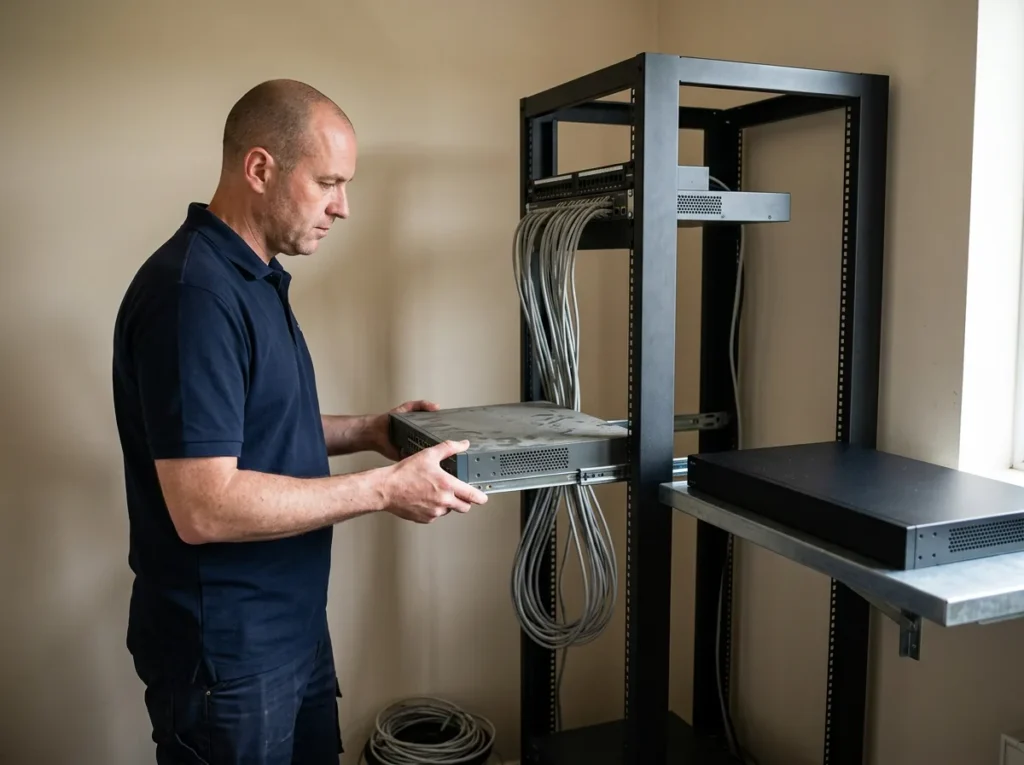
Microsoft
Microsoft ended support for Windows 10 Home and Pro on October 14, 2025, which means no more free security updates for those PCs. See Microsoft’s lifecycle page.
Every Windows 10 PC is on borrowed time.
Cisco
Cisco’s end-of-life policy defines the Last Date of Support as the last date to receive support under a service contract, and says that “after this date, support is no longer available.” Read Cisco’s policy.
Network gear has a published end date.
CISA
CISA’s Binding Operational Directive 26-02 (February 2026) orders federal agencies off end-of-support firewalls, routers, switches and access points, calling such devices “especially vulnerable to cyber exploits targeting newly discovered, unpatched vulnerabilities.” Read the directive.
Agencies must replace it. Dealers should too.
One Team Behind 2,000+ Dealerships
When you’ve looked after the same printer models, shop laptops and firewalls in thousands of stores, you get a good feel for when each one starts to go and what it costs to swap out. That’s what makes the five-year numbers believable. Every client also gets a Client Technology Manager, the person who sits down with the dealer principal and the CFO for the full IT review. It pays off, too. One multi-store auto group in our case studies saved over $400,000 by overhauling its infrastructure.
Three registers
Devices, Licenses and Data Are Three Different Lists
If you ask a dealership who keeps track of its technology, the answer is usually a spreadsheet somebody started when the last store was bought. It’s half finished. It also mixes together three things that belong on separate lists, because different people care about each one. The equipment is what IT and the department managers worry about. The licenses and vendor contracts are what the controller pays every month. And the data, meaning the customer records all those systems hold, is what the FTC Safeguards Rule has in mind when it tells dealers to “identify and manage the data, personnel, devices, systems, and facilities” behind the business. We keep all three.
| Register | What we record | The question it answers |
|---|---|---|
| Computers and devices | Rooftop, department, user, purchase date, warranty end, operating system | What do we own, and what needs replacing next year? |
| Shop diagnostic gear | Each laptop and interface, the tools it runs and the version they need | Which shop laptops are slowing the bays down? |
| Network equipment | Model, location, the maker’s published end-of-sale and end-of-support dates | What stops getting security fixes, and when? |
| Software licenses | Seat counts, renewal and expiry dates, and who each seat belongs to | Are we paying for anyone who doesn’t work here? |
| Vendor contracts | Term, renewal date, notice period and the monthly bill | Which contract renews before we can review it? |
| Data assets | Where customer and dealership data lives, and which systems and people can reach it | Where is our customer information, and who can open it? |
The inventory requirement is in section 314.4(c)(2) of the Safeguards Rule, and our FTC Safeguards checklist walks through the rest. For a multi-store group the register runs across every rooftop, so a store you buy gets counted in its first weeks, as our acquisition IT page explains.
How the Five-Year IT Plan Works
-
1
Count everything
We go store by store, pulling devices off the network, seats out of the license portals and contracts out of the vendor bills you send us for the assessment.
-
2
Budget five years out
We turn the replacements into a five-year budget and projection, spreading the big purchases out so the CFO doesn’t get three firewalls in one quarter. Our PC refresh cycle post explains the timing.
-
3
Revisit it all year
A store opens, a manager leaves, a price goes up. We change the plan when that happens, then go over all of it with you at the annual review.
-
4
Sit down once a year
At the annual review you see what got replaced, what it cost and what comes up next year.
Common Questions
Want to know what you own?
Our complimentary IT and cybersecurity assessment looks at the equipment in every store and puts today’s IT bills next to what we’d charge. Already know what you need? Get a price quote.
What is IT asset management for a dealership?
How often should a dealership replace its computers?
Does the FTC Safeguards Rule require an IT asset inventory?
How do we stop paying for software licenses nobody uses?
Is bring-your-own-device a good idea at a dealership?
What happens to old computers when they’re replaced?
Let’s count what you have. Then we’ll plan what comes next.
Request a Complimentary Assessment →