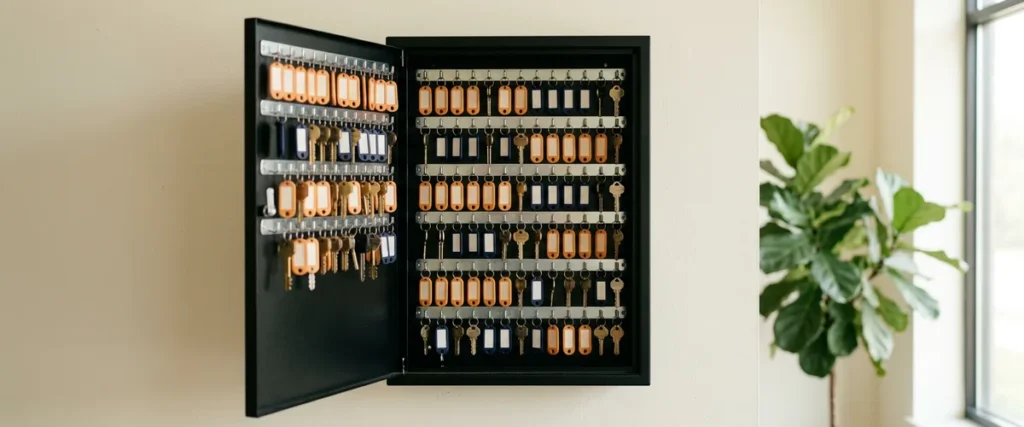

IT documentation for a dealership is the record of every admin account, internet circuit, vendor contact, DMS and phone setting, and network device, kept in systems the store owns so nothing depends on one person’s memory.
Last updated: October 27, 2026
Picture a Tuesday in March. Your IT manager is on a plane to a family wedding, phone off, exactly where they should be. At 10:40 the internet circuit at your main store drops, and because the phones ride on that same circuit, the phones go with it. Somebody has to call the carrier. Which carrier? What’s the account number, the circuit ID, the PIN they’ll ask for before they’ll even open a ticket?
Nobody in the building knows.
I’ve spent more than 25 years leading managed services teams, and that moment doesn’t usually end well. The information exists. It just exists in one person’s head, or in a notebook in their desk drawer, or in a spreadsheet on a laptop that left with them for the airport. The dealership paid for every one of those accounts. All of them. It doesn’t actually hold them.
Most posts about IT documentation hand you a list of what to write down. I’ll give you that list, because it matters. But I’ve had to change how I look at this. If writing everything down is the plan for the day your IT person is out or leaves, the setup was already wrong. The answer is systems, not a binder.

What IT Documentation Means at a Dealership
IT documentation is the working record of how a dealership’s technology is set up and who controls it: the accounts with administrator rights, the internet circuits and carriers, the vendors and how to reach them, the DMS, phone and network settings, and a map of what’s plugged in where. Good documentation lets someone other than the person who built it run the system.
At a dealership, that covers more ground than people expect. Here’s what I’d want captured at any store, whether you have one IT person, a team of five, or a co-managed IT partner working alongside your team:
- Admin accounts. Microsoft 365 global admin, the firewall, the Wi-Fi controller, the domain registrar and DNS, the website host, backup software, and the admin side of the DMS. Who holds each one, and is it a named person or a shared login nobody can trace?
- Circuits and carriers, for every rooftop. Account numbers, circuit IDs, the support line, the verbal PIN, and which circuit is primary versus backup.
- Vendor contacts. Think about how many outside companies touch your systems: the DMS provider, the phone vendor, the OEM and its network requirements, the copier company, the camera installer, the CRM. A dealership’s vendor list gets long fast, and each one has its own escalation path.
- DMS and phone settings. Printer mappings in the DMS, user roles and permissions, call flows, auto-attendant menus, hunt groups, the after-hours routing for service.
- A network map. What’s in each closet, which switch port feeds the service drive, where the OEM diagnostic equipment connects, and which device somebody bought on a weekend and plugged in without telling anyone.
That’s the list. It’s the easy part.
The Day Your IT Person Is Out
Early in my career I was a programmer at an insurance company, on a team of three that was “responsible for everything including the infrastructure.” Small teams that own everything learn the whole stack, and that’s a real strength. I think about that team when I talk with a dealer principal whose entire IT operation is one person. What three of us carried is what that one person carries now, plus the security and compliance work that barely existed back then.
People take vacations. They get sick, they have babies, they take better offers. The Bureau of Labor Statistics puts median employee tenure at 4.1 years as of January 2026. None of that is a knock on the person. It’s life. It’s what happens at any store over enough years.
So what happens if we do nothing? The store keeps running fine until the first day the knowledge isn’t in the building. Then a 20-minute fix turns into an afternoon of calling vendors who won’t talk to you because you’re not the contact on the account. A sales manager can’t get into the CRM. Somebody resets a firewall to factory defaults because nobody had the admin password, and now the problem is bigger than the one you started with.
There’s a security side too, and it’s not small. Shared logins, accounts that never got turned off, an admin password that’s been the same for six years because changing it means remembering where else it’s used. We wrote about a vendor whose whole team used one person’s credentials in our post on why we verify every dealership caller. When nobody can say who holds what, nobody can say who shouldn’t.
The gap shows up on the worst possible day.
Why the Binder Isn’t the Answer
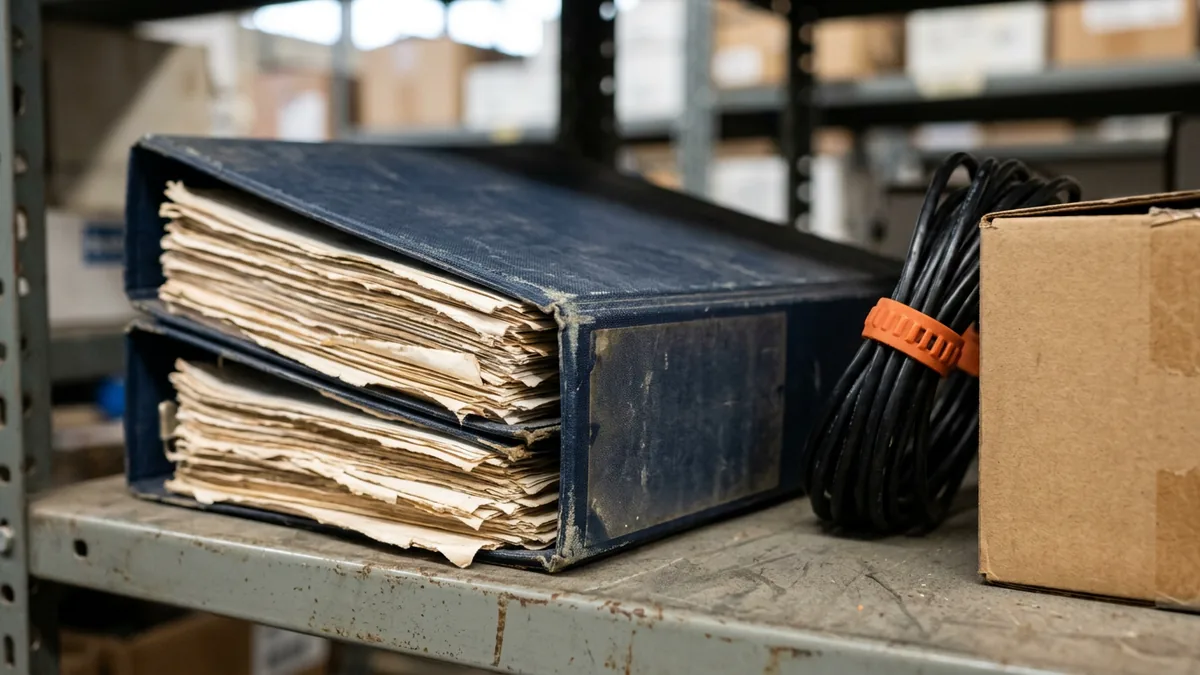
Here’s where I’d push back on the usual advice. When someone gives notice, the instinct is to sit them down for two weeks and have them write everything down. A binder. A shared document. A brain dump.
I understand why. I just don’t think it solves the right problem.
What problem are we actually trying to solve? It isn’t “we don’t have a document.” It’s that the dealership’s access and knowledge were never held by the dealership in the first place. A binder written in someone’s last two weeks is out of date within a month. Passwords change, a circuit gets upgraded, a new vendor shows up, and nobody updates page 14. And a printed list of admin passwords on a shelf? That’s a security problem of its own.
Our view at Helion is that if you have to ask your IT person to write it all down on the way out, the setup was wrong to begin with. A dealership should have the management systems in place so nothing depends on anyone’s memory: a password manager, a vault for privileged (administrator) accounts, and inventory tools that keep track of devices and software on their own. Then the knowledge is captured as the work happens, not reconstructed at the end.
That’s the difference between symptoms and root cause. The binder treats the symptom.
Where Each Piece Should Live
The standards bodies agree on this part. CISA’s Cross-Sector Cybersecurity Performance Goals call for an inventory of every asset with an IP address updated no less than monthly, documented network topology, separate user and administrator accounts, and a process that revokes a departing employee’s credentials by the day they leave. CIS Control 5 on account management asks for an inventory of all accounts, user and administrator both. Microsoft’s guidance on emergency access admin accounts lists, as one reason to have them, the moment “the person with the most recent Global Administrator access leaves the organization.” It recommends two or more of those accounts, tied to no individual employee, tested at least every 90 days and again after a change in IT staff.
Put that together and it maps cleanly onto a dealership:
| What you’re capturing | Where it should live | Who should be able to reach it |
|---|---|---|
| Everyday logins (vendor portals, OEM sites, carrier accounts) | A business password manager with shared folders by role | The people who use them, plus IT and one named manager |
| Admin accounts (Microsoft 365, firewall, domain, DMS admin, backups) | A privileged account vault that logs every checkout | IT and your provider; a sealed break-glass path for the dealer principal |
| Computers, printers, switches, access points, software licenses | An inventory tool that discovers devices on its own | IT and your provider, with a monthly summary to the controller |
| Circuits, carriers, vendor contacts and contracts | One vendor register the store owns, not a personal inbox | IT, the controller, the GM |
| DMS, phone and network settings; how-to steps | The ticket system’s knowledge base, updated when the ticket closes | Anyone who supports the store |
Notice what’s missing from that table. A binder. On purpose.
Every one of those systems is something the dealership controls. When a person leaves, you turn off their access in one place, and everything they knew, from the circuit IDs to the printer mappings in the DMS, stays with the dealership instead of walking out the door with them. When a person is on a plane, the person covering for them signs in and finds the circuit ID in under a minute. I believe that’s what IT documentation best practices actually come down to: write it as you go, store it where the dealership owns it, separate the admin accounts, review it on a schedule. The tools do most of the remembering. People don’t have to.

What This Means for Your IT Person
If you have an IT manager, I want to be careful here, because I know how this can sound to them. “Put everything in systems” can land as “we’re making you replaceable.”
It’s the opposite. Really.
The person carrying everything in their head is the person who can never fully take a day off. They’re the one who gets the call on vacation. Moving that knowledge into systems is how they get to be out sick without the store falling over, and it’s how they get to spend time on projects instead of being the only answer to every question. Have we looked at what this means for the people doing the work? For them, it’s usually relief.
Plenty of dealers tell us, “We’ll just hire someone in-house.” That’s a fair choice, and our comparison of in-house, managed and co-managed IT lays out what each one covers. But hiring a second person doesn’t fix where the knowledge lives. You’d have two heads instead of one. Better, not solved. Not yet.
This is also where co-managed IT for dealerships fits well. Your IT person stays employed and stays in charge of their store. A provider like us works alongside them, and the password manager, the vault and the inventory tools become shared ground instead of one person’s private notes. Our co-managed IT responsibility matrix shows how to write down who owns each piece, which is the one thing I’d still put on paper.
Systems make your IT person stronger, not optional.
How We Handle It at Helion
We support 2,000-plus dealerships, and the pattern repeats often enough that we can often tell early whether a store’s knowledge lives in systems or in a person. It isn’t a judgment on anyone. Most stores grew into their setup one vendor and one urgent fix at a time, which is how the logins end up scattered across inboxes, sticky notes and a spreadsheet that three different people have each saved their own copy of. Nobody planned it. It just happened.
The credit for this work belongs to our engineers, service desk and field teams, not to me. The goal they work toward with an IT manager is simple to say: shared logins in a password manager, admin accounts kept separate, devices in inventory, and fixes written up as knowledge base articles a technician can find mid-call. When a dealership calls us, a live person picks up in an average of 82 seconds, and that person needs the information in front of them, not in someone’s memory.
What I’ve learned over time is that the stores that do this well don’t feel it as a project. It becomes the way work gets done.
Before Your IT Person’s Next Vacation
Our IT manager says it’s all in their head and they’re not going anywhere. Should I push?
Can’t we just keep the passwords in a spreadsheet the GM can open?
Who should hold the master admin account, the dealer principal or IT?
Realistically, how fast does this stuff go out of date?
Our DMS provider has all our settings. Doesn’t that count?
Put It in the Systems This Quarter
Here’s what I’d do. It’s not complicated. Pick a quiet week this quarter and ask your IT person, or your provider, to walk you through where five things live today: the Microsoft 365 admin account, the firewall login, the main circuit’s account number, your top 10 vendor contacts, and the device inventory. If any answer is “in my head” or “in my notes,” that’s your starting list.
Then give each item an owner and a date. The dealership owns the systems. Your IT person or your provider owns keeping them current.
If you’d like a second set of eyes on how your store holds its access and records today, start with our complimentary IT and cybersecurity assessment. It’s a fair place to start. Ask us which pieces are held in systems and which are still held by one person.
It’s your store. The knowledge your store runs on should belong to the store.