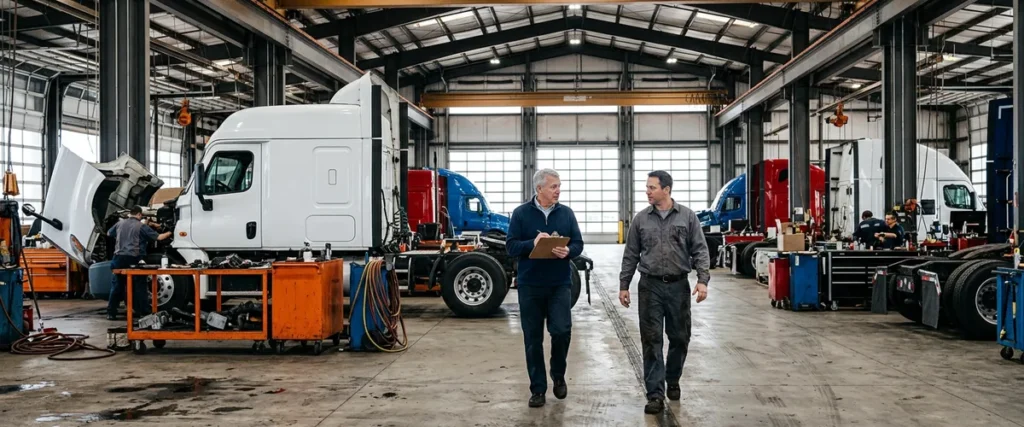

A heavy truck dealership IT checklist covers five areas: the parts counter, the shop and its diagnostic equipment, sales and F&I, mobile and roadside service, and every branch. In each one, it asks what has to work, who owns it, and what happens when it fails.
Last updated: November 4, 2026
I brought this up on a planning call with our team this week, and it still surprises people who’ve only worked car stores. A truck service shop behaves very differently, because the vehicles are so big that, if the Wi-Fi wasn’t set up for them, they disrupt it. Nobody calls that a network problem. They call it slow wrench turns.
Think about a tech backing a day cab into a bay, plugging in, and starting a download on the diagnostic laptop that ought to take a few minutes, then standing there while it crawls, even though the access point on the ceiling is working exactly the way it did yesterday and the only thing that changed is the truck now parked underneath it. Happens all the time. Nobody writes it down.
That’s one item. Just one. A truck store has dozens like it, spread across a parts counter, a shop, a sales desk, a few service trucks and, usually, more than one branch, some of them out where the broadband map goes blank. We’ve supported 2,000-plus dealerships over nearly 30 years, and the same handful of things break at truck stores again and again. So this is the list we’d walk, department by department. It’s what to check, not what to buy, and it’s the working version of how we approach IT for heavy truck dealerships.
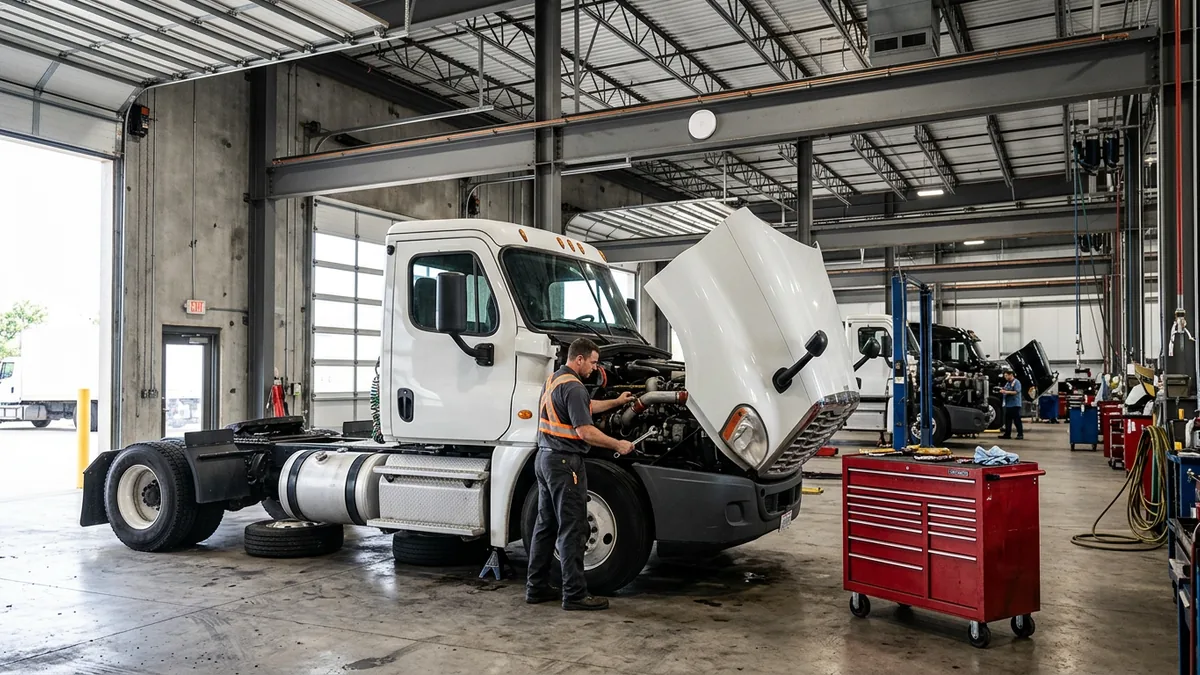
What Belongs on a Truck Dealership IT Checklist?
A truck dealership IT checklist belongs to the whole store, not the IT closet. It should cover the parts counter, the shop floor and the lot, sales and F&I, mobile and roadside service, and each branch’s internet line, with a named owner on every item and a plain test that shows whether it works today.
| Area | What to check | A sign it isn’t ready |
|---|---|---|
| Parts counter | DMS speed at the counter, card terminals, ticket printers, the parts phone line | Counter people wait on the system while a driver waits on them |
| Shop and lot | Wi-Fi in every bay and across the lot, OEM diagnostic laptops, connected-truck updates | Techs carry a laptop to the door to finish a download |
| Sales and F&I | Who can reach customer files, multi-factor sign-in, encryption, departed staff | Someone who left in the spring can still log in |
| Mobile and roadside | Hotspots, DMS access from the truck, a connection where cell coverage quits | Techs join whatever Wi-Fi the customer’s yard offers |
| Branches | A primary and a backup internet line, one standard build at every location | Each branch was set up by whoever happened to be closest |
| Extended shop hours | Who the shop calls after the office closes, and what’s on paper | Nobody knows until it happens at 11 p.m. |
If a row has no owner, start there. Seriously.
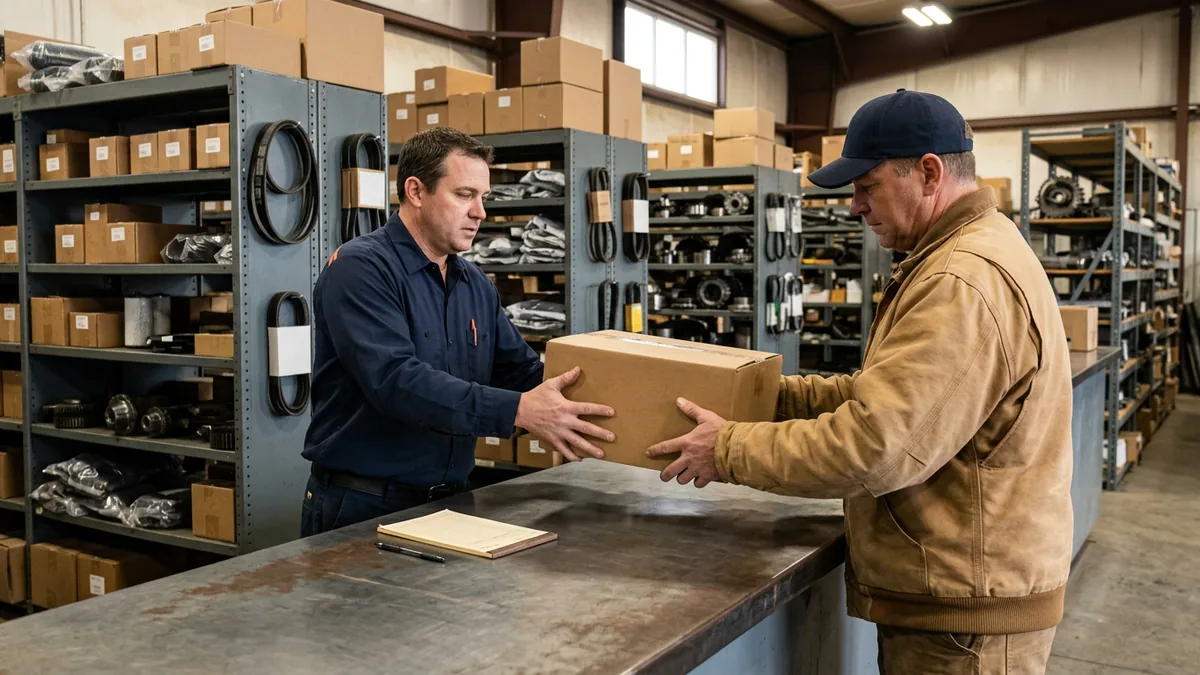
The Parts Counter
A driver standing at your counter doesn’t care why the lookup is slow. Their truck is on a shoulder somewhere or sitting in your bay, and it doesn’t earn a dollar until the part goes across. The counter is where an IT problem turns into a lost sale first, so check it the way the driver sees it.
- Time a parts lookup in Karmak or Procede at 7:30 in the morning, with the line out the door. Not at 2 p.m.
- Card terminals. Are they on their own segment of the network, away from the drivers’ lounge Wi-Fi? They should be.
- The ticket and pick-list printers, because one jam during the morning rush backs up the whole line. Is there a spare on the shelf?
- Call the parts line from your own cell during the rush and count the rings.
- A printed price and bin list for the morning the DMS won’t answer. Our truck dealership outage plan covers what to print and who makes the call.
- Who resets a counter PC when it locks up? A name. “IT” isn’t a name.
If your counter runs on Karmak Fusion, we’ve written up what Karmak IT support should cover; on Procede’s Excede, the same goes for Procede IT support. Either way, the DMS is only as fast as the network under it.
Slow counters lose drivers. Every time.
The Shop, the Bays and the Lot
Years ago, one of our early dealer clients ran its techs’ electronic dispatch on a $50 home wireless router. It went down constantly. I talked them into a corporate-grade device at about 10 times the price, and it worked. I’ve lost deals since to cheaper bids that went the $50 route, and I’d still make that call every time.
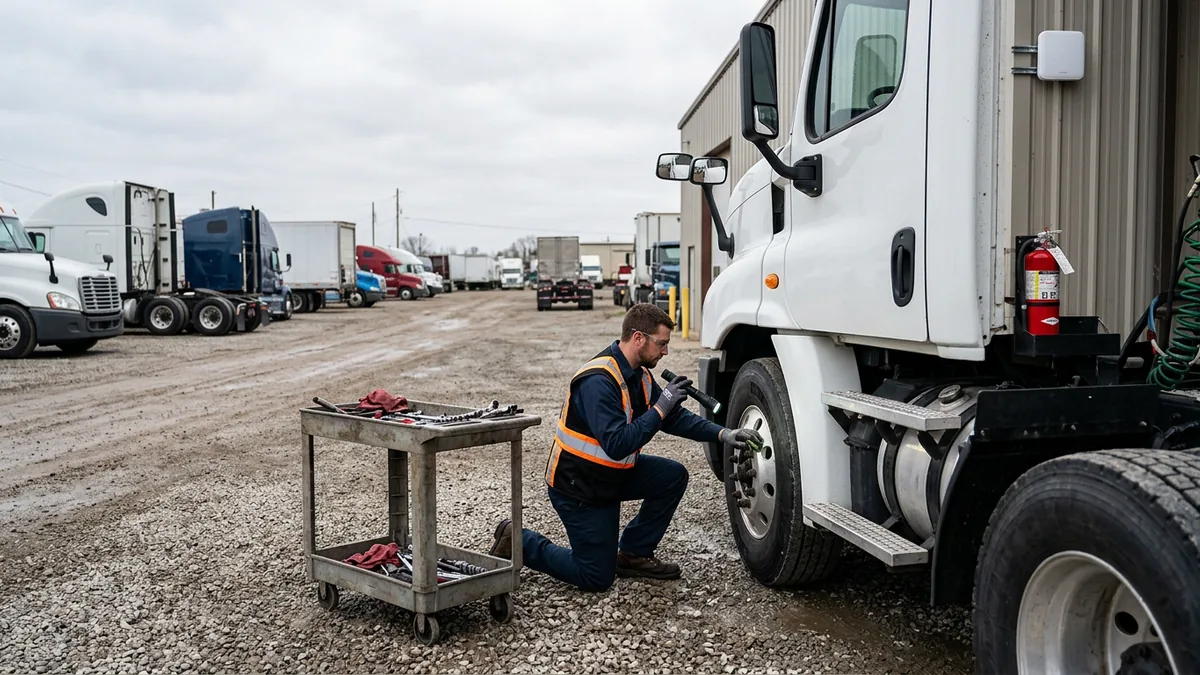
Truck shops raise the stakes on that lesson. The trucks are big enough to block the signal, and the work doesn’t stay inside. A lot of the time, techs are servicing trucks outside the actual shop building, out in the lot, so the lot needs Wi-Fi too. The fiber line coming into the building can be perfect, the firewall can be brand new, and the bays can still be dead from the third truck back, because nobody ever walked the floor with a full shop and a meter in hand. That’s a mess. A fixable one.
What to Check in the Shop
- A Wi-Fi survey of every bay and the whole lot, done with trucks parked in the bays. A survey of an empty shop on a Sunday tells you almost nothing about a Tuesday with 8 trucks in.
- OEM diagnostic laptops have to reach the truck and connect back to the manufacturer at the same time. Test both directions, from more than one cart at once. Our guide to vehicle flashing over shop Wi-Fi goes deep on what a flash needs.
- Connected trucks take software updates now. Volvo Trucks said in June 2026 that it completed over 18,000 over-the-air software updates in May. When those trucks are in your shop, your network is part of that work.
- The laptops themselves. Windows 10 support ended on October 14, 2025, so a diagnostic cart still running it isn’t getting security updates anymore. Check every one.
- Where does the lot’s Wi-Fi actually come from? An outdoor access point mounted for it, or a home extender somebody grabbed on the way in?
- Guest traffic. Drivers waiting in the lounge shouldn’t share a network with your diagnostic carts.
Bad Wi-Fi in a truck shop doesn’t look like an IT problem. It looks like slow techs.
Sales and F&I
The sales side of a truck store looks more like a car store than the shop ever will. Credit applications, deal jackets, copies of driver’s licenses, fleet customers’ banking details: all of it is customer information, and a stolen login at the F&I desk can stop deals for days while you sort out who saw what. A truck dealer that arranges financing or leasing is covered by the federal Safeguards Rule for its consumer deals, and commercial files carry state and lender obligations of their own; we’ve laid out how the FTC Safeguards Rule applies to heavy truck dealerships. The FTC’s own guidance is plain about two controls worth having on every file anyway: multi-factor authentication for anyone accessing customer information, and encryption of that information on your system and in transit. So check those first. Then pull last quarter’s departures and make sure every one of those logins is gone, from the DMS, email, the credit portal, and the shared folder nobody remembers. Every one.
And ask who can export the whole customer list. Then ask why. It should be a short list of people.
Check the logins before you buy anything fancier.
Mobile Service and Roadside Calls
A roadside call at a truck stop off a two-lane highway is the worst place to learn the tech’s hotspot has no signal. The truck is a rolling extension of your shop, with a laptop, a tablet, diagnostic licenses, and a live connection into your DMS, and it belongs on the checklist like any other location.
- A hotspot on the store’s account. Not the tech’s personal phone, and not the customer’s yard Wi-Fi.
- DMS access from the road: who can reach it from a tablet, and what happens the day one goes missing? We cover that in securing mobile service trucks and technician tablets.
- Diagnostic software licenses that ride in the truck, which tend to get moved from laptop to laptop and truck to truck until nobody at the store can say which license is on which machine or whose name it’s registered under. Do you know?
- A way online where cell coverage quits. A satellite connection can carry emergency roadside service, not just a remote branch.
If you can’t reach the truck, you can’t support it. Simple as that.
Remote Branches and the Internet Line
Have you evaluated Starlink as an internet connection? A lot of truck dealers are in rural locations and haven’t been able to get good broadband, and Starlink has gotten less and less expensive and more and more reliable. At a branch in the middle of nowhere it can be the primary line. At a branch that already has cable or fiber, it can be the second connection that isn’t wired, so a backhoe on the county road doesn’t take the store offline.
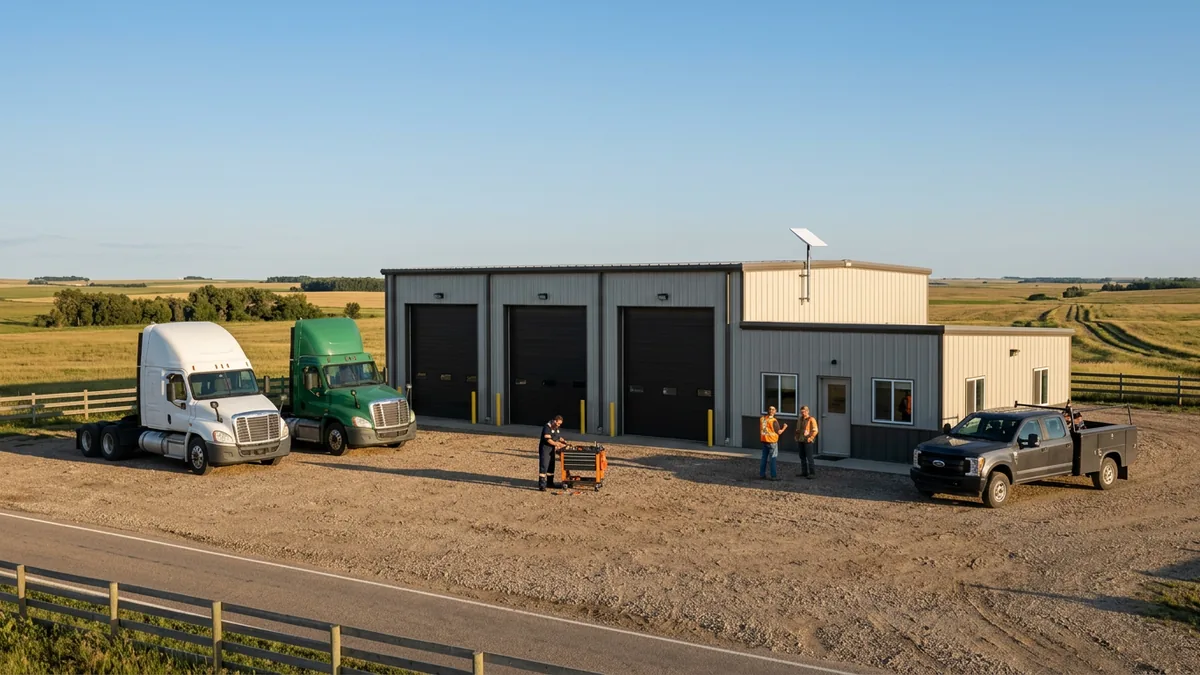
Either way, it’s a line the dealership buys from whichever provider fits the address, and it gets tested before the branch depends on it. Look the address up on the FCC National Broadband Map first, run a parts lookup, a card payment, and a phone call over the new line, and check that the dish has a clear view of the sky over a yard full of parked trailers. Test it. Then test it again in bad weather. We compare fixed wireless, cellular, and satellite in rural truck dealership internet.
Then the bigger question. Who owns that? When every branch was set up by a different person, every branch fails a different way, and you’re troubleshooting 6 stores instead of one. We put every location on one standard: the same kind of firewall, the same wireless setup, the same backup line, all named the same way. How that works across locations is in networking a multi-branch truck dealership.
One standard at every branch. Even the one at the end of the county road.
When the Shop Runs Later Than the Office
Plenty of truck shops run extended hours, and some barely close, because a fleet customer with 40 tractors on a delivery schedule doesn’t care that the office goes home at 5, and neither does the driver whose truck limped in at 9 p.m. Those are your hours, set by your customers and their freight schedules. The checklist question is simple: when the office is dark and the shop is still turning wrenches, what happens when something breaks?
- Who’s the shop’s first call after the office closes? Put the name and number on the wall by the shop desk.
- Decide now what can wait until morning and what can’t.
- What’s printed for the late crew if the DMS or the internet drops?
- Updates and network changes get scheduled around the shop’s real hours, not the office’s. More on picking that window in dealership IT maintenance windows.
- Ask any IT provider, in writing, what its live support hours are and what happens outside them, then hold that next to your shop’s hours.
Plan for the hours you actually keep. Not the ones on the door.
How to Run the Checklist
To be clear, you don’t need to hire anyone to use this list. A service manager, a parts manager, and a clipboard will get you most of the way. The order matters more than the tools. It always does.
- Walk each department with the person who runs it, on the floor, not from the office.
- Run every test during the busiest hour of that department’s day.
- Write one name next to every item.
- Fix what stops revenue first: the counter, the bays, the internet line.
- Repeat it at every branch and compare the results side by side. The differences are the findings.
Most stores find their answers in the gaps between departments, in the things that were never quite parts’ problem or service’s problem or the office’s problem, like the lot Wi-Fi, the printer on the shop desk, or the hotspot in the second service truck. Nobody owned the lot. Now somebody does.
What Truck Dealers Ask Before They Run It
So how often should a truck store go through this?
We already have Wi-Fi in the shop. Why survey it again?
Is Starlink good enough to run a whole branch on?
Does a one-store truck dealer really need all of this?
Who at the dealership should own the checklist?
One Standard, Every Branch
The truck stores that run well aren’t the ones with the newest gear. They’re the ones where somebody walked the shop with 8 trucks in it and wrote down what broke. We’ve already seen this exact problem at a lot of truck stores: a strong building, a good DMS, and a lot with no signal. If you’d rather have a second set of eyes on your stores, start with our complimentary IT and cybersecurity assessment, and you’ll get the findings in writing.
The trucks will find the weak spots either way. Better that you find them first.