Managed IT
Dealership Service Department IT: OEM Diagnostics, Shop Wi-Fi and Technician Workstations
Bay Wi-Fi, diagnostic laptops, technician logins and shop printers, run by a team that works only with dealerships.
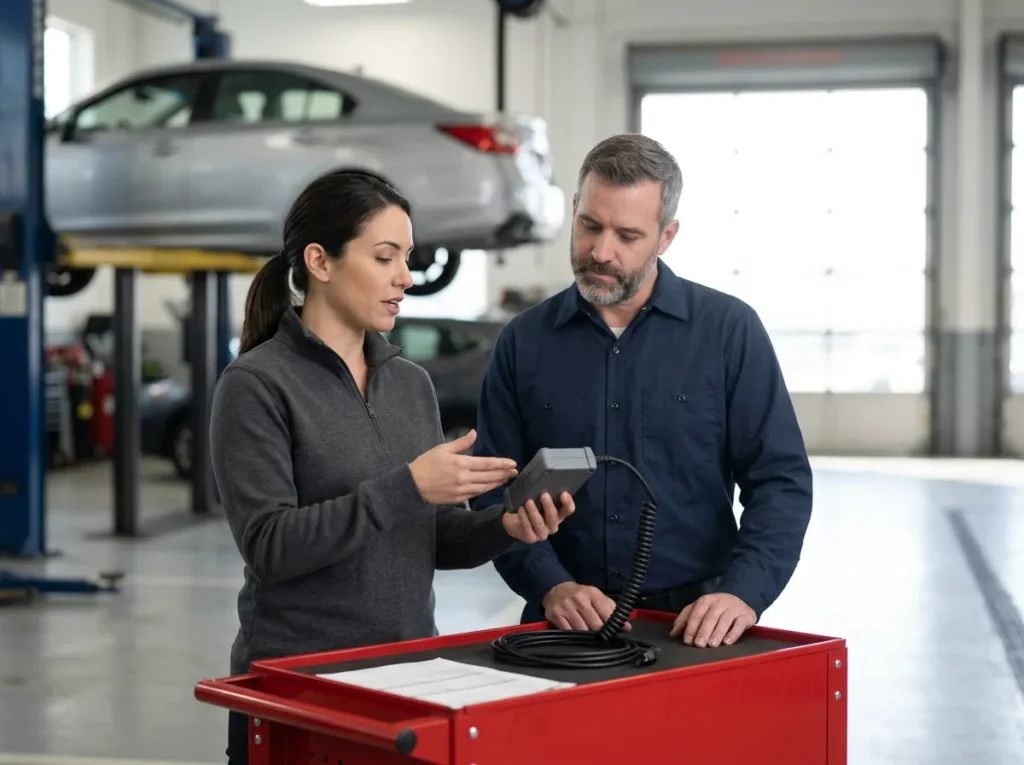
Service department IT is the network, devices and logins a dealership’s shop runs on, from bay Wi-Fi and OEM diagnostic laptops to technician workstations and shop printers. Helion Technologies runs it as part of managed IT for car and heavy truck dealers.
Last updated: November 1, 2026
Why Service Department IT Is a Job of Its Own
Plenty of IT companies keep a showroom’s PCs, email and backups running just fine. The shop is a different room. It has diagnostic laptops that every manufacturer updates on its own schedule, interface boxes plugged into customers’ cars, technicians who each need their own manufacturer login, and Wi-Fi that has to reach a bay surrounded by steel lifts. When our engineers get asked where a general IT provider tends to get lost at a dealership, the shop is nearly always the first answer.
We run the shop as part of managed IT for dealerships, alongside the rest of the store. The circuits, firewalls and access points underneath it are covered on our dealership network management page, so this one stays in the shop itself. If you’re weighing your current provider, our generalist MSP vs dealership IT provider comparison has the questions to ask.
Anybody can fix Windows. The shop is where it gets specific.
A Flash Is the Worst Time for the Network to Blink
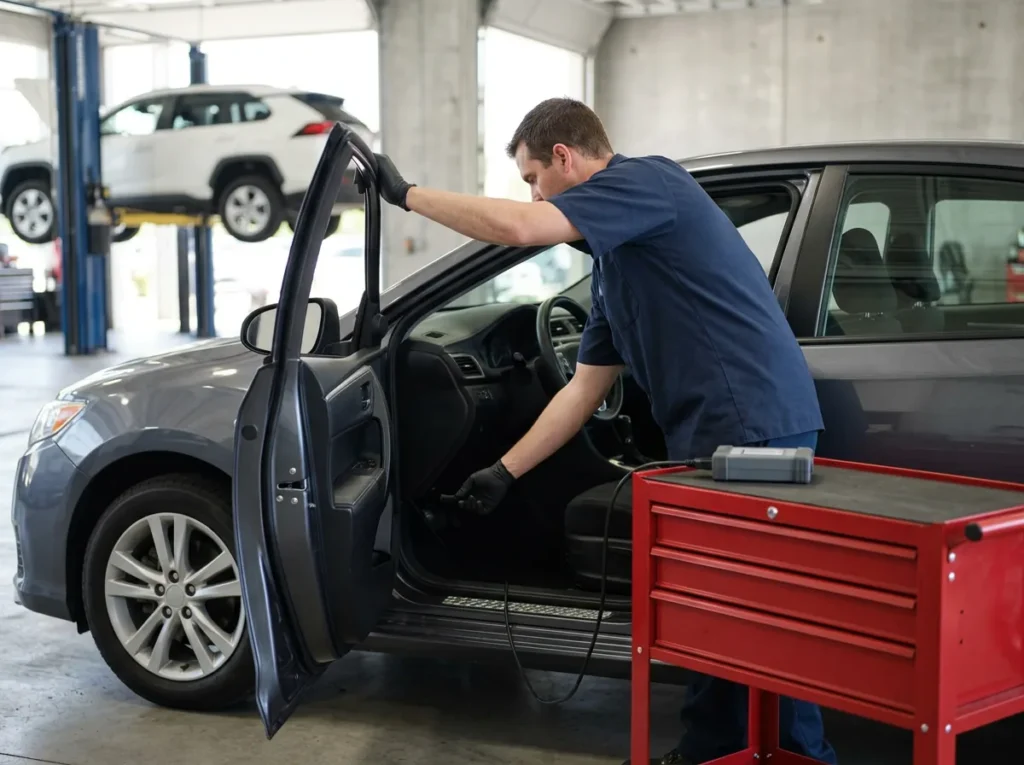
Technicians call it flashing: loading new software into one of a car’s control modules, usually for a recall, a campaign or a fix for a known problem. The laptop sits on a cart, the interface box sits on the floor mat, and the whole thing runs over the shop’s network to the manufacturer’s servers for as long as the session takes. Nobody notices the network when it works. They notice when it stutters partway through and the module doesn’t come back.
Scot McConnor, VP of Technology Advisory
“If a technician is flashing a drive on a car, they’re plugged into the car with their computer, and the internet has a problem, or slow, or glitches, or whatever… it can fry the whole computer system of the car. That’s a huge topic. It doesn’t get talked about enough.”
When that happens, the dealer usually ends up paying for the replacement part, the bay is tied up for the rest of the day, and the customer who came in for a simple update goes home without a car. Nobody wins there. So we treat the programming session as the thing the shop’s IT has to protect, and we plan the Wi-Fi, the wiring to the programming carts, the laptops and the power settings around it. The manufacturers say the same thing in their own guidance, and three of them are quoted on the right.
Protect the session, protect the car.
GM
GM’s own TechLink tips for Techline Connect warn that “if there is an interruption during programming, programming failure or control module damage may occur,” and tell technicians not to download programming files wirelessly. Read GM’s tips.
An interrupted session can cost a module.
Stellantis
Stellantis’ published wiTECH 2.0 network requirements say a reliable connection is “essential for the wiTECH System to complete flashes,” and recommend 1.5 Mb/s for the first wiTECH client plus 1.5 Mb/s for each one after it. See the wiTECH requirements.
Every extra cart needs its own share.
Cummins
The INSITE 10.0 release notes tell heavy truck shops to “turn off any power-saving features when communicating with an ECM, especially when downloading a calibration to it.” Read the release notes.
A sleeping laptop is an interruption too.
Bay by bay
What Service Department IT Covers in the Shop
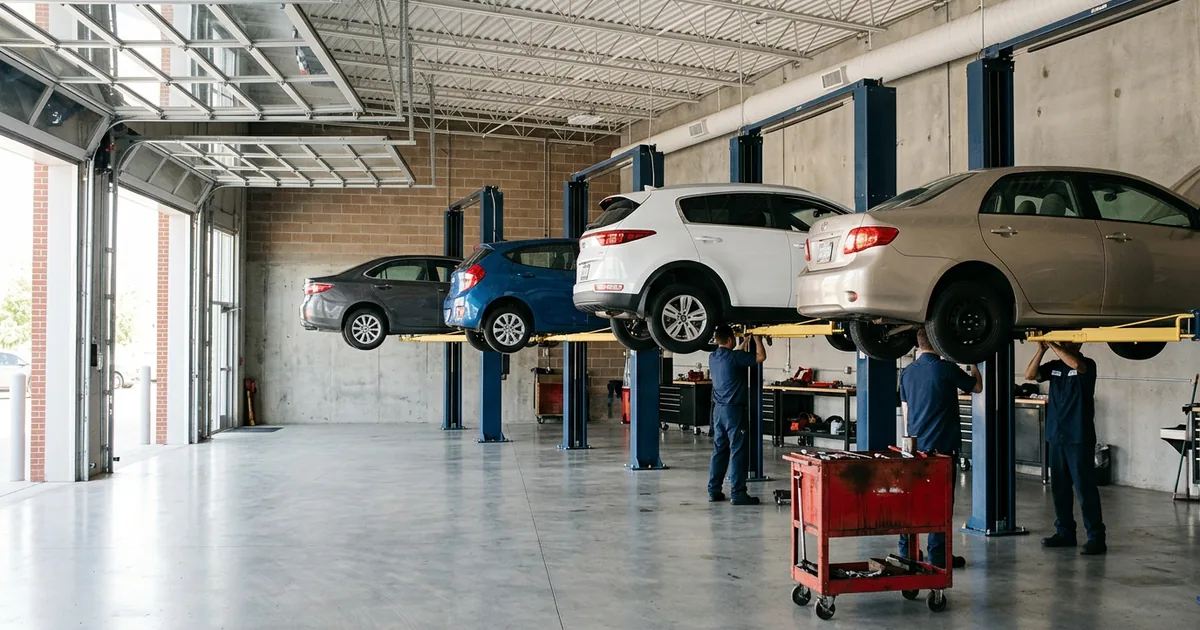
Walk the shop with us and it splits into six pieces of equipment, each with its own way of going wrong. We go through all six at every store, in a 4-bay import shop or a 30-bay truck dealer, because a problem in any one of them tends to land on the service manager’s desk first. Then it lands on ours.
Running mobile service trucks?
Truck dealers take the shop on the road. Our post on securing mobile service trucks and technician tablets covers the laptops and tablets that leave the building.
The shop list Six things we check in every service department
Wi-Fi Coverage that holds at the last lift
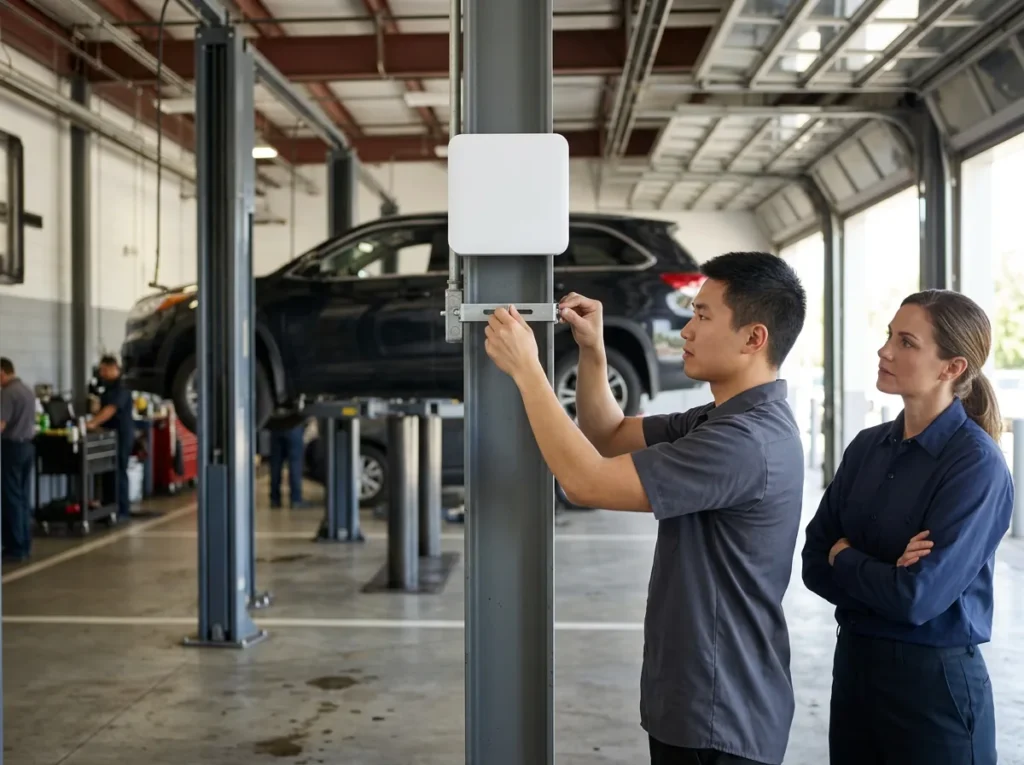
Shop Wi-Fi has a harder job than the showroom’s, since steel lifts and roll-up doors soak up signal and the interface tools are picky about how they join. GM’s dealer infrastructure guidelines, for example, say its MDI and MDI 2 interfaces don’t support RADIUS sign-in and won’t work on an open, unencrypted network, and that only enterprise-grade access points should be used. We plan the shop’s wireless around the tools it has to carry, and the network page covers placement.
Plan for the tools, not the laptops.
Laptops OEM diagnostic laptops that stay current
Manufacturers push updates to their diagnostic software constantly. So a lot of stores give those laptops local administrator rights, which lets technicians approve each update themselves, and also lets anyone at that keyboard install anything at all on a machine that sits on the dealership’s network. We use privileged access management to approve the manufacturer’s software ahead of time, so updates run on their own, and then take the admin rights away. The operating system matters too. Windows 10 reached end of support on October 14, 2025, and Cummins’ INSITE notes already warn that support may not be fully available on it.
Updates on, admin rights off.
Interfaces The boxes that talk to the vehicle
Between the laptop and the car sits the vehicle communication interface, the grey box on the floor mat, and it has firmware and network settings of its own. When one won’t connect, the technician usually can’t tell whether the box, the laptop or the Wi-Fi is at fault. It turns into guesswork. We keep track of every interface in the shop, which network it joins and who set it up, so that question takes a minute to answer instead of a morning.
Know every box on the floor.
Logins One manufacturer login per technician
Service information, warranty claims and programming all sit behind the manufacturer’s portals, and shared logins creep in because they’re convenient on a busy morning. Then they stick. Then a technician leaves and nobody is sure which accounts they could still open. We help each store keep one login per person and go through the manufacturer accounts as part of every departure, which also lines up with the access controls in an FTC Safeguards program.
Shared logins hide who did what.
Workstations Technician PCs and the shop printer
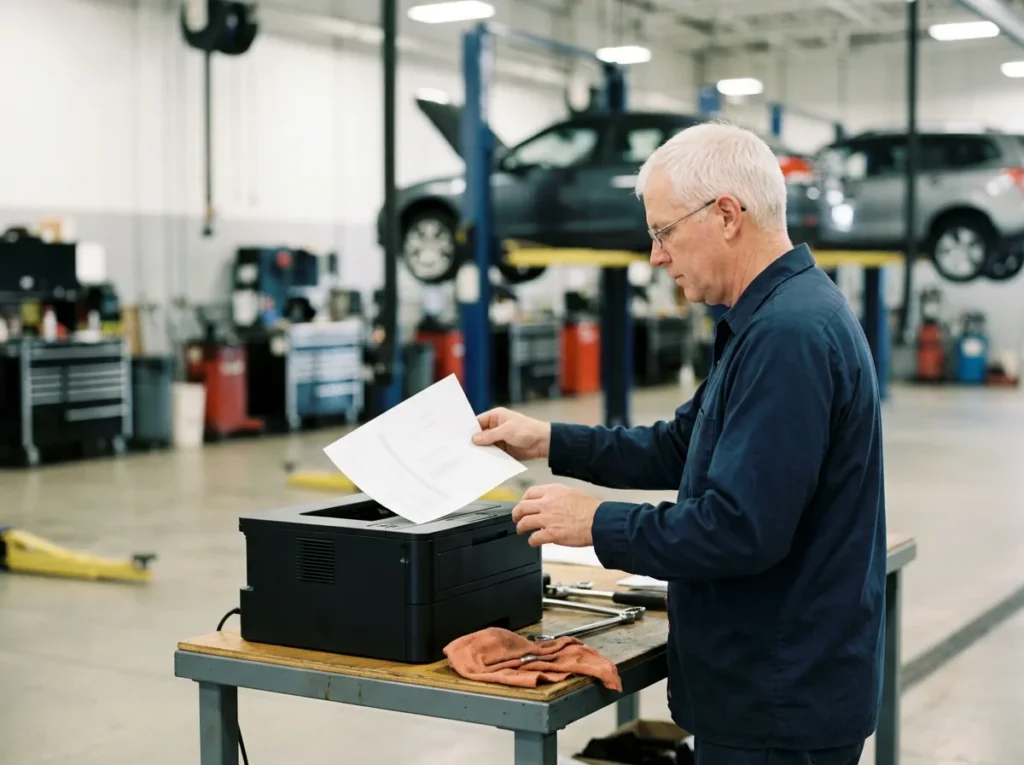
Most shops still print. Repair orders, pick tickets and warranty paperwork come out of a printer on a workbench, usually covered in a fine layer of brake dust, and when it drops off the network on a Monday morning the whole shop lines up behind one PC in the office. We put the technician workstations and printers on the same standard as the rest of the store, with the same monitoring and the same help desk.
Small device, long line.
Check-in Tablets on the service drive
Advisors check cars in with tablets out on the drive, in the rain, at the far end of the lane. Signal there is thin. Those tablets need to reach the DMS from every spot an advisor might stand, and they need to stay off the customer Wi-Fi in the lounge. GM’s guidelines say the same about guest traffic, which should be kept apart from the dealership network. We set the drive up so both are true.
The drive is part of the shop.
One Team Behind 2,000+ Dealerships
A bay that’s down with a car on the lift can’t wait for an email thread. Our help desk is live Monday to Friday, 8 a.m. to 5 p.m. local time, and Saturday, 8 a.m. to 5 p.m. Eastern, with callbacks on weekday mornings and evenings. During those hours a technician picks up in 82 seconds on average, and most shop problems get worked remotely while the service manager stays on the phone. When the fix needs hands in the building, onsite visits are included on our Full Service plan, and our post on onsite vs remote IT support explains which problems need one.
Who owns it
Who Handles Service Department IT Problems Today
Ask a service manager who fixes the shop’s IT and you’ll often hear a list. The Wi-Fi installer, the OEM’s support line, whoever does the office PCs, and a technician who’s good with computers and gets pulled off a paying job to help. Each of them owns a slice. It adds up. Here’s how it looks when one team owns all of it.
| Situation | Often today | With Helion |
|---|---|---|
| A flash fails in bay 6 | The technician restarts it and hopes, and nobody checks whether the network dropped | One ticket to the team that runs the shop network, which can see whether the connection dropped |
| The diagnostic laptop wants an update | A technician with admin rights clicks yes, or the update waits until someone has time | The manufacturer’s software is approved to update on its own, and the admin rights are gone |
| A technician leaves | Their manufacturer and DMS logins stay open until somebody happens to notice | The departure goes through one list that includes the manufacturer accounts |
| The shop printer goes offline | Somebody power-cycles it and calls the office when that doesn’t work | A call to our help desk, which already knows the printer and the network it’s on |
| The drive’s tablets drop out | Advisors walk back inside to finish check-ins at a desk | Coverage on the drive gets checked and fixed as part of the shop network |
| Who the service manager calls | Three or four numbers, and a guess about which one | One help desk, live weekdays and Saturdays, with after-hours callbacks |
Nearly all of this applies to heavy truck dealerships too, with bigger bays and engine-maker tools like Cummins INSITE and Detroit DiagnosticLink, which Daimler Truck lists as needing Windows 11 and a broadband connection of typically 10 Mbps or faster. For car stores, our automotive dealership page shows the rest of what we run. Same team, same shop list.
How a Service Department IT Review Starts
-
1
Ask for the assessment
Fill in the short form for our complimentary IT and cybersecurity assessment and mention the shop. It’s free, and it covers the network the shop depends on.
-
2
Walk the shop together
We go bay by bay with your service manager, in person or remotely, through the Wi-Fi, the diagnostic laptops, the interfaces, the logins and the printers.
-
3
Read the findings
You get written findings for the shop and the rest of the store, with what you pay your IT vendors today next to what Helion would cost all-in.
-
4
Fix the shop first
If you go ahead, the shop list is where we start, beginning with whatever puts a programming session at risk. Onboarding starts within weeks of signing.
Common Questions
Want the shop looked at?
Our complimentary IT and cybersecurity assessment walks the shop and the rest of the store and puts today’s IT bills next to what we’d charge. Already know what you need? Get a price quote.
What does a dealership service department need from IT?
Why do module programming sessions fail?
Should OEM diagnostic laptops have local admin rights?
Should shop equipment share a network with the DMS and guest Wi-Fi?
Can technicians share one OEM portal login?
What happens when a bay goes down on a Saturday?
Walk the shop with us. We’ll show you what it needs.
Request a Complimentary Assessment →