

Internet failover is a second internet connection that takes over automatically when a dealership’s main circuit goes down. Done right, it’s a separate carrier on a different kind of line, sized to run the whole store, and tested on a regular schedule.
Last updated: November 11, 2026
Write down everything that runs over a dealership’s internet line and the list gets long fast. If your DMS is hosted in the cloud, it’s on that line. If your phones are hosted, they’re on it too. So are the card terminals that run over the store network, the OEM warranty portal in the service office, and the lender portals F&I uses to get a deal funded. Same wire, every one of them.
When that wire goes dark, it doesn’t look like an internet problem from the sales floor. It looks like the system is down. On a cloud DMS, sales can’t print the deal and service can’t open a repair order, and if the phones are hosted, the customer calling to ask about their truck can’t get through either, because the phones went down with everything else.
We don’t leave that to chance. On a content call in October I said it the way I’d say it to any dealer: “All of our clients have multiple internet providers that then fail over if one goes down.” It’s part of the standard build behind our managed IT for dealerships. It isn’t the exciting part of the network. It’s the part everything else is standing on.
What Is Internet Failover for a Dealership?
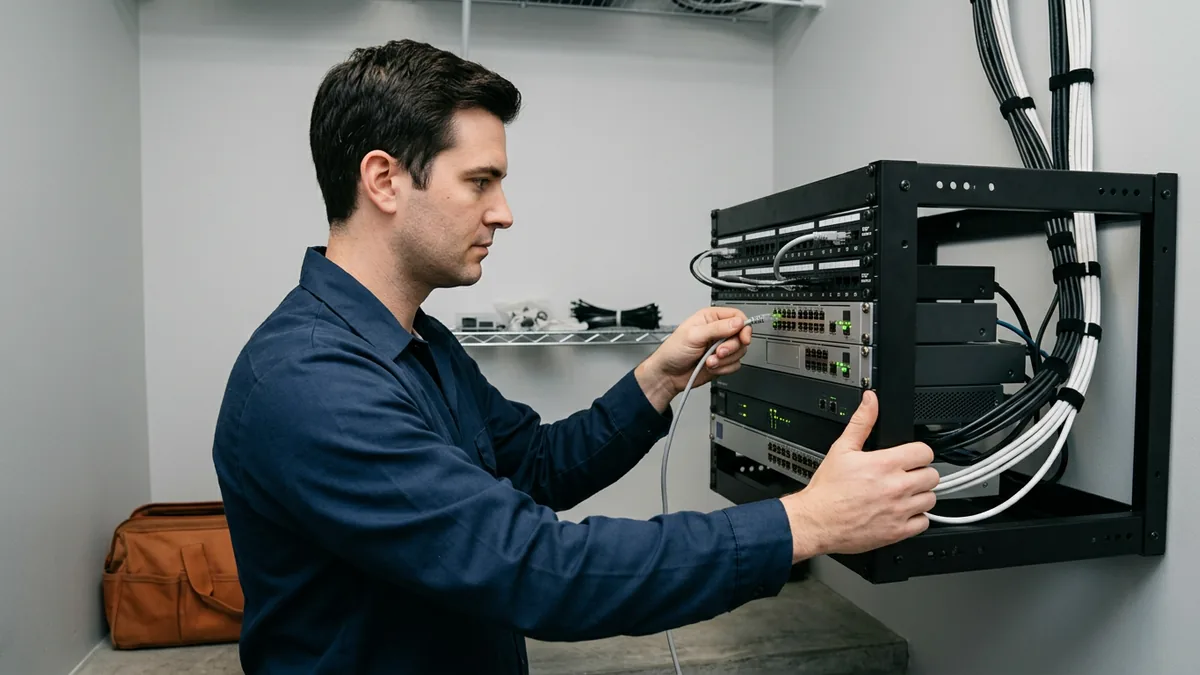
Internet failover means a dealership has two separate paths to the internet and equipment that moves traffic from the failed one to the working one without anybody touching a cable. The second line sits mostly idle until it’s needed, then carries the store until the primary comes back.
The equipment doing the switching is usually the firewall, or an SD-WAN device that does the same job with more control. It keeps checking whether the main line can actually reach the internet. When it can’t, traffic moves over. When the main line recovers, traffic moves back. No cable swapping.
Failover keeps the store connected. It doesn’t fix a DMS outage on the vendor’s side. For that you want a paper plan, and our guide to a DMS outage plan covers what to print and keep on hand. Two different problems. Both worth planning for.
If your DMS is in the cloud, your circuit is your DMS.
Why Two Lines From the Same Carrier Aren’t Really Two
Sometimes a store has two lines, a fiber line and a cable line, say, and both come from the same carrier. As I said on that October call, that gives you some resiliency. But if that carrier has an outage at its core, the two lines are tied together, and the store is down no matter what. Both lines. One failure.
The fix, in the words I used on that call: “Ideally, you want to have two providers that are two separate companies, and different medium.” Fiber from one company. Cable, fixed wireless, cellular or satellite from another.
The federal government’s own security catalog makes the same point in drier language. NIST’s SP 800-53 Revision 5 is written for federal systems, but the logic carries over. One of its controls is to “obtain alternate telecommunications services to reduce the likelihood of sharing a single point of failure with primary telecommunications services,” and the discussion notes that providers or services “may share the same physical lines,” which is why it calls for “provider transparency” about the physical connection. It also says an organization may consider a single provider when that provider can deliver the separation its risk assessment calls for. If you go that way, ask the carrier to show you, in writing, how each line reaches your building. Paper, not promises.
Different company, different medium. That’s the ideal.
Which Backup Connection Should a Dealership Use?
The right backup connection is the one that doesn’t share a failure with your primary line and can carry the whole store. Where two companies serve the street, that can be a second wired carrier. Where they don’t, cellular, fixed wireless or satellite may be the realistic second path. NIST’s own list of alternate services includes ground-based circuits and satellites.
| Backup option | Where it fits | What to check first |
|---|---|---|
| Second wired carrier (fiber or cable) | Locations where two companies serve the street | Whether both lines enter the building the same way, or share a pole or a conduit |
| Cellular (LTE or 5G) router | A second path, or a third one behind two wired lines | Signal inside the closet, and the plan’s data allowance |
| Fixed wireless | Locations within reach of the provider’s tower | Whether the provider needs a clear line of sight to your roof, and whether its own uplink runs on the same carrier as your primary |
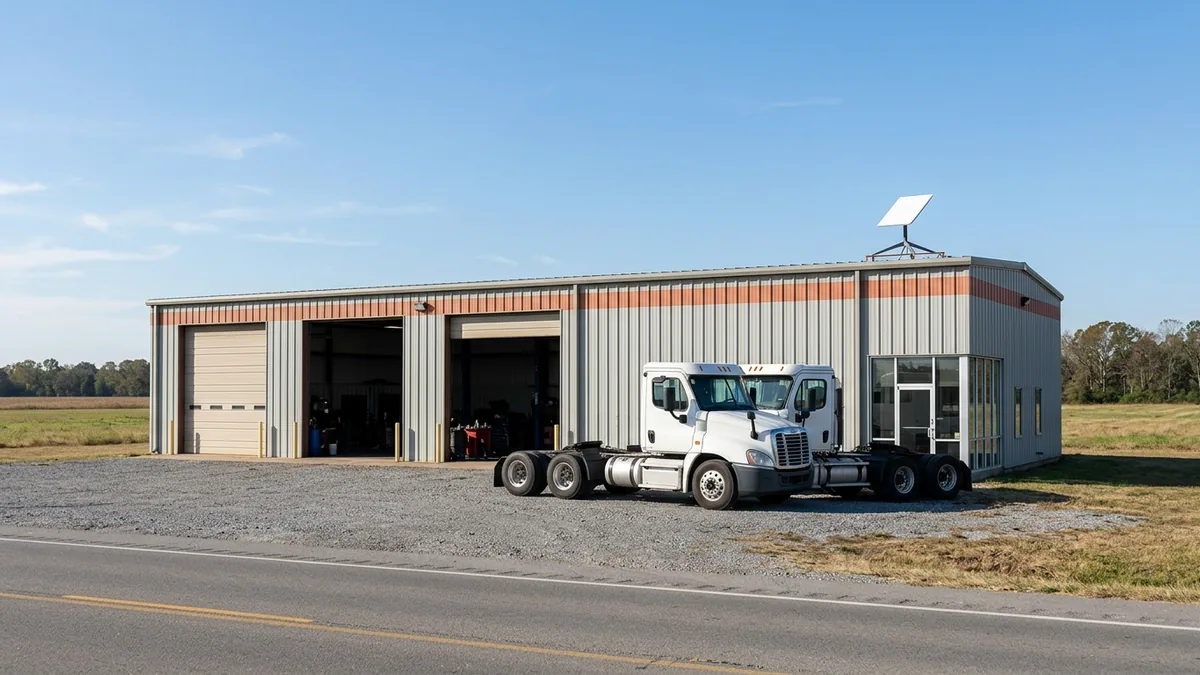
| Satellite (low-earth orbit, such as Starlink) | Rural rooftops and heavy truck branches with poor broadband | Availability at your exact address, a clear view of the sky, and the plan’s current terms |
Satellite is worth a look. Erik Nachbahr, our founder, raised it on a planning call this month: “Have multiple internet providers, evaluating having something that’s not wired, so Starlink… consider satellite as a second connection.” His point on that call was that a lot of truck dealers are in rural locations that haven’t been able to get good broadband. A satellite link doesn’t run through a cable in the ground, so a backhoe on your street can’t cut it. Nothing to dig up.
Two things before you order one. It isn’t available everywhere: Starlink’s availability map has listed some areas as sold out, so check your exact street address rather than the town. And Starlink’s own install guide says the dish “needs a clear view of the sky,” and that trees, poles or a roof in the way “will cause service interruptions.” Its app has a tool to check for obstructions before you mount it. Plans and prices change, too, so get the price from Starlink’s site on the day you order. Not from a blog post. This one included.
Pick the line that fails differently.
How Big Does the Backup Line Need to Be?
Big enough to run the store. Erik put it plainly on our most recent content call: “You have to make sure that your backup will run all of your businesses.” His point was that if the store needs a gig on the primary circuit, a backup that’s only a fraction of that won’t run it when the primary drops.
Before anybody talks about speeds, sit down and write out what has to keep working when the main line drops, one department at a time. The desk phones belong on it if they’re hosted. So do the card readers at the parts counter, and the diagnostic laptops in the shop that download updates and connect back to OEM systems while the techs work through their repair orders.
- The DMS, if yours is cloud-hosted.
- Phones. If your phone system is hosted in the cloud, every call rides the internet line.
- Card terminals that run over the network, at the cashier window and the parts counter.
- OEM portals for warranty, parts ordering and diagnostics.
- Email and the lender and credit portals F&I uses to close a deal.
- Guest Wi-Fi? Probably the first thing you let go when you’re on the backup.
That last one is a choice you make ahead of time, in the firewall, not on the day. One option is to keep guests off the backup line entirely and save it for business traffic. Deciding during an outage is the wrong time.
Size it for your busiest day, not your slowest.
Automatic Failover, SD-WAN and the Second Firewall
Having two lines and having failover aren’t the same thing. Brandon Dorsey, our VP of Technology Strategy, said it on that same call: “A lot of people are gonna have two internets, and guess what, wasn’t connected right, doesn’t automatically fail over, which leads to a lot of downtime.” The backup is plugged in, but the switch-over was never set up right, so it doesn’t happen on its own.
So the line goes down, the backup sits there, and getting the store back online takes somebody doing physical work in the closet. That’s the downtime you were paying to avoid.
Automatic is the requirement. A firewall built for two internet connections can do it, checking the health of each line. SD-WAN adds more control: it watches both links all the time, can put phone calls on the healthier line, and can split the load instead of leaving the backup idle. For a group with several rooftops, that control starts to matter. Our guide to networking a multi-branch truck dealership goes deeper on SD-WAN between stores.
Then there’s the box itself. Erik said it on our early November planning call: “Most of the time, we find dealers don’t have a second firewall. So if that hardware goes down, your lifeline is completely down.” Two carriers, two contracts, two monthly bills, and if both of them run through the one firewall in the network closet, that one box decides whether the store is online. A second firewall set up as a pair with the first can take over when one fails, which takes that single point out.
Two circuits into one box? Still one point of failure.
What Should a Dealership Test Every Quarter?
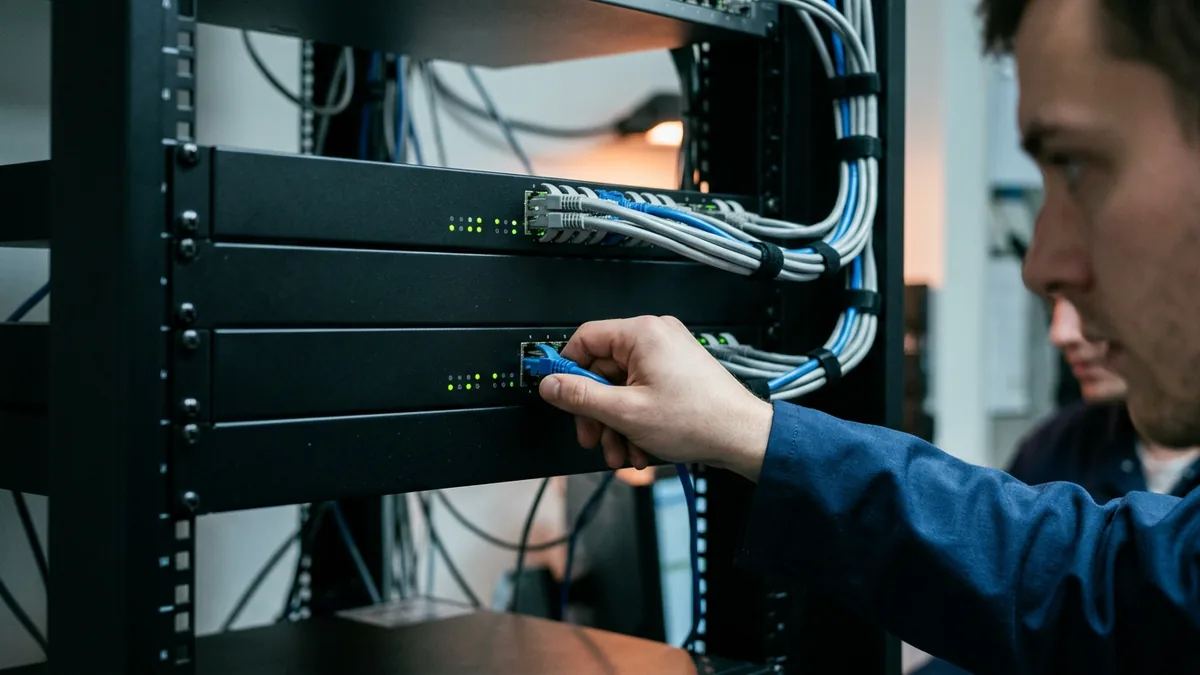
Testing is the step that’s easy to skip. NIST’s catalog gives it a control of its own, CP-8(5): “Test alternate telecommunication services,” at a frequency each organization sets for itself. I’d test once a quarter. Early morning, before the doors open, with whoever runs your IT standing in the closet.
- Unplug the primary circuit at the firewall. Don’t simulate it. Pull it.
- Time how long traffic takes to move to the backup line.
- Place a call in and a call out on the desk phones, and sit on the call for a minute.
- Open the DMS from sales, service and parts. Print a repair order.
- Run a test card transaction at the cashier window.
- Plug the primary back in and confirm traffic returns to it on its own.
- Write down the date, the times and anything that didn’t work, and give the list to whoever owns fixing it.
- Repeat it next quarter.
Then repeat it next quarter.
Also check the boring parts. Is the backup carrier’s account still paid, and is the cellular plan still active? Does anyone have the carriers’ support numbers somewhere other than in email? If the internet is down, email isn’t much help.
Untested failover is a guess.
Things Dealers Ask About Internet Failover
We already have two lines. Why would we still go down?
Can one carrier give us a real backup?
Is a cellular router enough for the whole store?
Does the backup line need to be as fast as the main one?
The Line Everything Else Stands On
We work with 2,000-plus dealerships, and we manage the technology so they can sell and service cars and heavy trucks. A backup internet line from a different carrier, switched by the firewall without anybody touching a cable, is part of the standard build in our dealership network management, the same at every store. Opening a new store? Order both circuits early. Our new dealership IT checklist covers when.

When things aren’t going the way I want, I ask myself, “What am I not doing?” With failover, the answer might be the test. If you’d like a second set of eyes on your setup, our complimentary IT and cybersecurity assessment reviews your current technology, your security posture, including whether your firewalls are actually configured correctly, and your vendor spend. The findings come back in a written report.
Two companies. Two kinds of line. One test a quarter.