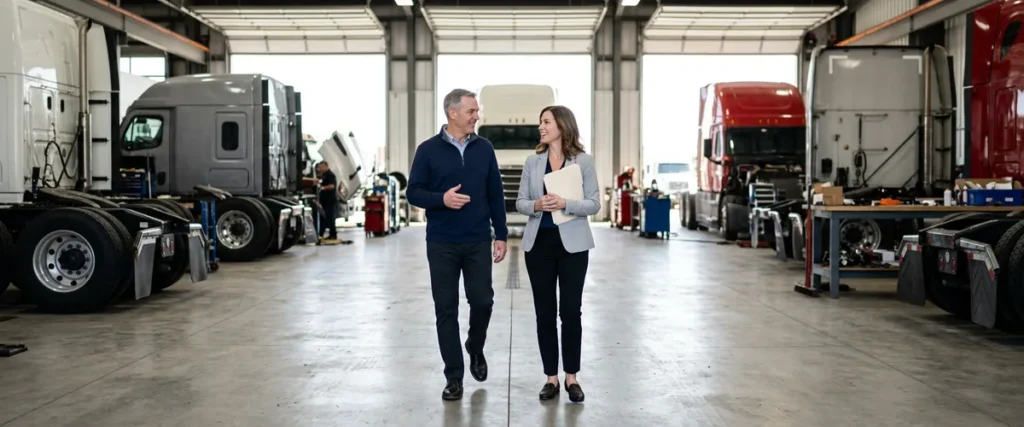

With co-managed IT, a truck dealership’s own IT team stays in charge of its branches and decisions, and a dealership IT provider stands behind them on help desk calls, security monitoring, projects, and the weeks someone’s on vacation.
Last updated: November 1, 2026
When people outside the industry hear we support heavy truck dealers, they tend to picture a store with nobody in IT, calling us because the DMS is down and there’s no one else to call. That’s almost never what we walk into. Every truck dealer on our client list has IT people on its own payroll, usually more than one of them, and every one of those relationships runs co-managed.
Where they differ is the line. We have truck groups that hand us Full Service even with IT staff in the building, and groups where we take the help desk calls remotely and their own techs drive out to the branches. Our largest heavy truck relationship, north of 1,000 seats, runs through an internal IT director who is the single point of contact, with Helion carrying accountability and risk and a smaller internal crew doing the field work day to day. Same model, drawn three ways.
I’ve been at Helion for more than 20 years now, in support, infrastructure, cybersecurity, compliance, and design, and I’m a CISSP, so I’ve sat on both sides of these conversations. If you’re the IT manager or the CFO at a truck group that already has a team, this is what a co-managed IT partner for dealerships adds, and what it leaves alone. The wider picture of how we work with the vertical is on our IT services for heavy truck dealerships page.
Nobody gets replaced.
What Co-Managed IT for Truck Dealerships Means
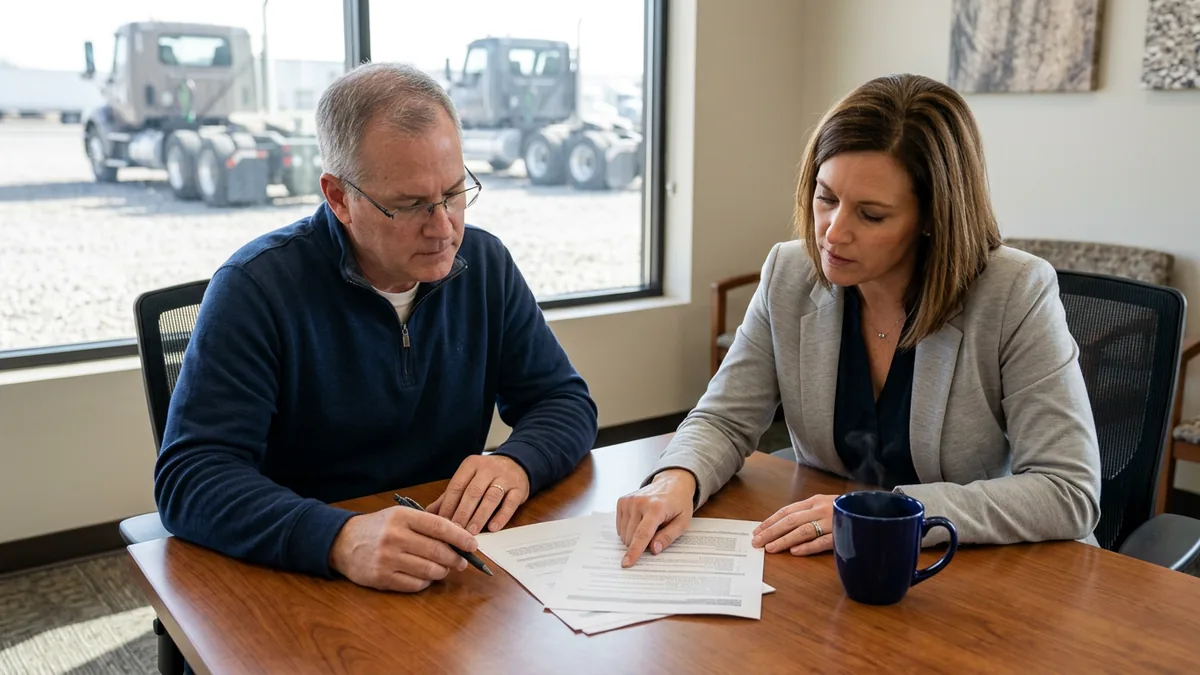
Co-managed IT is a shared arrangement where a truck dealer group’s internal IT team keeps ownership of its stores, staff, and technology decisions, and an outside dealership IT provider takes the work that team can’t carry alone. Both sides follow one written split of duties, so every task has exactly one owner.
That last part matters more than the rest. A split nobody wrote down is just two teams assuming the other one has it.
Ownership stays with your people. They know which branch manager calls about everything, which parts counter runs on an old label printer nobody wants to replace, and why the shop at the rural store is wired the way it is. We don’t pretend to know that on day one. What we bring is the depth behind them: a help desk, a security operations center, engineers who build branch networks for truck dealers, and the people to cover when someone on their team is out.
They know the stores. We bring the depth.
Why Truck Groups Keep Their Own IT People
Walk into almost any truck dealership and you can see where the money comes from, because the shop is bigger than the showroom. Franchised truck dealerships wrote more than 11 million repair orders and posted more than $48 billion in service and parts sales, according to the ATD Data 2025 Annual Report from the American Truck Dealers. Every one of those repair orders runs through a DMS such as Karmak Fusion or Procede Excede, a parts lookup, OEM diagnostic software in the shop, and a network connection at a branch that might sit an hour off the interstate.
With that much riding on the service lane, truck groups figured out a long time ago that somebody on their own payroll had to know the stores, so they hired one. Then another. Usually it’s a network person, a desktop tech or two, and an IT manager who came up through the parts counter and knows the DMS better than most trainers do, and those are people worth keeping.
Then the group buys three stores in the next state. Now a team that was sized for six branches is covering twelve, spread across two states, with more windshield time between them and the same number of hours in the day. Nobody did anything wrong there. The group grew and the team didn’t.
Three Ways the Line Gets Drawn
I’ve never seen two of our truck groups divide the work exactly alike, though the arrangements do tend to land in a handful of shapes. These are the ones running today, plus the version most groups sketch first when they sit down with a blank page.
| Arrangement | Your IT team owns | Helion owns |
|---|---|---|
| Full Service alongside internal IT | Priorities, approvals, vendor relationships, the group’s technology plan | Help desk, onsite field visits, security monitoring, compliance program, projects |
| Remote help desk, internal field team | Onsite work at every branch, hardware swaps, shop and parts counter setups | Help desk tickets, escalation, security monitoring, compliance program |
| Internal director as single point of contact | The relationship, the decisions, day-to-day field work through a smaller crew | Accountability and risk across the environment |
| A split you write yourselves | Whatever your team already does well | The rows nobody has time for, named one by one |
Groups also move between these. One that starts with a remote help desk might decide two years later that its field techs should spend their time on new store builds instead of swapping printers, and the line moves. That path stays open in either direction. The test I use for any version of the split is supportability. Can someone new to the group read it and know who to call?
If they can’t, it isn’t a split yet.
One Problem at a Time
Here’s the morning that sells co-managed IT to a truck group, and it doesn’t involve anyone doing a bad job. The internet drops at a rural branch. A parts counter in another state can’t print pick tickets. A new technician can’t log in to the OEM diagnostic software, and there’s a truck on the lift waiting on that login. Your team is good, so they’ll fix all three, but a person can only work one problem at a time, which means somebody is waiting while somebody else is being helped.
Three tickets. One queue.
A bench changes the math. With our help desk taking the calls, your team can stay on the outage that needs someone who knows the building while the login and the printer get worked in parallel. During live support hours, a technician picks up in 82 seconds on average. Nobody at the parts counter has to wait for the IT manager to get off the phone with the circuit provider.
The other side of the math is cost. Adding one more person is the instinct. It isn’t cheap. The median annual wage for network and computer systems administrators was $99,130 in May 2025, according to the Bureau of Labor Statistics, before benefits, and the same handbook notes they may need to work evenings, nights, or weekends to keep networks running. That hire still works one problem at a time. And still takes vacation.

The Access Question a CFO Should Ask
Ask your IT team one question: if your most senior IT person left on Friday, who has the admin passwords on Monday?
In a lot of groups the honest answer is a person, not a system. The firewall logins, the DMS admin account, the vendor portals, the reason the shop network at the third branch is segmented the way it is. All of it sits in one or two heads. Nobody planned it that way. It just piled up. That happens when good people fix things fast and move on to the next fire. For a CFO, that’s a single point of failure, and these days it’s a bigger risk than whether the servers stay up, because access now spreads across cloud apps, mobile service trucks, and the AI tools that are starting to show up in DMS and CRM software.
No one person is at fault here, and the fix is a design choice.
Erik Nachbahr, our founder and president, likes to compare it to flying, since nobody wants to board a plane where everything rides on one heartbeat up front. I’d add that the answer isn’t a goodbye memo. If the plan for the day your best person leaves is having them write it all down on the way out, the setup was wrong from the start. Admin accounts go in a vault, passwords go in a managed password system, and the inventory of every device and license lives in tools the dealership owns, where it outlasts anybody’s tenure. Under a co-managed arrangement both teams work from that same record. Your people hold the keys. Ours know where they hang.
Standardized access is boring. That’s the point.
What the Bench Covers
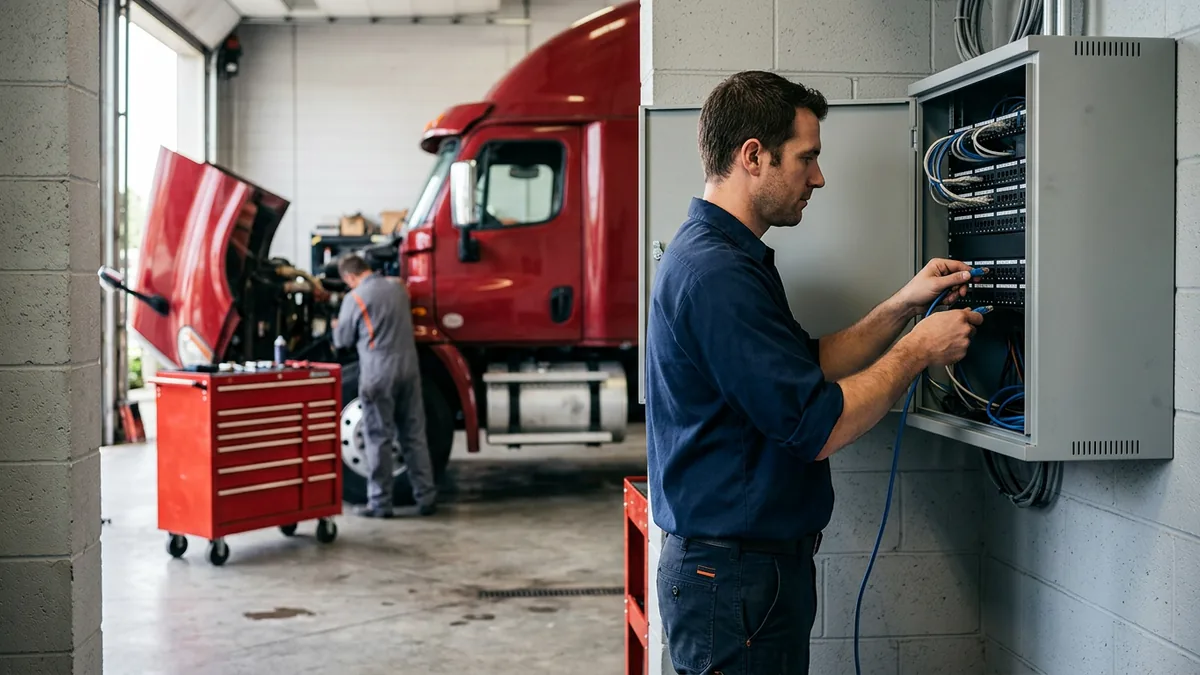
One group we work with runs 12 locations in the Southeast and came to us with frequent outages at its rural stores. Rural circuits fail. That part isn’t going to change. What can change is who notices first, who opens the ticket with the carrier, and whether the branch manager finds out from the IT team or from a customer standing at the counter. Our guide to networking a multi-location truck dealership covers backup internet and the standard branch build that makes those outages shorter. For stores hours from the nearest technician, our post on IT support for remote truck dealership branches covers what to stage on site.
Beyond outages, the bench usually takes some mix of these, depending on the arrangement:
- After-hours callbacks. On our help desk plans, the queue doesn’t sit until your team is back in the morning.
- Security monitoring, which runs 24/7 with live, US-based analysts who step in at signs of an attack. That team doesn’t wait for anyone to call, and it’s the piece most internal teams can’t staff on their own. Our guide to a co-managed SOC for dealer groups shows how that split works.
- Projects that never fit between tickets: a new branch’s network, a DMS move to the cloud, a refresh of every PC in the shop.
- Vacation cover. Your network lead goes fishing for a week, and the branches don’t notice.
- The compliance program for the FTC Safeguards Rule, run as something your group can operate and show an auditor rather than a binder.
Your team decides which of these we take. Their call. We’d rather do five things well than ten things your people already handle better.
Write the Lines Down Before Anything Starts
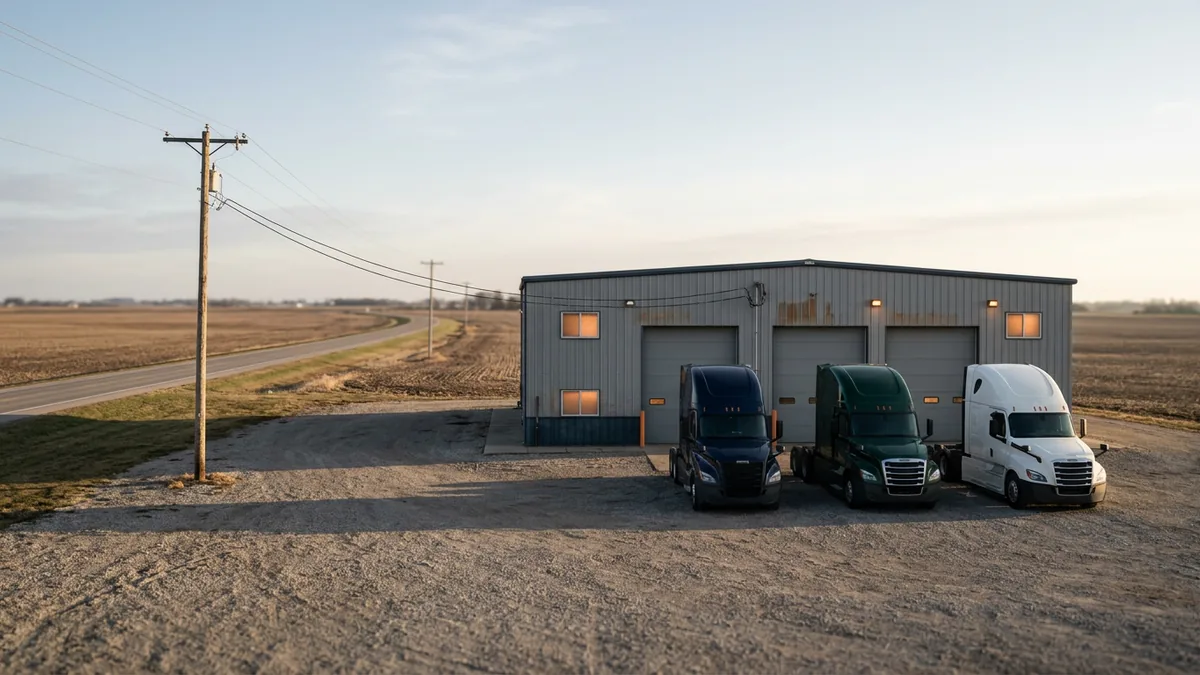
Truck dealers have rows on their list that car dealers don’t. Karmak or Procede admin rights. The OEM diagnostic laptops in the shop and who keeps their licenses current. Mobile service trucks with hotspots and tablets. Branch circuits from three different carriers. Shop Wi-Fi that has to reach the far end of a bay big enough for a tractor-trailer.
Each one needs a name next to it. One name.
Our co-managed IT responsibility matrix walks through how to build that list, row by row, so a ticket never bounces between two teams. Do it before the contract starts. Not after the first missed handoff. It’s also the cheapest way to find out whether you need co-managed IT at all. Some groups fill in the matrix and discover their team covers nearly everything except security monitoring and vacation weeks, and that’s a much smaller engagement than they expected.
Simplicity wins here. Fewer owners, clearer rows.
What IT Managers Say Before They Call Us
“Is this how you get your foot in the door to replace me?” No. Every heavy truck dealer we support kept its IT people. Co-managed IT is the arrangement where your role stays yours, and your team gets backup instead of a replacement.
“We already have three people. Why pay for more?” Because three people still work three problems at once, at most, and they still take vacation, get sick, and sleep. What you’d be paying for is the specialties and the hours your team can’t cover. Our comparison of in-house, managed, and co-managed IT for dealerships lays out all three.
“Our last provider created more confusion than it fixed.” That usually traces back to a split nobody wrote down. Fix the matrix first.
Things Truck Dealers Ask Us
So who’s actually in charge in a co-managed setup?
Does co-managed cost less than full outsourcing?
Our branches are spread across two states. Does that change anything?
Will we have to change our DMS or our tools?
How fast can a co-managed arrangement start?
Start With What Your Team Already Owns
Co-managed IT works when it starts from respect for the people already doing the job. Your team knows the stores. We know what a dozen branches across two states need behind them, because we’ve seen that pattern across more than 2,000 dealerships, automotive and heavy truck. If you want to see where your team is stretched and where it isn’t, start with our complimentary IT and cybersecurity assessment. It maps your environment branch by branch, and it gives you the facts to draw the line yourselves.
Keep your team. Give them a bench.