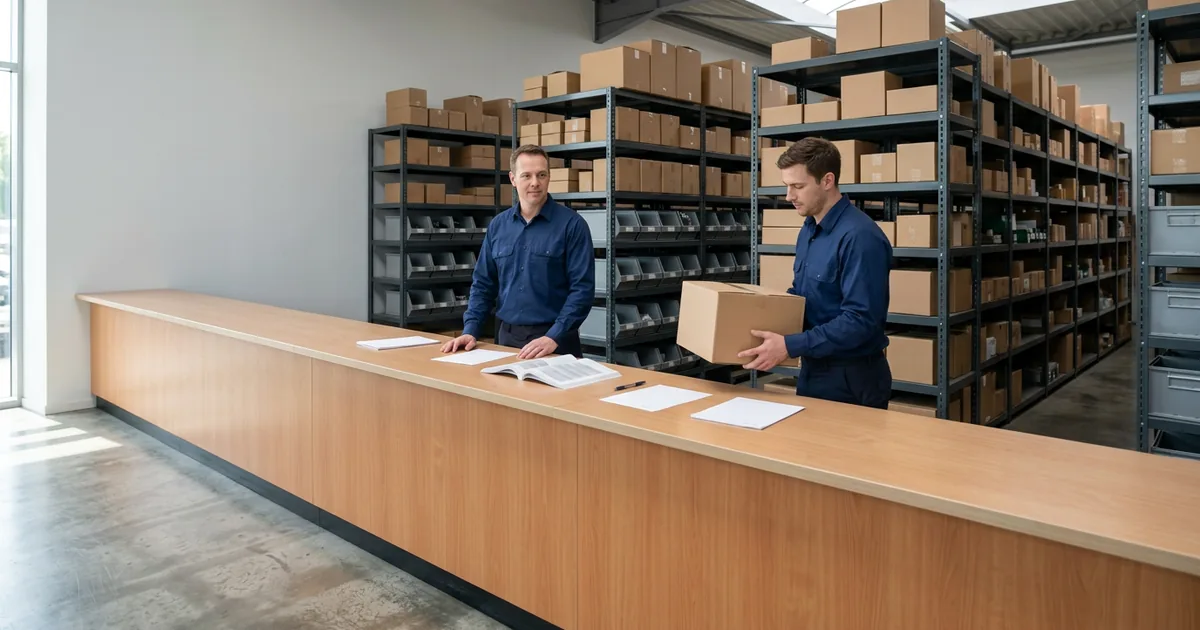
Managed IT
Dealership Parts Department IT: Counters, Catalogs and OEM Parts Systems
Counter PCs, parts catalogs, printers, scanners, card terminals and phones, run by a team that works only with dealerships.

Dealership parts department IT is the counter PCs, electronic catalogs, printers, scanners, card terminals and phones that let a parts counter look up, price and sell a part. Helion Technologies runs it as part of managed IT for car and heavy truck dealers.
Last updated: November 16, 2026
Why Parts Department IT Is a Job of Its Own
A parts counter looks like any other desk until you stand behind it. At a busy counter, a lookup can have a customer waiting on it, and one sale can touch several systems: the DMS parts module, a manufacturer’s electronic catalog, an ordering portal, a printer and a card terminal. NADA’s 2025 full-year numbers for franchised new-car dealerships show more than 276 million repair orders written, with service and parts sales above $164 billion.
We run the parts counter as part of managed IT for dealerships, alongside the rest of the store. The wiring, firewalls and Wi-Fi underneath it are covered on our dealership network management page, the phones on dealership phone systems and the shop next door on service department IT, so this page stays at the counter.
A slow counter has a customer standing in front of it. Nobody waits quietly.
When it slows down
When the Parts Counter Slows Down, Check in This Order
“The system is slow” can mean the portal, the DMS, one PC, the internet line, a printer or the card terminal. The same complaint covers all of them. Quick, cheap checks come first. Expensive ones come later. The last column says who owns each fix. That’s who you call.
| Symptom | Check first | Who owns the fix |
|---|---|---|
| Catalog and portal pages load slowly | Whether other websites and the DMS are slow too. If only the portal is, the problem may be on the portal’s side | The manufacturer for the portal itself. The store for the connection to it |
| Every counter PC stalls at once | The internet line, the firewall and the switch the counter is plugged into, then whether a backup line took over | Whoever runs the store’s network, which is Helion where we manage it |
| Only one PC is slow | That PC: its age, its free disk space and whether it’s waiting on a restart | The store’s PC. A DMS help line can find the DMS working and close the call |
| An invoice or pick ticket won’t print | The printer’s queue and its address on the network, then the cable behind the counter | Whoever supplied and supports the printer: the store, unless it came from the DMS vendor under contract |
| The scanner beeps and nothing enters | Which PC it’s connected to and, for a scanner in keyboard mode, which window was active when it read | The store’s PC and the scanner |
| The card terminal hangs mid-sale | Its connection, and whether it shares a network with the lounge Wi-Fi | The terminal’s supplier for the device itself. The store for the network under it |
| The parts line rings out | How the phone system routes counter, wholesale and body shop calls, and what happens when every line is busy | The phone system’s rules, decided with the parts manager |
Truck dealers get the same seven plus lookups that cross branches, since a counter checking another store’s shelf crosses the network every time. Our guide to networking a multi-branch truck dealership walks through it, and our truck dealership outage plan covers what to print for the morning the counter stops completely.
Behind the counter
What Parts Department IT Covers
Walk behind the counter and it splits into five pieces, each with its own way of going wrong. A review of the counter should cover all five, whether it’s a one-person counter at a small franchise or a multi-branch truck operation, because a problem in any of them reaches the parts manager first. Then it reaches IT. Fast.

Running a truck counter?
Truck dealers have a longer list. Our heavy truck dealership IT checklist starts at the parts counter and works out to the shop, the road trucks and every branch.
The counter list Five things to check at any parts counter
PCs Counter PCs that hold up in the morning rush
A counter PC can run the DMS parts module with a browser beside it, holding the catalog and the ordering portals, and that’s a lot to ask of an old machine. Our asset management work puts each counter PC on the device register with its rooftop, department, user, purchase date and warranty end, so a refresh gets planned before the machine makes the decision for you. It also helps to settle who resets a PC when it locks up. A name, not “IT.” Our IT asset management page has the register.
Put a name on the reset.
Catalogs Electronic catalogs and OEM ordering portals
Some manufacturer catalogs and ordering portals run in a browser and some install on the PC. GM’s dealer infrastructure guidelines, for example, set disk space requirements for a local install of the electronic parts catalog and say a very minimal amount of free disk space is needed if the web version is used. Either way, the portal’s own support covers the portal, and the connection from your counter to it is the store’s to keep working. Logins matter too. Each person should have their own, and the manufacturer accounts belong on the departure list, the way they are on our onboarding and offboarding checklist.
Their portal, your connection.
Printers Printers and scanners at the counter and the dock
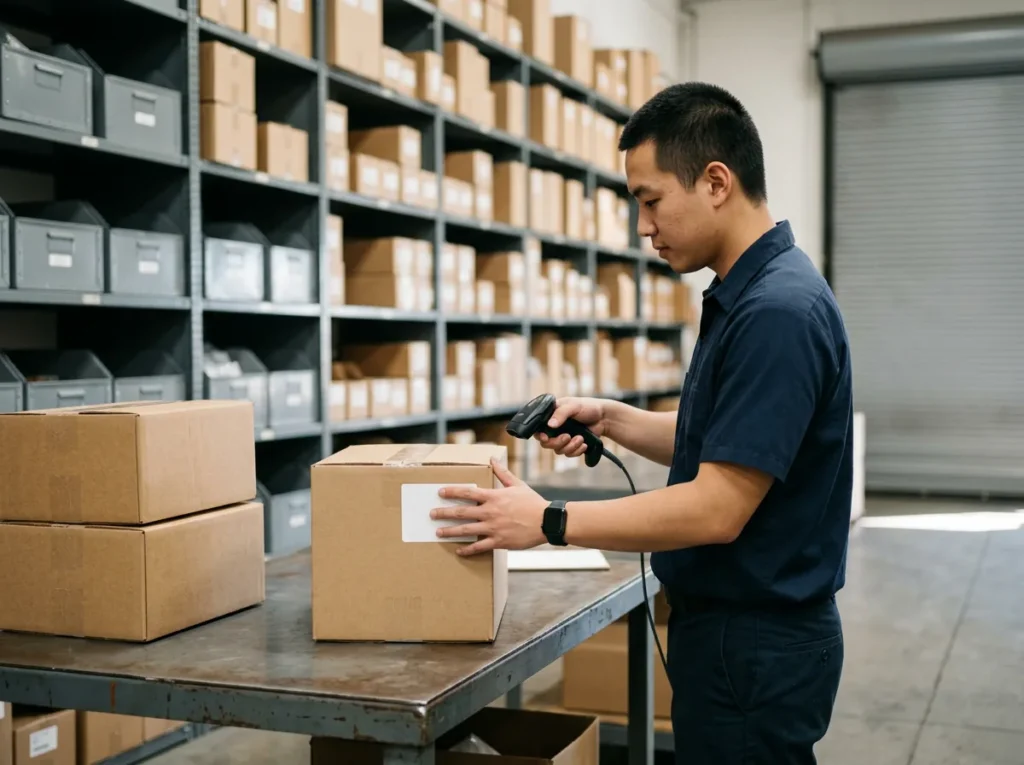
Invoices, pick tickets and bin labels all come out of printers at or near the counter. When one jams in the morning rush, the whole line stops with it. Is there a spare on the shelf? There should be. Scanners are the other half. A scanner set up in keyboard mode types whatever it reads into the active window on the PC it’s connected to, so one that looks dead might only be talking to the wrong PC or the wrong window. Here’s the catch with both: when a ticket won’t print, the DMS vendor’s help line can check the DMS, find it working and end the call, while the printer is still down. Unless the vendor supplied the printer, it’s the store’s to fix. Printers are one of the first things we test on a store network, and our dealership technology stack guide shows who supports which piece.
Test the printer before you blame the DMS.
Cards Card terminals kept apart
A card terminal that runs over the store network doesn’t need to sit next to the lounge Wi-Fi or the machines that open deals. Our standard network split puts card terminals apart from everything else. Keep it separate. GM and the PCI Security Standards Council both speak to this, and their words are quoted further down the page.
Cards get their own segment.
Phones Phones that ring all day
Our phone systems page makes the point that a lot of parts callers are other businesses with a part number and a deadline, so it treats the parts line on its own. We sit down with your parts manager and decide where counter, wholesale and body shop calls go, and what happens when every line is tied up. At a truck store, a driver stuck on the shoulder who can’t get through may call the next dealer on the list.
Decide what happens when every line is busy.
One Team Behind 2,000+ Dealerships
A slow counter can’t wait for an email thread. During live support hours, a technician at our help desk picks up in 82 seconds on average. Onsite visits are included on our Full Service plan when the fix needs hands in the building, and our post on onsite vs remote IT support explains which problems need one.
One Counter, Several Kinds of Customer
One counter can serve a walk-in with a part number on a receipt, a body shop calling in an order, a technician from the shop next door and, at a heavy truck store, a fleet with an account and a driver waiting. They don’t need the same things. The walk-in wants a fast lookup and a card payment. The body shop wants the phone answered. The technician wants the part in the system, which is why our service department IT page sits next to this one.
A fleet account needs its terms in front of the counterperson. A multi-branch truck group needs one counter to see another branch’s shelf, and that lookup crosses the network every time somebody keys in a part number. When it’s slow, the part can get bought twice or the sale can walk. Without a backup line, all of that rides on one internet connection, which is why our internet failover guide lists the counter’s card terminals and portals among the things a backup line has to carry.
Separate lanes, same counter.

GM
GM’s dealer infrastructure guidelines say payment card information, customer information, dealership traffic and customer traffic “should be segmented via network segmentation (such as VLAN) or a different network.” Read GM’s guidelines.
Four kinds of traffic, kept apart.
GM
The same document adds: “GM recommends that dealerships also maintain on-demand backup Internet connectivity.” It’s dated January 2021, so check with GM for its current version. See the section on transport.
The counter needs a second way online.
PCI Security Standards Council
The council’s December 2016 scoping guidance says segmenting the card environment “is not a PCI DSS requirement. However, it is strongly recommended,” and without it “the entire network is in scope of the PCI DSS assessment.” Read the scoping guidance.
A flat network widens the assessment.
How a Parts Department IT Review Starts
-
1
Ask for the assessment
Fill in the short form for our complimentary IT and cybersecurity assessment and mention the parts department. It costs nothing. It’s a no-obligation review of your technology setup, security posture and vendor spend.
-
2
Tell us what slows the counter
Tell us which of the seven symptoms you see. And when. A lookup that crawls at the morning rush points somewhere other than one that crawls all day.
-
3
Read the findings
You see what’s running, what’s outdated and where the bottlenecks are. Your vendor bills sit next to what one accountable team would cost.
-
4
Fix the counter first
If you go ahead, the counter is a fair place to start, beginning with whatever slows the lookup. Onboarding starts within weeks of signing.
Common Questions
Want the counter looked at?
Our complimentary IT and cybersecurity assessment reviews the technology setup behind the parts counter and the rest of the store, and puts today’s IT bills next to what we’d charge. Already know what you need? Get a price quote.
What does a dealership parts department need from IT?
Why does the parts counter slow down?
Should the card terminal share a network with the DMS and guest Wi-Fi?
Should counter PCs and printers run on Wi-Fi?
What happens at the counter when the DMS or the internet goes down?
Does Helion support the parts department at heavy truck dealerships?
Let’s look at the counter. We’ll show you what we find.
Request a Complimentary Assessment →