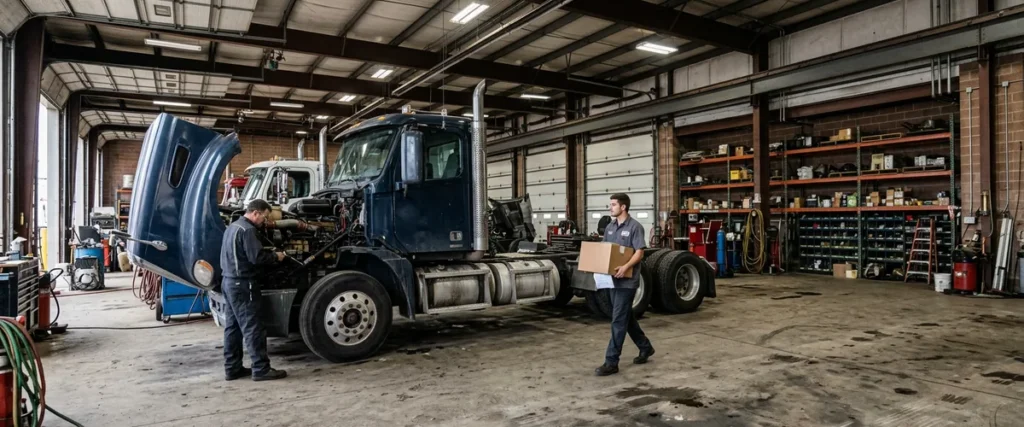

A truck dealership outage plan is a printed set of steps that keeps the parts counter selling and the shop invoicing when the DMS, internet, or store systems fail, with one named person deciding when the store goes to paper.
It matters more at a truck store than a car store, because the customer standing at your counter is paying for a truck that can’t earn a dollar until you get the part across.
Last updated: November 3, 2026
Picture the first hour at a heavy truck parts counter. A driver is standing there with a cracked air dryer housing in a box. The tractor is in your lot with a load still on it, and dispatch has called twice already. Your counterperson types in the part number. The lookup spins. And spins. Then the shop calls up front to ask whether anybody else’s screens froze.
Nobody in that building did anything wrong. Something is down, and at that moment it doesn’t matter much whether it’s the DMS, the internet line, or a switch in the back room. What matters is whether the person at the counter knows what to do for the next 10 minutes without asking anyone. Usually they don’t. Nobody told them. Why would they know?
I’ve worked only with car and truck dealers for nearly 30 years, and across 2,000-plus dealerships we’ve already seen this exact problem more times than I’d like. The sales floor gets a plan. The parts counter gets a phone number. It’s the last department anyone writes a plan for and the first one that needs it.
We already published a DMS outage plan for the whole dealership that covers the sales desk, F&I, and payroll. This is the truck side of it: the counter, the shop, the road trucks, and what to do when it’s the internet or the network that fails instead of the DMS. If you want the bigger picture of how we support truck stores, start with our page on IT for heavy truck dealerships.
Why the Parts Counter Feels an Outage First
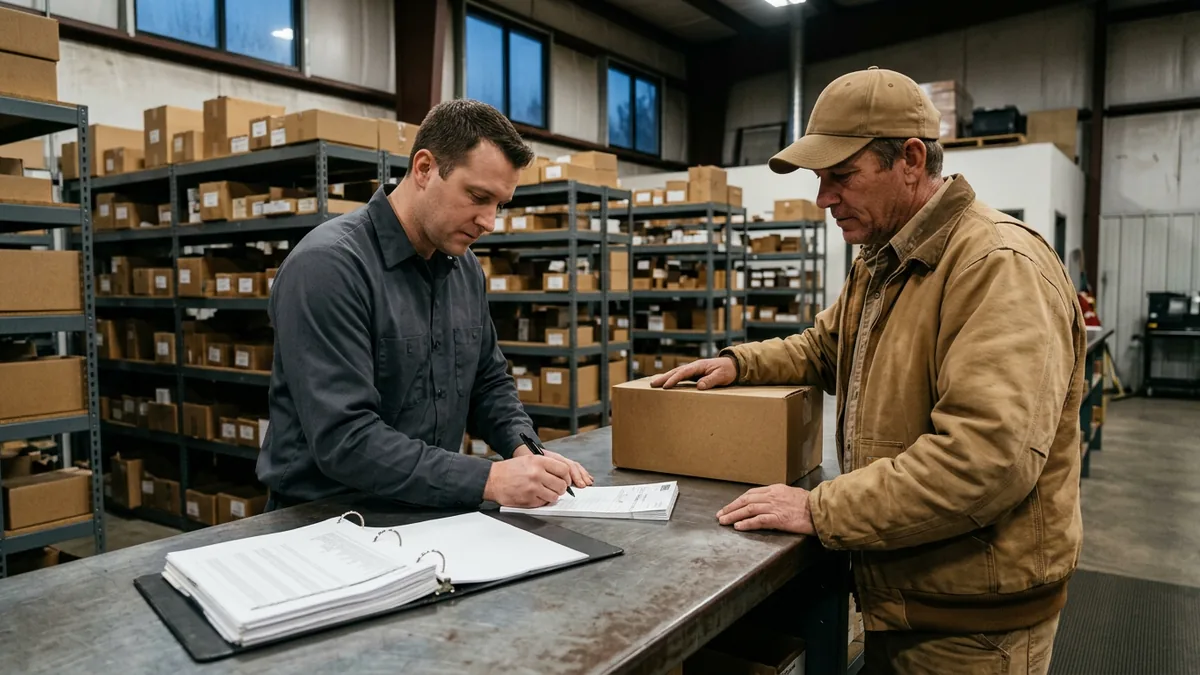
At a heavy truck dealership, the parts counter is where an outage turns into lost money fastest. Lookups, pricing, fleet account terms, branch inventory, and invoicing all run through the DMS and the network, and the customer waiting on the part is usually paying for a truck that’s sitting still.
The American Transportation Research Institute’s 2026 cost report put the average cost of operating a truck at $2.336 per mile in 2025, the highest in the study’s history. A tractor parked at your store isn’t running up miles, but the payment, the insurance, and the driver’s day keep going while it waits. It adds up. That’s the customer’s math, and it becomes yours about as fast as they can find another dealer.
Drivers have their own clock too. Under the FMCSA hours-of-service rules, a property-carrying driver can’t drive past the 14th consecutive hour after coming on duty, and off-duty time doesn’t extend that window. So 40 minutes spent at your counter while somebody hunts for a price is 40 minutes the driver doesn’t get back that day. Gone.
Car customers are different. One whose oil change slips will grumble and come back Saturday. A fleet manager with three tractors down remembers which dealer got them rolling. Dealers don’t like hearing that, but it’s true.
And this has nothing to do with which system you run. Karmak Fusion, Procede Excede, whatever else: every truck DMS puts the counter, the shop, and the invoice in one place, and that’s exactly why it’s worth paying for. I’d make that trade every time. It does mean one outage stops all three departments at once. (We compare the two biggest names in our Karmak vs Procede comparison, if you’re weighing them.)
The counter is where the plan pays for itself.
DMS Down, Internet Down, Network Down: Three Different Mornings
A plan that only says “if the DMS is down” misses two of the three ways a truck store goes dark. Each one leaves different things working. Each one needs its own first move.
| What failed | What often still works | What stops | First move at the counter |
|---|---|---|---|
| The DMS itself (a vendor-side problem, a bad update, an expired certificate) | Internet, email, phones, and OEM or supplier parts portals in a web browser | Lookups, pricing, invoicing, fleet account terms, repair order updates | Open the binder: printed price and bin list, numbered paper tickets |
| The internet connection | Anything on the local network, including a DMS running on a server in the building | A hosted DMS, OEM portals, email, card payments that run over the internet | Check whether the backup line took over; if not, go to paper and call IT |
| The store network or a server (a switch, the firewall, a file server, a suspected attack) | Cell phones, and sometimes the DMS from outside the building | Counter PCs, printers, label printers, and desk phones that run over the network | Go to paper, power nothing off, and follow IT’s instructions |
That last row is the one I’d want every counterperson to understand. If it might be an attack, the instinct to start rebooting things can destroy exactly the evidence the people cleaning it up need. Leave it alone. Call. Then wait.
The internet row is where a little money up front saves a lot of trouble later. Early on, one of our dealer clients ran their technicians’ electronic dispatch on a $50 home router. It went down constantly. I talked them into a corporate-grade device at about 10 times the price, and it worked. Problem gone. I’ve lost deals since to cheaper bids, and I’d make the same argument today, because cutting that corner always costs more later.
The same logic goes for the line itself. A second connection from a different company, over a different medium, fiber from one and cable or fixed wireless from another, is what keeps a cut line in the street from becoming a counter outage. Different company. Different wire. Two lines from the same provider protect you from a bad cable. They don’t protect you from that provider having a bad day. For stores out where fiber isn’t on the menu, our guide to rural truck dealership internet walks through the options.
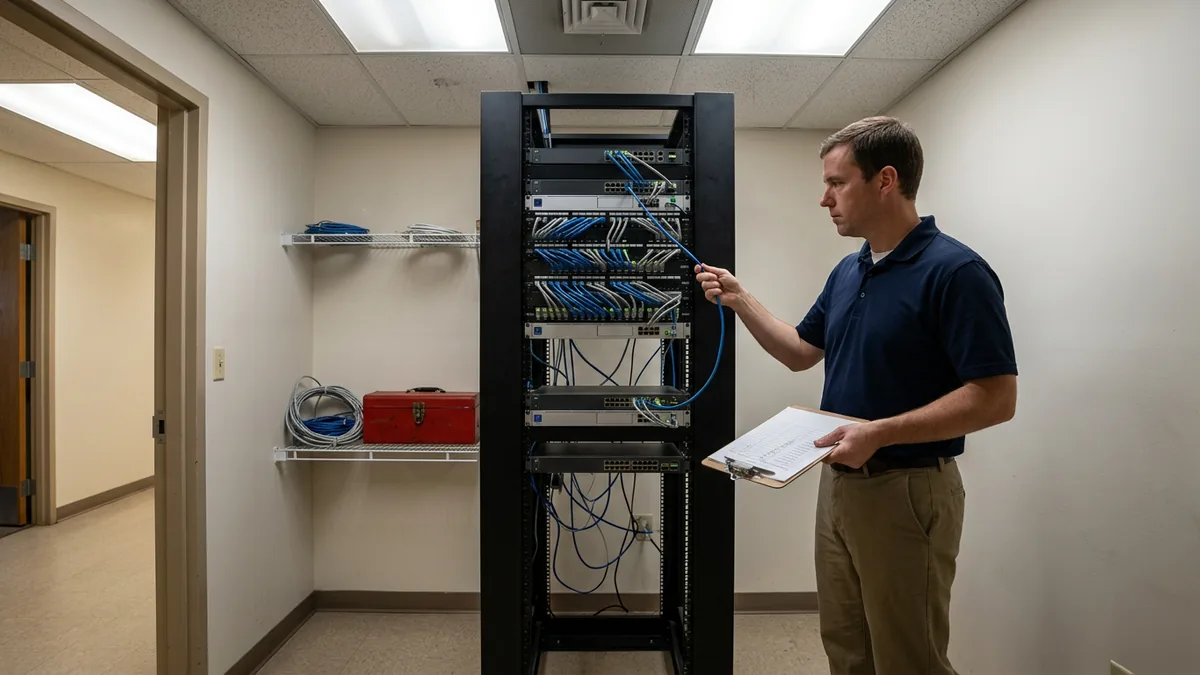
Three outages, one binder, a different first page for each.
What to Print Before You Need It
The CISA #StopRansomware Guide tells organizations to keep a hard copy of the response plan and an offline version available. Good advice. For a parts counter it’s only half of it, because the plan runs on data, and the data lives in the system that just went down.
So the counter keeps a binder. Mine would have these in it:
- A price and bin list for your fast movers, reprinted every week. An old list is worse than none, because the counter will trust it.
- The fleet account sheet. It says who can charge, who needs a PO on every ticket, and how much credit each fleet has. People forget this one, and it causes the arguments later.
- Open special orders and will-calls.
- A thick stack of pre-numbered counter tickets.
- Tomorrow’s shop schedule, printed at close every night. It feels silly until the morning it isn’t.
- One page of phone numbers, with the circuit ID for each internet line. The internet provider will ask for it first. Nobody ever knows where it is.
No passwords. The binder sits on a counter where drivers stand all day.
Each page gets an owner and a day it gets reprinted. Who owns that? If the answer is “the parts department,” nobody does. A binder nobody keeps up is just improvising with a nicer cover.
Paper gets you through the day. Getting your data back intact is a separate job, and that’s what backup and disaster recovery for dealerships is for.
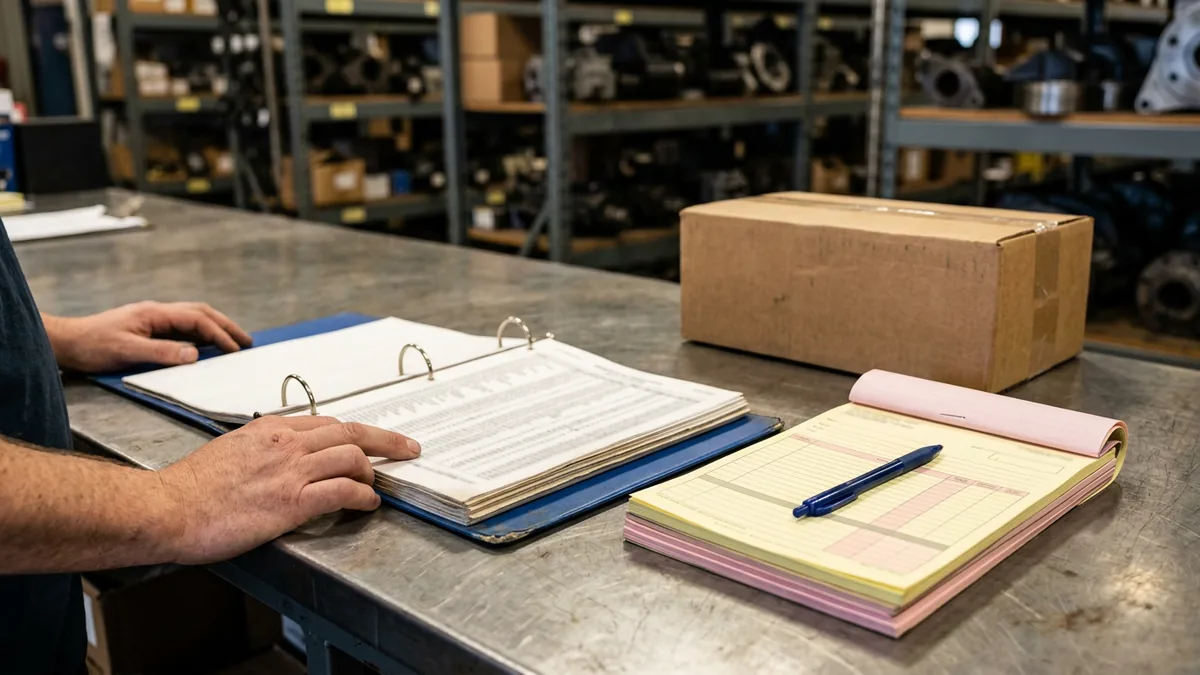
Print it while things are boring.
The Early Counter and Who Makes the Call
Truck parts counters keep earlier hours than the rest of the building. When the first driver walks in, the service manager may not be there yet. The GM almost certainly isn’t. An early outage lands on one person.
A ski instructor once told me, on a run steeper than I’d have picked, “You’re in it now. The only way out is through.” That’s the counterperson with the frozen screen. Standing there waiting for a manager is the worst choice they have, so the plan gives them the authority to act, in writing, ahead of time.
I’d write down five decisions:
- When to switch. A reasonable trigger is 15 minutes without lookups. After that, the senior person at the counter goes to paper and doesn’t ask permission.
- Who can charge. Fleets on the printed sheet can, inside their limit. Everyone else pays by card or check.
- What the price is. It’s whatever the printed list says, and nobody goes under it without the parts manager.
- What waits. Core credits and warranty paperwork can wait a day. The driver can’t.
- Who calls whom. One person calls IT. One tells the shop. If you have other branches, one calls their counters too.
If you’re a Helion client, an outage that takes down a whole store is an emergency, and emergencies go straight from triage to a Systems Engineer who owns it until it’s resolved. Our help desk is live Monday to Friday, 8 a.m. to 5 p.m. local time, and Saturday, 8 a.m. to 5 p.m. Eastern, with callbacks on weekday mornings and evenings. Whoever supports your IT, the first few minutes at the counter belong to the store. That’s why the decisions are on paper.
Plenty of truck groups have their own IT people working alongside an outside provider. It’s a good setup, and we support it with co-managed IT. But the plan has to say who calls whom. Two teams each assuming the other one has it is a mess you find out about at 6:30 in the morning.
Decide it once, before you need it.
Mobile Service Trucks When the Shop Goes Dark
Road techs are the last to notice an outage. A tablet on cellular works fine right up until it tries to save a work order to a DMS that isn’t answering.
So every service truck carries a pad of numbered paper work orders. The tech writes the job down, logs any parts taken from truck stock, and gets the customer to sign. Then they call the counter before driving to the next job. That call is how the store knows what happened.
We’ve written separately about securing mobile service trucks and technician tablets. The outage version is simpler. Paper and a phone call.
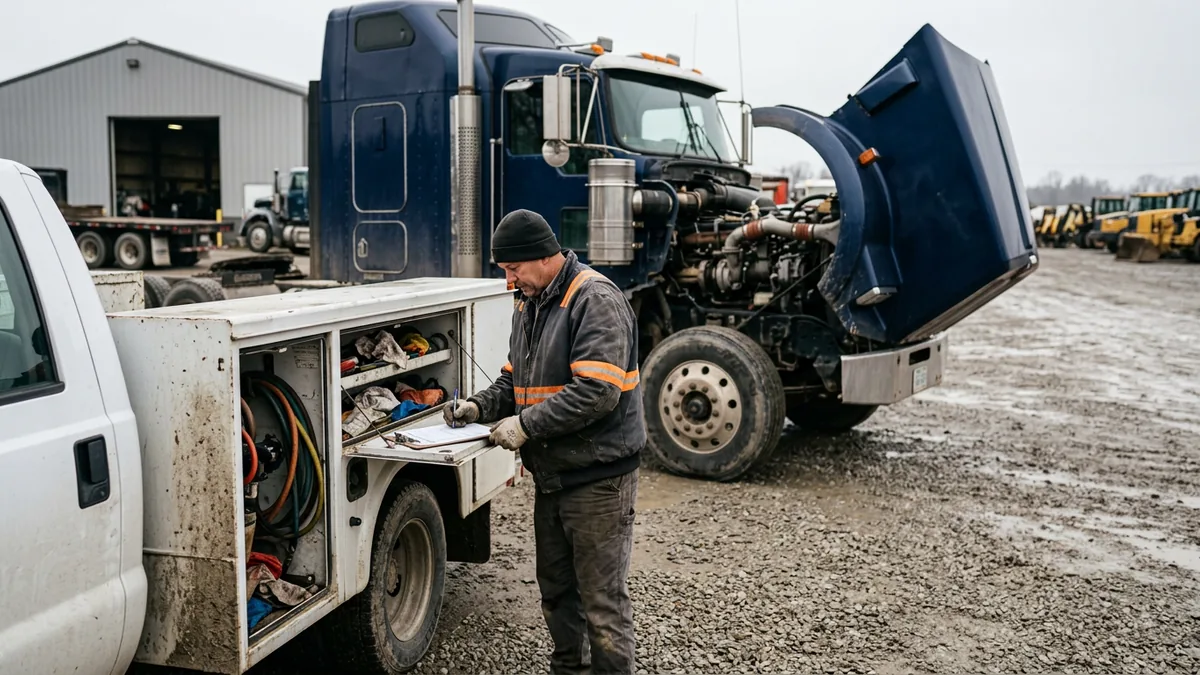
If it isn’t written down in the truck, it didn’t happen.
Getting Back on the System Without Losing a Week
CDK Global’s 2023 State of Cybersecurity in the Dealership study put the average downtime after a dealership cyberattack at 3.4 weeks. Most outages are much shorter. The cleanup still takes longer than people expect.
Enter the tickets in number order. Look for every missing number, because a missing number is a part that left without an invoice. I’d do the fleet charges first, since a fleet won’t pay an invoice you haven’t sent. Then count your fast movers and check them against the tickets. You want to find a mismatch this week, not at the next physical inventory.
The outage is over when the last ticket is entered, not when the screen comes back.
Practice It on a Quiet Afternoon
Early in my career I worked in a three-person IT department at Aon that supported 100 actuaries. I loaded a module onto the servers to make file storage easier, and the server went down. My boss fixed it. Then I heard, “That worked out for us. If it hadn’t, you’d have lost your job.” I’ve tested things before trusting them ever since.
An outage plan works the same way. FEMA’s Ready.gov business continuity guidance treats testing as part of building a plan and publishes exercise materials for it. For a truck store, half an hour is enough. The counter writes five paper tickets, one of them for a fleet that needs a PO. The shop writes one repair order by hand. Then somebody enters it all back in and you see what broke.
Something will. The price list will be missing, or the fleet sheet will be 4 months old. Better to learn that on a day when nobody’s tractor is waiting.
Twice a year is plenty.
What Parts and Service Managers Ask Us
We already have a DMS outage plan. Does a truck store need more?
So who decides when the counter goes to paper?
Realistically, how often does the printed price list need refreshing?
If we add a second internet line, can we skip the plan?
Does it matter whether our DMS is hosted or on a server in the building?
Every truck store will have a morning when the screens stop. The stores that get through it fine aren’t luckier. They wrote it down first. If you want a second set of eyes on where your store would break, our complimentary IT and cybersecurity assessment reviews your technology and security and gives you the findings in writing.
The driver at your counter doesn’t care why the screen froze. They care how fast you can write the ticket.