

In this dealership managed IT case study, a franchised dealership with no IT plan moved to one managed standard after a cybersecurity incident, and its monthly bills went down. Its old on-prem phone system had been breaking multiple times a month, and once the store moved to a cloud-managed phone system, it stopped breaking.
Last updated: November 16, 2026
The dealership in this story had one person handling IT, and that person didn’t really know IT. Employees couldn’t get tech support. When one of them had a problem, everyone else waited, because the whole store was lined up behind the same person. Then the store had a cybersecurity incident, and that forced the conversation.
I’ll skip the incident itself. That’s the client’s business. What it proved is the part worth your time: the setup wasn’t just slow; it was exposed.
We’ve spent nearly 30 years working only with dealerships, we support 2,000-plus of them today, and we’ve already seen this exact problem plenty of times: a pile of vendors, nobody who owns the whole system, and no plan holding any of it together. That’s what dealership managed IT services are for, one team that owns the whole system, and this store shows what changes when that happens.
What Was Wrong With the Dealership’s IT?
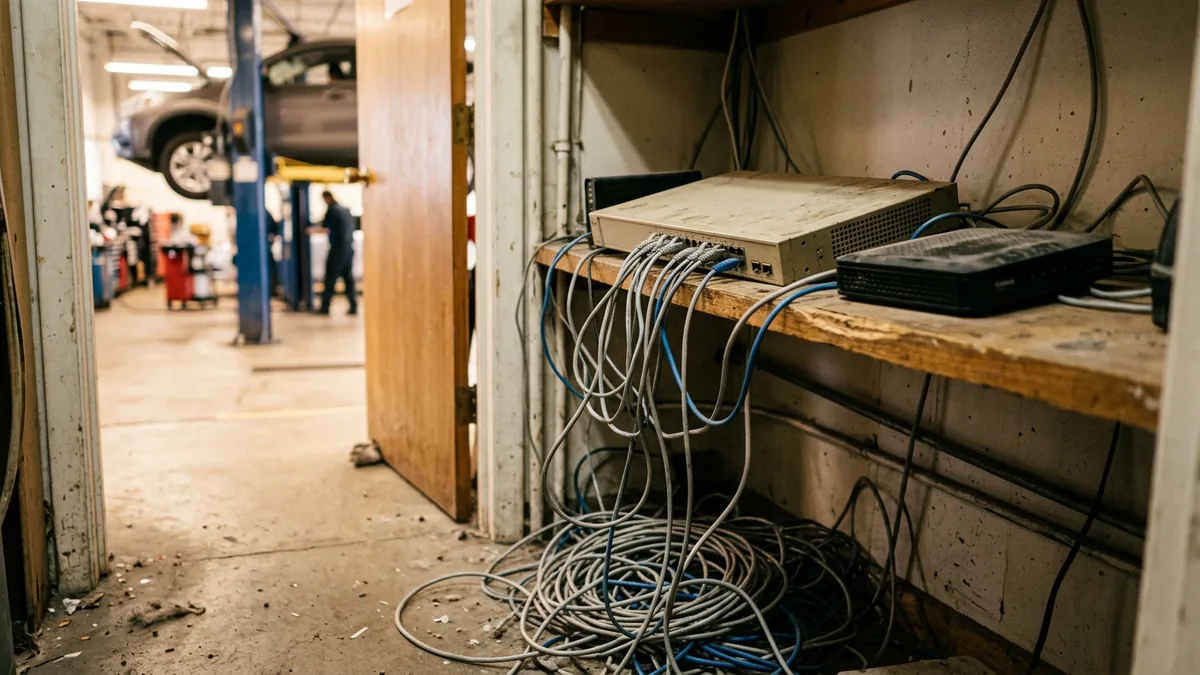
This store had no strategy for anything. The PCs were aging, and there was no plan for managing them. The network ran on old equipment that nobody managed, a server sat on the premises, and the on-prem phone system broke multiple times a month. Multiple internet providers were billing the store for services it didn’t even have. Even the company email domain was set up incorrectly, and it ran on POP.
That email detail is easy to skip past, so here’s what POP means. Microsoft’s own explanation of IMAP and POP says that once messages are downloaded onto your PC or Mac, “they are deleted from the email service,” and that after the email is downloaded, “it can only be accessed using the same computer.” On aging PCs that nobody manages, a dealership’s mail can end up living on whichever desk downloaded it.
With all of that in one building, every employee’s productivity depended on one person who couldn’t keep up. I don’t fault that person. Nobody had handed this store a plan to work from, and I’ve written before about what happens when IT gets handled by whoever is closest to it.
What it had was a collection of things nobody owned.
What Did We Change at the Dealership?
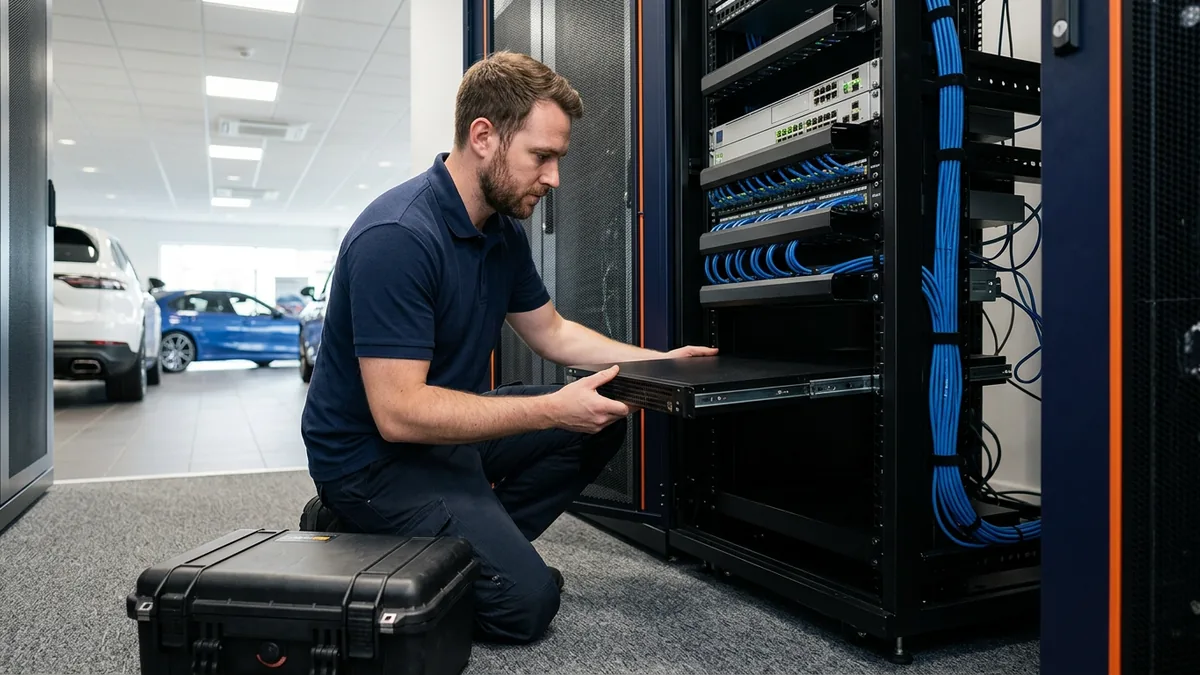
We didn’t patch the problems one at a time. We replaced the patchwork with one managed standard, from the PCs on every desk to the phones and the servers, and we gave every employee a way to get help without waiting on one person. Here’s the before and after.
| Area | Before | After |
|---|---|---|
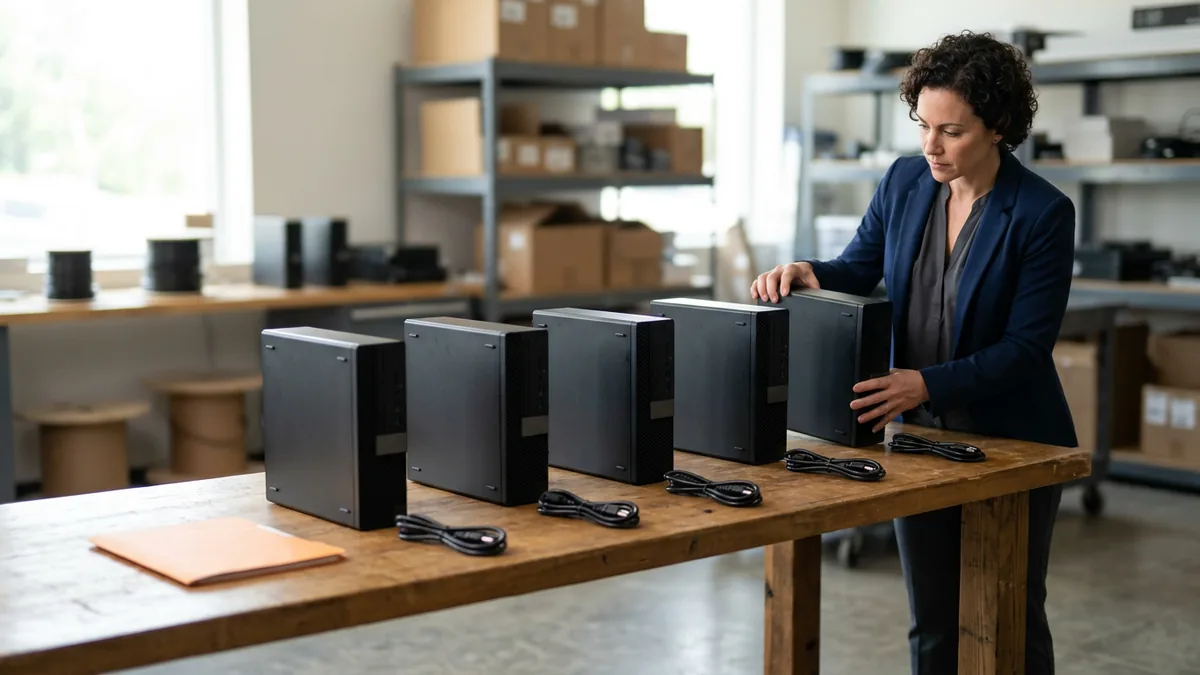
| PCs | Aging PCs with no management plan | Every PC standardized |
| Network | Old, unmanaged equipment | Managed network infrastructure and resilient firewalls |
| Internet | Multiple providers, billing for services the store didn’t have | Two broadband lines and lower monthly bills |
| Phones | An on-prem system that broke multiple times a month | A cloud-managed phone system |
| Servers | An on-premises server | All servers moved to the cloud |
| Company email domain set up incorrectly, on POP | Everything connected to Microsoft 365 | |
| Support | One person handling IT while everyone else waited | Day-to-day managed IT support, so every employee could get help at the same time |
Start with the phones, which had been breaking multiple times a month until we replaced the old system with a cloud-managed phone system, the way we run dealership phone systems for our clients now. It stopped breaking.
Then the internet. Multiple providers had been billing the store for services it didn’t even have, so we cleaned up the connections and consolidated down to two broadband lines, and the monthly bills went down. It’s the same idea behind dealership IT vendor consolidation: the work moves from several separate vendors to one team that answers for all of it.
Everything had an owner.
What Would I Look at First in Your Store?
Ownership, before anything else. If I were sitting down with you, I’d want to know who owns each piece of the technology, whether the bills match what’s actually in the building, and how many people an employee can turn to when something breaks. At this store, the honest answers were nobody, no, and one.
- Every device and service in the building, and whose name is next to it. “Nobody” and “it depends” both mean no owner.
- Your internet and phone invoices. Read them line by line against what’s actually installed.
- How many people can help a stuck employee. One isn’t enough.
- Where your email lives. If it’s on POP, find out which PCs are holding it.
- What standard a provider would put in, and how many times they’ve put it in before. I’d ask that before I asked for a price.
Every one of those comes back to ownership.
What Does One Standard Mean in Dealership IT?
Dealership IT standardization means every device and system in the store runs on the same vetted setup, managed by one team, instead of whatever each vendor or employee happened to pick. When something breaks, it breaks on a known build, and the people fixing it have seen that build before. That’s the idea.
All of our clients are on the same roadmap. The firewall, the wireless setup, and the PC configuration are the vetted ones we’ve deployed tens of thousands of times, so a new client gets a known build instead of a fresh guess. The Center for Internet Security puts the same idea in its Critical Security Controls. CIS Control 4 is to “Establish and maintain the secure configuration of enterprise assets,” and its list runs from end-user devices to network devices and servers.
Here’s what I’d underline. The dealership wasn’t underspending. It was spending without a plan, on internet services it didn’t have and on phones that kept breaking, and one standard with one integrated team behind it is what brought the bills down. It’s also why there’s no finger-pointing in a setup like this, because there’s only one team to point at.
With a standard, every piece has an owner.
What Happened After the Move?
The monthly bills went down. You won’t find a percentage here, because I’m not publishing a number for this client, and I’d rather give you no number than a made-up one. The phones stopped breaking. Nobody waited in line.
Onboarding started within weeks of signing, and the client has been on our managed standard for years. If you’re wondering what those first weeks involve, Rex Marchant, our Vice President of Service, lays it out in his post on what managed IT onboarding looks like at a dealership.

And the store didn’t have to think about any of it again, which is how it should be. We take care of the IT so you can sell and service cars.
Questions About This Case Study
Was this a big dealer group?
So how fast did all of this happen?
Does every Helion Technologies plan come with the help desk?
We already have someone who handles IT. Do they go away?
If your store looks anything like this one did, book our complimentary IT and cybersecurity assessment. It’s a no-obligation review of your current technology, security posture, and vendor spend, with your current bills stacked against what one accountable team would cost. The findings come in writing.
One standard, one team, and the bills actually went down.