
Managed IT
IT Due Diligence Checklist for Dealership Acquisitions: What to Check Before You Buy the Store
Twelve things to check in the target store’s technology while there’s still a price to negotiate, and what to ask the seller for on each.

An IT due diligence checklist for a dealership acquisition lists what to check in the target store’s technology before you sign, from Microsoft 365 licenses and files to contracts, security, backups and admin passwords. Helion Technologies runs the IT side of buy-sells for car and heavy truck dealer groups.
Last updated: November 17, 2026
Why IT Due Diligence Gets Skipped in a Dealership Acquisition
Buyers look hard at the franchise agreement, the real estate and the blue sky. The IT can end up waiting until after closing. Erik Nachbahr, our founder, thinks that order is backwards: “An acquisition should trigger an IT assessment.” The question, as Erik puts it, is what gaps the target store brings with it and “what needs to be brought into compliance.”
This page is the list for before you sign. Once the deal is done, our dealership acquisition IT integration service moves the new store onto your network, Microsoft 365 and security, as part of our managed IT for dealerships. It covers IT only. It isn’t legal or financial due diligence advice, and your attorney and accountant own those parts of the deal.
Some groups keep every store they buy on its own tenant, licenses, network and IT people, and never fold any of it in. Sometimes a separate setup is the right call. The checklist makes it a decision, not a default.
The checklist
What Goes on an IT Due Diligence Checklist for a Dealership?
Twelve items. Microsoft 365 and licenses, files and email, who owns the applications, DMS and manufacturer logins, the network, phones and circuits, security history, cyber insurance, vendors with data access, backups, admin passwords and a plan for day one. Each one ends with what to ask the seller for.
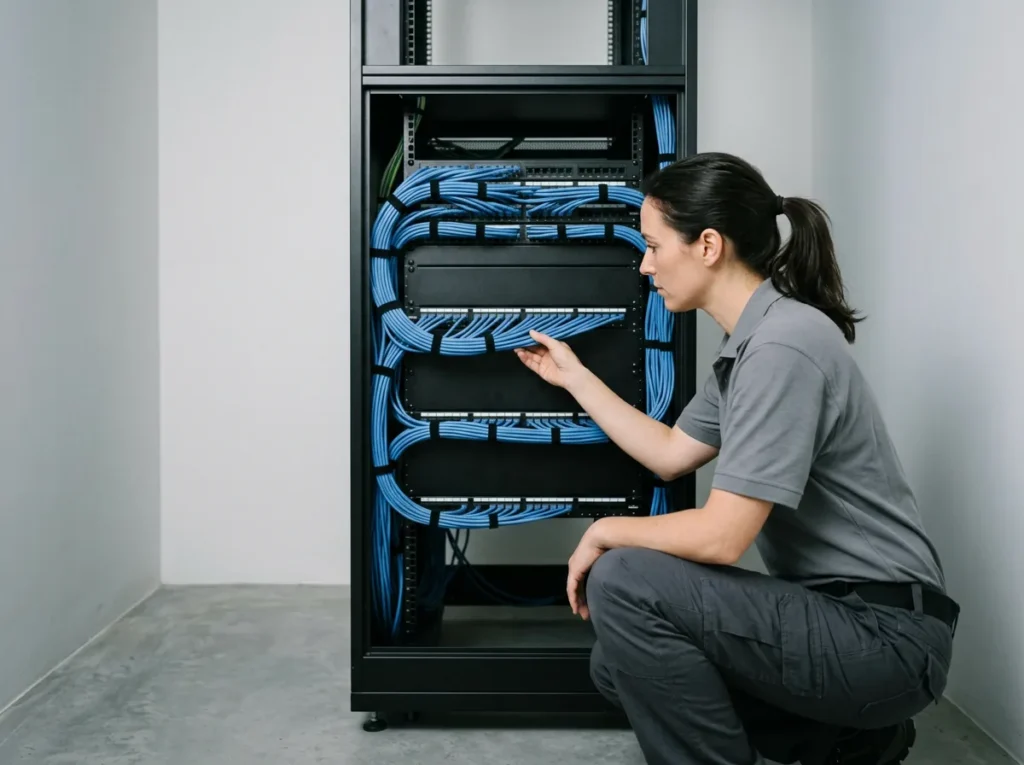
IT due diligence checklist Twelve things to check before you sign
Microsoft 365 The tenant, and every license in it
Count the paid licenses, then count the people who actually work there. Any gap can be former employees nobody removed. Erik tells of a dealer that wouldn’t move to Microsoft 365 and gave this reason: “We don’t want to pay for all the extra licensing we’ll have, because we don’t remove employees from the system when they leave.” Microsoft says there’s no built-in report for inactive accounts, but each account’s last sign-in date can show which ones are inactive. Ask, too, whether the store sits in its own tenant. Microsoft lists mergers and acquisitions among the reasons a company ends up with more than one, and our Microsoft 365 management page covers the tenant a new store would join.
Ask for a user and license export with last sign-in dates.
Data Files and email, not just the DMS
Scot McConnor, our VP of Technology Advisory, says the part that gets glossed over a lot of times is what actually comes across. “I mean, files, emails, not just the DMS data, right?” Shared drives, mailboxes, scanned deal files and whatever lives on the controller’s desktop all count. If the mailboxes move between tenants with Microsoft’s own migration tool, Microsoft charges a one-time license for each user you move, so put that headcount in the deal math.
Ask for a written list of what data transfers, and in what form.
Applications Who owns them, and which ones you already pay for
When the store comes out of a bigger group, the software may not be the store’s to hand over. Scot puts the question plainly: “If they’re acquiring a store or some stores that’s part of a larger group, then who actually owns the applications, does that store subset own those? I mean, how do you separate that data?” Then look for overlap. We’ve seen a dealer paying for a manufacturer’s CRM tool it wasn’t using, because it already ran a different CRM.
Ask for every software subscription, whose name it’s in, and its renewal date.
DMS and OEM The contract, and the logins that open it
How many years are left on the seller’s DMS contract, and what’s plugged into it? Get that in writing. The manufacturer side is easier to miss. Parts ordering, warranty claims and the OEM portals can run on logins held by individual people, and if one of them isn’t coming over with the store, you want to know before closing, not when the first warranty claim is due.
Ask for the DMS contract and a list of OEM system accounts by user.
Network Firewall, switches and Wi-Fi age
A seller on the way out has little reason to buy a new firewall. So check the dates yourself. How old is the firewall, are the switches still supported, and does the Wi-Fi hold up in the service drive or drop out halfway down the lane? Our page on dealership network management shows the standard build a store would move to.
Ask for the network gear list with model and purchase dates.
Phones and circuits What’s under contract, and until when
Phone systems and internet circuits can run on multi-year terms in the seller’s name. Some may move with the store and some may not. Know the end date and the cancellation terms of each one before you price the deal. The IT vendor inventory worksheet is a ready-made place to write them down.
Ask for every carrier and phone contract with its end date.
Security The tools in place, and any past incidents
Ask what protects the PCs and email today and who watches it. Ask whether the store has had a ransomware attack, a wire fraud loss or a breach notice, and what changed afterward. Erik’s experience is blunt: “We see a lot of compliance issues with the target dealership, typically.” Better to hear about them now than from a customer later.
Ask for a written incident history and the current security tool list.
Insurance The store’s cyber policy and what it claimed
Get the store’s current cyber insurance policy and the application it filed to get it, including any security questions it answered. A “yes” to a control the store doesn’t really run is worth finding before the store goes onto your own coverage. Our guide to cyber insurance requirements for dealerships covers the controls carriers ask dealers about.
Ask for the policy and the last insurance application.
Vendors Everyone who can reach customer data
The seller’s IT company, the marketing agency and the CRM provider may all have a way into customer information. If the FTC Safeguards Rule covers your dealerships, you’ll need to oversee the ones that can reach it once the store is yours, which our FTC Safeguards Rule checklist walks through.
Ask for each vendor’s contract and what access it holds.
Backups When someone last restored from one
A backup that says “completed” is a checkmark. It isn’t proof. Ask what gets backed up and how often, how long the copies are kept, and, most of all, when anyone last restored a file from it. Our backup and disaster recovery page explains what a tested backup looks like.
Ask for the date and result of the last restore test.
Admin access Who holds the passwords
The Microsoft 365 global admin, the firewall, the domain registrar and the DMS administrator account. Find out who holds each one today. If the answer is the seller’s IT vendor or an employee who isn’t staying, those logins should change at closing, and you need the list to change them.
Ask for a list of every admin account and who holds it.
Day one Who supports the store on the first Monday
Say a Maryland group buys a store in Iowa. Your IT person is a long drive away, and the seller’s IT vendor may not want the account. Decide who answers the first ticket, who goes onsite when something breaks, and which of the seller’s IT staff, if any, are coming with the store. Decide, too, how your own people’s laptops will connect when they arrive to help.
Write the day-one plan before you sign, not after.
One Team Behind 2,000+ Dealerships
Buy-sells aren’t new to us. One example from our case studies is a 23-store auto group in New England that Helion supported through 4 dealership acquisitions and 10 store relocations, joining each acquired store’s network to the group’s existing one. The dealer group acquisition case study tells that story, and our dealer group split case study covers the reverse, when shared systems have to come apart.
What Goes Wrong When IT Is an Afterthought in a Buy-Sell
Erik names two risks. The first is leaving the new store exactly as it was. “Dealers, oftentimes, don’t want to disrupt or mess with the existing dealership or kind of treat IT as an afterthought,” Erik says. The result, as Erik describes it, is systems left in place without the group’s security platform on them.
The second arrives with the buyer’s own people. Staff from the parent company show up with their laptops and plug into the store’s systems before the right safeguards are in place, which is why the day-one plan sits on the checklist. There’s money in it too. Erik’s advice on the IT people who come with the store: “Just because you buy a dealership, don’t inherit the staff, you don’t need to, you can make your own decisions.”
Erik Nachbahr, Founder and President
“They’re gonna send in people from the parent organization with laptops and everything else that are gonna be plugging into these systems without the right safeguards in place. So, that’s a huge risk.”
Check the store before your people plug into it.

Presidio, Q3 2026
The Presidio Group’s third-quarter update put the estimated number of dealerships sold “up 8% from the comparable period in 2025,” with approximately 290 transactions involving 395 dealerships through Sept. 30, while “the estimated transaction count through nine months is just below 2025 levels.” Read the update.
Slightly fewer deals, more stores in each.
Microsoft Entra
Microsoft says “there isn’t a built-in report for inactive user accounts, you can use the last sign-in date and time to determine if a user account is inactive.” See Microsoft’s guidance.
Ghost accounts can be found before closing.
FTC
The Safeguards Rule tells covered dealers to evaluate and adjust their information security program in light of “any material changes to your operations or business arrangements.” Read 16 CFR 314.4.
Buying a store can be one of those changes.
How to Run IT Due Diligence Before You Sign the Buy-Sell
-
1
Bring IT in early
Add your IT lead or provider to the confidential deal team while the price is still open, not after the papers are signed.
-
2
Send the seller the list
Ask for every item on the checklist in writing, from the license export to the list of admin accounts.
-
3
Look at the store
Have an engineer check the network, PCs, Microsoft 365 and security in person or remotely, so the answers aren’t only the seller’s.
-
4
Price it and plan day one
Put the cost of what has to be fixed into the deal, and write down who supports the store from the first morning.
Already past signing? The acquisition IT integration page covers closing day and the move onto your standard.
Common Questions

Got a deal in progress?
Our complimentary IT and cybersecurity assessment reviews a dealership’s technology setup, security posture, vendor spend, compliance standing and AI tool use. Already know what you need? Get a price quote.
What is IT due diligence in a dealership acquisition?
When should IT get involved in buying a dealership?
What data comes over with the store besides the DMS?
Can we keep running the new store on its own IT?
Is this checklist legal or financial due diligence?
Who supports a store we buy in another state?
Know what you’re buying before the deal closes. After that, it’s yours to fix.
Request a Complimentary Assessment →