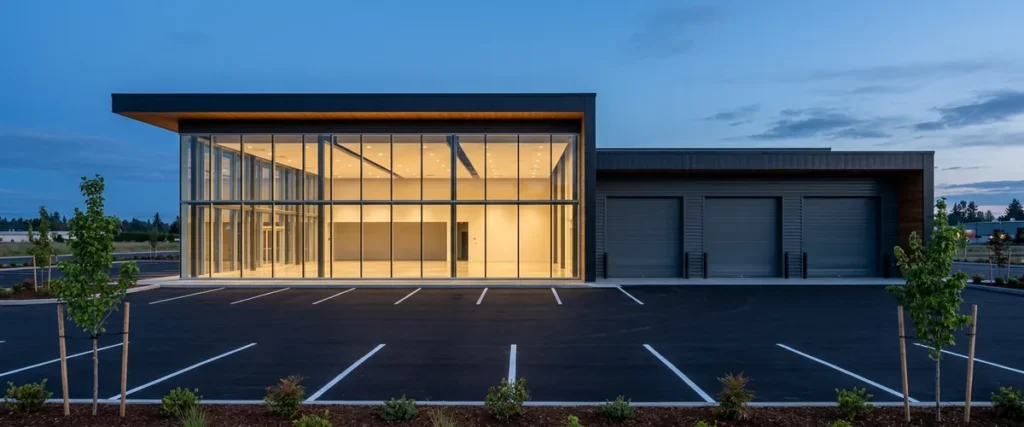

When a 23-store auto group in New England bought 4 dealerships and moved 10 stores, Helion Technologies set up all the IT in the new facilities and joined each acquired dealership’s network to the group’s existing network. As the group’s CEO put it, “With a fixed IT staff we could not have opened as many new stores or facilities.”
Last updated: November 16, 2026
“For every problem we had we would come up with a solution,” the group’s CEO said. “But the solutions kept getting more expensive and complicated our business model even more, until the point where we were focusing way too much time on computer issues.”
That’s how the mess builds. Nobody plans it. Every fix makes sense on the day you pay for it, and then one day you notice that the people who run your stores are spending their week on computers instead of cars.
This dealer group IT case study goes back several years. Every fact and quote about the group comes from our original case study, so it’s all in the past tense. Why tell it again? Because of what came next. The group bought 4 dealerships and moved 10 of its stores into new facilities without IT becoming the bottleneck, and that’s the part I’d want any dealer principal planning a buy-sell to hear.
We’ve worked only with dealerships for nearly 30 years, and we’ve already seen this exact problem: a group that outgrows the IT it has. This group chose fully outsourced managed IT for dealerships, one team for all of it. Here’s how it went.
What Did Helion Technologies Handle in This Dealer Group IT Case Study?
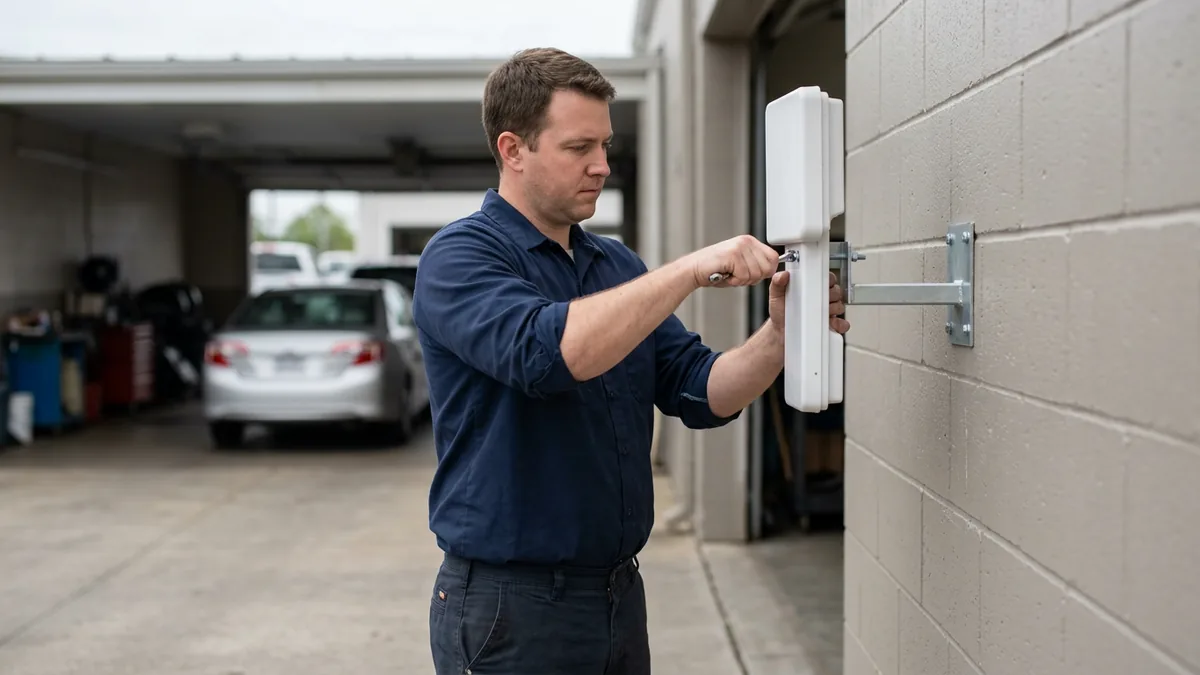
The group moved from in-house IT to 100% outsourced IT with Helion. We put most of its stores on fiber with more than one carrier, added Wi-Fi in service lanes and on lots, set up a new call flow, and took on its security work. As it grew, we set up the IT in its new facilities and tied acquired stores into its network.
Here’s each part of the work as the case study reported it.
| Part of the engagement | What the case study reported |
|---|---|
| The group | A 23-store auto group in New England |
| Starting point | An in-house IT staff, and productivity problems at many stores from internet outages, system downtime, and slow PCs and software |
| The decision | Moved from an in-house IT staff to 100% outsourced IT with Helion |
| Internet | The majority of stores upgraded to fiber optics, with more than one carrier for resiliency |
| Wi-Fi | Additional access points and outdoor antennas in the service lanes, and wireless antennas carrying Wi-Fi onto the lots |
| Phones | A new call flow and technical fixes for inconsistent wait times, misrouted calls, and dropped calls |
| Security | Maintaining and monitoring firewalls, software patches and upgrades, and email security |
| Growth | 4 dealerships acquired and 10 stores moved into new facilities |
| Helion’s part in the growth | Setting up all the IT in the new facilities, and integrating the acquired dealerships’ networks with the group’s existing network |
None of it is exotic. The hard part is one team owning all of it at once. That’s the job.
Why Did the Group Stop Running IT In-House?
The CEO’s diagnosis was simple. “Prior to working with Helion, we recognized that technology was changing faster than our ability to keep up with it, and being able to manage the computer system was becoming increasingly important in terms of how we run our business,” he said.
The stores felt it. Many of them were losing productivity to internet outages, system downtime, and PCs and software that were generally slow. IT was swamped, too. In the CEO’s words, “Our IT staff was kept so busy responding to tickets and keeping the status quo running, it was nearly impossible for them to be proactive.”
I know that spot. Early on, I worked at a dial-up internet provider, often running the help desk by myself. A staff that spends the day answering tickets can’t also plan the network for a store the group hasn’t bought yet. Nobody could.
So the CEO asked around. Consultants and colleagues at other auto groups gave him recommendations, and Helion’s name kept coming up. After weighing the options, the group moved from keeping an IT staff in-house to a 100% outsourced setup with us. What it needed was capacity it didn’t have to hire.
Fiber, More Than One Carrier, and Wi-Fi Out on the Lot
Bandwidth came first. Helion’s technicians reviewed the stores’ internet connections to see whether they had enough, and we ended up upgrading the majority of the group’s stores to fiber optics. We also contracted more than one carrier. That was for resiliency. Our write-up at the time reported that the change dramatically increased overall internet speeds and eliminated outages. That was this group’s result at the time.
Then the Wi-Fi. We added a lot of capacity, and the group used it to put customer-focused processes in place in service and sales. In the service lanes, additional access points and outdoor antennas let service advisors greet customers and handle transactions on mobile tablets. Out on the lots, wireless antennas carried the Wi-Fi to the salespeople, so they could work with customers on mobile devices.
“Most of our customers use mobile devices out on the lot, so from our standpoint the sales associates have to be doing the same thing,” the CEO said. “If a customer calls and asks about a car while the salesperson is out on the lot, that salesperson can instantly pull up the information on their mobile device, instead of having to tell the customer they’ll call back after they get back to their desk and look up the information.”
That second sentence is the whole case for Wi-Fi on the lot. A customer asking about a car shouldn’t hear “I’ll call you back” from a salesperson who’s standing next to it. Our page on dealership network management covers how we run store networks now. The network has to reach wherever the customer is standing.
Phones and Security: The Fixes Nobody Notices
The phones had problems too. Before Helion, wait times on the group’s phone system were inconsistent, customers were occasionally routed to the wrong places, and many calls were dropped. We set up a new call flow and made some technical fixes that solved the issues.
“We receive a huge volume of calls and not having the ability to handle those properly was a big problem,” the CEO said. “Helion engineered fixes so our call centers are much more efficient, and nearly eliminated misdirected or dropped calls.”

A call that rings in the wrong department, or drops halfway through, can be a customer you never hear from again. If your call flow has grown one exception at a time, our page on dealership phone systems shows how we set up managed VoIP for sales, service, and parts today.
Security was quieter work. Helion’s security services for the group included maintaining and monitoring its firewalls, performing software patches and upgrades, and setting up email security, and the CEO credited us with the peace of mind that came with the stronger security. Patching is dull. Somebody still has to own it at every store. For this group, we did. That’s on us to get it all done, and make sure it’s right.
Nobody notices either one when it’s done right. Nobody should.
Dealer Group Acquisition IT: 4 Stores Bought, 10 Moved
While the group’s managers and employees worked on improving processes, the CEO focused on growth and expansion. By the time we wrote the case study, the group had acquired 4 dealerships and moved 10 of its stores into new facilities, all since it started working with Helion.
Every one landed on us. Helion was tasked with setting up all the IT in the new facilities and integrating the networks of the acquired dealerships with the group’s existing IT network. A store you buy has to end up on the same network as the stores you already run, and a store you move has to open at its new address with everything working on the first morning.
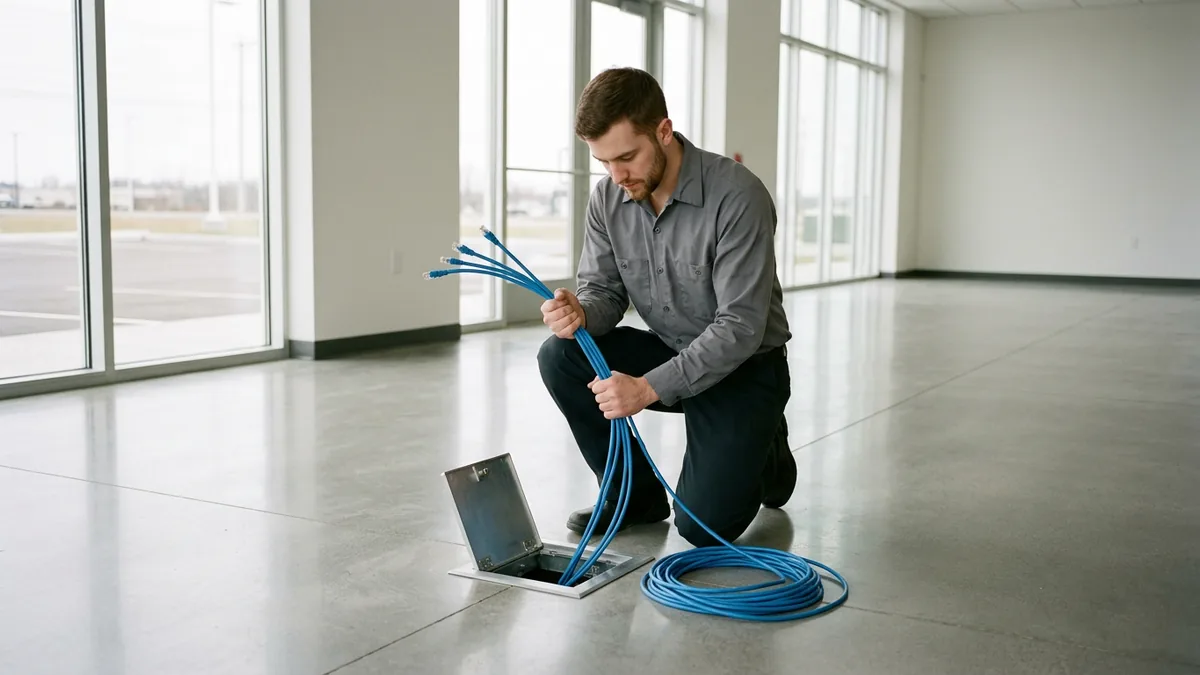
“A real benefit to having Helion is the scalability of their services. They were able to swarm every new project with additional staff,” the CEO said. I’d frame that one.
Swarm is the right word. Your own IT people only have so many hours in a week. The tickets at the stores you already run don’t stop because you closed on a new one, so the move or the integration lands on top of a full week. A bigger bench can put extra people on the project, then put them back on their usual work when it’s done. That’s what outsourced IT for dealer groups should give you, and today we run buy-sells through dealership acquisition IT integration as projects of their own.
IT capacity has to stretch when the store count does.
What Should a Dealer Group Check Before It Buys or Moves a Store?
Check what the store will run on before it opens under your name, and use the work this group needed as your list. Most of the items below come straight from this case study. The last three are ones I’d add for any store you buy rather than build or move.
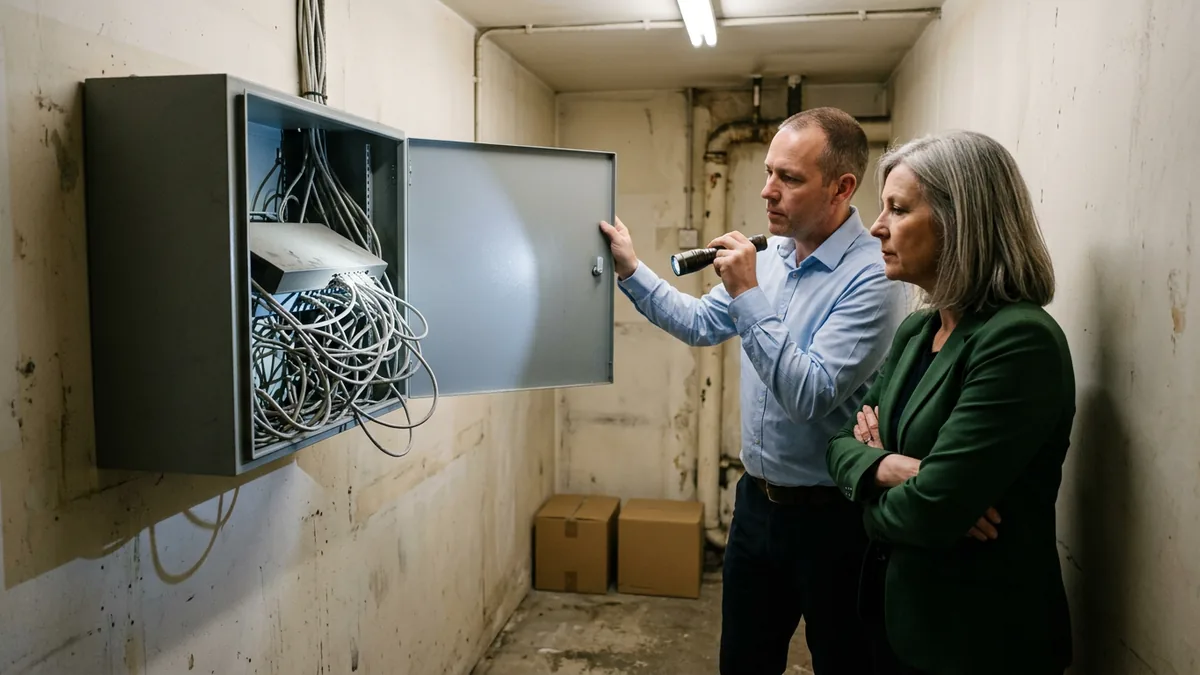
- Start with the circuit. Fiber at the new address, ideally from more than one carrier, is where most of this group’s stores ended up.
- Walk the service lane. If advisors will greet customers there on tablets, put the access points and outdoor antennas where they’ll stand.
- The lot, too. Salespeople working with customers out there need the Wi-Fi to reach them.
- How does a call find the right person? Map the call flow before the phones go live, including where a call goes when nobody answers.
- Firewalls, patching, and email security need a named owner at every store. For this group, that owner was Helion.
- The oldest PC in the building. What we typically see is that sellers don’t want to invest in a store they’re about to sell, so a job like moving half the PCs to Windows 11 gets left for the buyer. Microsoft ended support for Windows 10 on October 14, 2025.
- Which Microsoft 365 tenant holds the store’s email? Microsoft’s multitenant overview lists mergers and acquisitions among the primary reasons a company ends up with more than one tenant, and by default, people in Outlook or Teams can’t find or see users in another tenant.
- Customer data comes with the store. If the FTC Safeguards Rule covers your dealerships, it tells you to evaluate and adjust your information security program in light of “any material changes to your operations or business arrangements” (16 CFR 314.4(g)).
Check all of it before your name goes on the building.
Questions Dealer Groups Ask About This Case
Did the group keep any IT staff of its own?
Did fiber and more than one carrier really end the outages?
Who set up the IT when the group moved a store?
What did faster systems have to do with the DMS?
How did the CEO sum up working with Helion?
Line Up the IT Before the Next Deal
All of our clients are on the same roadmap. New stores join it, too. They don’t start their own. A buy-sell has a closing date and a relocation has an opening day, and the IT has to be ready for both.
If your group has a store under contract or a move on the calendar, start with our complimentary IT and cybersecurity assessment. It’s a no-cost, no-obligation review of your dealership’s current technology, security posture, and vendor spend.
The deal shouldn’t wait on the network.