

Managed IT onboarding is the stretch after signing when a provider finds out what a dealership has, writes it down, takes over administration with the dealership’s approval, and starts working real tickets. For a dealership it comes down to discovery, documentation, and the first requests.
Last updated: November 16, 2026
On a November 10 content call, Scot McConnor, our VP of Technology Advisory, named one thing onboarding depends on: “Knowing the right information to ask for.” His reasoning: “a dealership’s not gonna know what you need,” so “You have to know what to ask for.” I’d put that on the first page of any onboarding plan.
I’m the Vice President of Service at Helion Technologies. My teams run the service desk, field service, systems engineering, and proactive managed services, so the first tickets from a new client land with us. I’ve led managed services teams for more than 25 years, and what I’ve learned over time is that the answer to “what happens now?” is a sequence and not a date. Below is that sequence, what a dealership should hold when it’s done, and how it fits with our managed IT services for dealerships.

What Is the MSP Onboarding Process at a Dealership?
Managed IT onboarding is the work between signing and steady state. It covers discovery of what the dealership owns, documentation of it, a handoff of admin access, account setup, and a first stretch of tickets that tests the picture. The aim is to do all of it without stopping the store’s day.
The order below is what I’d look for from any provider.
- Kickoff. One named person on each side, and the dealership’s person is someone who can approve changes.
- Discovery, with the questions coming from the provider.
- Access handoff. Every admin account ends up in the dealership’s name, with a record of who holds it.
- Documentation, in a system and not in anybody’s head.
- An account process that says how a user is created, changed and removed, tied to the role they do.
- Tools and baseline. Monitoring and security tools go in, and somebody confirms the backups restore.
- The first tickets, each one a test of what got written down.
- A first review with the dealer principal or CFO.
Skip a step and it comes back as a ticket.
Why Is Discovery the Provider’s Job?
Because, as Scot put it, a dealership isn’t going to know what a provider needs. The DMS connection can sit with one vendor, the phones with another, the shop’s diagnostic equipment with a third, and the cameras with a fourth, so asking for “whatever you’ve got” gets a partial answer. I’d rather the provider show up with the questions.
What Should a New Provider Ask a Dealership For?
A new provider should ask for the store list, a year of IT invoices, the admin logins, the vendor connections, the user list with roles, the backup details, and any documentation that exists. Each item turns an assumption into something known, or shows what’s still unknown.
I sort the answers the way I sort most problems: what’s known, what’s assumed, and what still needs to be learned. If the old provider hasn’t handed everything over, whatever’s missing goes on that last list. Our dealership IT provider transition checklist covers what to collect before notice goes out. Discovery ends when that list is short.
What Should Be Written Down Before Anyone Calls Onboarding Done?
An accurate inventory of the stores, devices, systems, vendors, admin accounts and users, held somewhere the dealership can reach without calling the provider. The budget and the replacement plan get built on it.

The CIS Critical Security Controls put it first. Safeguard 1.1 in CIS Control 1 reads “Establish and maintain an accurate, detailed, and up-to-date inventory of all enterprise assets,” and goes on to say “Review and update the inventory of all enterprise assets bi-annually, or more frequently.” The FTC’s guide to the Safeguards Rule says “Keep an accurate list of all systems, devices, platforms, and personnel.” A binder that was accurate the day it was printed and hasn’t been updated since doesn’t meet either one.
On a November 4 planning call, Erik Nachbahr, Helion’s founder and president, described what the inventory feeds: “We have their entire asset inventory, and we give them an annual plan that we update throughout the year that gives them a five year budget and a projection.” Our dealership IT asset management page lays out that plan, and I made the case for keeping the rest in systems in IT documentation for dealerships.
Beyond the inventory, the dealership should hold a network diagram that matches what’s on the wall and not what was drawn in the plan, and a vendor sheet with each account number, the support line, and who at the dealership approved the vendor’s access. Our dealership IT vendor inventory worksheet has the columns.
If it isn’t written down, the next person starts over.
Who Owns the Admin Keys, and How Do Accounts Get Made and Removed?
The dealership should own the admin keys, and the provider should use them with the dealership’s approval. Accounts should follow a written process for creating, changing and removing a user, tied to the role that person does. Both halves belong in onboarding.

Start with the keys. Microsoft’s best practices for Microsoft Entra roles, which govern admin access in Microsoft 365, say “Microsoft recommends that you assign the Global Administrator role to fewer than five people in your organization.” Its page on emergency access accounts says “It’s important to prevent accidentally locking yourself out of your Microsoft Entra organization because you can’t sign in or activate a role.” The joint CISA advisory on managed service providers says customers should “understand the access their MSP has to their network and the data it houses,” and its list of actions for MSPs and their customers includes “Enforce MFA on MSP accounts that access the customer environment and monitor for unexplained failed authentication.” It’s the same point from both sides of the table.
Now the accounts. Brandon Dorsey, our Vice President of Technology Strategy, raised this on the same November 10 call: “I would also add in the importance of the setting up the user account creations and terminations process, and having control of, you know, using role-based security and having a process around that. That’s a huge one. That gets overlooked in dealerships all the time.”
I believe him. Without a process, an exit can slip by with no request at all, and the account stays open. The same CISA advisory tells MSPs and customers alike to limit their attack surface by “disabling user accounts when personnel transition.” CIS Control 6 names both ends. It calls for a documented process “for granting access to enterprise assets” on a new hire or role change, and a process for “disabling accounts immediately upon termination, rights revocation, or role change of a user.” Our employee onboarding and offboarding IT checklist walks the steps for every hire and every exit.
A provider can set up accounts. Only the dealership can say who should have one.
Why Does Onboarding Need Project People, Not Just Support?
Because it’s project work. Brandon’s version of the answer: “It starts with having resources that understand how to do that, right? That are dedicated to running dealership IT projects. And I think that’s the biggest piece of, you have to dedicate people with the experience and know how to do that, because it’s different than support, right? This is not just a regular support.”
He went on to say that bringing on a new client and making “the right changes to the IT infrastructure without actually leading to business disruption” is incredibly important. I agree with the aim. I won’t promise zero disruption, and I’d be wary of anyone who does. What a dealership can ask for is a plan that names each change that carries risk, and who approves the timing.
It’s the same kind of work our dealership IT project management page describes for relocations, remodels and acquisitions. If your dealership has an IT manager, onboarding goes faster with that person in the room, and that’s the case for co-managed IT, where they keep their role.
What Do the First Tickets Look Like?
I can’t tell you what your first ticket will be. I can tell you what it’s for. The first tickets test whether discovery got it right.
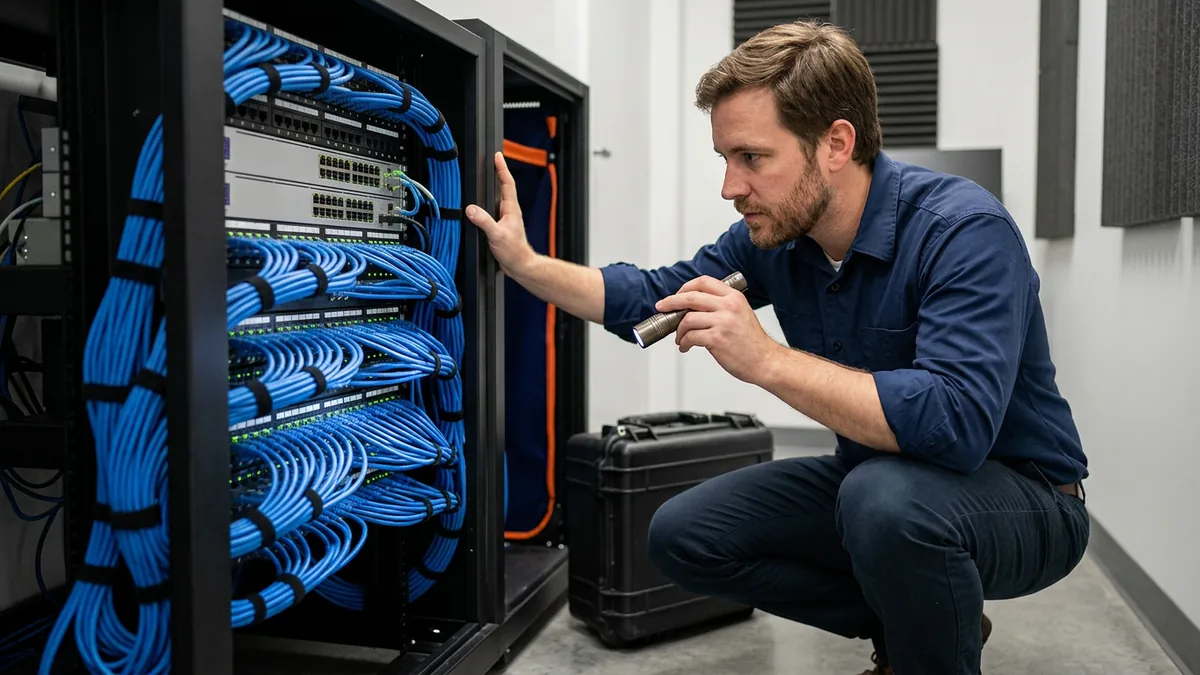
Every issue starts the same way at Helion, and here’s the path it follows under our service level objectives.
| Who | What they handle |
|---|---|
| Desktop Support team | Every issue starts here as a ticket and gets triaged |
| Desktop Support Lead | Consulted when Desktop Support can’t resolve an issue within 15 to 30 minutes; the escalation then goes to second-level support or a System Administrator |
| Systems Engineer | Owns every emergency until it’s resolved |
| Client Technology Manager | The client’s contact for escalation help when a ticket needs attention |
I walked through each handoff in IT support tiers explained for dealerships, and I covered the last row in what our Client Technology Manager does.
What should the dealership see in those first tickets?
- A ticket number on every request, including the ones that came in by phone.
- A name on each ticket, so you know who has it.
- Documentation that changes when the fix does.
- Repeat issues called out as repeats, not closed one at a time.
- Access requests that go through your approver, never around them.
- A straight answer when the record and the store don’t match. “We found something that wasn’t on the list” is a good sentence.
My guide on how to submit an IT support ticket works as a handout, since a clearer ticket is easier to triage. A ticket that exposes a gap is onboarding working.
How Long Does Managed IT Onboarding Take?
Onboarding starts within weeks of signing. After that, timelines run from 30 days to six months, and where your stores start from decides most of it. That’s the honest answer, and I’d be wary of a provider who quotes one number before walking your stores.
Helion supports 2,000-plus dealerships, and they don’t all start from the same place. NADA’s 2025 data counts 16,990 franchised light-vehicle dealers nationwide, and each has its own history of vendors, remodels and people who’ve come and gone. A single store with one IT person who documented everything is a different project from a group that grew by acquisition.
The starting point sets the pace.
Things Dealers Ask Before They Sign
Will we have to stop work while you set things up?
Our IT manager is staying. Does that change onboarding?
The old provider hasn’t handed everything over. Now what?
Who do we call when a ticket stalls in the first weeks?
Where to Start
If you’re deciding on a provider now, ask each one what it will ask you for in discovery, what you’ll hold in writing when onboarding is done, and who owns the admin accounts afterward. The answers tell you more than any proposal does. And if you’d like a first look before you sign anything, our complimentary IT and cybersecurity assessment reviews your tech setup, security posture, vendor spend, Safeguards compliance, and the AI tools your staff use, and puts the findings in writing. It’s a good first pass at the discovery questions above.
Know what you have, write it down, and onboarding gets a lot less mysterious.