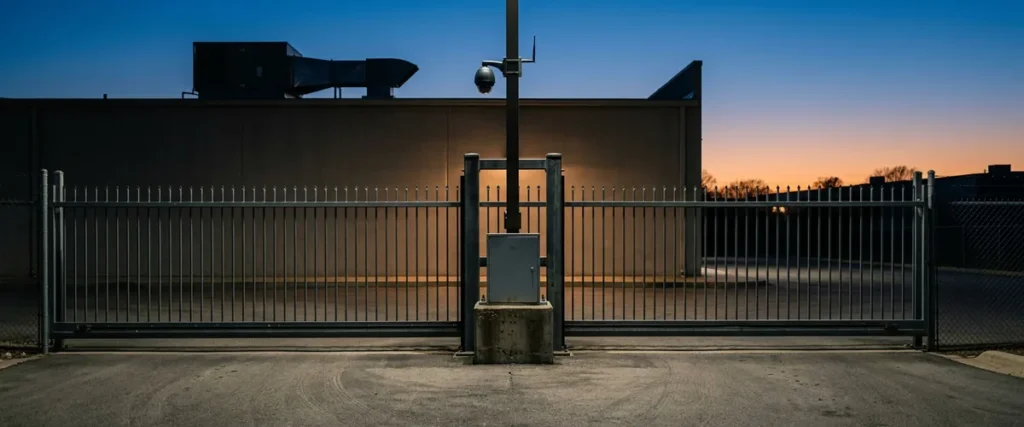

Building automation security means treating cameras, HVAC controllers, gates and EV chargers as the computers they are. Know who installed each one, who can reach it remotely, and keep it on its own network segment.
Last updated: November 23, 2026
On the night of Oct. 11, 2026, someone took over the refrigeration controllers at hundreds of French supermarkets and turned the heat up. Les Mousquetaires, the group behind the Intermarché chain, said its fridges and freezers were put into defrost and heated to as much as 50°C, according to The Hacker News. Stores threw food away. When the first reports ran, nobody had said who did it or how.
What stays with me is the equipment. The controllers were the kind a maintenance firm can manage remotely. Danfoss, their maker, told reporters that most of the units hit were older models that no longer get security updates. One model went end-of-life in May 2021, and the other was phased out in 2016. That’s a box on a wall that kept running long after its maker stopped patching it.
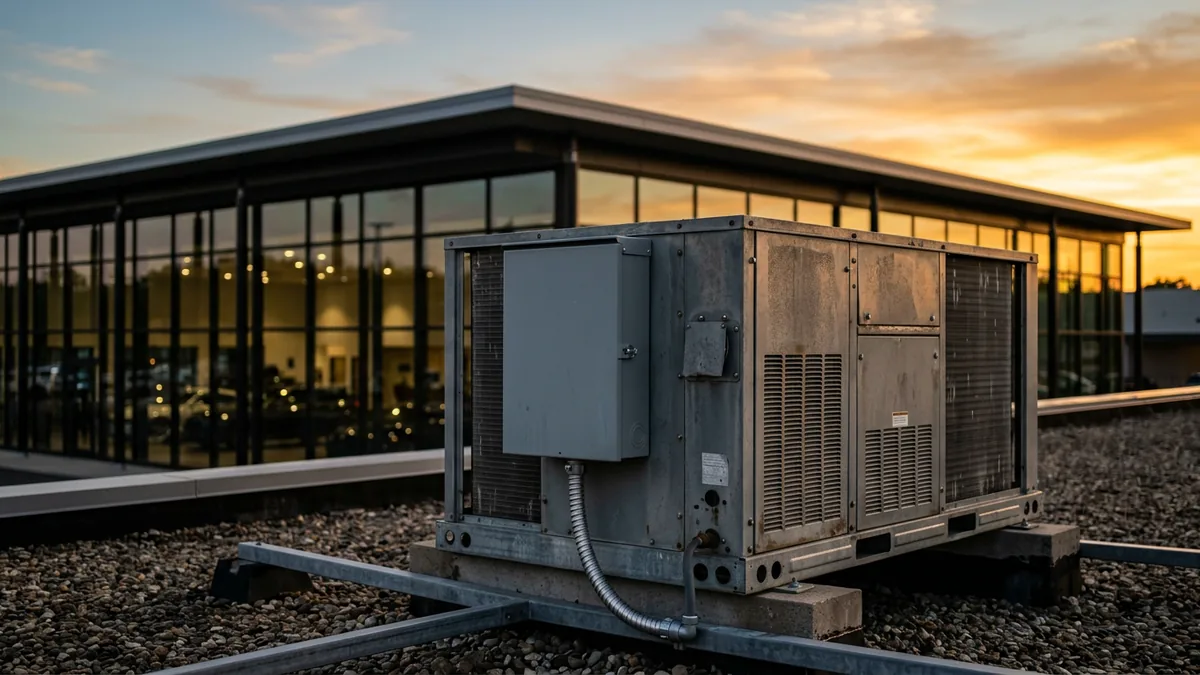
Now walk your own lot. A gate at the entrance. A camera on a pole. HVAC controls on the showroom roof, EV chargers out front, a key cabinet in the service drive. Any of them can be on your network, and most came with a login somebody else set up. That puts them squarely inside dealership cybersecurity, even though none of them looks like IT.
We’ve worked exclusively with car and truck dealers for nearly 30 years, and we support more than 2,000 dealerships. As a CISSP, the question I start with is ownership. Who owns the thing on the wall?
What Counts as a Building System on a Dealership Network?
A building system is any connected device that runs the property instead of the business. Cameras and recorders, HVAC controls, gate operators, key cabinets, digital signage, EV chargers and showroom music or TV gear all qualify. Once one has a network connection, it’s a computer on your network. Somebody has to own it.
- Cameras and the recorder they report to. The recorder holds the footage, and it can sit on the network just like the cameras.
- HVAC and building controllers, which the mechanical contractor sometimes reaches from outside.
- Gate operators and keypads on the lot, usually set up by a gate company.
- Key-management cabinets.
- Digital signage and showroom TVs, plus whatever plays the music.
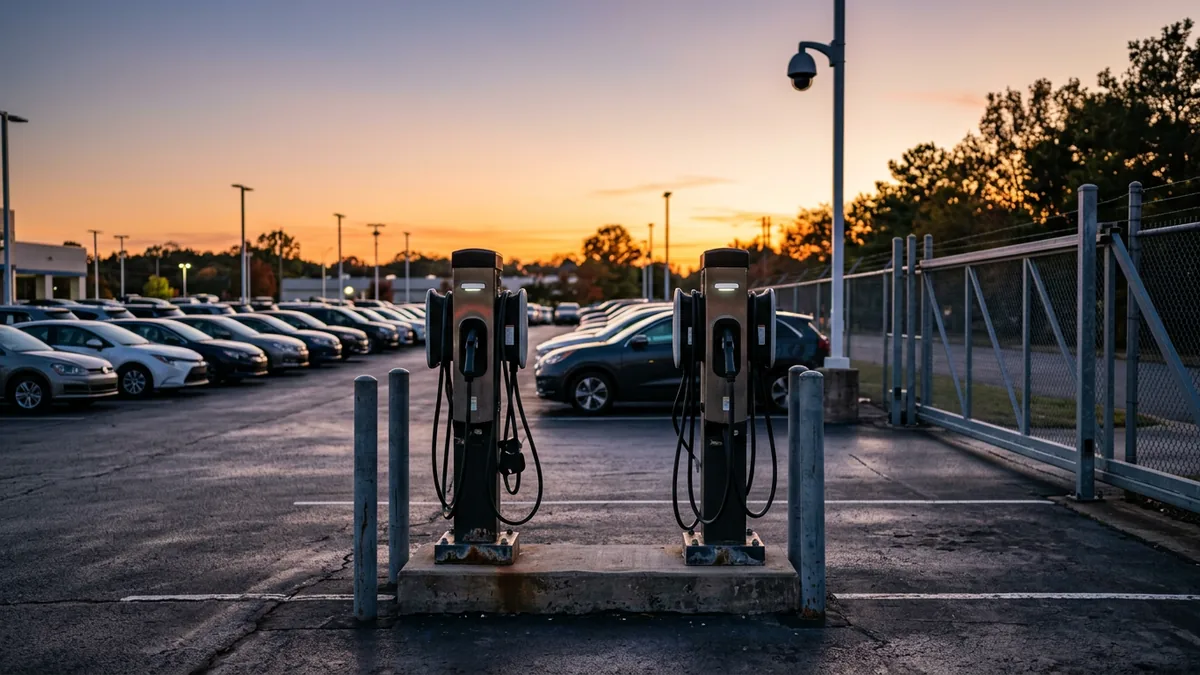
- EV chargers, which can be managed through a cloud account, and you should know who is on it.
- And the one nobody remembers, which is whatever the last vendor left behind.
Simple list. The hard part is that none of it shows up on the IT team’s diagram.
Why Do Building Systems Slip Past the IT Team?
They’re often bought by facilities, operations or the general manager, installed by the vendor, and supported under the vendor’s contract. IT may see the finished result, or may not see it at all. For a camera installer, the job can end when the picture shows up, and the network connection is whatever got the picture there.
Not every camera system is bad. Plenty are well kept. But camera vendors can install low-cost equipment that isn’t the newest and may not be maintained, and some of that gear can carry known vulnerabilities, sitting on the same network as the DMS workstations and the F&I office. A lot of the time, when we’re involved, we’re working with the camera vendor on the networking side of the install. We help set up that piece. We don’t sell cameras.
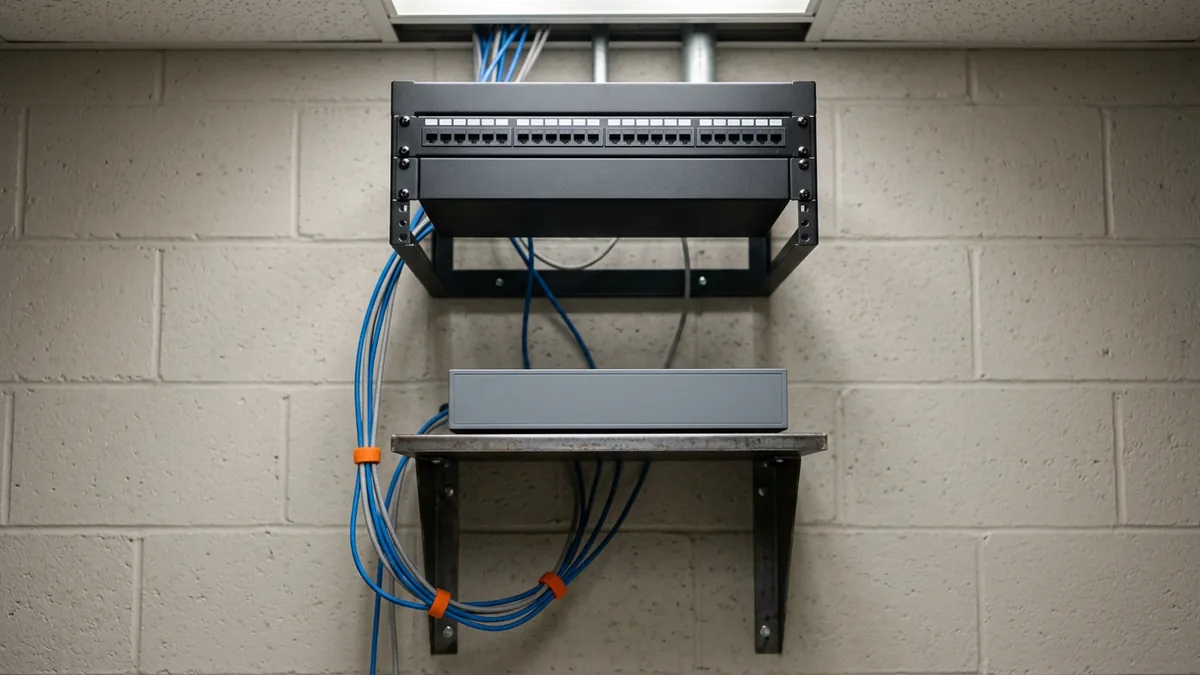
Cameras aren’t the only case. We’ve had run-ins with AV vendors, the TV, conferencing and music kind, who put in their own network equipment and tried to bypass the dealership’s security measures. Network gear that nobody on your team designed, approved or knows about is what some people call shadow network infrastructure. It doesn’t announce itself. It just sits there.
Somebody installed it, and nobody owns it.
Which Questions Should You Ask About Every Connected Device?
Ask five things about each device, starting with who installed it and who can reach it remotely, then whether the default password is gone, whether the maker still sends security updates, and what it actually needs to talk to. If you can’t answer all five, the device is running on trust.
| Device | Usually installed by | The first question to ask |
|---|---|---|
| Cameras and recorder | Camera or security vendor | Can the vendor log in from outside, and through what? |
| HVAC controls | Mechanical contractor | Who holds the remote login, and is it still the factory one? |
| Gate operator | Gate company | Is the controller on the network at all, and if so, how? |
| EV chargers | Charger installer | Whose cloud account manages them, and who else is on it? |
| Key cabinet | Cabinet vendor | Does it need your corporate network, or only the internet? |
| Signage, TVs and music | AV vendor | Did the installer add a router or switch of their own? |
Defaults are a known problem. NSA and CISA’s 2023 advisory names default configurations of software and applications among the 10 most common network misconfigurations its teams found, and its first recommendation is to remove default credentials and harden configurations. France’s alert for the refrigeration controllers said much the same in plainer terms. CERT-FR told operators to take the controllers off the internet, make sure default passwords had been changed, update the firmware, and allow access only through a secure VPN or a protected network. Old advice. It still applies.
Then there’s age. Danfoss said the older controllers get no more security updates. CERT-FR’s advice was to disconnect those units or filter access to them, and Danfoss urged owners to replace them. Hardware outlives support. It keeps working long after the maker stops patching it. A controller phased out in 2016 was still on the network in 2026.
How Does Network Segmentation Protect Building Systems?
Segmentation puts building systems in their own zone, so a compromised camera or controller can’t reach the DMS, the F&I office or customer data unless a rule allows it. The zone allows only the traffic each device needs, and the firewall between zones enforces it.
Picture a bad day. A camera with a default password is still a problem, but now the problem is a camera. With the right rules between zones, it can’t see the accounting share or talk to a service-lane workstation. That’s the point. The rules between zones are where the decision lives, which is why managed firewall services and segmentation go together, and our seven-zone layout for dealership networks shows where building systems sit among the rest.
Vendor access gets the same treatment. Your HVAC contractor can keep their remote access, and they just get one controlled way in, with a name attached to it, in place of a port somebody opened on the router years ago that nobody can explain anymore. Groups should standardize. One building-systems zone built the same way at every store is simpler and easier to support than a different arrangement at each one, and a different arrangement at each one makes it easier for a store to get missed.
A zone won’t fix a weak password, but it caps what that password can reach.
What Can a Dealership Do This Month?
Start with a walk and a list, then call every vendor. It’s detective work. Most of it is finding out what’s there and who can reach it. The moves after that are small. Remove what doesn’t need the internet, change what’s still on defaults, put each device in the right zone and give it an owner.
- Walk the property with someone who has keys to the roof and the closets, and write down every connected device. Include the ones on poles.
- Call each vendor and ask the five questions. Write down the answers, and write down the ones you couldn’t get.
- Take anything off the open internet that doesn’t need to be there, and change every default login you find.
- Move the building systems into a separate zone, one vendor at a time, with that vendor on the phone for the cutover.
- Replace gear the maker no longer updates, starting with whatever sits closest to the DMS.
- Name an owner for every device, in writing, with a date to review it.
Something may break. A camera viewer app that relied on an open path can stop working, or a gate keypad can drop off because it was quietly depending on a path the new rules no longer allow. Plan for that. That’s why vendors are on the phone for the cutover and why you test before the old setup comes down.
The paperwork helps too. The FTC’s Safeguards Rule, at 16 CFR 314.4(c)(2), asks you to “identify and manage the data, personnel, devices, systems, and facilities” that support your business. A building-systems inventory with an owner beside every line is the kind of record that supports a program you can operate and defend, and our Safeguards Rule checklist shows where it fits among the other elements. The network side is covered by dealership network management.
Questions Dealers Ask About Connected Building Systems
Are security cameras really a cybersecurity risk?
Do you sell cameras?
Our HVAC contractor needs remote access. Do we cut them off?
What if the maker has stopped updating a device?
Who should own all this, facilities or IT?
Start With the Box on the Wall
A refrigeration controller doesn’t look like a security problem until the night it becomes one. A gate keypad doesn’t look like cybersecurity either, and neither does a camera on a pole. The risk is the same in every case, and so is the first step, which is knowing what’s connected and who can reach it.
If you’d like an outside look at what’s on your network today, building systems included, start with our complimentary IT and cybersecurity assessment, a no-cost, no-obligation review of your current technology setup, security posture, vendor spend, and compliance standing, with the findings delivered to you in writing.
Know what’s on the wall. Know who holds the login.