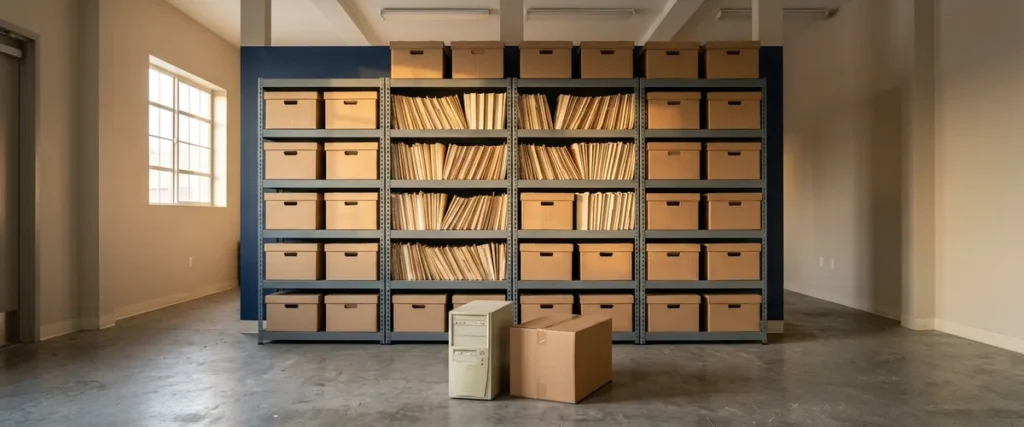

The FTC Disposal Rule requires any business that uses consumer reports, including automobile dealers, to dispose of that information with reasonable measures against unauthorized access or use. It applies on paper and on drives, from deal files to copiers, retired PCs and old phones.
Last updated: November 16, 2026
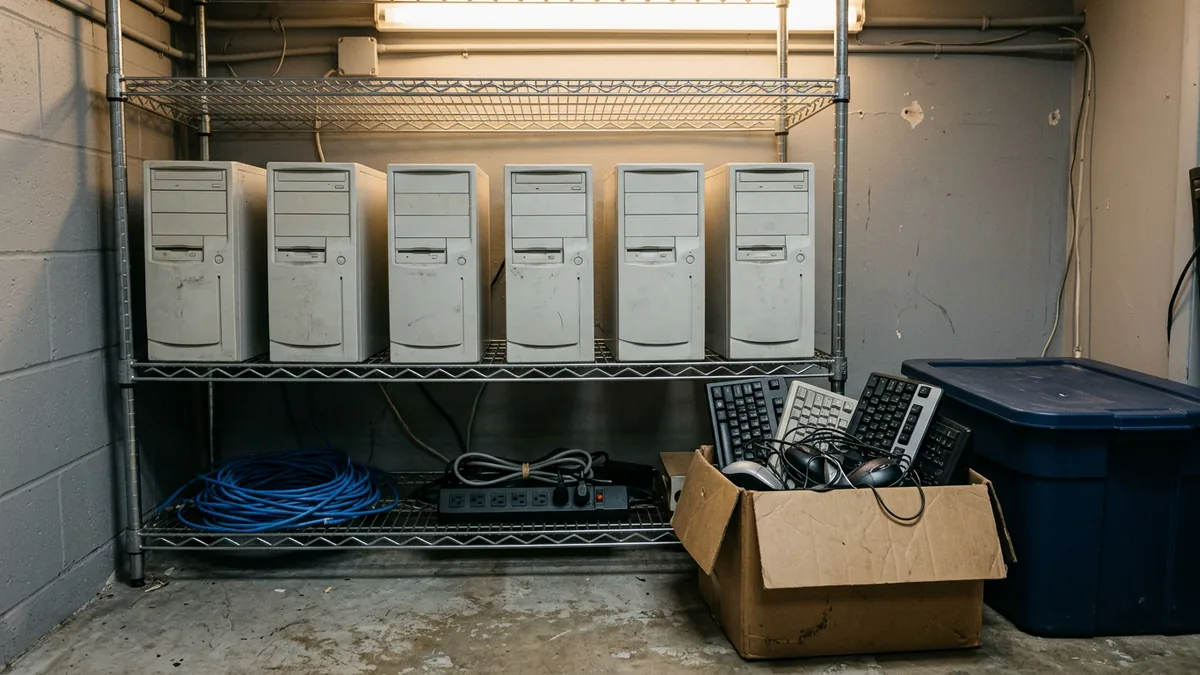
Picture the back of a store on a quiet afternoon. A closed deal’s file sits in a banker’s box outside the F&I office. The hallway copier is three years old. Still humming. Down the hall, a closet holds six desktop towers that nobody has had the heart to throw out. Any one of them could be holding information from a customer’s credit report.
I’ll be straight with you. When this topic came up on our content call in October, I wasn’t sure dealers think about the Disposal Rule at all, let alone act on it. So I went back to the rule itself and the FTC’s own guidance. Here’s the plain version. Our cybersecurity services for dealerships page covers the whole program, and this piece covers the end of the line, what happens to information once you’re done with it.
What Does the FTC Disposal Rule Require of a Dealership?
The FTC Disposal Rule, 16 CFR 682.3, says anyone who maintains or possesses consumer information for a business purpose must dispose of it by “taking reasonable measures to protect against unauthorized access to or use of the information in connection with its disposal.” Consumer information means a consumer report, a record derived from one, or a compilation of those records, in paper, electronic or other form. Paper and drives both count.
Does that mean you? Most likely. The FTC’s guidance “Disposing of Consumer Report Information? Rule Tells How” lists automobile dealers by name among the businesses that must comply. Size doesn’t matter. The same page says the rule applies to “both large and small organizations that use consumer reports.” The rule itself implements section 216 of the Fair and Accurate Credit Transactions Act of 2003.
One definition in the rule surprises people. “Disposal” isn’t only throwing things out. Under 16 CFR 682.1, it also means “the sale, donation, or transfer of any medium, including computer equipment, upon which consumer information is stored.” Selling, donating or handing over an old PC counts. So does a trade-in.
The rule gives examples of reasonable measures and says they’re illustrative, not a complete list. Burn, pulverize or shred papers “so that the information cannot practicably be read or reconstructed.” Destroy or erase electronic media to the same standard. After due diligence, contract with a company in the record-destruction business and monitor its compliance. And if you’re covered by the Safeguards Rule, build proper disposal into the information security program that rule already requires.
No checklist comes with it. The FTC describes the standard as flexible, “based on the sensitivity of the information, the costs and benefits of different disposal methods.” Two of the rule’s examples begin with “implementing and monitoring compliance with policies and procedures.” That’s a written habit somebody checks. Not a good intention.
Reasonable is a standard, and a standard needs an owner.
How Do the Disposal Rule, the Safeguards Rule and Regulation B Fit Together?
Three rules can touch the same deal file, and each one answers a different question. People mix them up. I understand why, because the same folder is the subject of all three. Different questions, same folder.
| Rule | The question it answers | What the text says, in plain words |
|---|---|---|
| FTC Disposal Rule (16 CFR 682.3) | How do you get rid of consumer report information? | Take reasonable measures against unauthorized access or use when you dispose of it. Shredding paper and destroying or erasing electronic media are among the rule’s examples. |
| FTC Safeguards Rule (16 CFR 314.4(c)(6)) | When should customer information go? | Have procedures for secure disposal no later than two years after the information was last used to provide a product or service to that customer, unless it’s needed for business operations or another legitimate business purpose, the law requires keeping it, or targeted disposal isn’t reasonably feasible. Periodically review your data retention policy. |
| Regulation B (12 CFR 1002.12) | How long must a creditor keep credit application records? | For consumer credit, 25 months after the creditor notifies the applicant of the action taken on the application or of its incompleteness. Business credit is generally 12 months. |
Who’s covered by what? The FTC’s Safeguards Rule FAQs for automobile dealers say the Safeguards Rule applies to “most automobile dealers who finance or lease automobiles.” Regulation B’s retention period applies to a creditor, which the regulation defines as someone who regularly participates in a credit decision, including setting the terms of the credit. Whether your store fits each definition is a question for your attorney, and so is any other retention requirement that applies to you, such as a legal hold. If the line between the Safeguards Rule and its parent law blurs for you, our piece on GLBA versus the FTC Safeguards Rule sorts it out, and the nine elements of the Safeguards Rule show where disposal sits among them.
Keep it as long as you must. Then get rid of it properly.
Where Does Consumer Information Hide at a Dealership?
In more places than the file room. Paper deal files are the obvious spot. Customer data can also sit on copier and printer drives, in scanned folders, on retired PCs, on old phones and tablets, on backup media and in the mailboxes of people who’ve left. If it ever held a customer’s data, it goes on the list.
- The deal file, in all its homes. The file room, a banker’s box in storage, a stack on someone’s credenza.
- Copiers and multifunction printers. The FTC says “the hard drive in a digital copier stores data about the documents it copies, prints, scans, faxes or emails.”
- Desktop towers in a closet. Laptops in a drawer.
- A phone or tablet the store issued to a salesperson who has since left.
- Backup drives and tapes, which can still hold a file after it’s been deleted from the live system.
- Outside companies, such as a scanning or e-contracting service, that may keep their own copies of your deals. Who asks them?
- Email, including the mailbox of a former employee who received credit applications.
Start the device list with our IT asset management guide for dealerships. The employee offboarding checklist catches the laptop and the phone on the way out the door.
You can’t dispose of what you haven’t found.
How Should a Dealership Destroy Paper Deal Files?
Start with paper. Shredding is one of the rule’s own examples, and the test is the rule’s wording: the paper can’t practicably be read or reconstructed. Burning and pulverizing are the other two examples. Paper waits. Whatever method you pick, the logistics are what I’d watch, because paper sitting in an open box, on a credenza or in an unlocked bin by the copier hasn’t been disposed of yet, however long it’s been waiting.
Hiring a destruction company? The rule describes the homework. Due diligence “could include reviewing an independent audit of the disposal company’s operations,” getting references, requiring certification “by a recognized trade association or similar third party,” and reviewing its information security policies. The contract should identify the material as consumer information, and the rule’s example includes monitoring compliance with that contract. The FTC’s dealer FAQs also treat a shredding company as a service provider whose access to customer information on those documents is a risk you have to consider and address.
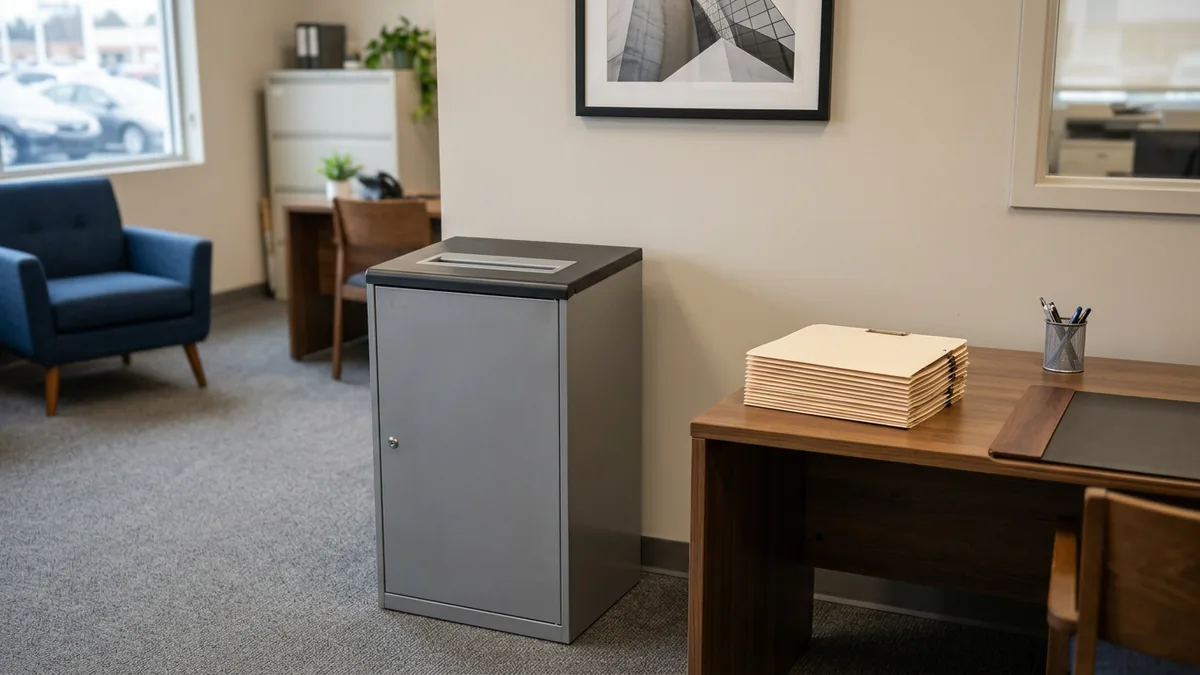
A recycling bin is not a shredder.
What About Hard Drives, Copiers and Old Devices?
Deleting a file isn’t disposal. The FTC’s Digital Copier Data Security: A Guide for Businesses puts it flatly: “Deleting data or reformatting the hard drive doesn’t actually alter or remove the data.” The same guide says to check that your lease or purchase agreement states your company will keep ownership of the hard drives at end of life, or that the company providing the copier will overwrite them. It also says it’s generally advisable to work with skilled technicians rather than pull a copier’s drive yourself, because those drives often hold the firmware the machine needs.
For computers, phones and office equipment, the current reference is NIST Special Publication 800-88, Revision 2, Guidelines for Media Sanitization, published in September 2025. It replaced Revision 1, which NIST withdrew that month. Here’s the gist. It defines three methods. Clear overwrites the data, or on simpler devices resets them, using the device’s standard commands. Purge makes recovery infeasible even with advanced laboratory techniques but leaves the device reusable, and NIST says that “when possible, the purge sanitization method should be used instead of the clear sanitization method.” Destroy does the same job and leaves the media unusable for storing data. The rule doesn’t name NIST. Treat it as a recognized method, not a legal requirement.
Three NIST details matter here. For “a basic cell phone, a piece of office equipment,” the only Clear option may be a reset to factory state, which can amount to “deleting the file pointers.” On flash storage such as SSDs, NIST says overwriting can’t reach every area where data has been stored, so stronger methods are the safer pick. And the decision has to consider when media leaves your control, which NIST says includes equipment “returned from a leasing agreement, donated, resold to be reused outside of the organization, or sent to a recycling facility.”
| Device | What the guidance says | Worth keeping on file |
|---|---|---|
| Copier or multifunction printer you own | FTC: check with the manufacturer, dealer or servicing company on options for securing the drive. NIST: a factory reset may be the only Clear option on office equipment, so ask what Purge or Destroy options exist. | The technician’s work order |
| Leased copier | FTC: the contract should say you keep the drives at end of life or the provider overwrites them. | The lease clause |
| Retired PC or laptop | Under 682.1, selling, donating or transferring it is disposal. NIST prefers Purge over Clear when possible. If it won’t be reused, NIST says destroying the media can be the simplest and most cost-effective method. | Device, serial number, method, date and who did it |
| Store-issued phone or tablet | NIST: on a basic phone, a factory reset may be the only Clear option. Ask the manufacturer what sanitize options the device supports before it’s traded in or recycled. | The same record as a PC |
| Backup drives and tapes | NIST: when media won’t be reused, destroying it can be the simplest and most cost-effective method. | A destruction record or certificate |
That last column comes from NIST too. It says a certificate of sanitization should be completed for each storage device that has been sanitized, recording details such as manufacturer, model, serial number and the method used, and its guide includes a sample form.
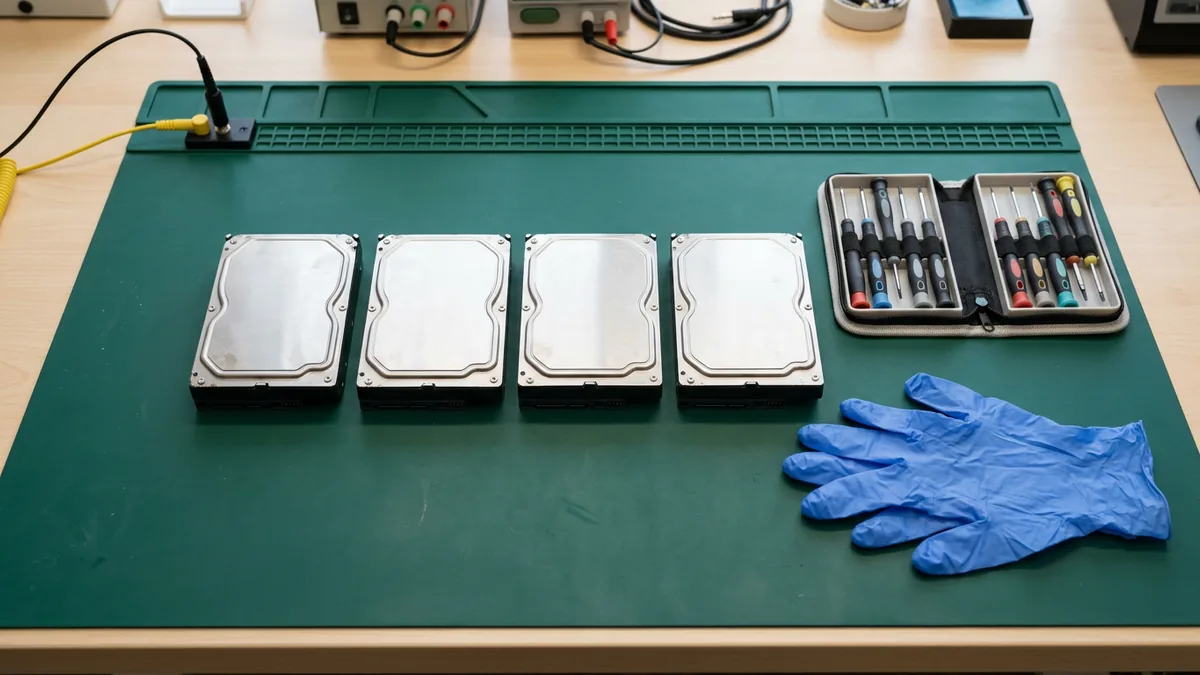
Delete is not wipe.
Why Does Retention Come Before Disposal?
Because timing needs a number. You can’t dispose of something on time if you don’t know how long you’re keeping it. Brandon Dorsey, our VP of Technology Strategy, made this point to our team. When we ask dealers for their vendor agreements and their retention terms, they often can’t tell us, and the default becomes keeping everything forever, which means nothing is ever scheduled to leave the building. His advice was to make it an executive-team conversation about business continuity, data retention and data protection. Start there.
FTC staff put it plainly. Their dealer FAQs say you “can securely dispose of the customer information at any point, however, and should do so once you no longer have a business need to keep it.” The Safeguards Rule also tells you to periodically review your data retention policy “to minimize the unnecessary retention of data,” which assumes you have one. Our data retention policy template for dealerships gives you a schedule to fill in, one record type at a time, with your attorney.
Whenever I feel like things aren’t going the way I want them, I always ask myself what am I not doing? Here the answer is a date on a box.

What Does a Disposal Routine Look Like in Practice?
Here’s my setup. These are my recommendations, built on the rule and the guidance above, not steps the rule spells out, so adjust them with your attorney and your IT team to fit how your store actually works. Add them to your FTC Safeguards Rule checklist so they get reviewed with everything else, or hand the lot to a team that runs continuous compliance for dealerships.
- Name one owner for paper and devices, such as the controller or the general manager, with IT as a second set of eyes.
- Write down how long each record type is kept, with your attorney.
- Put a destroy-by date on every box going into storage.
- Keep paper that’s waiting for destruction in locked containers, not open bins.
- Add device retirement to your checklists. Sanitize or destroy the storage, record the serial number and the method, and only then let the device leave.
- Get copier drive language into the contract at signing and again at renewal.
- Review the whole routine on a set schedule. The Safeguards Rule says to review retention periodically, and once a year is an easy date to remember.
No new software required.
Things Dealers Ask Me About Disposal
Is the Disposal Rule the same thing as the Safeguards Rule?
We’re a heavy truck dealer. Does any of this apply to us?
How long do we keep a deal file?
Can’t IT just delete the files?
What do we do with a copier at the end of the lease?
One Owner, One Schedule, One Walk Through the Closet
Standard disclaimer. I mean it. I’m not an attorney, so sit down with yours before you set a retention period. On the technology side, the work comes down to a device list, a sanitization record and a clause in a lease. We manage the technology for 2,000-plus dealerships so they can sell and service cars and heavy trucks, and the old PCs in your closet are just another line on that list.
Want a second set of eyes? The complimentary IT and cybersecurity assessment covers your security posture, your technology setup, your vendor spend and where you are on the FTC Safeguards Rule. Findings arrive in writing.
Name the owner this week. That’s the whole first step.