
Managed IT
Dealership Network Management: Wi-Fi, Circuits and Firewalls for Every Rooftop
One team runs the showroom, service lane, lot and guest networks at every store you own, on the same standard build at each one.

Dealership network management is the daily work of keeping a store’s internet circuits, firewalls, switches and Wi-Fi running for sales, service, parts and guests. Helion Technologies runs it as part of Managed IT, on one standard build at every rooftop.
Last updated: October 20, 2026
Anybody Can Fix Windows. The Shop Wi-Fi Is Harder.
Every IT provider says it manages networks. Usually that means a firewall in the closet and a number to call. Not enough here. A dealership is a stranger building than that. It has a sales floor pushing deal jackets through F&I, a shop full of steel lifts with technicians working off tablets, a lot that runs past the last access point, and a lounge full of customers streaming video while they wait on an oil change. A generalist provider can be very good at Windows and still have no idea why a wireless access point that works everywhere else won’t talk to the service department’s diagnostic tools.
The network is one part of managed IT for dealerships, the part our services page calls infrastructure and connectivity, and this page covers that part alone. That means the networks inside a store, how several stores tie together, and what a DMS change asks of all of it.
When the network goes down, the whole store goes with it. Every department finds out at once.
Inside one rooftop
Showroom, Service Lane, Lot and Guest Networks
A store isn’t one network. It’s several. The F&I office wants a wired desk and tight access, the shop wants Wi-Fi that reaches the far bay, the lot is outdoors, and the customers in the lounge just want to stream. They need different things, so we keep them apart. Same building, different jobs. This is the split we start from at a typical rooftop, and yours gets adjusted to the building you actually have.

Cable anything that doesn’t move
Desks, the parts counter, cashiering and printers get a wire. Wi-Fi is for the drive, the shop and the lot. Our Tekion network requirements guide has the rooftop walk-through we run before a go-live.
A typical store split Which network each part of the store rides on
Staff Showroom, F&I and the back office
Sales desks, the F&I offices, accounting and the parts counter sit on wired connections wherever the furniture allows it. Credit applications, deal jackets and payroll live here, so access stays tight, and the printer that has to spit out a buyer’s order at 8 on a Saturday night is one of the first things we test. Printers first. Always.
Wired wherever it can be.
Staff Wi-Fi The service lane and the shop
Advisors check cars in on the drive, technicians pull up repair procedures in the bay, and the OEM’s diagnostic tools phone home over the air. NADA’s 2025 data counts more than 276 million repair orders at franchised dealerships in a year, and on a cloud DMS every one of them crosses the network. Steel lifts, tall ceilings and big roll-up doors eat signal. Badly. In plenty of shops the access points were hung by someone who never stood in the last bay with a tablet, so the usual fix is more of them, mounted higher.
Walk it with a device.
Outdoor Wi-Fi The lot
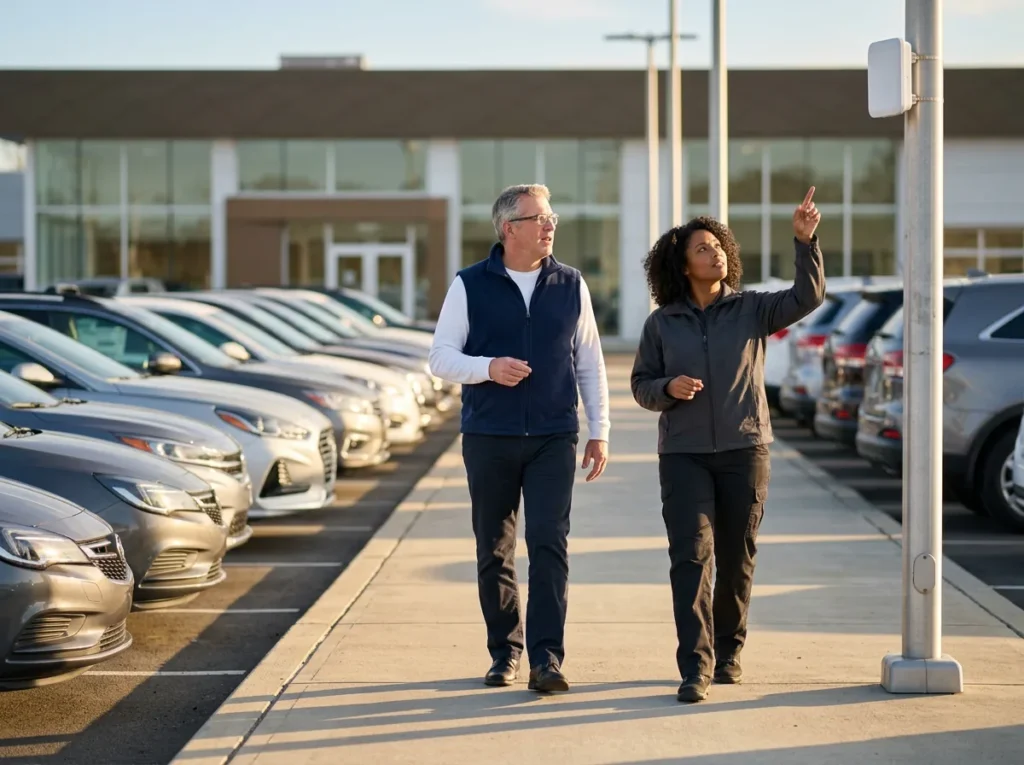
Salespeople walk customers out to inventory, porters move cars all day, and some stores start service write-ups before the car reaches the drive. Outdoor access points need weatherproof mounts and a clear line down the rows, because a lot full of parked cars soaks up more signal than people expect. It’s a big lot.
Coverage past the last row.
Guest The customer lounge
Customers waiting on a repair want fast Wi-Fi, and they should never share a network with the F&I office. Microsoft’s network guidance makes the same point for any business, recommending that unmanaged devices go on guest Wi-Fi. A guest phone can stream all it wants and still can’t reach a single store system. Two networks. No exceptions.
Fast, and fenced off.
Devices Cameras, doors and card terminals
Security cameras, door controllers and other building systems get a segment of their own, away from the machines that open deals, and the card terminals at service cashiering belong apart from everything else too. Cameras don’t need F&I. The PCI Security Standards Council calls segmentation optional, but says it can drastically reduce the number of systems you have to protect.
Fewer systems to protect.
What One Standard Looks Like at Scale
Where does the 60% come from? A Texas dealer group with 10 stores in two cities. By the time they talked to us they were running three networks with three sets of vendors behind them, and the controller was paying every one of those bills. We merged the three into one. Helion’s case study puts the monthly network bill at an average of $62,300 before and $25,000 after. Funny thing, though. The money wasn’t what they brought up most. It was having one number to call when a store went dark.
Multi-Rooftop Networks Built to One Standard
Most groups get bigger by buying stores. That’s fine, except the store you just closed on comes with its old owner’s network decisions baked in. Open the closet on a first visit and you might find a switch the phone company left behind, a cable modem acting as the firewall, and an outside IT shop nobody has talked to in a year that somehow holds the only admin password. We’ve already seen this exact problem 2,000 times. So the build we put in is boring on purpose: the same firewall and rules at every store, Wi-Fi and switches hung the way they were at the last one, one naming scheme, and a backup internet line.
One heavy truck group in the Southeast, 12 locations, shows how it plays out. Their rural branches kept losing the network, and a single in-house IT person was expected to cover all of them. We took out the mix of hardware and rebuilt every branch the same way. When the COO described the result later, he skipped the technology completely: “they’re getting the phone answered or getting a call back within five minutes.” For branches, backup lines and SD-WAN in more depth, read our guide to networking a multi-branch truck dealership.
Connecting the stores to each other is where older designs trip up. A lot of WANs built years ago haul every store’s internet traffic back to the main office before it goes anywhere, and Microsoft’s guidance says that backhauling adds latency for Microsoft 365, recommending that each location reach the internet locally instead. In plain terms, a Teams call from the parts counter at one store has no business detouring through a closet at a different store first.
Six setups, six problems. One standard, one.
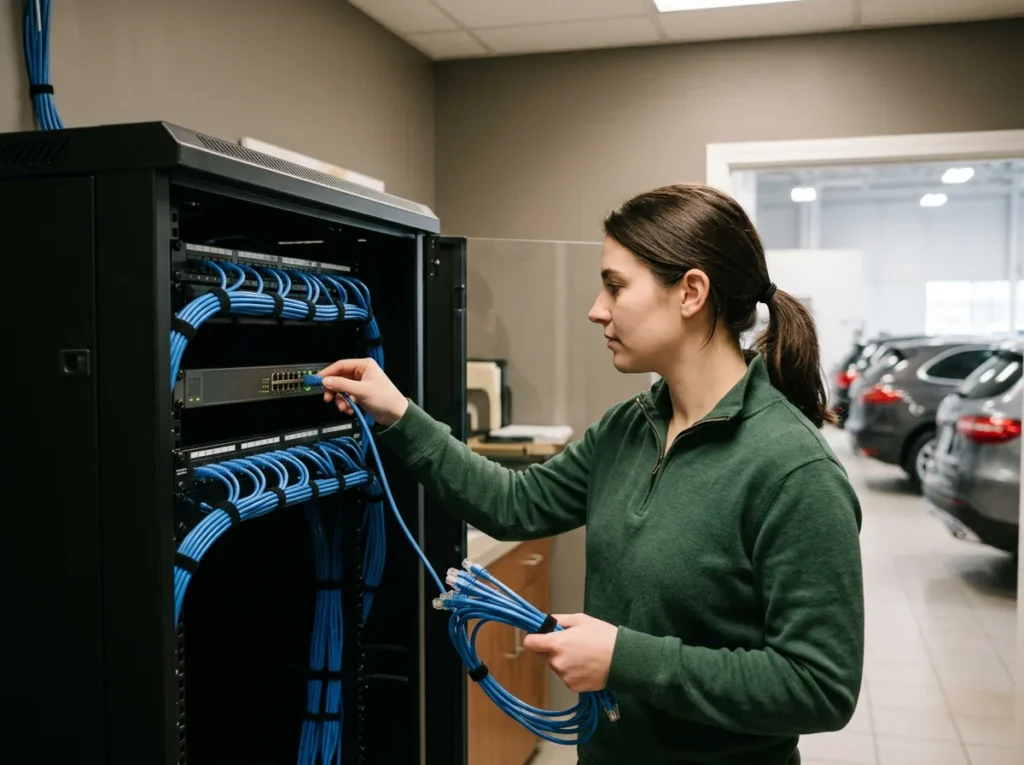
A second way onto the internet
It comes from a different carrier on a different kind of line, and the firewall moves traffic over to it and back again without anybody touching a cable.
We test it before you need it.
The same build at every store
When the rules, the Wi-Fi layout and even the device names match from store to store, whoever picks up our phone already knows your building.
Nobody’s guessing what’s in the closet.
Changes go to one store first
If you can push a change to 20 stores at once, you can break 20 stores at once, so we try it on one rooftop and give it time before the others get it.
That’s a call nobody wants to make.
Changing DMS platforms
What a DMS Change Asks of the Network
Going to a cloud DMS changes where the risk sits. You lose the server in the back room, which most stores are happy to see go, and in its place the fiber coming in off the street turns into the one thing sales, service and parts all depend on at the same time. The table walks through what that shift does to the network, job by job.
| Network job | DMS on a server in the store | DMS in the cloud |
|---|---|---|
| Where the DMS lives | A server in the back room | At the far end of the internet circuit, so a cut line stops the store even while the DMS itself runs fine |
| An internet outage | Annoying, though the counter could still reach the server across the building | No deals and no repair orders until a second line takes over |
| Upload speed | Rarely mattered | Scanned ROs, camera footage, cloud backups and Teams calls all push data out, and upload is the side that chokes first |
| A second circuit | Nice to have | A must, from a different carrier, with failover tested before go-live |
| The network gear | Often supplied and supported by the DMS provider, on its own contract | Yours to pick on its merits, which makes a DMS move the natural time to re-bid it |
| Wi-Fi on the drive and in the shop | Mostly for convenience | Where advisors and technicians open the DMS in a browser all day |
Moving to Tekion? Its implementation terms put the electrical work, the data cabling and the readiness sign-off on the dealer, and our Tekion enablement team works the dealer side of that project before, during and after go-live. Leaving CDK? Alexis Merchant’s guide to the phones and network in a CDK to Tekion move lists the contracts to pull first. Any other platform change runs through DMS transition, and the DMS conversion checklist has the full device list. Pull those dates early.
How Handing Us the Network Starts
-
1
Ask for the assessment
There’s a short form for our complimentary IT and cybersecurity assessment. It’s free, and plenty of dealers who ask aren’t shopping for a new provider at all.
-
2
We look at every rooftop
One of our engineers goes through the circuits, firewalls, switches and Wi-Fi at each store, in person or remotely, and writes down who sells and supports each piece right now.
-
3
You see the real numbers
You get the findings on paper, including what you’re paying every network, phone and IT vendor today next to what Helion would cost all-in.
-
4
One standard, store by store
If you go ahead, you choose Dealer Defender, Service Desk Plus or Full Service, run fully managed or co-managed. Onboarding starts within weeks of signing, and the stores move onto the standard build one after another.
Common Questions
What does your network cost you now?
Our complimentary IT and cybersecurity assessment puts what you spend on vendors now next to what we’d charge. Already know what you need? Get a price quote.
What does dealership network management include?
Why does the Wi-Fi in our shop keep dropping?
Does guest Wi-Fi really need its own network?
How many internet lines does a store need?
Is a new store’s network part of the monthly price?
We have an IT manager. Where does the network fit under co-managed IT?
Somewhere in your store there’s a dead spot nobody has reported yet. Let’s find it before a Saturday customer does.
Request a Complimentary Assessment →