
Managed IT
Dealership IT Help Desk: Live 6 a.m. to Midnight, After-Hours Included
Your staff reach a live technician in 82 seconds on average, Monday through Saturday, and every one of them works only with car and truck dealerships.

A dealership IT help desk is the line your staff call when a login, a printer, a DMS session or the store network stops working. Helion Technologies answers it live from 6 a.m. to midnight Eastern, Monday to Saturday, in 82 seconds on average.
Last updated: October 19, 2026
Fast Isn’t a Number. 82 Seconds Is.
Every IT provider says its help desk is fast. Ask what fast means and you’ll usually get a feeling, not a figure. Ours is 82 seconds, the average time it takes one of your people to reach a live Helion technician, not a phone tree and not a callback queue. On a sales floor in the middle of a deal, a few minutes can decide whether you get a signed buyer’s order or a customer who’d like to think about it.
The help desk is one part of managed IT for dealerships, and this page covers that part alone. It covers who picks up, when they’re on, what they know about your DMS, and how the tickets split when you already have your own IT person on staff. It’s the piece of IT your staff actually touch.
Your people don’t judge IT by the firewall. They judge it by who answers the phone.
Built Around the Hours a Dealership Keeps
Dealerships don’t keep banker’s hours. The service drive is open before 7, the sales floor can still be writing deals at 9 at night, and Saturday is usually the busiest selling day of the week. NADA’s 2025 data counts more than 276 million repair orders written at franchised dealerships in a single year, and every one of them ran through a login, a printer and a network that somebody had to keep working. A help desk that shuts at 5 on Friday leaves your busiest hours on their own.
So the live desk runs 6 a.m. to midnight Eastern, Monday through Saturday. That’s 18 hours a day. After-hours, weekend and field support are included at no extra charge, so a Sunday problem or a technician in the building doesn’t turn into a second invoice. We’re open on July 4th and Labor Day on purpose, since those are big sale weekends, and we close only on Christmas Day and Thanksgiving Day. Out West? 6 a.m. Eastern is 3 a.m. Pacific, and the live desk stays on until 9 p.m. your time.
When you pay the number, the number’s the number.
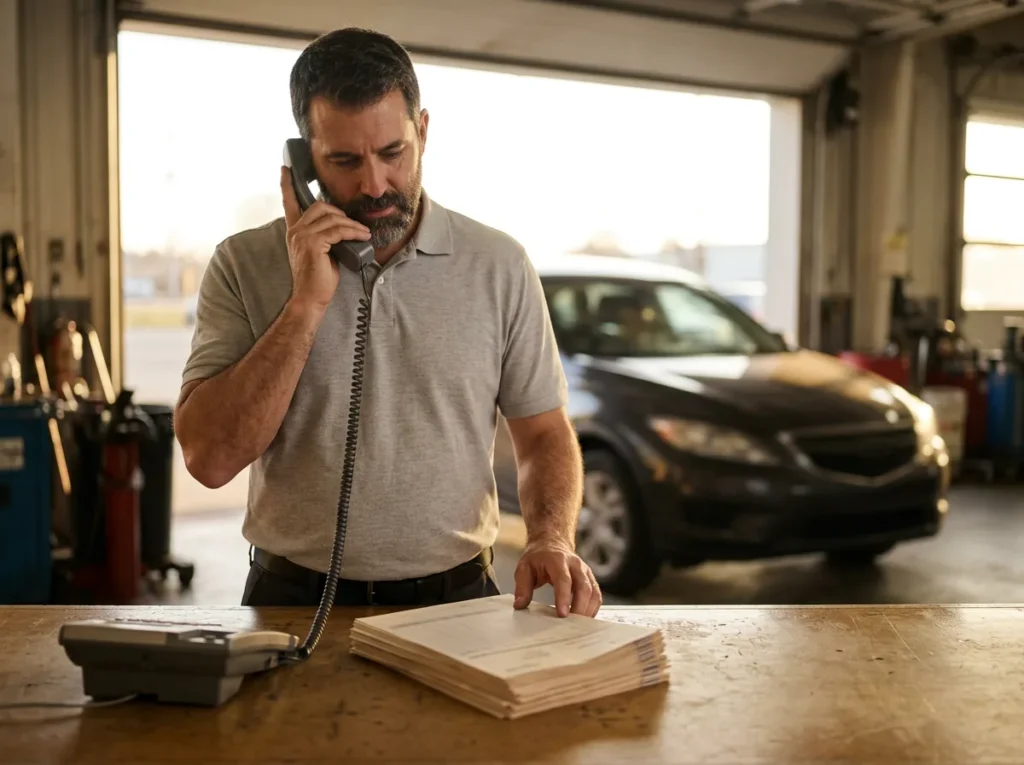
Monday to Saturday
From 6 a.m. to midnight Eastern, a technician answers live, with no phone tree in the way.
18 hours a day.
Evenings, Sundays and site visits
After-hours, weekend and field support come inside the monthly price you already agreed to.
No surprise invoice.
The Numbers Behind the Help Desk
Those 35,000-plus people are the help desk’s real customers. Our Google reviews say it another way. Across more than 200 of them, at 4.9 out of 5, clients name over 15 different Helion technicians, which is what you get when a full bench answers the phone instead of one person who knows everything. That spread matters more than it sounds, because when somebody on the desk is out sick or on vacation, the person who picks up still knows dealerships and your Saturday doesn’t notice a thing.
Know what you’re comparing
A 9-to-5 Help Desk vs a Dealership IT Help Desk
Plenty of help desks are good at Windows. What matters is whether they’re open, and useful, when a store actually needs them. Here’s how a typical business-hours desk lines up against ours.
| Situation | Typical business-hours help desk | Helion’s dealership IT help desk |
|---|---|---|
| Saturday morning | Often closed, or an emergency line that costs extra | Live from 6 a.m. Eastern, the same as any weekday |
| 9 p.m. on a weeknight | Voicemail until the morning | Live until midnight Eastern |
| Reaching a person | A phone tree, a ticket number and a callback | A live technician in 82 seconds on average |
| A DMS problem | Treated like any other software, or handed back to you to chase the vendor | Technicians who know Tekion, CDK Global and Reynolds environments, so it doesn’t become a two-day wait on a vendor callback |
| Someone has to come to the store | A separate dispatch fee | Field support included at no extra charge |
| Who else it supports | Law firms, dental offices and dealerships alike | Only car and truck dealerships, since 1997 |
A word on “24/7.” Our live desk covers 6 a.m. to midnight Eastern, Monday to Saturday, and we say exactly that, with after-hours and weekend support included on top. We’d rather you know when a person picks up. Want to see which problems get fixed by phone and which need a technician on site? Rex Marchant’s guide to onsite vs remote IT support walks through it.
If you have your own IT person
How Help Desk Tickets Split Under Co-Managed IT
Plenty of dealer groups have an IT manager they’d never give up, and they shouldn’t. On the co-managed path that person stays in charge, and our help desk takes the calls they’d rather not. This is one common way the lines get drawn at the start. Yours will look different, because it’s built around what your team already does well.

Put one owner on every row
Our co-managed IT responsibility matrix lists every system a store runs, so nothing ends up owned by both teams, or by nobody.
A typical first split Who takes the call, by kind of ticket
Helion desk Lockouts, passwords and printers
These are the high-volume calls, and they start at 6 a.m. Your IT manager stops losing the first hour of every day to them. Self-service password reset helps as well, since Microsoft’s documentation says it cuts help desk calls and lost productivity, so it’s worth checking whether yours is switched on.
Off your IT manager’s plate.
Helion desk Evenings and Saturdays
Once your IT manager has gone home, the live desk keeps going until midnight Eastern, and after-hours and weekend support pick up from there.
They get a day off.
Your IT Decisions about the store
Your IT manager already knows the building, the people and which vendors have earned remote access, so the calls about who gets into what, and what the store buys next, stay with them, which is where we think they belong.
Their judgment stays in charge.
Shared DMS and OEM systems
We take the workstation, network and login side and work the problem alongside your IT manager and the DMS vendor, so nobody sits in a chain of callbacks.
Fewer callbacks for everybody.
Shared Anything that looks like an attack
If somebody in accounting opens a strange email at 11 p.m. and the screen goes dark, the desk hands it to our security team and your IT manager hears about it that night, not in a ticket on Monday.
Monday is too late.
The Help Desk Is Also a Control Point
Erik Nachbahr, who founded Helion Technologies, told this one in a DealersEdge webinar in October 2026. A salesperson at a client store called our help desk and said, in Erik’s telling, “Hey, I need your help because I’m going to share my personal ChatGPT account with everybody else on the sales floor.” The caller wanted it installed on every computer and signed in as them on each one. As far as anyone could tell, nobody was being sneaky about it, and the salesperson had simply found a tool that made the job easier and wanted everybody on the floor to have it too.
Because it came in as a help desk call, the request landed in front of people who’ve watched this kind of thing go wrong before, rather than a well-meaning salesperson setting it up alone. That happens every day in smaller ways. A shared login here, a vendor asking for remote access there. The governed answer for AI is Managed AI, a private workspace the store owns, and Scot McConnor’s AI governance guide tells the whole story with the clip. You can also watch Erik tell it.
Sometimes the most useful thing a help desk does is ask a question first.
Everyone reads every chat
If one login sits on every computer, every salesperson can scroll through everybody else’s chats, customer names and all.
Nothing stays private.
Customer data leaves the store
Whatever gets pasted in ends up in a personal account the dealership doesn’t own and has no way to look into.
It’s outside your controls.
Nobody can switch it off
The day that salesperson leaves, the account goes with them, along with any customer list they happened to upload.
And there’s no audit trail.
How Switching Help Desks Starts
-
1
Request the assessment
Fill in the short form for our complimentary IT and cybersecurity assessment. It costs nothing, and you don’t have to be shopping for a new provider to ask.
-
2
We look at support today
An engineer looks at your stores, who answers your staff’s calls now, what those calls are about and what you pay for evenings and weekends.
-
3
You see the real numbers
Findings arrive in writing, with your current IT spend lined up against Helion’s all-in cost, so the comparison is a number rather than a guess.
-
4
Pick a tier and a model
Dealer Defender, Service Desk Plus or Full Service, fully managed or co-managed. Onboarding starts within weeks of signing, and your staff get one number to call.
Common Questions
What does support cost you now?
A complimentary IT and cybersecurity assessment lines up your current IT spend against ours. Already know what you need? Get a price quote.
What hours is Helion’s help desk live?
How fast does someone actually pick up?
Do your technicians know our DMS?
We have an IT manager. Why would we want a help desk too?
Is the help desk included, or is it an add-on?
What if the fix needs someone in the store?
Somebody in your store will call for IT help on Saturday morning. Make sure a person who knows dealerships picks up.
Request a Complimentary Assessment →