
Mobile service truck security comes down to four things: a dealer-owned cellular connection, a personal DMS login with multi-factor sign-in for every tech, tablets you can lock and wipe from the office, and a written record of every diagnostic license.
Last updated: October 20, 2026
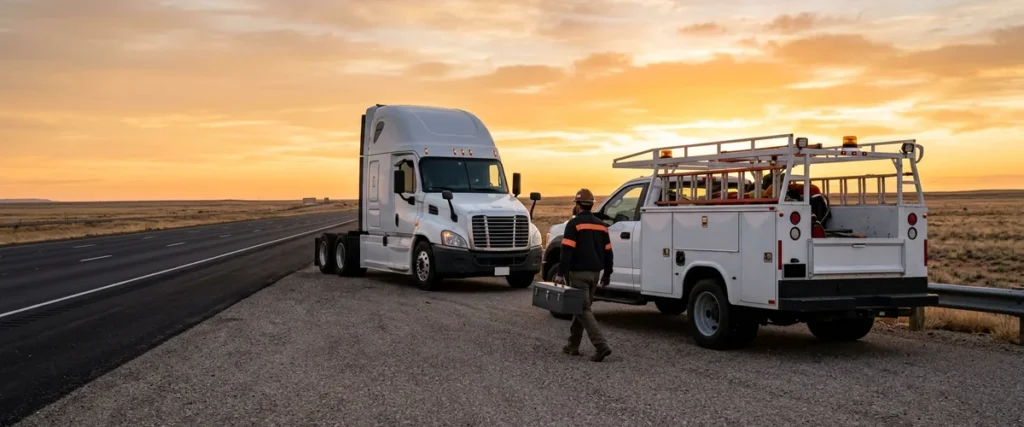
It’s 5:40 in the morning at a fleet customer’s yard, two hours from the store. Your mobile tech has a tablet on the dash with the repair order open, a rugged laptop on the passenger seat running the engine maker’s diagnostic software, and a little cellular hotspot plugged into the lighter socket. The fleet manager walks over with coffee and offers the yard’s Wi-Fi password. Nice gesture. Your tech takes it.
Nothing bad happens that morning. That’s the trouble with it. Every piece of that setup touches your DMS, your customers’ records, or a license you paid real money for, and none of it sits behind the firewall at the store. Not one piece. I’ve spent nearly 30 years working only with car and truck dealers, and across 2,000-plus dealerships we’ve already seen this exact problem: the service truck gets treated like a vehicle, when it’s really a small branch with no building around it.
This guide is for the service director, the COO, or the one IT person who just inherited a fleet of service trucks. It covers what each device in the truck touches, how the connection should work, what changes when the DMS app talks straight to the internet, what to do when a tablet goes missing, and how to keep diagnostic licenses from walking off with a laptop. It’s one piece of how we approach IT and cybersecurity for heavy truck dealerships, where the stores are spread out and a lot of the work happens nowhere near them.
Your Service Truck Is a Branch Without a Building
A Freightliner service manager told Heavy Duty Trucking that his mobile truck and technician could “do 95% of what we do here at the dealership’s shop.” In the same 2020 article, the mobile service director at a 21-location dealer group said its mobile business had doubled in two years, with 30 service trucks running across eight states. That was 2020. The trucks haven’t gotten simpler since.
Look at what rides along now.
| Device in the truck | What it can reach | What usually goes wrong |
|---|---|---|
| Technician tablet or phone | Repair orders, customer names and contacts, unit history, approvals, photos | Shared login, no passcode, no way to wipe it remotely |
| Diagnostic laptop | OEM software and its license, saved ECM data, sometimes email and the DMS | Local admin rights, old updates, nobody wrote down the license |
| Cellular hotspot | Everything above, plus whatever else connects to it | Default password, printed on a sticker, shared with the customer |
| Tech’s personal phone | Email, texts with customers, sign-in codes | Dealership data mixed with personal apps, gone when the tech leaves |
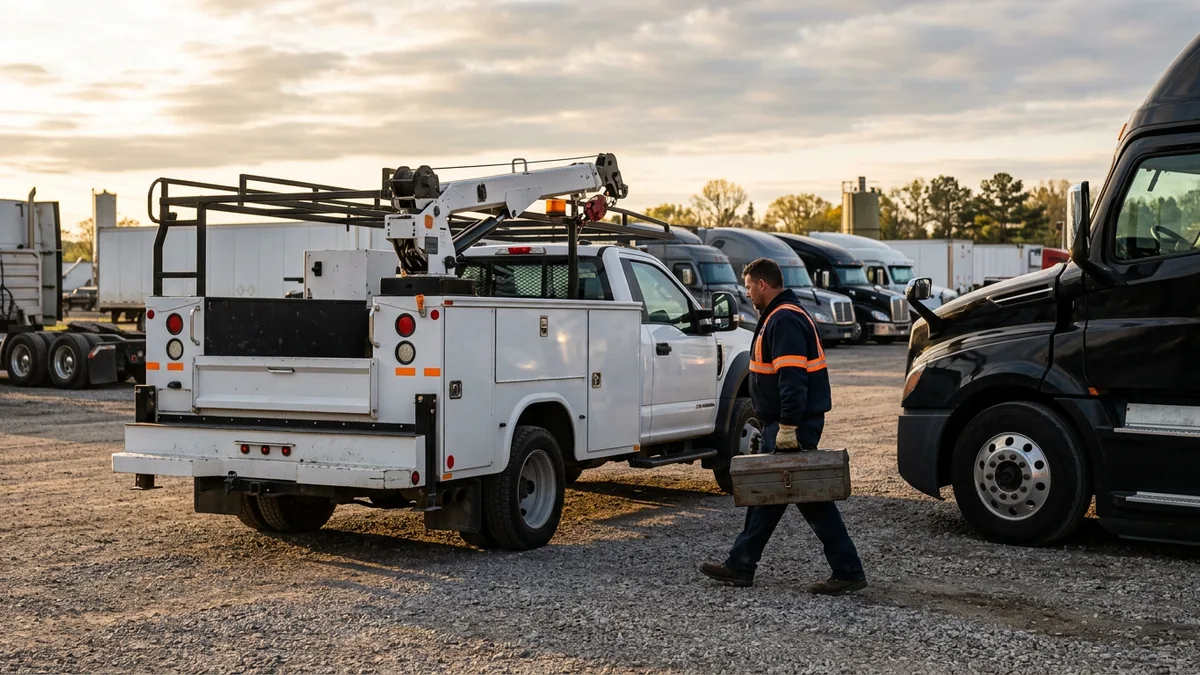
A branch has a locked door, a network closet, and a firewall somebody configured on purpose. The truck has a glovebox. No building, no firewall. So the security has to live on the devices themselves and on the accounts they log into, because that’s the only place it can go.
Treat the truck like a branch. It is one.
The Connection: Your Hotspot, Not the Customer’s Wi-Fi
Go back to that yard for a second. The fleet’s Wi-Fi might be perfectly fine, but you have no idea who else is on it, how old the router is, or whether the password has been the same since 2017. Your tech’s tablet doesn’t know either, and it will happily send a DMS session across it.
The fix is boring, and boring is what you want here. Every truck gets a dealer-owned cellular connection, either a hotspot on a business line or a tablet with its own data plan, and the techs use that and nothing else for dealership work. The hotspot password is unique per truck and set by IT, not the one printed on the bottom of the box. Customer Wi-Fi, truck-stop Wi-Fi, and the motel Wi-Fi on a two-day call are off limits for anything that touches the DMS.
CISA’s Mobile Device Cybersecurity Checklist for Organizations says the same thing in government language: turn off the Bluetooth, Wi-Fi, NFC, and location radios you aren’t using, and keep work devices off public networks. Why does that matter in a truck? Because a tablet that’s always searching for Wi-Fi will eventually find one you didn’t pick.
Coverage is the honest objection, and in a lot of truck country it’s a fair one. Rural yards have dead spots, and a tech who can’t get a signal will grab whatever network is offered. Ask your carrier about coverage on the routes your trucks actually drive, and if two carriers split your territory, put a second line in the trucks that need it. That’s cheaper than a breach. It’s cheaper than a tech sitting idle, too.
Pick the network for your techs. Don’t let the parking lot pick it.
DMS Access From the Road Changes Where the Lock Is
Karmak’s App Store listing for its Mobile Service app says it “hooks right into your Fusion instance to unlock and supply data back into Fusion without a VPN.” Procede’s Mobile Service Plus v2.0, released in July 2025, gives technicians repair orders “whether in the shop, at a customer location, or out in the field,” with an offline mode that syncs back to Excede later.
To be clear, I think these apps are the real deal. A tech who can open the RO, add parts, snap photos, and get an approval from the side of the road is a tech who isn’t driving back to the store to type it in. I’d rather see dealers use them than avoid them. The argument isn’t whether to put the DMS in the truck. It’s whether anybody set up the accounts before they did.
Here’s what changes. It’s a big one. When the app connects to the DMS over the open internet with no VPN in front of it, the username and password are the whole perimeter. There’s no store firewall between a stolen login and your repair orders. So every tech gets a personal login, never a shared “mobile1” account that four people and one former employee know. Multi-factor sign-in goes on every account that can reach customer data, which the FTC Safeguards Rule already requires of any dealership that arranges financing or leasing, and that includes plenty of truck dealers. And the app’s role permissions get used: Procede describes “permission-based access ensuring users only see the tools and features relevant to their responsibilities.” Use it. A mobile tech needs repair orders and parts. They don’t need the credit file.
Offline mode deserves one more beat. If the app can work without a signal, some of that customer data is sitting on the tablet until it syncs. That’s fine on an encrypted device with a passcode. It’s a real problem on a tablet with neither.
The login is the lock now.
When a Tablet Goes Missing
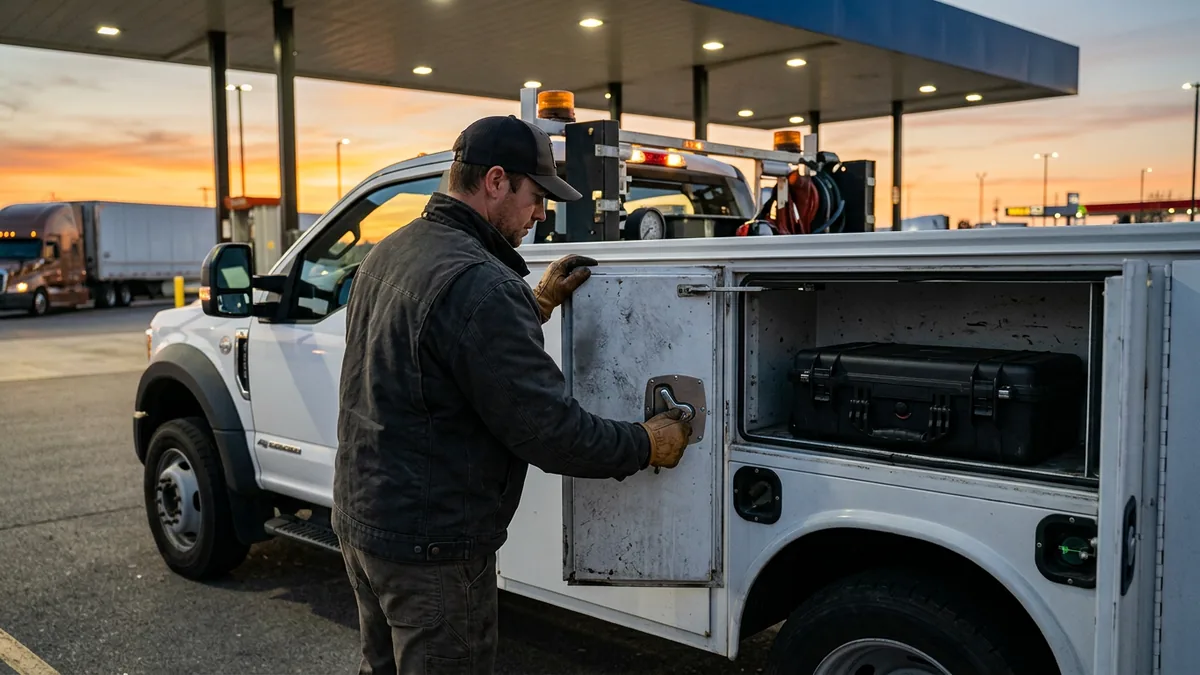
It will happen. Count on it. A tablet slides off a bumper at a fuel stop, or a laptop bag walks out of an unlocked cab while the tech is under a trailer. The question is whether your service manager knows what to do in the first hour, or whether they find out on Monday that nobody did anything.
The first hour, in order:
- The tech calls the store the moment they notice, not at the end of the shift. Make that the rule, and make it safe to admit.
- IT locks the device and, if it isn’t found quickly, wipes it. This only works if the device was enrolled in device management before it left the lot.
- Sign that tech out of the DMS app, email, and everything else they were signed into, then reset their passwords.
- Check the DMS for activity on that account since the device went missing.
- Write it down: what device, what was on it, whether it was encrypted, what you did and when. If customer information may have been exposed, that record is the start of your incident file.
Step 2 is where it usually falls apart. Here’s why. A tablet bought at a big-box store, set up on the tech’s personal Apple ID and never enrolled, can’t be wiped by anybody but the tech. NIST’s Guidelines for Managing the Security of Mobile Devices in the Enterprise (SP 800-124 Rev. 2, May 2023) covers the full device lifecycle, from deployment to disposal, and enrollment sits at the front of it for a reason. Our older post on mobile device management for dealerships walks through what that software does.
Encryption is the other half. The Safeguards Rule expects customer information to be encrypted at rest, and a passcode-locked, encrypted tablet that goes missing is a much shorter conversation than an open one.
Enroll it before it leaves the lot, or you can’t wipe it later.
Diagnostic Licenses Ride in the Truck Too
Cummins INSITE is a good example. Its license transfer form asks for the old and new tool instance, the Cummins order number, and the QuickServe Online (QSOL) ID, and it warns that missing information can prevent a replacement license, in which case “a new license would need to be purchased.” Normally you release the license from the old laptop before moving it. A laptop at the bottom of a ditch can’t release anything. Now you’re buying it twice.
Other tools differ. Each engine and OEM maker sets its own rules, and I won’t pretend they all work the same way. The pattern does. The license is tied to a machine, the paperwork lives in somebody’s inbox, and nobody can find it on the day the laptop is stolen or the hard drive dies in a customer’s yard.
So keep a register. A simple one. For every diagnostic laptop: the serial number, which OEM tools and versions are on it, the license or activation IDs, the order numbers, which account owns them, and who has the laptop today. It’s a spreadsheet. Nothing fancy. And lock the laptop down like any other dealership PC, with no local admin rights for daily use, encryption, and updates that actually get applied, because a diagnostic laptop that also opens email is a dealership PC whether anybody calls it that or not.
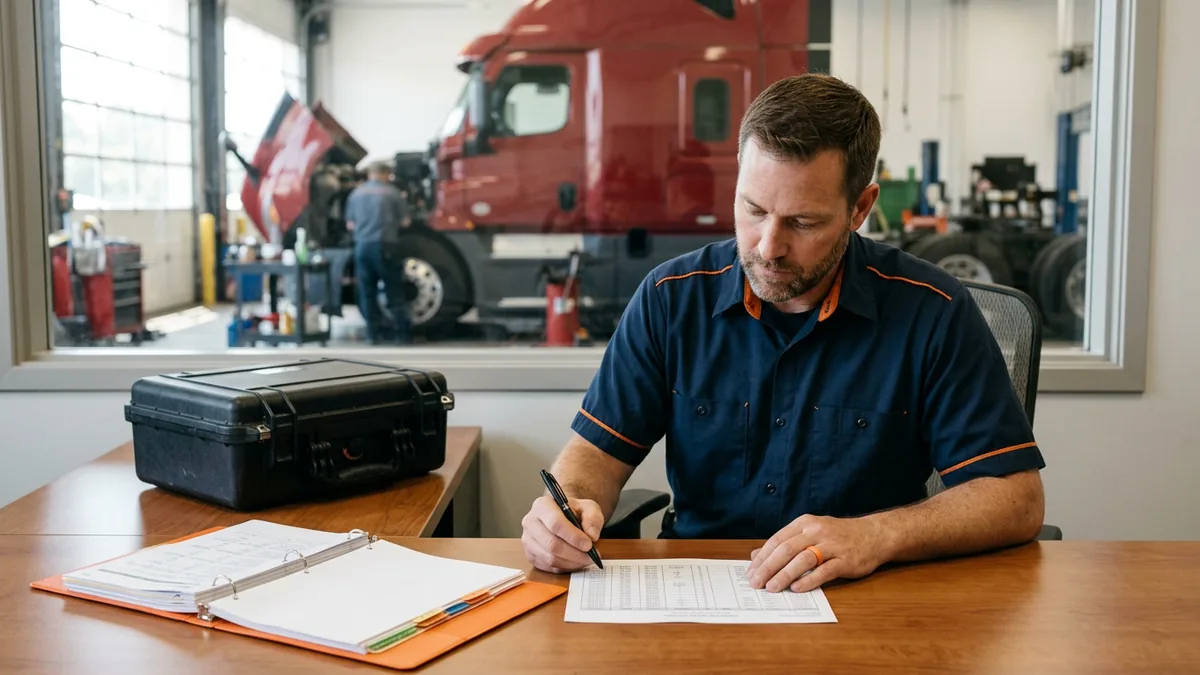
Write the license down before the laptop leaves the lot.
How We Handle the Trucks for Heavy Truck Dealers
Every managed IT provider says they cover mobile devices. What does that actually mean? Here’s our version. It means the trucks get one standard, the same one the stores get: enrolled devices, individual logins with multi-factor sign-in, encryption, a managed cellular connection, and a license register that stays current. All of our clients are on the same roadmap, so a tablet in a service truck in West Texas is set up the same way as one in a shop bay in Maryland.
When a tech loses a tablet at 9 p.m. on a Saturday, they reach a live person. Our coverage runs 6 a.m. to midnight Eastern, Monday to Saturday, with after-hours, weekend, and field support included at no extra charge, and the average wait to reach a support agent is 82 seconds. When you pay the number, the number’s the number. If you’d rather keep your own IT person in charge and have us run alongside them, co-managed IT works that way. The truck side ties into the rest of our dealership cybersecurity services, and our guides to networking a multi-location truck dealership and IT support for remote truck dealership branches cover the buildings the trucks drive out from.
That’s on us to get it all done, and make sure it’s right.
Things Truck Dealers Ask About Mobile Service Security
We’ve only got three service trucks. Is this really worth the trouble?
Can techs just use their own phones for the DMS app?
Our techs will hate multi-factor sign-in. Any way around it?
Hotspot vs tablet with its own data plan: does the gap actually matter?
Who should own the diagnostic license accounts?
If you want to know where your trucks stand today, our complimentary IT and cybersecurity assessment looks at the mobile side along with the stores, whether you end up working with us or not. Bring the truck count and the list of what’s in them. We’ll tell you which ones would lose you the most on a bad day.
The truck leaves the lot every morning. Your security has to go with it.