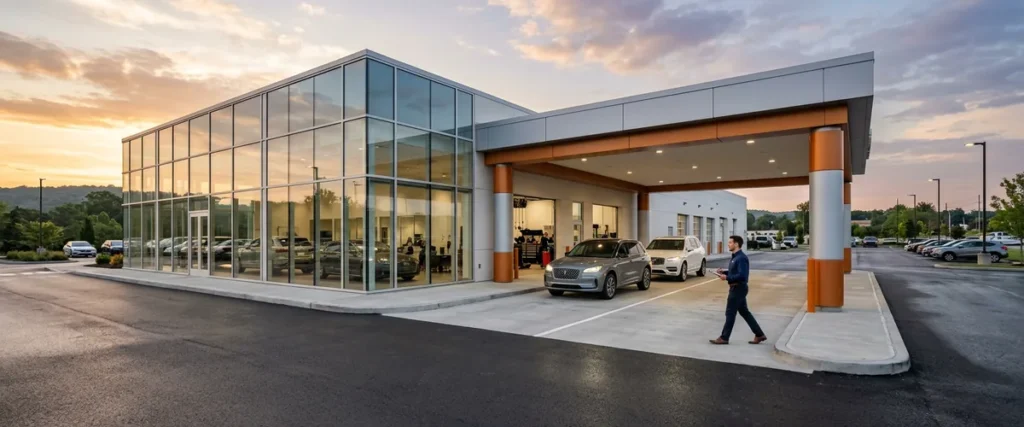

Dealership technology in 2026 runs on eight layers at every rooftop: the DMS, the CRM, phones, the network, F&I and desking tools, service-lane software, security, and AI. Each layer usually has a different owner, and the trouble lives in the space between them.
Last updated: October 14, 2026
The first thing we ask a new dealership for isn’t a network diagram. It’s the bills. Every monthly invoice that has anything to do with technology, from the DMS and the phone carrier to the company that put in the cameras and the one that sold the F&I menu, gets laid out on a conference table so the dealer principal can see all of it at once. It’s always more paper than anybody expected.
Then I go down the row and ask one question about each bill. If this stops working at 8 o’clock on a Saturday morning with a full service drive, who do you call? Sometimes there’s a quick answer. Often there isn’t. There’s a pause, then two different names, and then somebody says they think the internet company handles that, or maybe it’s the guy who comes in on Tuesdays.
That pause is the problem. We’ve already seen this exact problem at 2,000-plus dealerships over nearly 30 years, and it barely matters whether the store has no IT staff at all or a team of four. Each system has an owner. The space between the systems usually doesn’t.
So this is the map. It lists every system a typical franchised rooftop runs in 2026, what it does, who usually supports it, and where it tends to break. It’s the same map we start from when we take on managed IT for dealerships, and you can use it on your own store whether or not you ever call us.

What Dealership Technology Covers Now
Dealership technology is every system a franchised car or heavy truck dealership uses to sell, finance, service, and account for vehicles, plus the network, phones, and security underneath all of it. That includes the dealer management system, customer and F&I software, service-lane tools, OEM-required equipment, and the AI tools staff use whether or not anyone approved them.
Some scale. NADA’s 2025 full-year data counts 16,990 franchised light-vehicle dealerships in the US, and ATD puts heavy truck dealers at 3,200-plus on top of that. Every one of them runs some version of this stack. Every one. The parts barely change from store to store. How well they’re held together changes a lot.
The stack also keeps getting taller. In CompTIA’s IT Industry Outlook 2026, 84% of business and tech professionals said they expect a significant or moderate increase in AI investment this year, and dealerships are part of that crowd whether the dealer principal signed off or not. Every new tool brings a bill, a login, and one more name to call. It adds up.
More systems, same number of owners. That’s how the gaps get wider.
The Eight Systems a Rooftop Runs, and Who Usually Supports Each
The table is the reference. The notes under it are where I’d spend your attention.
| System | What it runs | Who usually supports it | Where it breaks |
|---|---|---|---|
| DMS | Deals, repair orders, parts, accounting, payroll | The DMS provider for its software; the dealer for the PCs, printers, and network it runs on | The handoff between the provider’s help line and the store’s own hardware |
| CRM and digital retail | Leads, follow-up, website chat, online deal starts | The CRM vendor, plus the website provider | The DMS integration, and logins nobody turns off when people leave |
| F&I and desking | Menus, credit applications, e-contracting, deal documents | Each software vendor, often a different one per tool | Printers, signature pads, and who can see customer credit data |
| Phones and texting | Main lines, call routing for sales and service, customer texting | A cloud voice provider, sometimes the carrier | After-hours routing, and moving numbers when you switch providers |
| Network and Wi-Fi | Internet circuits, firewalls, switches, wireless in the shop and on the lot | The carrier for the circuit; often nobody for the rest | Failover, Wi-Fi that doesn’t reach the bays, OEM network standards |
| Service lane and shop | Scheduling, inspections, technician devices, diagnostic and OEM equipment | OEM programs, tool vendors, the DMS provider | Shop Wi-Fi again, and OEM PCs nobody patches |
| Security and compliance | Endpoint protection, monitoring, email security, backups, the FTC Safeguards program | A security vendor, a compliance vendor, or the one IT person | Alerts nobody watches at night, and backups nobody has ever restored |
| AI tools | Phone agents, chat, writing help, staff use of public AI tools | Whoever bought the tool, or nobody | Customer data landing in accounts the dealership doesn’t control |
The DMS Sits in the Middle, and It’s the One Dealers Know Best
Whichever DMS you run, the provider supports its own software and not much past the edge of it. I think that’s fair. The PC at the parts counter, the laser printer in the F&I office, the switch in the closet, and the internet circuit all belong to the store. So when a repair order won’t print, the DMS help line checks the DMS, finds it working, and the call is over. The printer is still down.
Stores moving to a cloud platform like Tekion run into this early, because Tekion’s implementation team installs and tests its own hardware while the cabling, electrical, and internet stay with the dealer. We wrote up the network and hardware a cloud DMS needs for exactly that reason. Helion stays on after go-live, extending the momentum Tekion’s own team builds, and our DMS transition services are built around before, during, and after for any platform move.
CRM, F&I, and the Service Lane: Three Vendors, One Customer
These are the systems your customer actually touches. Here’s my issue with them. Each one tends to come from a different company, with its own help line and its own logins, and every one of those companies has a pretty firm idea of where its job ends. Think about what happens when a salesperson quits. Somebody’s supposed to shut off his access in the DMS, the CRM, the desking tool, the credit portal, the texting platform, and Microsoft 365, and when I ask a store who keeps that list, I usually get a look. So the access stays on. Your customers’ most sensitive data lives in that credit portal, and that’s a real problem.
The shop’s a little different, because the OEM gets a vote. Automakers set standards for the PCs, network, and Wi-Fi in your service bays, and GM’s alone runs 19 pages. We went through it line by line in our guide to the GM Dealer Infrastructure and Security Guidelines. They write it. You meet it.
Phones and the Network: The Plumbing Nobody Claims
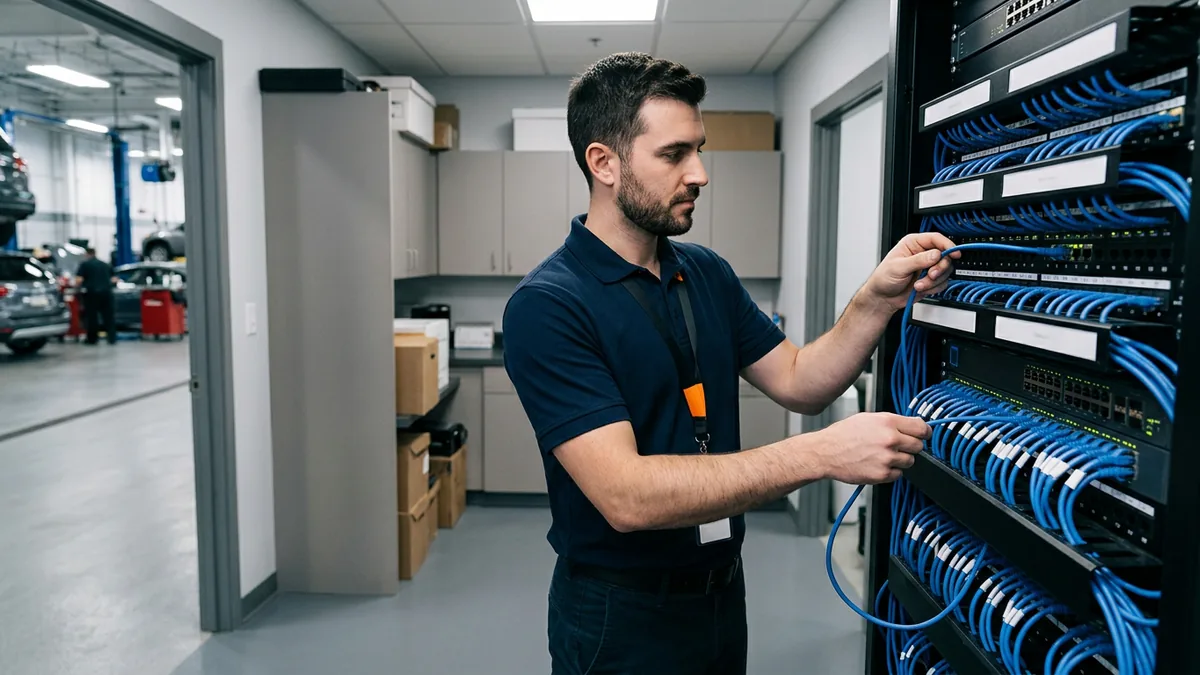
The internet carrier owns the circuit up to the box on the wall, and past that box, in a lot of stores, nobody owns much of anything. The firewall usually went in with whoever was around that year. Shop Wi-Fi got stretched one access point at a time until the techs quit complaining, and the failover line is something somebody pays for and nobody has tested. Phones are the same thing with a different logo on the bill. Say the main line rolls to a voicemail box nobody checks after 6 p.m. The carrier says that’s not theirs. The phone vendor says the routing is exactly what somebody asked for years ago. They’re both right. Your customer still got voicemail. We covered the move to cloud phone systems for dealerships separately, because it fixes a lot of this when it’s set up with the network in mind.
Security and AI: The Most Owners and the Least Ownership
A breach stops your sales floor. That’s the real cost, and it isn’t theoretical. In CDK Global’s State of Cybersecurity for Auto Dealerships 2024, 35% of dealers reported a cyberattack or incident that year, and 92% of those said it hurt them financially or operationally. Security is also the layer with the most part-owners. One company sells the endpoint protection, another does email filtering, a third runs backups, and nobody is watching the alerts at 2 a.m. on a Sunday. Somebody should be. Our dealership cybersecurity services exist because those pieces only work when one team watches all of them.
AI is the newest layer, and the least owned. Your staff is almost certainly using AI tools already, mostly on personal accounts with no audit trail, and customer data is moving outside your security controls when they do. I’m not the guy telling you to sit AI out. I use it every day. What I want is for somebody to own it, which is the point of managed AI for dealerships, and if you’re still sizing up where you stand, start with whether your dealership is actually AI-ready.
Eight systems. Often eight phone numbers. Nobody holding all of them.
The Gaps Between Systems Are Where Stores Get Hurt
A year ago, on October 14, 2025, Microsoft stopped shipping security updates for Windows 10. Businesses that weren’t ready could buy Extended Security Updates at $61 per device for the first year, with the price doubling every year after that for a maximum of three years, according to Microsoft’s own documentation. Now ask who owned the PCs in your dealership when that date came around. Think about it. The DMS provider didn’t. The OEM owned the ones in the shop, sort of. The F&I vendor loaded drivers on two of them. In a buy-sell it gets worse, because a seller who plans to close in six months isn’t going to upgrade half his computers to Windows 11, and the buyer inherits that job along with the building. Nobody budgets for it.
Early in my career I worked in a three-person IT department supporting 100 actuaries at Aon. I loaded a module onto the servers to make file storage easier, and the server went down. My boss fixed it, and then he told me, “That worked out for us. If it hadn’t, you’d have lost your job.” He meant it. I’ve thought about that a lot over the years. I touched it, so I owned what happened, and everybody in that building knew exactly who to come find.
A dealership with a stack of separate vendors doesn’t get that clarity. Say the phone vendor pushes a change on Thursday night, and on Friday morning the DMS printers in service won’t print. Nobody touched the thing that broke. Every vendor on that conference table can show you their piece is working. Usually that’s true. The store is still down. That’s where the finger-pointing starts.
The FTC actually wrote one slice of this down. Its guidance on the Safeguards Rule lets your Qualified Individual work for a service provider, but it says plainly that “the buck still stops with you,” and the dealership still has to designate a senior employee to supervise that person. It also expects your contracts to spell out security expectations and build in a way to monitor the provider’s work. Dealers don’t like that kind of stuff. I get it. It’s still the right idea for the whole stack, not just the compliance program.
Somebody has to own the seams. The rule just says it out loud.

Three Ways Dealers Staff the Stack
Every store we meet is running one of these, whether anybody chose it or not.
| Model | Who owns the seams | What it looks like | The risk |
|---|---|---|---|
| In-house only | The IT person or small team | One hire, or a few, handling every system plus every vendor | A single point of failure through vacations, sick days, and turnover |
| Several specialist vendors | Nobody, or the controller by default | A DMS provider, a carrier, a phone vendor, a security vendor, and a compliance vendor, each on its own contract | Finger-pointing, and nobody who sees the whole system |
| One integrated team, fully managed or co-managed | The managed provider, with a named person at the store above it | One standard and one number to call; in the co-managed version your IT staff stay in charge | It’s only as good as the provider’s standard, so check its numbers |
I hear the same few objections every time we get to this table, so here they are in the words dealers actually use.
“We’re just going to hire someone in-house.” IT has split into specialties, including network, voice, cybersecurity, compliance, and project management, and one generalist can’t be all of them. We had a client with 800 seats who promoted someone with one IT job under his belt, three years of low-level support work, straight into the IT Director role. Good tech. Different job.
“We already have someone handling most of it.” That’s usually one person doing four jobs, and it’s no knock on them, because nobody can be everywhere at once. Co-managed IT is built for that store. Your IT person stays in charge and gets a full team behind them.
“We already have an MSP.” Anybody can fix Windows. It’s the OEM-specific stuff, like shop wireless that won’t talk to the equipment in the bays, that a generalist doesn’t know.
“Isn’t one team going to cost more?” Usually you’re already paying comparable money, spread across several bills, for coverage that doesn’t connect. Our assessment puts what you pay your vendors today next to one all-in number, so you can see it for yourself. When you pay the number, the number’s the number. We don’t charge extra for after hours, and we don’t charge extra for weekends.
Everybody says they pick up fast. Here’s ours. Our average time to reach a live person is 82 seconds, with live coverage from 6 a.m. to midnight Eastern, Monday through Saturday, and our client retention rate is 98%. Consolidate your vendors, and we can do more.
So that’s how we run it, one integrated team working to one standard, with no finger-pointing between vendors. Everything else is proof.

How to Map Your Own Stack This Month
Honestly, you can do this part without us. It takes an afternoon and your controller.
- Pull 12 months of technology invoices. Get the company card statements too, because that’s where the free trial somebody in sales forgot to cancel is still billing you.
- Sort each bill onto one of the eight rows in the table above. A couple won’t fit anywhere. Find out what those are before you pay them again.
- Beside each row, write the name of the person you’d call if it broke on a Saturday morning. A company name doesn’t count, and this is usually where it gets slow.
- Circle whatever touches three vendors at once. Those are your seams. Then ask when anybody last restored a backup, and watch who answers.
- Read the contracts for what each vendor promised to do about security, and how you’d ever check. The Safeguards Rule expects that anyway.
- Give the finished map to one senior person who can tell a vendor no and mean it.
If step three ate your whole afternoon, you already know what you need to know.
What Dealers Ask Us About Their Technology Stack
So which system in a dealership matters most?
How many technology vendors does a rooftop usually deal with?
Does the DMS provider support our network and PCs?
Can one company really support the whole stack?
We’ve got an IT manager. Where would an outside team fit?
Where should a dealer start with AI in the stack?
The Map Is the Easy Part
Drawing the map takes an afternoon. Keeping one name on every line of it through turnover, a DMS move, a buy-sell, and whatever AI tool shows up next quarter is the actual job, and it’s the only job we’ve done since 1997. A long time ago, in culinary school, I interned at the Ritz-Carlton in Washington, DC, and the whole thing was built around the guest’s experience. That stayed with me. When a dealer calls us, it’s actual people who pick up, and they own the problem until it’s fixed.
If you’d like us to draw the map with you, start with our complimentary IT and cybersecurity assessment. We’ll put your current vendor spend on the table next to an all-in number and tell you what we see.
The gaps are yours until somebody owns them.