

Tekion network requirements come down to three things your dealership owns: business-grade internet with automatic failover at every rooftop, cabling and Wi-Fi that reach every device Tekion installs, and security controls in place before customer data moves.
Last updated: October 9, 2026
Tekion’s implementation team installs and tests its own hardware. The electrical work, the data cabling, and the sign-off that your store is ready belong to you. Most dealers learn that from the contract. Better to learn it here.
Years ago we had a dealer client running electronic dispatch for the technicians on a $50 home wireless router. It went down constantly. I talked them into a corporate-grade device that cost ten times as much, and the problem went away. Simple fix. I’ve lost deals since then to cheaper bids, and I’d still tell every dealer the same thing, because a cloud DMS makes that $50 router a much bigger deal than it was in the server-in-the-back-room days.
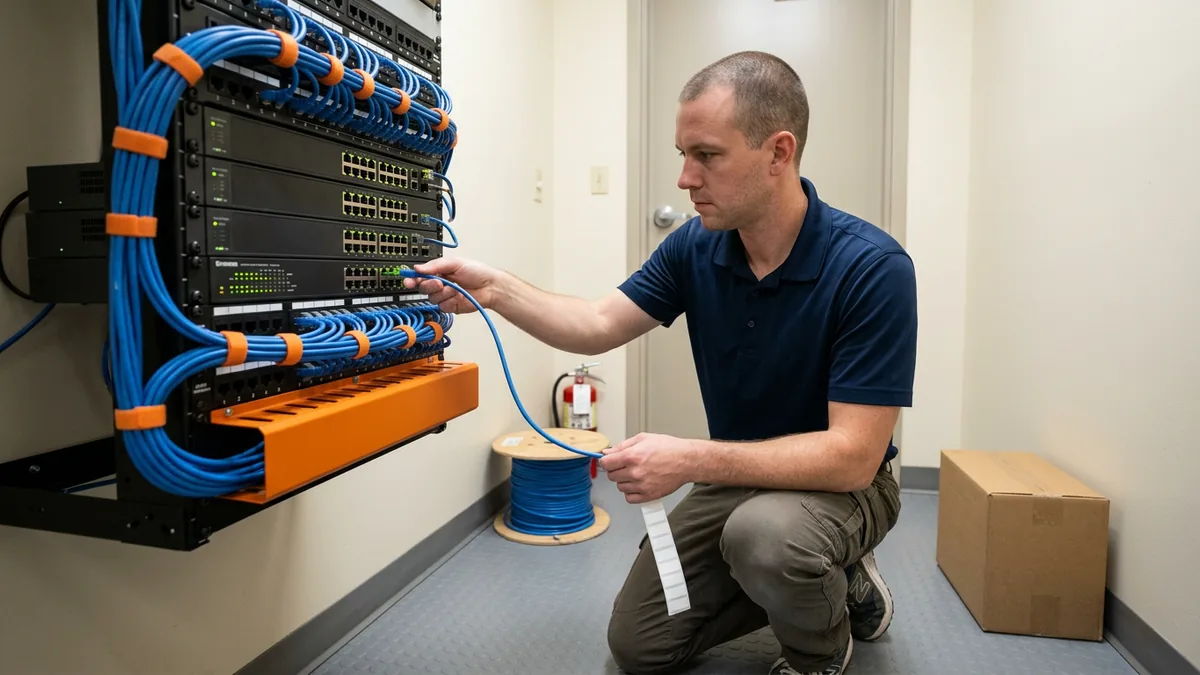
What Tekion Asks the Dealer to Own
Tekion readiness is the work a dealership finishes before go-live so the platform runs the way it was designed: internet sized for a cloud DMS with a second path when the first one fails, low-voltage cabling and electrical in place for every installed device, and access and security controls ready before data conversion starts.
None of this is hidden. Tekion’s published Implementation Terms say the dealer bears the full cost of “required electrical installation work, including materials and permits” and “required low-voltage (data cabling) installation work, including materials and permits.” Anything mounted above 10 feet is on you. So is the ladder. Read that part twice.
Then comes the line that matters most. You’re responsible for “certifying that all pre-requisites are already met,” and if a technician gets dispatched to a store that isn’t ready, a trip charge applies and the visit gets rescheduled. Standard installs happen Monday through Friday, 8 a.m. to 6 p.m. local time. After hours costs extra.
I think that’s a fair split. Tekion is a software company with a very good implementation team, and it shouldn’t be pulling cable through your ceiling. But somebody has to, and somebody has to sign the readiness certification honestly. Who owns that? At a lot of stores the answer is the controller, who has never seen the network closet. That’s a real problem. It’s also why we built our Tekion enablement services around the dealer side of the project, before, during, and after go-live.
The Internet Circuit Is Your DMS Now
On June 19, 2024, CDK Global was hit by a cyberattack that took down the DMS for roughly 15,000 dealerships, according to BleepingComputer’s reporting. Stores went back to pen and paper. Dealers still bring it up with us when Tekion comes up, and honestly I’m glad they do, because it was the week everybody found out the DMS isn’t a piece of software you own. It’s the store.
Cloud moves the weak spot. You don’t have a server in the back room anymore that can die on you, which is good. What you have is a piece of fiber coming in off the street. If a backhoe at the strip mall next door cuts it, your F&I office can’t print a contract and your advisors can’t open an RO, and Tekion can be running perfectly the whole time. Doesn’t matter. From your side it’s down.
Two circuits, then. Different carriers if you can get them, or fiber plus cable plus a cellular backup at the smaller rooftops, with a firewall that switches over by itself and switches back by itself. Plenty of stores test their failover for the first time on the day they need it. You don’t want to be that store.
People always ask me for the bandwidth number. I won’t give one blind, and I’d be wary of anybody who does. We count first. How many people are in the DMS at month-end close? How many tablets are on the drive, how many cameras are shipping video offsite, do the phones ride the same pipe, what’s the OEM making you run? Then we look at upload, which is the number nobody checks. A lot of stores bought an asymmetric circuit ten years ago, back when everything lived in the building, and now the upload side is the first thing to choke.
Cable anything that doesn’t move. Desks, the parts counter, cashiering, printers. Wireless is for the drive, the shop, and the lot, and in most stores we walk, the access points were hung by somebody who never stood in the last bay of the shop with a tablet. More of them, mounted higher. That’s usually the fix.

A Rooftop-by-Rooftop Hardware Readiness Check
This is the walk-through we do at each rooftop before a Tekion go-live. Some of it’s boring. All of it gets tested.
| Area | What go-live depends on | What we check before signing off |
|---|---|---|
| Internet | Two diverse circuits per rooftop | Pull the primary and watch the store keep working |
| Cabling | Low-voltage runs to every new device location | Drops labeled, tested, and documented |
| Electrical | Power where Tekion’s installers will mount equipment | Outlets and permits done before the install date |
| Wi-Fi | Coverage on the drive, shop floor, and lot | Walk it with a device and find the dead spots |
| PCs | Supported operating system, enough memory, current browser | Retire or upgrade anything still on Windows 10 |
| Printers | Every form, label, and invoice printing from the new system | Print a real deal jacket and a real RO from each one |
| Phones | Whatever the old DMS provider supplied | Contract end dates, number ownership, replacement plan |
The PC row trips people up more than you’d think. Tekion runs in the browser, so dealers assume any old machine will do. It won’t. A browser-based DMS on a slow, out-of-support PC is still slow, and it’s still out of support. If you’re carrying Windows 10 machines, our Windows 10 extended security updates action plan covers what to do with them.
Printers deserve their own afternoon. They always do. Our DMS conversion checklist has the full device list for any platform change.
Security Has to Be Ready Before the Data Moves
Data conversion is when your customer files, deal history, and credit applications start flowing into the new platform. By then, the controls around them should already be on. Not planned. On.
The FTC Safeguards Rule is the floor here, and it’s specific. 16 CFR 314.4 requires access controls under (c)(1), encryption of customer information in transit and at rest under (c)(3), multi-factor authentication for anyone accessing customer information under (c)(5), and oversight of your service providers under (f). A new DMS touches all four. I’m not leading with the regulator, though. The real reason is that attackers look for exactly this moment, when two systems are live, logins are being handed out, and nobody’s sure which accounts are supposed to exist.
Rebuild access from roles instead of copying the old user list. Old user lists carry old mistakes. Turn on MFA for everybody, including the general manager who hates it. Put guest Wi-Fi, cameras, and building systems on their own network segments, away from the machines that open deals, which lines up with the network segmentation goal in CISA’s Cross-Sector Cybersecurity Performance Goals. And decide, in writing, who shuts off the legacy accounts on cutover day.
We covered the identity side in more depth in what dealers need to get right when they move to Tekion, and the security case for the platform itself in why security belongs in the DMS selection process. Short version? A modern platform removes a lot of on-premises risk. The logins, the PCs, and the network are still yours.

Use the Move to Retool Your Network and Phones
Here’s the part most dealers miss. For years, a lot of stores rented their network gear, and sometimes their phone system, from the DMS provider, because that’s how the old model worked. The DMS company put a box in your closet and ran the network around it.
I said it this way when we were planning this piece: “When you move to Tekion, there’s an opportunity to retool your network and retool your telephones and get away from the DMS control and put in better systems that cost a fraction.” I meant it. A cloud DMS doesn’t need its own proprietary network in your building. That frees you to pick firewalls, switches, wireless, and a phone system on their merits.
One of our clients is still under a long CDK contract, and they’ve told us plainly, “We hate CDK’s network support, but I’m stuck with them.” That’s a hard spot for a dealer to be in. And it’s avoidable for anyone planning a Tekion move right now.
Before you sign the Tekion paperwork, pull the old agreements and look for these:
- When the network equipment lease or support agreement ends, and what it costs to leave early. Some run on a different clock than the DMS contract itself.
- Who owns the firewall configuration. If it’s the old provider, get a copy now.
- Your phone numbers. Make sure they’re yours to port, then start the port early, because carriers move at their own speed.
- Anything else in the building with the old provider’s name on it.
Then sequence it. The network gets replaced first, while the legacy DMS is still running and you can test in peace. Phones go next. Tekion goes live on infrastructure that’s already been proven, which is how you keep go-live week about Tekion and not about a switch nobody configured. Our DMS transition services are built around that order.
Where Helion Fits
Helion Technologies is a Tekion Certified Partner, and we stay on after go-live to extend the momentum Tekion’s own team builds. We’ve worked only with automotive and heavy truck dealerships for nearly 30 years. Today that’s 2,000-plus dealerships and 35,000 end users, a 98% client retention rate, and an average of 82 seconds to reach a support agent.
All of our clients are on the same roadmap. The firewall, wireless, and PC configurations we put in for a Tekion store are the same vetted builds we’ve deployed tens of thousands of times, wrapped in dealership cybersecurity monitoring and an FTC Safeguards compliance program that records the change. And when you pay the number, the number’s the number. We don’t charge extra for after hours. We don’t charge extra for weekends.
What Dealers Ask Us Before a Tekion Go-Live
Who actually signs off that our store is ready for Tekion?
Can we just keep the network and phones our old DMS provider put in?
How much internet does a store really need for Tekion?
Our PCs are fine with the old DMS. Why replace them?
Is a cloud DMS safer than the server in our back room?
Tekion will hand you a project plan and a list of prerequisites. Treat them as a deadline, not a suggestion, and get the network, the cabling, and the security work done before anyone books an installer. If you want to know where your store stands today, start with our complimentary IT and cybersecurity assessment. We’ll tell you what’s ready and what isn’t.