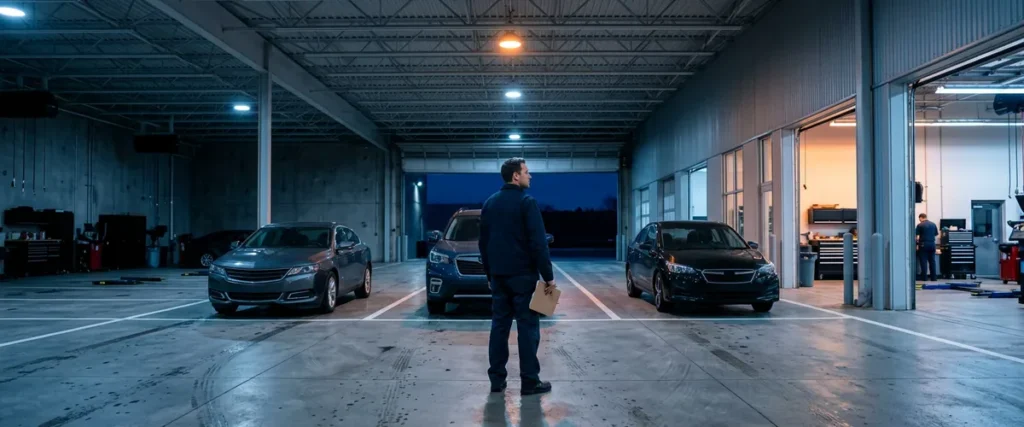

Auto dealership ransomware usually gets in through a phishing email, a stolen password, exposed remote access, or a vendor’s connection. Recovery takes weeks. Systems get rebuilt, paper deals get keyed back in, stolen data gets traced, and notices get filed.
Last updated: October 17, 2026
Ask a service advisor to define ransomware and you might get a shrug. Ask about the morning nobody could open a repair order, though, and you’ll hear the whole story, start to finish, including which customer got loud first. People remember that morning. They don’t forget it.
That’s the ransomware I know. I don’t hunt attackers inside networks. Erik Nachbahr, who founded Helion Technologies, and our security engineers handle that part, and they’re good at it. My side of it is the floor. Always has been. I came up in a dealership service department, worked parts and service, and then spent years at DMS companies supporting and training dealership staff on the software they depend on all day. So when a store gets hit, my mind goes straight to the advisor with six cars in the lane and no way to print a ticket. Then to the cashier. Then to payroll.
We’ve written about ransomware on this blog for years, one piece at a time: the warning signs, the brokers who sell the way in, whether to pay. This is the 2026 overview that ties those together, so a dealer principal or a GM can read one page and know how the attacks start, what recovery really takes, and where our dealership cybersecurity services fit in. The deeper posts are linked along the way.
Ransomware isn’t a computer problem. It’s a store problem.
What Ransomware Looks Like at a Dealership in 2026
Ransomware is malicious software that locks a business out of its own systems, usually by encrypting files and servers, and then demands payment for the key. Most groups now steal data before they encrypt it, so a dealership faces two threats at once, systems that won’t run and customer records that may be published.
That second part changed the math. It used to be simpler. Back then, good backups were close to a full answer, because you could restore and ignore the note. Now the note usually says something like “we have your customers’ files,” and restoring doesn’t make that go away. The files are already gone.
There are really two ways it reaches a store. Your own network can get hit, which is the classic case. Or a company you depend on gets hit, and its outage becomes yours. June 2024 was the second kind. Nobody in retail auto had seen anything that size. CDK Global shut down systems after a cyberattack on June 19, and CDK serves more than 15,000 dealers across North America, according to Cybersecurity Dive. We wrote at the time about why CDK wasn’t a one-time wake-up call, and 2025 proved the point. A dealership software provider called Motility Software Solutions reported a ransomware attack that August, and its filing with the Maine Attorney General lists 766,670 people affected. Our post on lessons from the Motility DMS breach covers that one in detail.
None of this is new to us, honestly. Back in 2019, Erik told Automotive News that we were hearing from a dealership hit by ransomware about once a month. The attacks have gotten bigger since then. The entry points mostly didn’t change. Not really.

How Dealership Ransomware Attacks Start
The federal government’s own playbook is a good place to start. The #StopRansomware Guide from CISA, the FBI, and partner agencies organizes its prevention advice around how attackers first get in, and the main doors it lists are internet-facing weaknesses, compromised credentials, phishing and social engineering, and third parties such as IT and software providers. Every one of those exists in a typical dealership. Here’s what each looks like inside a store. Some of it may sound familiar.
Walk the store with me for a minute, department by department, because each one has its own door.
The BDC and the front office get the most email, so they get the most phishing. A rep clearing internet leads before lunch, or an office manager paying vendor invoices, sees a message that looks like every other one that day and opens the attachment. Our older post on the signs of an impending ransomware attack covers what happens after that click.
F&I is where reused passwords hurt. If the password a manager uses on a personal shopping site also opens their work email, a leak at that shopping site turns into a login to your Microsoft 365, unless multifactor sign-in is on.
The service drive usually has the shared login. One account for the whole lane, sometimes on a sticky note, because it gets the first car of the morning written up faster. Afterward nobody can say who used it.
Then there’s remote access, often set up years ago so an owner could connect from home or a vendor could look after a server. Plenty of stores still have it open to the internet with nobody checking it.
Last come the vendors, which means the DMS, the CRM, the credit tools, and any company with a connection into the store or a copy of your customers’ data. Some attackers never break in at all. They buy the way in from initial access brokers who already did.
I once wrote on LinkedIn that a store should protect its DMS like it’s the last available inventory on the lot. I still believe it. The lot just has more gates than most managers realize.
Attackers take their time once they’re in, too. They’ll sit inside for days or weeks, finding the backups and copying customer files out before they lock anything, and if somebody is watching the alerts during that stretch, the attack can still be stopped cold. Our managed detection and response for dealerships puts real people on those alerts around the clock.
The front door is usually a person. The damage happens in the quiet weeks after.
Your Store Got Hit vs. Your Vendor Got Hit
These two cases feel the same on the floor, because either way the screens stop working. They’re very different for the people who have to fix them. Ownership changes. So does your to-do list.
| Question | Your own network is hit | A vendor (DMS, CRM, software provider) is hit |
|---|---|---|
| Who restores the systems? | You and your IT provider, from your backups | The vendor, on its schedule |
| What can you control? | Nearly everything, if the backups are clean and offline | Your paper process, your communication, and how you reconnect |
| Is your own network at risk? | Already affected | Possibly, through the vendor’s connection. Disconnect until it’s confirmed safe |
| Do you owe notices? | Likely, if customer data was taken | Possibly. The vendor holds your customers’ data, and your obligations don’t disappear |
| What decides how long it lasts? | Backup quality and how fast the attacker is removed | The vendor’s recovery, plus your re-entry work afterward |
The bottom row is the one people miss. When the vendor’s systems come back, your paper doesn’t key itself in.

What Recovery Takes, Department by Department
Restoring servers is the IT part, and it’s real work. But the part that drags on for weeks is the floor catching up. During the CDK outage, CDK said it expected all dealer connections to be back by July 3 or early July 4, Cybersecurity Dive reported, about two weeks after it shut systems down. Two weeks of paper is a lot of paper. Picture the stack.
| Department | During the outage | The catch-up work afterward |
|---|---|---|
| Sales and F&I | Paper buyer’s orders, manual payment quotes, funding packages assembled by hand | Every deal re-entered and checked against the paper, taxes and fees confirmed, lender funding chased |
| Service | Handwritten repair orders, no service history on screen, warranty claims on hold | ROs keyed in, technician time reconciled, warranty claims submitted before they age out |
| Parts | Counter tickets and phone orders with no live inventory | Every sale and receipt posted, then a count to fix what drifted |
| Accounting and payroll | Payroll estimated, often from the last good period | Commissions corrected, the month-end close rebuilt, schedules tied out |
| Management | Deciding whether to sell, how to talk to customers, what to tell staff | Notices, insurance claims, the lessons written down and the plan updated |
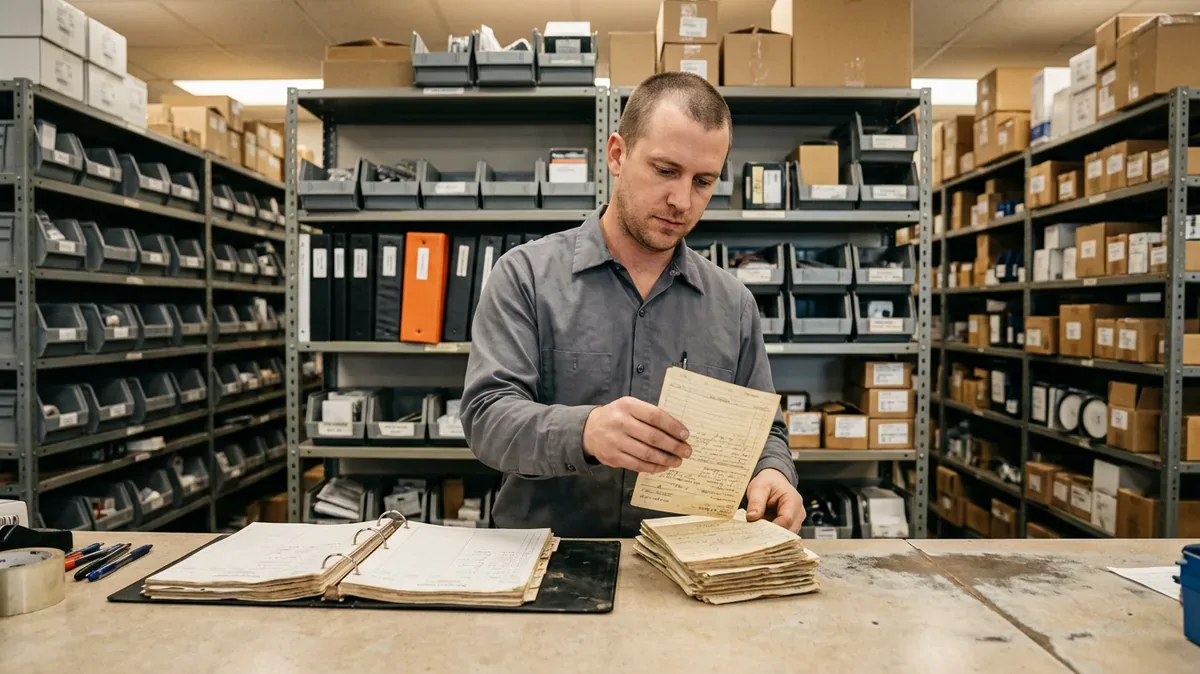
I know what the right-hand column feels like. When I helped a multi-rooftop dealer group convert more than 30 stores to a new DMS, a big share of the work was reconciling lease deals line by line against the legacy numbers across six OEM programs, and testing state tax settings on a real deal with the F&I manager before anything rolled out group-wide. It was slow, careful work. And it was a planned project, with the old system still standing next to the new one. Re-keying a stack of paper deals after an attack is the same kind of work with none of that safety net. The legacy numbers might be encrypted. Or gone. The people doing the re-entry are also trying to sell and service cars that same week. That’s the real work of recovery, and it’s almost never in anybody’s estimate. It should be.
Some stores handle it well. The ones that come through it best decided ahead of time what they do on paper. Our DMS outage plan for dealerships lays that out, form by form.
Recovery isn’t over when the screens come back. It’s over when the paper is gone.
What Ransomware Has Cost Dealers
Public companies have to tell investors when something like this could hurt results, so the CDK outage left a paper trail. Sonic Automotive and Penske Automotive Group warned investors within two days of the attack, and AutoNation, Group 1 Automotive, and Lithia Motors filed with the SEC the following Monday, all saying they were open and working around the outage, according to Cybersecurity Dive’s June 2024 coverage. AutoNation later estimated a $1.50 per-share hit to its second-quarter earnings, WardsAuto reported, tying it to lost productivity from June 19 to June 30 and one-time pay guarantees for commissioned staff.
Read that last part again. Pay guarantees. That’s real money. The salespeople and technicians couldn’t earn normally, and the store paid them anyway. My guess is the math was simple. Losing good people costs more.
Across the industry, Anderson Economic Group estimated dealers lost more than $600 million in the first two weeks of the outage, with direct losses on track for $944 million if it ran into a third week, as KTVU reported on July 3, 2024. That figure doesn’t include ransom payments, legal bills, or the customers who bought somewhere else and never came back. Nobody counts those.
Those numbers belong to big public groups and to the industry as a whole, so a single-point store won’t ever see a per-share hit on a quarterly report, but it will feel the same thing in a smaller and sharper way. It’ll see a month where gross falls off and payroll doesn’t. That hurts more.
The Notices You May Owe Afterward
Once systems are running again, there’s still a legal clock. It’s short. Under the FTC Safeguards Rule, which covers auto dealers that arrange financing, a dealership has to notify the FTC as soon as possible and no later than 30 days after discovering that unencrypted customer information on at least 500 consumers was acquired without authorization. The FTC announced that requirement in October 2023, and it took effect in May 2024.
State breach laws sit on top of that and usually require letters to the affected customers themselves, plus filings with some attorneys general. That’s why the Motility numbers above come from a state AG listing. Our post on what dealers must report within 30 days breaks down the federal piece.
I’ll keep this short on purpose. It matters, though. The notice is the last step of a bad month, not the reason to care about any of this, because the real reason to care is the service drive standing still while customers wait and the advisors have nothing to hand them.
Pay, Restore, or Both?
Whether to pay is the question everyone asks first, and it’s usually the wrong place to start. Start with your backups. The real question is whether you can restore without paying, and that comes down to backups the attacker couldn’t reach. CISA’s guide tells organizations to keep offline, encrypted backups of critical data and to test them. A backup that sits on the same network with the same admin password gets encrypted along with everything else, and attackers look for those first. They know where to look.
Our view hasn’t changed since we wrote should you make a ransomware payment: paying buys a key that may or may not work and does nothing about the data that already left. That’s a bad trade. Some states have also banned public agencies from paying ransoms, a trend we covered in banning payments to ransomware attackers. If you ever face the decision, make it with your attorney, your cyber insurer, and law enforcement in the room. Never alone at 2 a.m.
Backups you’ve actually tested make the choice for you. Untested ones don’t. That’s the job our backup and disaster recovery for dealerships service is built around.

What to Do This Month
When I was building training at a DMS company, I learned that people don’t remember the slide. They remember the thing they did with their own hands. So my list leans toward practice, and most of it is a manager making a call this week, not a budget request. Start small.
- Multifactor sign-in on email and remote access, for everyone. Yes, the owner too.
- The shared login at the drive or the parts counter goes away, and each person gets their own. People grumble for about a week.
- One question to your IT provider, in writing: when did we last restore from backup, and how long did it take? If nobody knows, you’ve learned something.
- Paper packs for deals, ROs, and parts, printed and kept where a brand-new hire could find them on a bad morning.
- An hour of practice per department. Shut the screens off, have the team write one real deal or one real RO on paper, then key it back in when you’re done. Hands-on experience and repetition make a world of difference, and it’s the only way you find the gaps before an attacker does.
- Every vendor that touches your network or your customer data, written down. Put a store person’s name beside each.
- An incident response plan template, filled in, so everyone knows who calls whom in the first hour.
Two of those cost nothing but a meeting. That’s a good place to begin.
Things Dealers Ask Us About Ransomware
So how long is a dealership usually down after ransomware?
Are dealerships actually targeted, or just caught in the blast?
Our DMS is in the cloud. Doesn’t that cover us?
What should we do in the first hour?
Does cyber insurance pay for all of it?
Where to Start
We support more than 2,000 dealerships, and the ones that recover fastest aren’t the ones with the fanciest tools. They’re the ones where somebody decided in advance who does what, the backups were tested, and the people on the floor had practiced working on paper at least once. It’s not glamorous. That’s set up for success in the plainest sense.
If you’d like an outside look at where your store stands, start with our complimentary IT and cybersecurity assessment. We’ll look at your backups, your logins, your remote access, and your vendor connections, and tell you plainly what we’d fix first.
Practice the bad day once, and it stops being a stranger.