
Karmak bought DSI Solutions, the company behind the Blaze DMS, in a deal effective September 30, 2025, and now holds more than half of the DMS market among PACCAR dealers. Blaze is still sold and supported. Moving to Fusion is a choice, and it’s an IT project before it’s a software project.
Last updated: October 8, 2026
I sold CRM software to dealers for five years before I spent the next 20 advising them at Helion Technologies. So I’ve read a lot of acquisition announcements from the vendor’s side of the table. They’re accurate. They’re also written for every customer at once, not for your parts counter at 7:15 on a Monday.
Here’s what the Karmak and DSI deal actually says. It’s short. Then the checklist I’d run before anyone at a Kenworth or Peterbilt store puts a migration date on the calendar.
What the Karmak DSI Acquisition Actually Changed
The Karmak DSI acquisition is Karmak’s purchase of DSI Solutions, maker of the browser-based Blaze dealer management system, effective September 30, 2025. It added more than 700 account locations to Karmak, the company behind Fusion, and gave it over 50% of the DMS market among PACCAR dealers.
Karmak’s own announcement is plain about the near term. Both Fusion and Blaze “will continue to be sold and supported,” and the integration of systems, teams and operations “will evolve incrementally.” DSI’s CEOs, Vic Watson and Ben Cramer, joined Karmak. Truck Parts & Service covered it as Karmak picking up a key competitor. Fair enough.
In January 2026, Karmak described the two products side by side. Fusion is the enterprise system of record for complex, multi-location operations. Blaze is the cloud-native, mobile-first SaaS product built for speed and quick implementation.
Read that again. Nobody is being forced off Blaze.
So why a checklist for dealers moving off it? Because plenty of them will move anyway, on their own schedule. A group buys a store that runs Fusion and wants one system. A Blaze store outgrows it. It happens. A renewal shows up with a new contract attached. Two products under one owner tend to get one roadmap conversation eventually, and I’m not predicting what Karmak decides. I’m saying renewal time is when you’ll hear about it, and you want your IT homework done before that call.
This post is narrow on purpose. If you want the wider view of what we do for IT support for heavy truck dealerships, that’s its own page.
Why the Deal Matters More in Trucks Than It Would in Cars
Scale, mostly. American Truck Dealers reports that franchised truck dealers sold 416,467 medium- and heavy-duty trucks in 2025, wrote more than 11 million repair orders, and booked more than $48 billion in service and parts sales, according to ATD Data 2025. Every one of those repair orders lives in a DMS. All 11 million.
Small market. Big dependency.
PACCAR’s 2025 annual report says its parts network supports more than 2,000 DAF, Kenworth, and Peterbilt sales, parts, and service locations. Half of the DMS business in that world now answers to one vendor. That isn’t bad news. It just means a lot of PACCAR stores will be having the same conversation in the same couple of years, and the ones who show up with a device count and a network map get a better migration than the ones who show up with a login list.
Blaze vs Fusion From the IT Side
The software comparison belongs to Karmak. This is the part they won’t fill out for you.
| What IT has to check | Staying on Blaze | Moving to Fusion |
|---|---|---|
| How users reach it | A web browser, per Karmak’s SaaS description | A Windows-based application, either on your own server or hosted by Karmak (ask which) |
| Where the data sits | The vendor’s cloud | Your server room, or Karmak’s Xcelerate Cloud Hosting |
| What breaks when the internet drops | The DMS, at that rooftop | On premises, mostly remote stores; hosted, every store on that circuit |
| Devices to retest | Browsers, shop tablets, printers | Windows clients, printers, signature pads, scanners |
| Who patches the server | The vendor | You, if it’s on premises; Karmak, if it’s hosted |
| FTC Safeguards paperwork | Service provider oversight of Karmak | The same, plus your own server controls if it runs in your building |
Fusion has been Windows-based for a long time; that’s how Karmak described it back in 2018. Confirm the current deployment options with Karmak before you plan anything around this table. Things change. Weighing Procede’s Excede against Karmak instead? Our Karmak vs Procede comparison covers that decision from the IT side. Already on Excede? Here’s how we handle Procede Excede IT support.
The PACCAR Dealer’s DMS Move Checklist
Nothing on this list is exotic. It’s the stuff that falls through the cracks when the software vendor sets the go-live date and nobody at the store owns everything else. Car stores have a broader version in our DMS conversion checklist for franchised dealers.
Start With the Contract, Not the Demo

I’d want four answers on paper before I let anybody schedule training. How long Blaze is supported under the contract you have right now, not under a press release. What Fusion costs in year two and year three, since the first-year number is the one that gets negotiated hardest. Who owns the data, what format it comes out in, and how many days you have to pull it after you leave, answered by someone who can actually sign for Karmak. And a copy of Karmak’s current security documentation, now that DSI is part of it. Get it in writing. All four.
The security piece matters. People skip it. Under 16 CFR 314.4(f), part of the FTC Safeguards Rule, you have to choose service providers that can protect customer information, require that in the contract, and reassess them from time to time. When your DMS vendor gets bought, your service provider has changed, even if the login screen hasn’t. If your truck store arranges financing or leases, you’re covered by that rule the same way the franchised car store across the highway is.
The Network, Store by Store
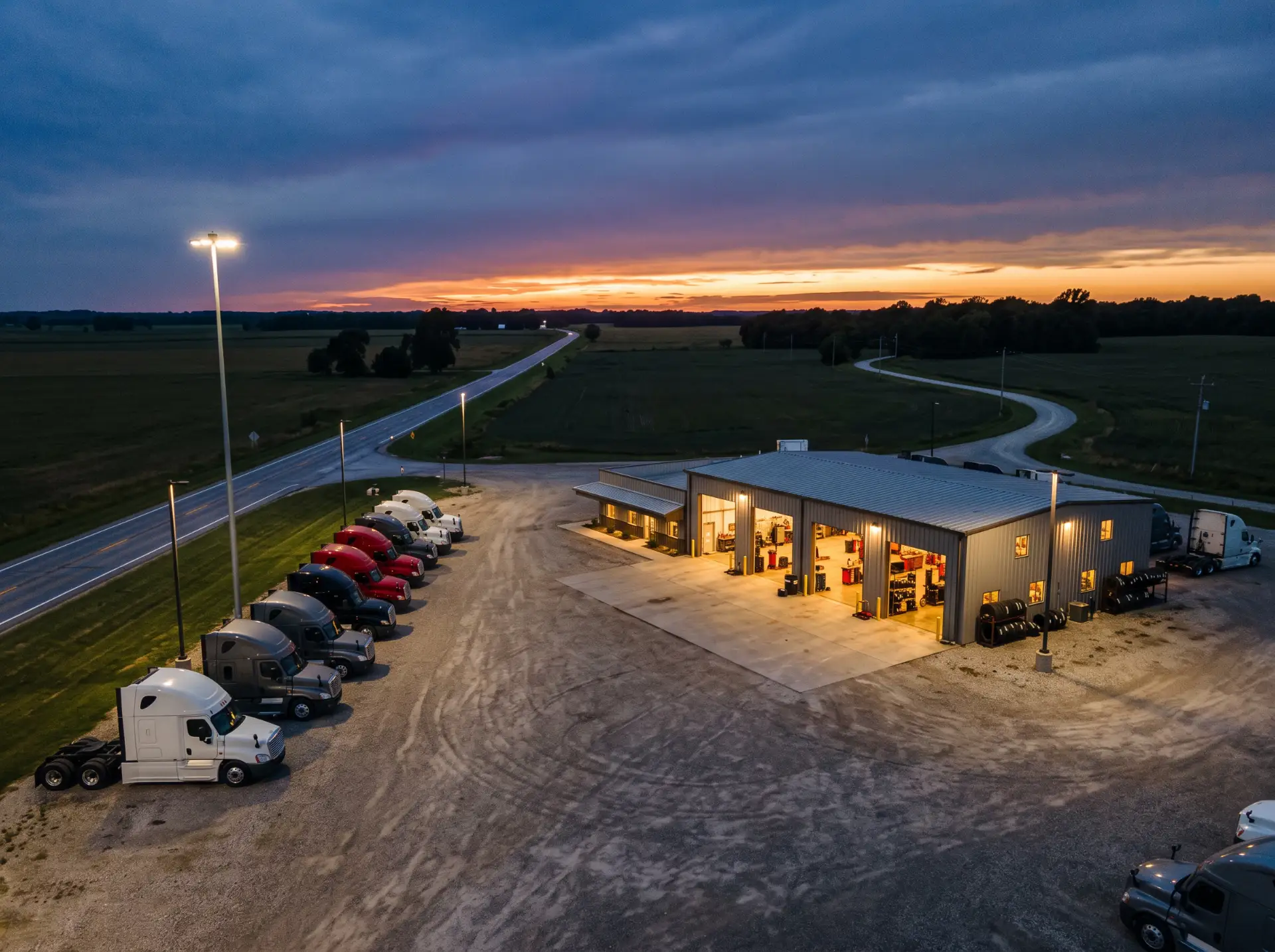
Rural stores feel this first. A new system always looks good in the demo, where there’s one user and a fat fiber line. Your Thursday afternoon at a store forty miles from the interstate is a different animal. Here’s a cheap test. During the busiest hour, have someone run a speed test from the parts counter, then write the number down for every rooftop you’ve got, because the one that comes in lowest is the one that’ll call you first after go-live. Then ask what the plan is when that line goes dark. “Call the carrier” isn’t a plan. It’s a hold queue. Get cellular failover in before cutover. While you’re poking around, peek at the switches and the firewall too. Some of that gear was bought for the last DMS. Maybe the one before it.
Printers, Pads, and the PC by the Wash Bay
Then go count things. Seriously, walk it with a legal pad. Parts counter, service drive, receiving, shop floor. You’re looking for label printers, the invoice printer, signature pads, scanners, the techs’ tablets, and that desktop by the wash bay that’s older than a couple of your techs. Every one of them talks to the DMS somehow, and every one is going to want a driver, a setting, or a replacement before it cooperates with a new system. Nobody budgets for that. Find out now, not on go-live morning. The install team is coming to set up the DMS. They aren’t coming to fix your label printer, and honestly, they shouldn’t have to.
Rebuild Access Instead of Copying It
Here’s the mistake I’d avoid. Somebody exports the old user list, imports it into the new system, and calls it done, and now every bad habit from the last ten years has a fresh login. Build access from the job instead. What does the person at the parts counter actually need to see? Not payroll. Not the finance files. Shared counter logins go away entirely, and multi-factor authentication goes on, which Safeguards requires for anyone getting into customer information under 314.4(c)(5). On cutover day, kill the old Blaze accounts. Former employees shouldn’t keep a working password to a system nobody’s watching.
Map Every Integration Before Cutover
Write down everything that talks to the DMS today, with the person who owns it. For most PACCAR stores the list looks something like this.
- Parts ordering with PACCAR
- Warranty claims, and who actually files them
- Whatever service management tool the shop really lives in
- The accounting export your CPA keeps asking about
- Card processing at the counter
- Telematics data, if fleet customers send it
- CRM, assuming somebody uses it
Then ask Karmak which ones carry over and which ones get rebuilt. The “rebuilt” column is your real project plan. Most stores miss one. Usually two.
Pick a Cutover Date the Way a Service Manager Would
Not month-end. Not the week of a big fleet delivery. Not the Monday after a long weekend, when the service drive is already backed up with every truck that broke down while the shop was closed and the parts counter is three deep before the coffee’s done. Pick it with the people who feel the outage. Then plan for the bad version. It shows up. Have a paper process for the parts counter and the service drive. Confirm the final backup of the old system restores, rather than trusting that it ran. If your group has several rooftops, go one store first and learn something before you do the rest.
Decide What Happens to the Old Data
Most dealers don’t think about this one until an auditor or an insurance carrier asks. The rule is specific about it. Under 314.4(c)(6), you dispose of customer information no later than two years after you last used it to serve that customer, unless you have a legitimate business or legal reason to keep it, and the FTC’s plain-language guide walks through the same requirement. Decide now. Make that call during planning, not a year later. Keep a read-only archive of what you’re required to hold and write down why, get rid of the rest properly, and wipe the drives in any server you retire. The same section asks for change management procedures under 314.4(c)(7). Switching DMS platforms is probably the biggest change your systems will go through this decade.
Update the Incident Response Plan’s Phone List
Pull out your written incident response plan and look at the vendor contacts. I’d bet it still has a DSI support number on it, and maybe the name of somebody who left your store two years ago. Fix both. Today, ideally. Since May 2024 the FTC has required notification within 30 days of discovering a breach that involves the unencrypted information of 500 or more consumers, and the first day of an incident is a bad time to go looking for the right phone number. For a recent vendor-side example, read what the Motility DMS breach taught heavy truck dealers.
Who Should Run the IT Side of a DMS Move
Not the people selling you the DMS. Different job. That’s not a knock on Karmak or on any vendor. Their implementation team is good at moving dealer data, and that’s what they’re scoped and paid to do. Your firewall, your circuits, your printers, and your Safeguards file aren’t in that scope.
Dealers take a lot of technology advice from people who are selling them something, so the carrier says a bigger circuit fixes it, the copier rep says new printers fix it, and the DMS rep says the new DMS fixes it, and every one of them is answering a slightly different question than the one you have. Funny how that works. I’d rather you had one partner looking at the whole thing, because a DMS move touches the network, the security program, the compliance paperwork, and the people all at once.
When something isn’t working, I ask myself one question. What am I not doing? It’s a good question to ask before a migration, too.
We’ve done this kind of work for a long time. Helion has supported automotive and heavy truck dealerships since 1997 and now covers 2,000-plus dealerships and 35,000 end users, with an average of 82 seconds to reach a support agent and a 98% client retention rate. Karmak also signed a reseller agreement with Helion back in 2018. Our DMS transition support covers the planning, security, and cutover side, and our FTC Safeguards compliance program keeps the vendor file and the disposal records straight afterward. If you’re still deciding whether to move at all, our earlier piece on when to optimize your DMS and when to migrate is worth ten minutes.
Things Truck Dealers Are Asking Us
So is Blaze going away?
Our DMS vendor handles the migration. What’s left for IT?
Does Safeguards care whether we’re on Fusion or Blaze?
When does the IT side of a DMS move really start?
We’ve got one store. Do we really need all this?
Before You Call Karmak
Do your homework before the software conversation, not during it. Know how many devices you’ve got, whether your circuits hold up at the busy hour, what the contract really says, and where the old data ends up. Walk into the call with Karmak carrying that, and it’s a much shorter call. Once you’re on Fusion, our Karmak Fusion IT support picks up everything the software runs on.
If you’d like a second set of eyes on any of it, start with our complimentary IT and cybersecurity assessment. We’ll tell you what’s ready. And what isn’t. Bluntly, if that’s what it needs.