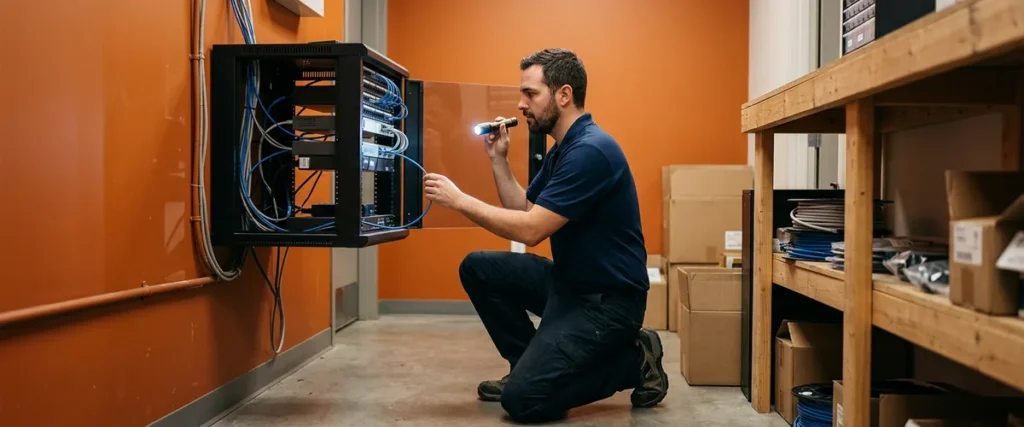

Root cause analysis in IT means finding out why a problem keeps happening instead of only getting the user working again. At a dealership, it’s the difference between resetting the same locked DMS login every Monday and finding what keeps locking it.
Last updated: October 17, 2026
Every service desk has a few tickets that come back like regulars. The printer at the service counter that jams on the second page. The Wi-Fi in the finance office that drops after lunch. The salesperson whose DMS login locks every Monday morning, right when the desk is busiest.
Each one gets fixed. Each one comes back.
Nobody did anything wrong, exactly. The technician cleared the jam, restarted the access point, and reset the account, and the person on the phone got back to work. Good. That’s the job of the first call. But if that’s all that ever happens, the store is paying for the same fix over and over, and the people doing the work are losing a little more patience with IT every week.
What I’ve learned over time, after more than 25 years leading managed services teams, is that the question that matters most comes after the user is back up. Are we fixing the cause, or are we working around the symptom? It’s also the question I’d want any dealer to ask of whoever provides their managed IT support for dealerships, whether that’s our team or someone else.
This post walks through what root cause analysis looks like for the IT problems dealerships actually have, in plain words, and what a good help desk does with a ticket that won’t stay closed.

Incident or Problem? The Distinction That Changes the Fix
In IT service management, an incident is a single interruption that needs to be fixed now, and a problem is the underlying cause behind one or more incidents. Root cause analysis is the work of finding that cause and removing it, so the incidents stop instead of being closed again and again.
That split comes from ITIL, the service management framework I’m certified in. ITIL 4 defines a problem as “a cause, or potential cause, of one or more incidents,” and it treats the two as separate practices with separate goals. Incident management restores service as fast as it can. Problem management asks why the incident happened at all. Different goals, different work.
Microsoft uses nearly the same language in its Azure Well-Architected guidance on incident management, where it defines root cause analysis as the “investigation and identification of the underlying cause(s) of an incident, including contributing factors, to prevent recurrence.” I like that last phrase, because preventing the next one is the reason to do the work at all.
A workaround is ITIL’s word for whatever gets the user going while the cause is still open. Sending the repair order to the printer in the parts department is a workaround. So is a loaner PC for the morning. I’m fine with workarounds, and I’d take one in 5 minutes over a perfect fix next week. It goes wrong when the workaround sticks around for a year and nobody remembers why everyone prints in parts.
So a repeat ticket gets two pieces of work. Only the first one happens on the phone.
The Tickets That Keep Coming Back at a Dealership
These are repeat issues that show up at a lot of dealerships, with where I’d send a technician to look before anyone calls them solved. Your building will have its own list.
| The ticket | The usual quick fix | Where the cause often lives |
|---|---|---|
| The service counter printer jams or prints blank pages | Clear the jam, power cycle, reprint | A worn part on a heavily used printer, the wrong paper tray setting, or an outdated print driver pushed to a few PCs |
| Wi-Fi drops in one office or one corner of the showroom | Restart the access point | Coverage that was planned before the floor plan changed, a failing cable or switch port, or two access points fighting over the same channel |
| A DMS or Microsoft 365 account locks out again | Clear the lockout and reset the password | An old password saved on a second device, a shared login, or a scanner or app still trying the old credentials |
| One PC is slow every morning | Restart it | Updates or scans scheduled at opening time, a failing drive, or a machine past its refresh date |
| Email stops syncing on someone’s phone | Remove the account and add it back | A sign-in policy the phone doesn’t meet, or an old mail app that needs replacing |
Every fix in the middle column works for a while, which is why they keep getting used.
We covered one of these in an older post on how slow computers hurt dealership productivity. When a restart fixes something, I take that as a clue. Whatever it cleared out is going to build back up, and our job is to find out what it was.
How a Root Cause Analysis Actually Runs
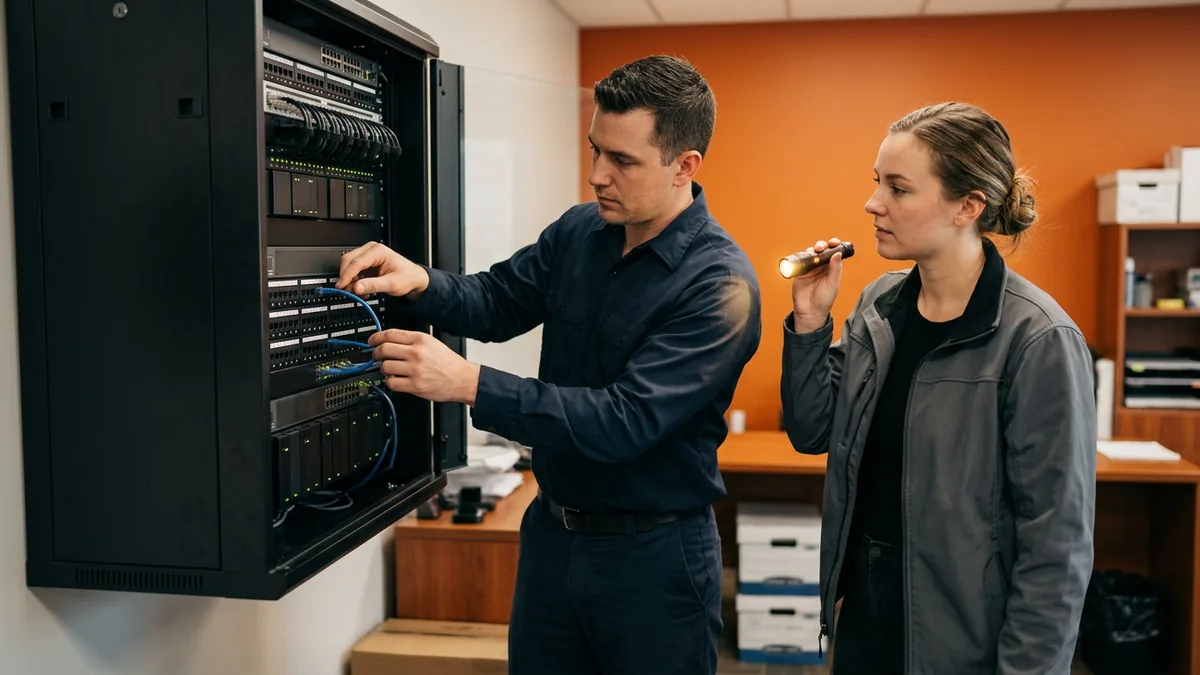
It’s less formal than it sounds. Usually it’s simple. CompTIA, the IT trade association behind the A+ and Network+ certifications, teaches a seven-step troubleshooting methodology that starts with “identify the problem” and ends with “document findings, actions, outcomes and lessons learned.” The article makes a point I appreciate, that a “theory of probable cause” is still a guess, “even if it is a guess backed by data.” Good technicians hold their first theory loosely. I try to.
On a repeat ticket at a dealership, the work usually goes something like this.
- Notice the pattern. Somebody has to see that this is the third lockout for the same person this month. That’s harder than it sounds. The three calls may have landed with three different technicians.
- Pull the history. Every past ticket on that device, user, or location, with what was tried each time.
- Separate what we know from what we’re assuming. “The account locks on Mondays” is known. “It’s the phone” is an assumption until someone checks. Those aren’t the same.
- Ask why, and keep asking. The account locked. Why? Too many bad sign-ins. From where? A device in the parts department. Why would that device have this person’s password? Because they used it to look something up two months ago and saved the login. Four whys. The answer has nothing to do with the person who keeps calling.
- Fix it, then watch it. Remove the saved login, confirm the lockouts stop, and check again the following Monday.
- Write it down where the next technician will find it.
That example is made up, but the shape of it isn’t. The cause is often somewhere other than where the symptom shows up.
Step 6 is the one that gets skipped. I think it’s also the one that pays back the most, because the next time a similar ticket comes in, the technician starts at the answer instead of at the beginning. ITIL calls a problem that’s been analyzed but not fully resolved a “known error,” and a short, written known error with its workaround is one of the most useful things a help desk can keep.
Some causes can’t be fixed by the store’s IT at all. It happens. A bug in a vendor’s software is a good example. The work then becomes documenting it well, giving the vendor clear evidence, and keeping the workaround in front of the people who need it until the vendor’s fix arrives.
Why Nobody Gets Blamed
This part matters more to me than the method. Much more.
Google’s guidance on conducting postmortems says it simply: “The goal of a postmortem is to learn from mistakes and not assign blame.” Amazon’s Well-Architected Framework goes a step further and lists, as a common mistake, “only identifying human error causes, and not providing any training or automation that could prevent human errors.”
Picture what that does inside a store. If the root cause of every repeat ticket turns out to be “the user did it,” people stop calling. They work around the printer. They write the password on a sticky note so it won’t lock again. The problem doesn’t go away. It just goes quiet. Quiet problems are the expensive ones.
When a salesperson’s login keeps locking, the useful question isn’t who saved the password. It’s why the setup made that so easy to do, and what would stop it from happening at the next desk. Blame fixes nothing. Have we looked at what this means for the people doing the work? A fix that makes their day harder usually doesn’t last. People route around it.
The same goes for our side of it. When one of our fixes didn’t hold, I want our technicians to say so plainly, because a team that’s afraid to reopen its own ticket will keep closing the wrong ones.

What This Looks Like From Our Service Desk
When someone at a dealership calls Helion Technologies, they reach a live person in 82 seconds on average, from 6 a.m. to midnight Eastern, Monday through Saturday, with after-hours, weekend, and field support included. That speed matters for the first job, which is getting a salesperson or a service advisor back to work. That’s the easy part.
Getting someone back to work is only half of it. The credit for the second job belongs to the people doing the work: the service desk technicians who notice that a ticket looks familiar and open a problem instead of closing another incident, the field engineers who walk the building to find the bad cable, and the systems engineers who change the setting so the same thing can’t happen at the store next door. I lead the team. They find the causes.
There’s a reason this fits how we think about service. A help desk that only reacts will always look busy, and busy isn’t the same as effective. It’s an easy trap. If your IT has started to feel like the same calls on a loop, our older post on signs your IT strategy is reactive instead of proactive is a good gut check.
If you run co-managed IT, where your own IT staff and a provider share the work, decide in writing who owns problem records. Otherwise each side assumes the other one is looking into it. Nobody is. Our co-managed IT responsibility matrix is a good place to put that line.

What Dealers Ask Us About Repeat IT Problems
How many times does an issue have to come back before it counts as a problem?
Isn’t root cause analysis just for big outages?
What if the cause turns out to be our DMS or another vendor’s software?
How do we know a repeat problem is actually fixed?
Who at the dealership should be part of the review?
Fix It Once, Then Fix Why
I don’t think every ticket needs a root cause analysis. Most don’t. Some do. A forgotten password is a forgotten password. What I do believe is that every dealership should know which of its tickets keep coming back, and someone should own the question of why. That’s the difference between a quick fix and a lasting solution, and it’s usually not a technology purchase. It’s attention. It takes a little time and a written record.
Here’s what I’d do this month. Go to whoever runs IT at your store, your own team, Helion, or both, and ask for the 5 issues that came up most often in the last 90 days, and ask what was done about the cause of each one. If you want a second set of eyes on it, our complimentary IT and cybersecurity assessment looks at how your store’s IT is set up and where repeat problems are likely coming from.
Fix the ticket today. Then fix the reason it showed up.