
Free Checklist for Dealers
FTC Safeguards Rule Checklist for Dealerships
All nine required elements of the rule, the proof to keep for each one, and a printable copy to mark up with your team.

An FTC Safeguards Rule checklist for dealerships covers the nine elements in 16 CFR 314.4, from naming a Qualified Individual to the annual board report. Mark each one yes, no or not sure, then attach proof.
Last updated: October 10, 2026
A checklist shows you the gaps. It doesn’t close them.
Any dealership that arranges financing or leasing counts as a financial institution under the Gramm-Leach-Bliley Act, so the rule applies to you whether you sell forty cars a month or four hundred. The amended version took full effect in June 2023. Breach reporting followed in May 2024. Plenty of stores still can’t say where they stand.
That’s what this list is for. It follows the rule in order, in plain English, and for every item it names the document or record that an examiner, an insurer or a lender would ask to see if something went wrong. Use it as a self-check. Not a certificate. We’ve said for years that a filled-in checklist isn’t a security program, and we still mean it. Where your answer is “not sure”, our dealership cybersecurity team can help you find out.
One rule of thumb before you start. If you can’t put your hands on the proof, mark it no.
Which Dealerships the FTC Safeguards Rule Checklist Applies To
Size doesn’t get you out of it. Franchise or independent, cars or heavy trucks, one rooftop or forty, the test is the same. If you help customers finance or lease, you hold their nonpublic personal information, and the rule covers every place that information sits, from the credit application to the copier that scanned it. Credit applications count. So do the driver’s license scans sitting in your DMS and the deal jackets in the F&I office.
There is one break for small operations. Under section 314.6 of the rule, a business that keeps customer information on fewer than 5,000 consumers can skip four of the written requirements, though every other safeguard still applies, including multi-factor authentication, encryption, training and vendor oversight. Count carefully.
Count every record. Not just this year’s.
Fewer than 5,000 consumers
You’re exempt from four items, namely the written risk assessment, the annual penetration test with twice-yearly vulnerability scans, the written incident response plan and the annual written report to your board.
Everything else on this checklist still applies.
5,000 consumers or more
All nine elements apply in full, in writing wherever the rule says so. A store that has financed cars for a few years usually lands here once the old deal files are counted.
Work the whole list.
On the calendar
FTC Safeguards Rule Deadlines Your Dealership Has to Hit
Most of the rule says “periodically” and leaves the schedule to you. A few items carry hard numbers. Those are the ones stores miss.
| Requirement | What the rule says | What to keep on file |
|---|---|---|
| Penetration test | Once a year, unless you run effective continuous monitoring. | The tester’s report, with the date and what was fixed afterward. |
| Vulnerability assessment | Every six months, and again after any material change to your systems. | Scan results and the tickets that closed each finding. |
| Report to the board | In writing, at least once a year, from the Qualified Individual. | The dated report and a note of who received it. |
| Customer data disposal | No later than two years after you last used it to serve that customer, unless a legal or business reason says keep it. | Your retention policy and a log of what was destroyed. |
| FTC breach notice | Within 30 days of discovering a breach of unencrypted information on 500 or more consumers. | The incident record and a copy of what you filed. |
| Risk assessment | Written, then repeated as your systems and the threats change. | Every dated version. Not only the latest. |
| Service provider review | Periodic assessments of each vendor that touches customer information. | The vendor list, the security terms in each contract and every review. |
Requirements from 16 CFR 314.4 and the FTC’s guide, FTC Safeguards Rule: What Your Business Needs to Know, as of October 2026.
The checklist
The Nine-Point FTC Safeguards Rule Checklist
Nine elements. That’s the whole rule. They appear here in the order the regulation lists them, each with the proof to keep, so you can walk it line by line with your controller and whoever runs IT. For the long version of each one, read the nine FTC Safeguards Rule requirements explained.
Prefer paper? Download the printable checklist and bring a pen.

Where Helion fits
We work this list for dealers every day as part of FTC Safeguards compliance, with the same team that runs their IT and security, so the paperwork matches what’s on the network.
FTC Safeguards Rule checklist 16 CFR 314.4, elements (a) through (i)
1 Name a Qualified Individual
One person runs the program and answers for it. The role can go to an employee or an outside provider, as we covered when the Qualified Individual requirement first arrived. No name on file? Start here.
Keep a signed, dated designation.
2 Put the risk assessment in writing
List where customer information lives, what could go wrong with each system and how you’d judge the damage. It has to be on paper, with the criteria you used. A walk-through somebody remembers doesn’t count. Never done one? Start with the steps to a cyber risk assessment.
Keep each dated version and its criteria.
3 Build the safeguards
The rule names eight specific controls here, from access limits and encryption to multi-factor authentication and activity logs. They get their own checklist further down. Most gaps hide in this one.
Eight more boxes to tick below.
4 Test and monitor
Here the rule hands you a choice, and plenty of dealers don’t know they have one. Continuous monitoring is option one. Option two is a penetration test every twelve months and a vulnerability assessment every six, and you’d repeat both after a big network change. Ours are done by people. Scanners miss what a patient human finds in an afternoon, which is the difference between a vulnerability assessment and a penetration test.
Test reports. And the fix list.
5 Train your people
Training isn’t only for the F&I office. If somebody has a login, they’re in the room, whether that’s a porter on a shared tablet or the title clerk you hired in March, and your security lead owes you proof of keeping up too. Short and regular works better than one long video in January. More on that in what dealerships need to know about awareness training.
Sign-in sheets from each session.
6 Check your service providers
Count the outside companies that can open a customer record at your store. DMS. CRM. The F&I menu. Us. The rule says pick them with security in mind, write the terms into the contract and check on them again later, which almost nobody does once the ink dries.
Vendor list, contracts, review dates.
7 Keep the program current
Bought a store? Switched DMS? Did the sales desk start pasting leads into an AI tool last month? Each of those should change the program, and so should a failed test. If the binder still says 2023 on the spine, nobody has looked since.
Dated notes on what changed and why.
8 Write the incident response plan
Seven parts go in it. The ones stores skip are who makes the call, who talks to customers and lenders, and how the hole gets closed afterward. Then run it once as a tabletop drill with the people named in it, because a plan nobody has rehearsed tends to fall apart at two in the morning on a holiday weekend, when half of them can’t be reached.
Your plan and the notes from that drill.
9 Report to the board
Once a year, at minimum, the Qualified Individual hands your board a written report on where the program stands and anything material that happened. No board? The dealer principal or another senior officer gets it instead.
A copy of the report and who got it.
Inside item three
The Eight Technical Safeguards an Auditor Will Ask to See
Item three is where IT does the heavy lifting. The rule spells out eight controls, and each one either exists on your network or it doesn’t. No gray area. Ask whoever manages your systems to show you each one working, in front of you, before you tick the box.
Not sure who’d answer these at your store? That’s what a complimentary IT and cybersecurity assessment is for.
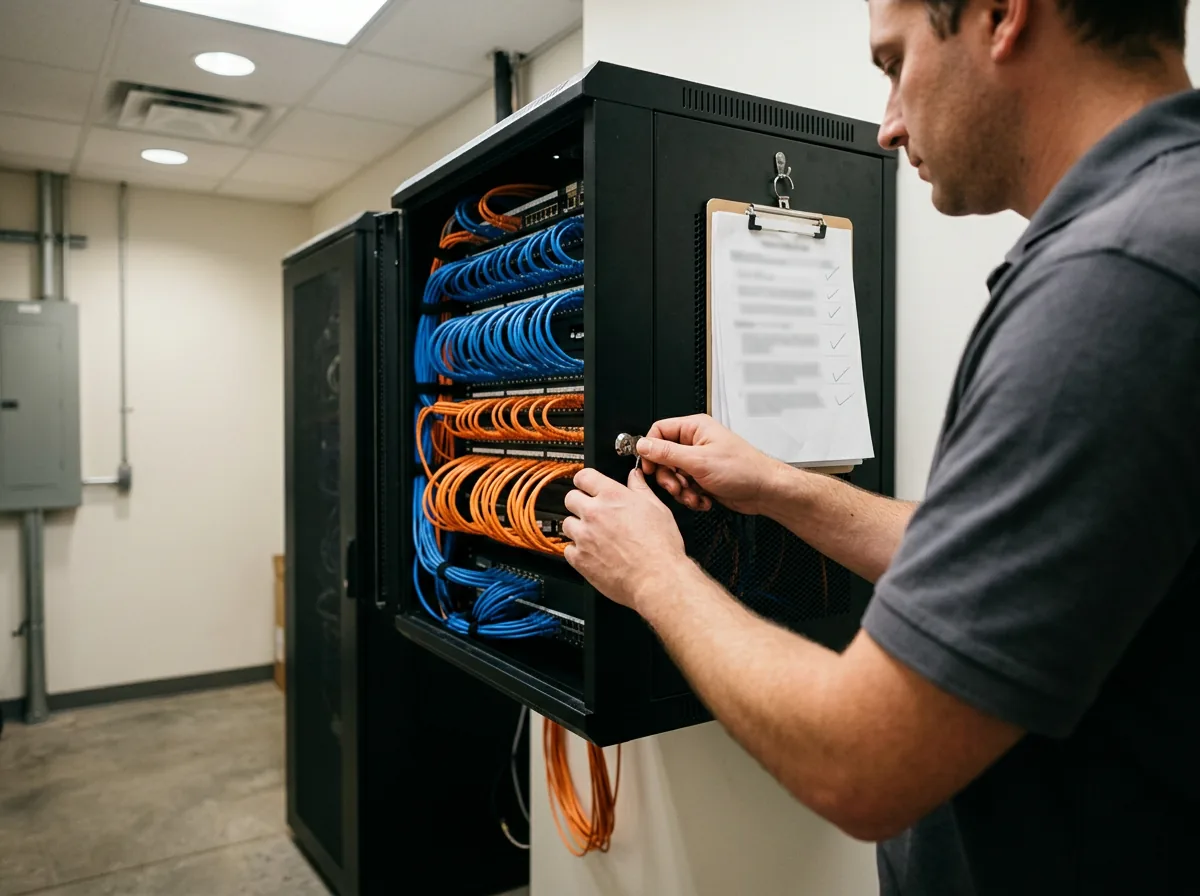
Technical safeguards check 16 CFR 314.4(c), items 1 through 8
1 Access controls
Each employee reaches only the customer information the job requires, which means a parts counterperson has no business opening credit applications and a salesperson doesn’t need last year’s deal jackets from another store. Shared logins at the sales desk fail this one. So do live accounts for people who left last year.
An access review somebody signed.
2 Data and device inventory
Know what data you hold, which systems and devices hold it and who uses them. You can’t protect a server nobody remembers. One of our penetration tests turned up a forgotten web server at a dealership, part of a homegrown CRM nobody had used in years, with the administrator login still set to admin and admin.
A current inventory of systems and data.
3 Encryption
Customer information is encrypted where it’s stored and when it travels over outside networks. Where that isn’t feasible, the Qualified Individual has to approve a substitute control in writing.
Encryption settings, system by system.
4 Secure applications
Built a tool in-house that handles customer data? It needs secure development practices. Software you bought needs a security evaluation before it goes near a deal file.
The evaluation for each application.
5 Multi-factor authentication
MFA covers anyone who gets into your information systems, staff and vendors alike. Email, the DMS, remote access. All of it. A password by itself no longer passes, and there’s a right way to do MFA that people can live with.
MFA enrollment, user by user.
6 Secure disposal
Customer information goes within two years of the last time you used it to serve that customer, unless the law or a real business need says you have to keep it longer. Old deal jackets count. Retired PCs too.
Retention policy and a disposal log.
7 Change management
Changes to your network and systems follow a written procedure, so a new firewall rule, a replaced switch or a DMS conversion doesn’t quietly open a hole that nobody notices until the next test.
Change records with approvals.
8 Logging and monitoring
Record what authorized users do and watch for unauthorized access or tampering. Logs nobody reads aren’t worth much, a point we’ve made before about continuous threat monitoring.
Log retention and alert reviews.
Who’s Behind This FTC Safeguards Checklist
Helion Technologies has worked only with dealerships since 1997 and runs hundreds of complimentary assessments for them every year, most for stores that aren’t clients yet, and the same gaps keep turning up. Security tools installed but never configured. Vendor reports that look like monitoring and aren’t. A compliance portal nobody has logged into since the week it was bought. A checklist finds those. People fix them.
How to Use the FTC Safeguards Rule Checklist
-
1
Print one per store
Dealer groups should run the list at every rooftop. The answers differ more than you’d expect.
-
2
Mark yes, no or not sure
Be strict. An honest no today beats a hopeful yes in the middle of an investigation.
-
3
Attach the proof
For every yes, write down where the document or record lives and the date on it.
-
4
Bring us the rest
Take the no and not sure items to a complimentary assessment and get the findings back in writing.
Common Questions

Want a second set of eyes?
Bring your marked-up checklist to a complimentary IT and cybersecurity assessment. We’ll go through it with you line by line.
What is the FTC Safeguards Rule checklist for auto dealers?
Does a completed checklist make our dealership compliant?
Who can be our Qualified Individual?
How often does a dealership need a penetration test?
When do we have to tell the FTC about a breach?
Do small dealerships have to follow all of it?
What happens if our dealership isn’t compliant?
Marked a few items no or not sure? A complimentary assessment shows what it takes to turn each one into a yes.
Get Your Complimentary IT & Cybersecurity Assessment →